Skip to content
Comparisons

Reve Edit vs Reve Edit Fast vs Qwen Image Edit Plus: 5 Prompt Streamer Test

Reve Edit vs Reve Edit Fast vs Qwen Image Edit Plus puts three image editors through the same five changes on one streamer photo. The point was not to crown a universal winner. It was to see how each model handles a narrow local edit, a new background, a small text request, object removal, and an outfit swap while keeping the person, headphones, and recording setup recognizable.

Every run started from the same image. Each model received the same prompt text, with one output per prompt. The comparison therefore shows this specific five-prompt set, not a benchmark score or a claim about every possible edit. The published output grid is the evidence: inspect the details that matter for the job at hand rather than relying on a single summary label.

What this image-editing test checked

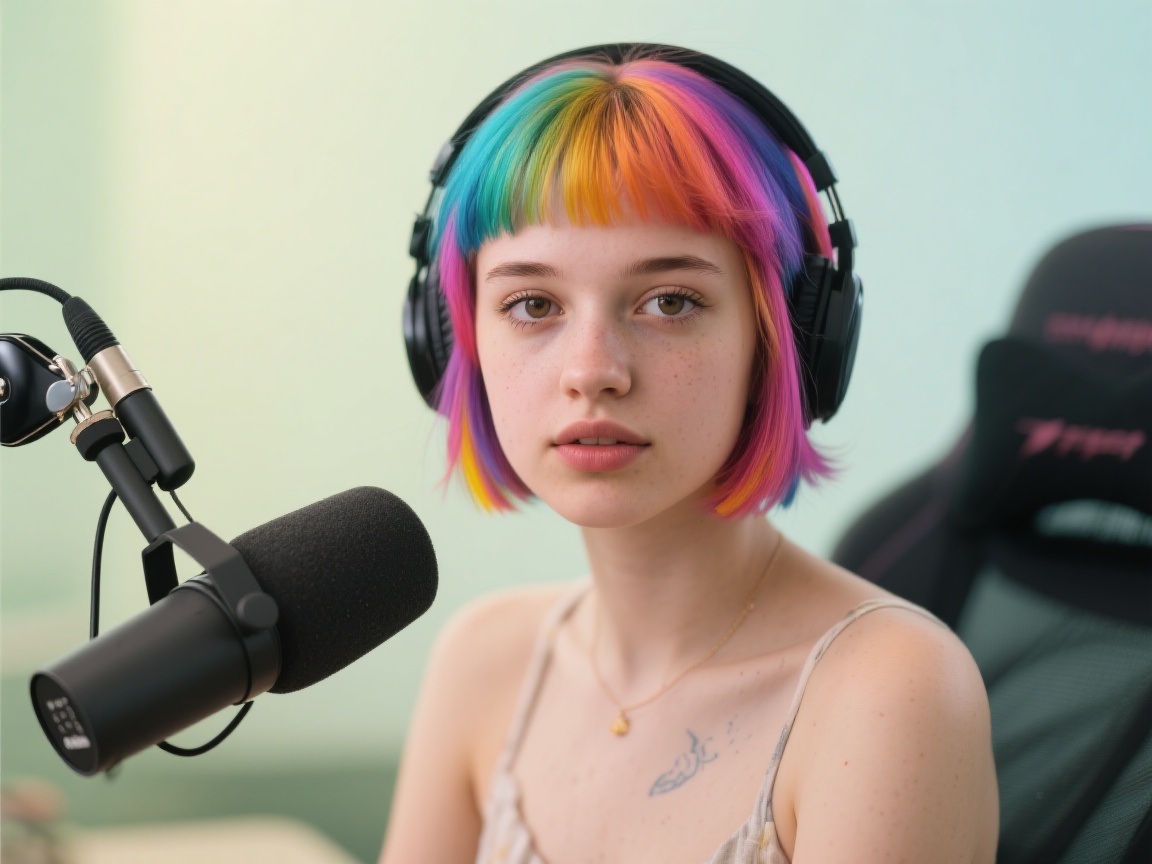
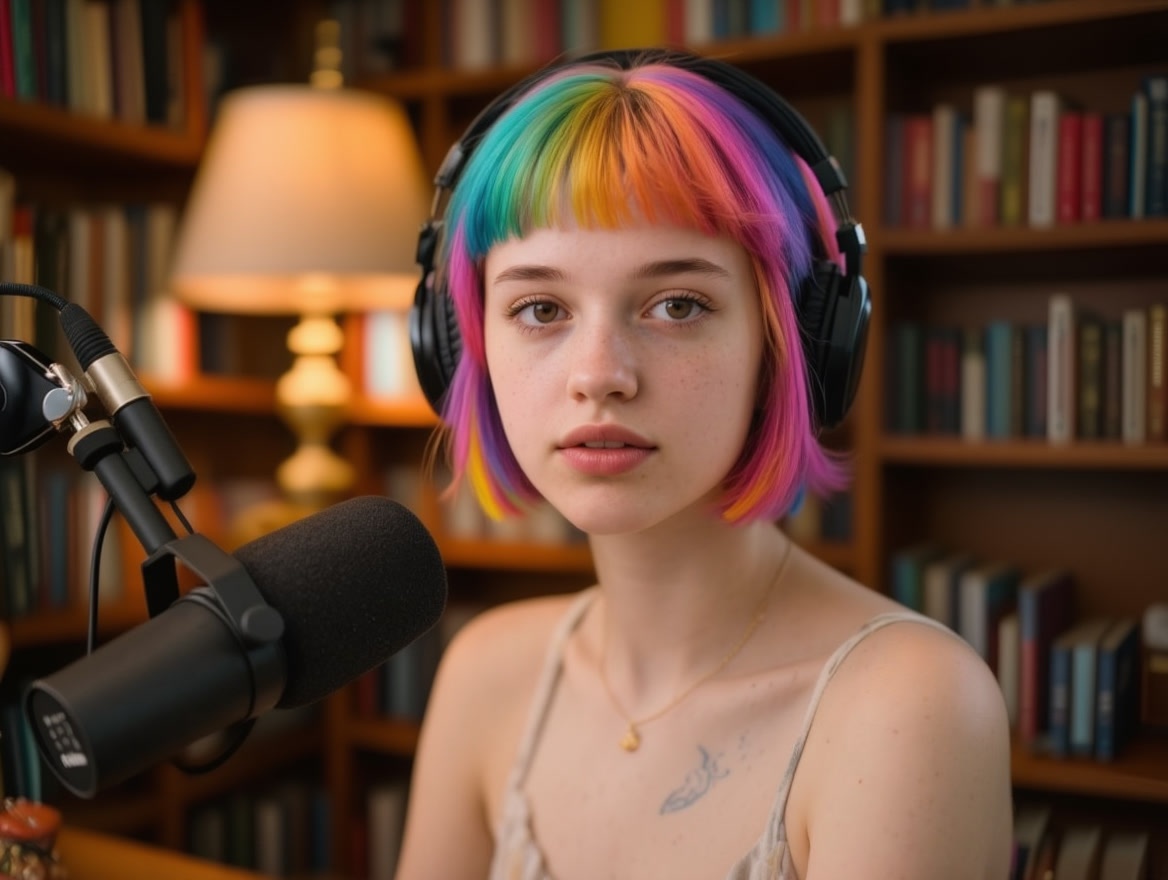
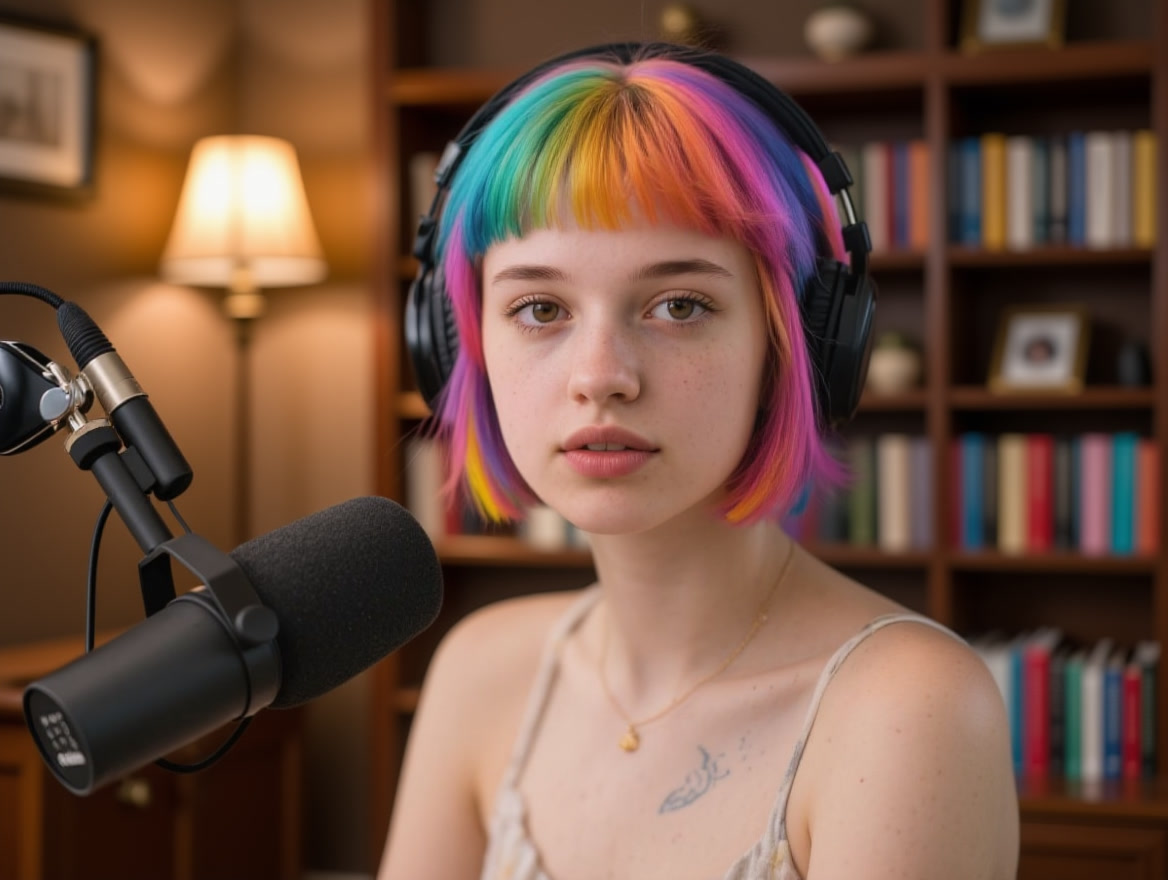
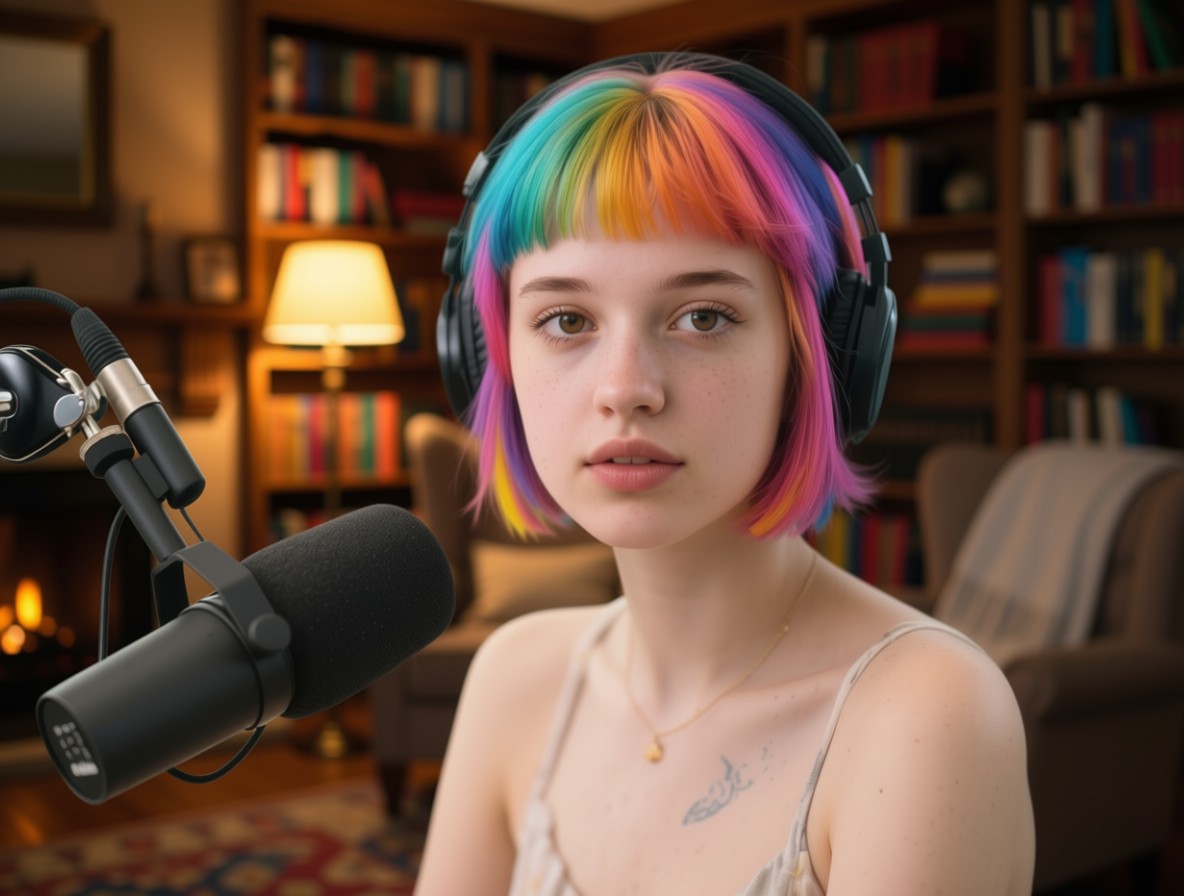
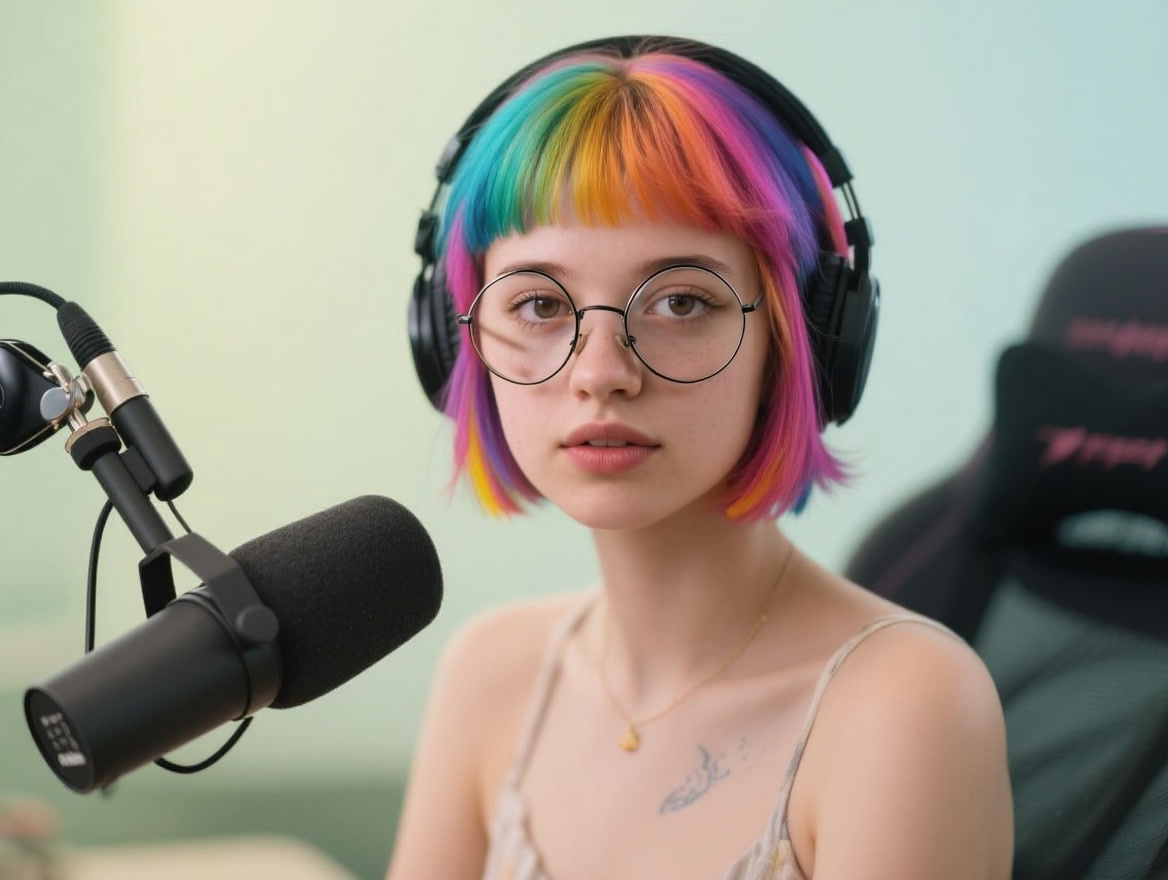
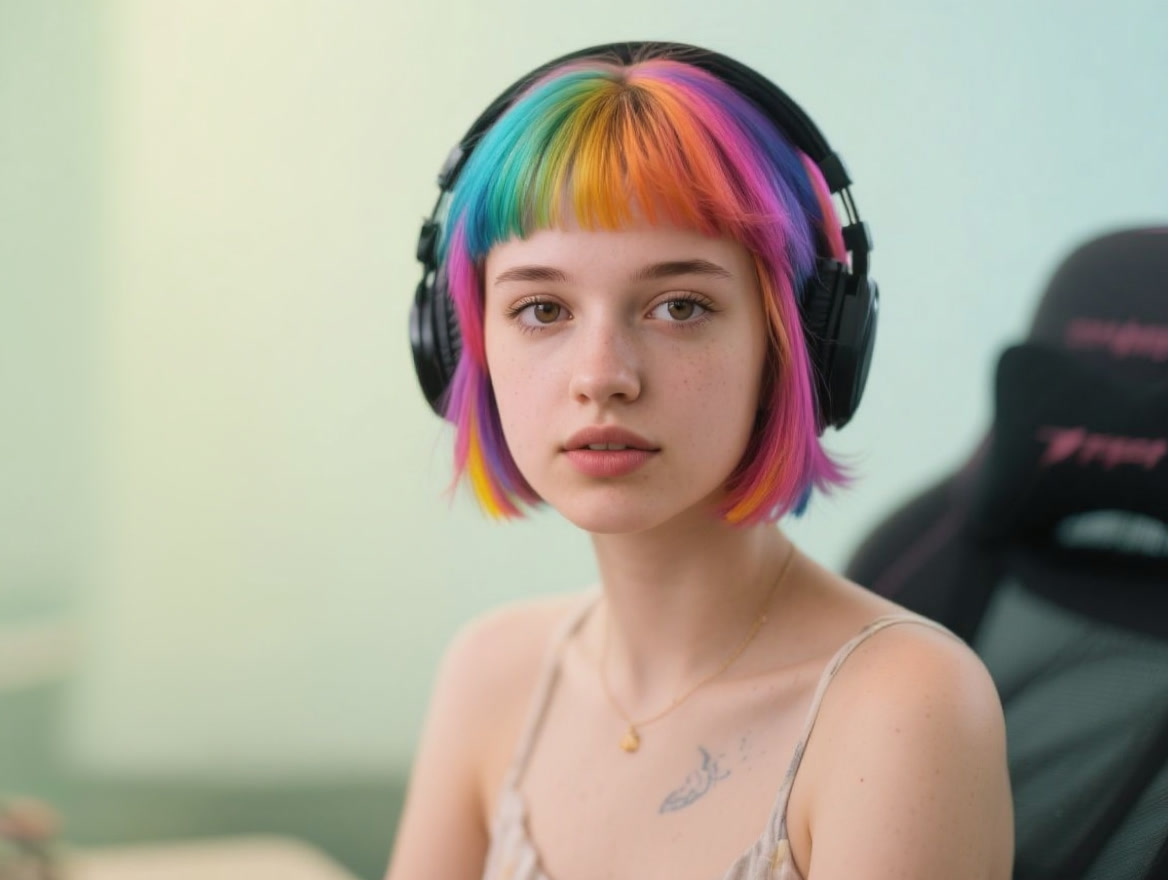
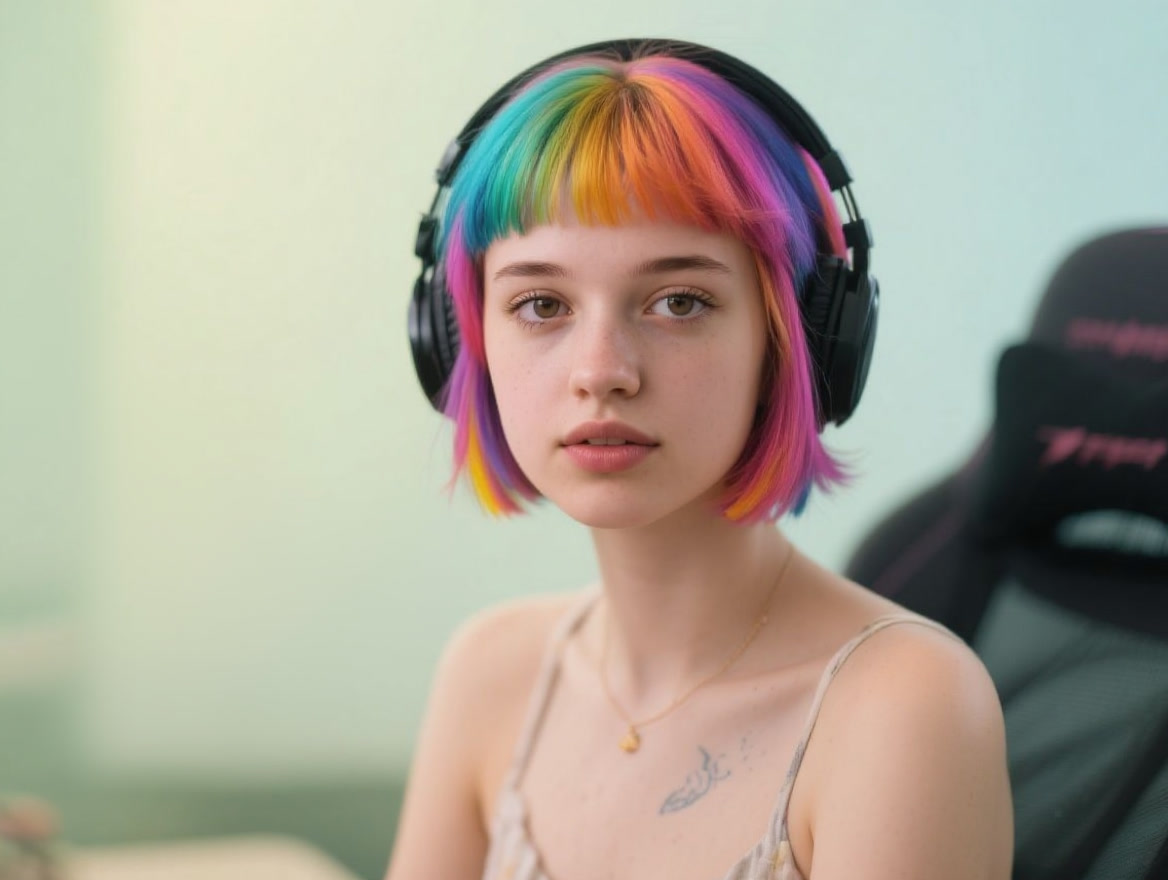
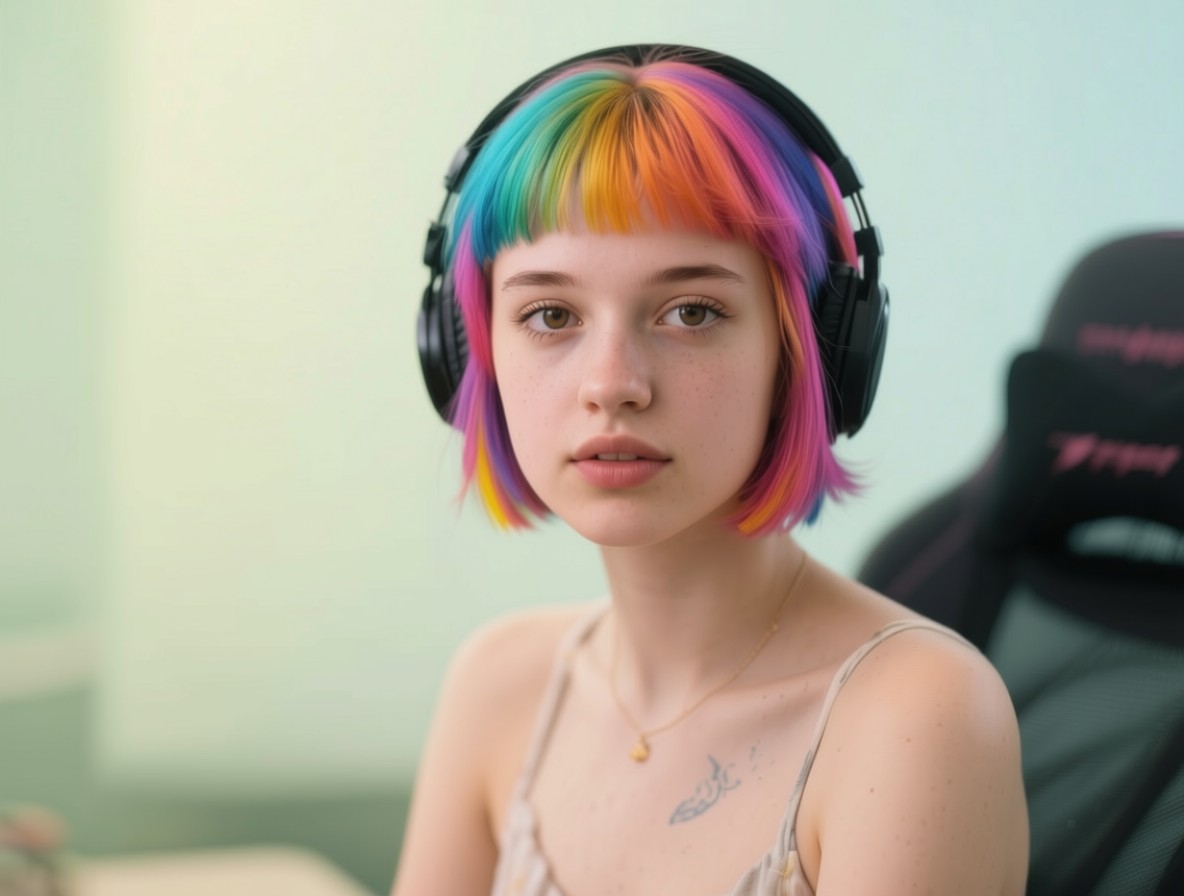
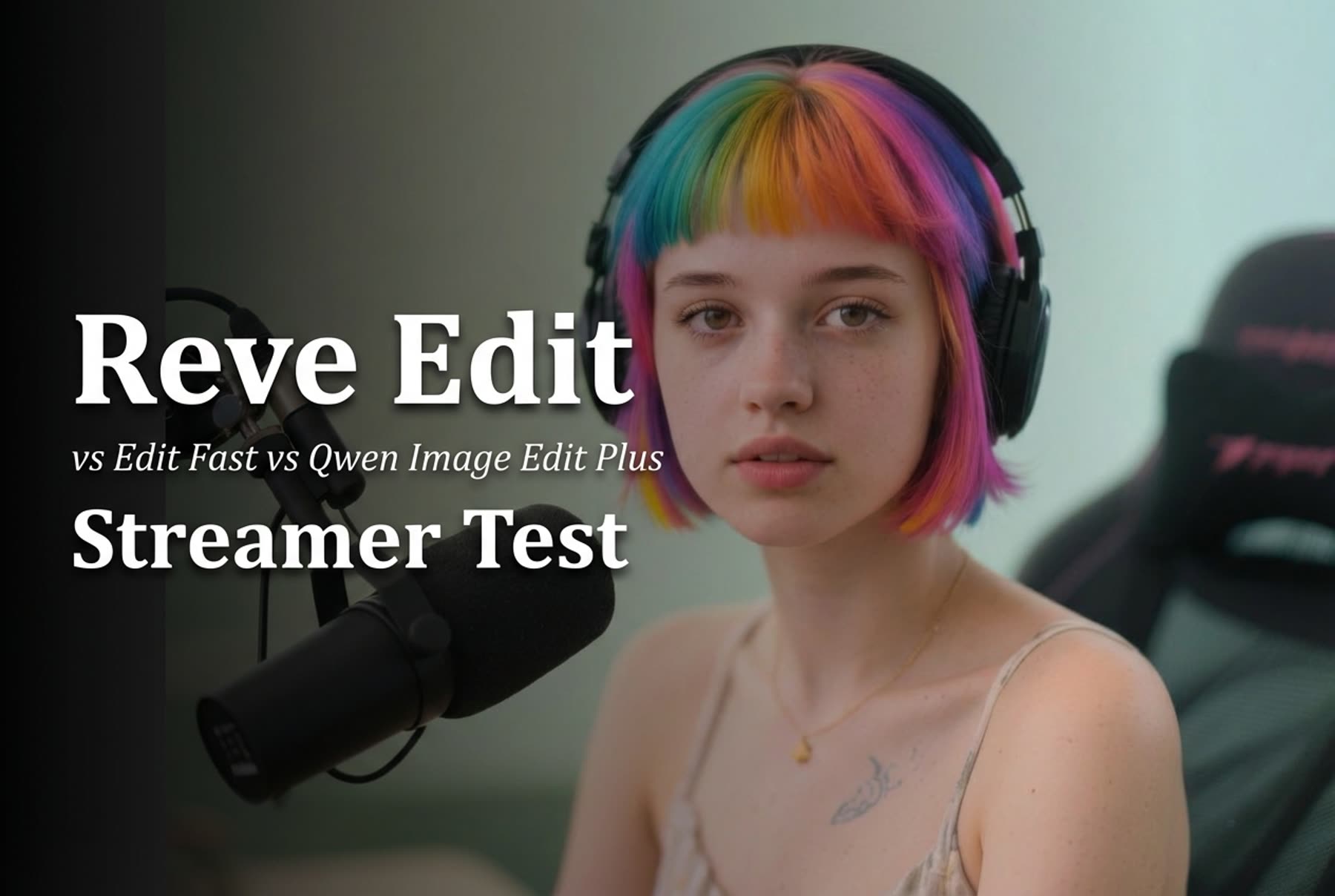
The source is a close portrait of a person wearing headphones at a microphone. That makes it useful for controlled comparisons. Hair, face, headphones, the mic, and the original room offer landmarks that should stay stable when a prompt targets only one region. It also exposes failures quickly: a background replacement should not replace the person, and a request to remove the microphone should not erase the headphones or reshape the face.

Input photo for Reve Edit vs Reve Edit Fast vs Qwen Image Edit Plus
One source image was used for every result below.

The three endpoints were Reve Edit, Reve Edit Fast, and Qwen Image Edit Plus. The Reve documentation endpoint was unavailable while this revision was prepared, so no undocumented Reve controls are claimed here. The saved test used the returned PNG outputs from both Reve variants before publishing them as JPGs. For Qwen Image Edit Plus, the run used the supplied input image, prompt, match_input_image aspect ratio, seed 0 (randomized), JPG output, and output quality 100. Qwen accepts up to two input images, although this test used one.

Qwen describes its underlying edit model as combining semantic control with appearance control, which fits the mix of local and scene-level changes tested here. Its project page also calls out bilingual text editing. That makes the headphone-label request especially useful: it tests a small text instruction alongside a facial accessory, not text rendering in an empty poster. Reve’s official product page describes creating, editing, and remixing images with natural-language edits. Those are useful capability statements, but the images below remain the basis for the practical comparison.

What each prompt output actually shows

1. Hair color change: local appearance control

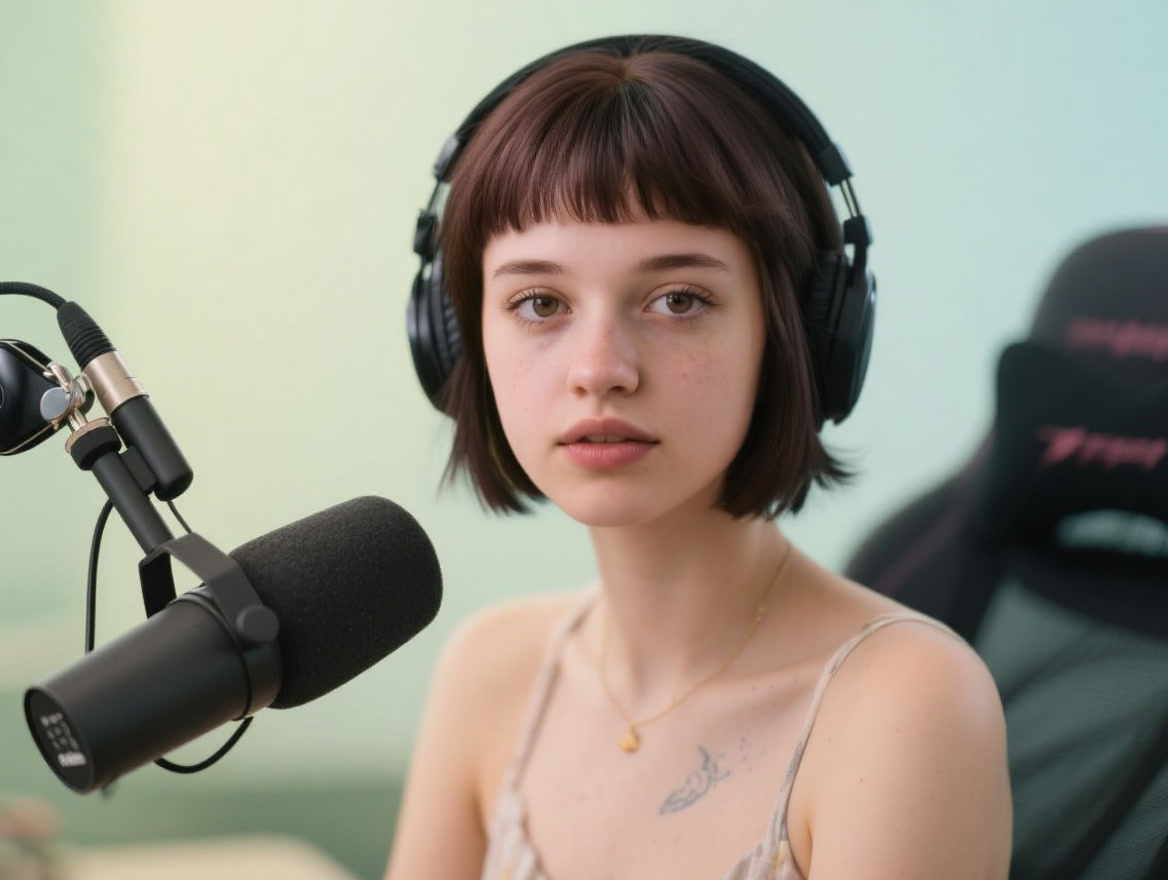
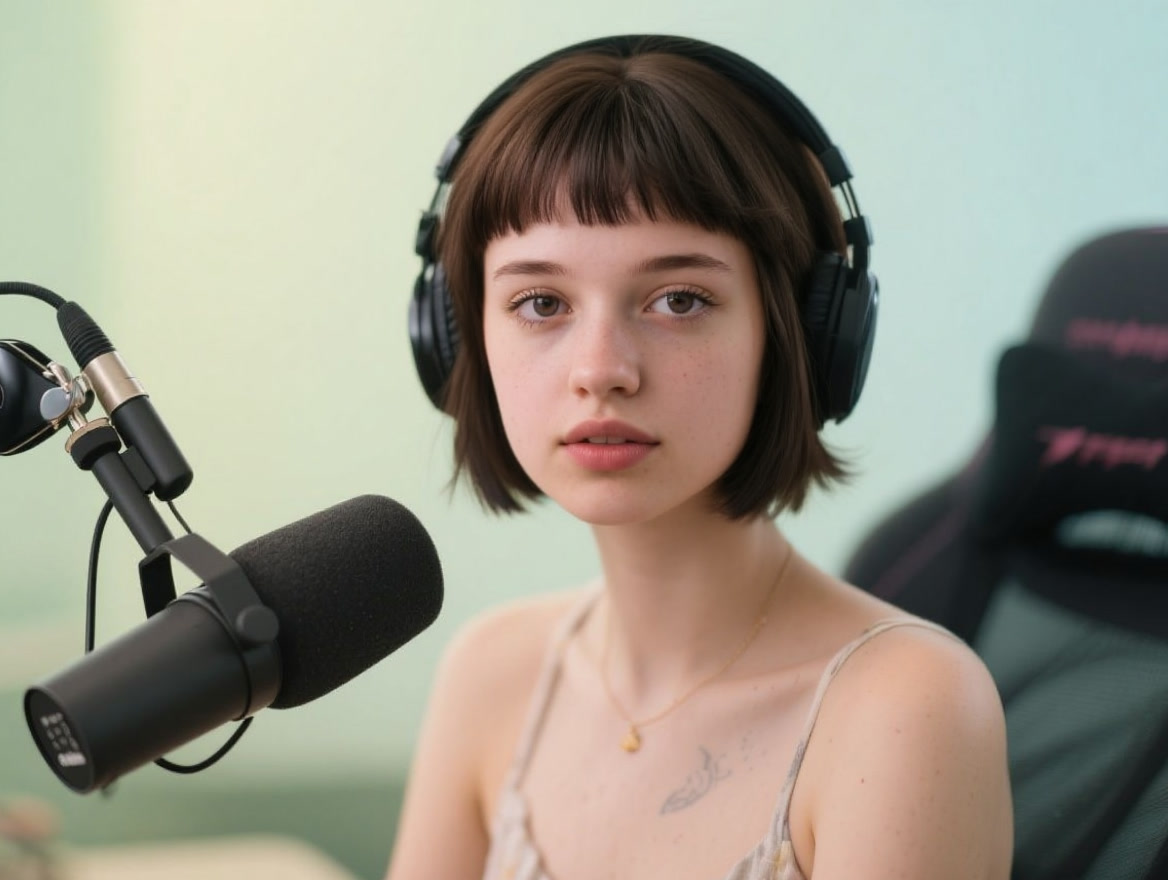
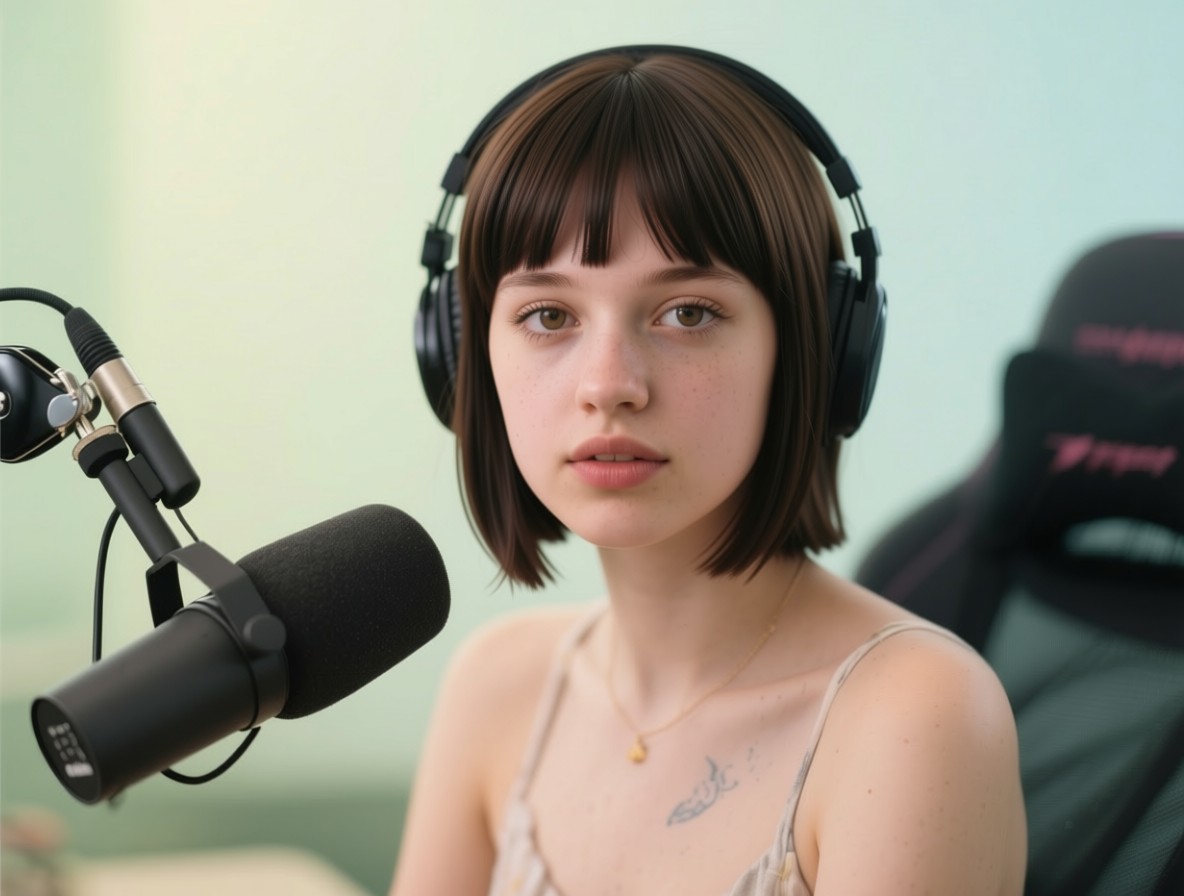
Prompt: Change the hair color to natural dark brown. Keep the same haircut and face.

This is the cleanest local-edit check. The target is hair color, while the haircut and face should remain stable. All three results visibly move the hair toward dark brown. Reve Edit provides the slower quality reference. Reve Edit Fast reaches the same requested direction with less wait time. Qwen Image Edit Plus also completes the color change while keeping the result in the original portrait format. For this kind of single-region correction, compare the hairline and facial edges at full size before choosing a result.

Reve Edit Reve Edit Fast Qwen Image Edit Plus
Reve Edit output with dark brown hair
Reve Edit: dark-brown hair result.
Reve Edit Fast output with dark brown hair
Reve Edit Fast: dark-brown hair result.
Qwen Image Edit Plus output with dark brown hair
Qwen Image Edit Plus: dark-brown hair result.

2. Home library background: scene replacement with subject retention

Prompt: Change the background to a cozy home library with warm lamp light. Keep the subject, headphones, and microphone the same.

This prompt asks for a larger generative change while preserving three foreground anchors. The grid shows how each model interprets a warm library, but the important check is whether the subject still reads as the same streamer at the same microphone. The fast Reve result is useful when an art direction pass needs rapid alternatives. The standard Reve result is the sensible candidate when the background needs closer inspection. Qwen is useful when the delivery format itself matters because its Wiro controls explicitly offer JPG, PNG, and WebP.

Reve Edit Reve Edit Fast Qwen Image Edit Plus
Reve Edit output with library background
Reve Edit: library-background result.
Reve Edit Fast output with library background
Reve Edit Fast: library-background result.
Qwen Image Edit Plus output with library background
Qwen Image Edit Plus: library-background result.

3. Glasses plus WIRO text: two precise instructions at once

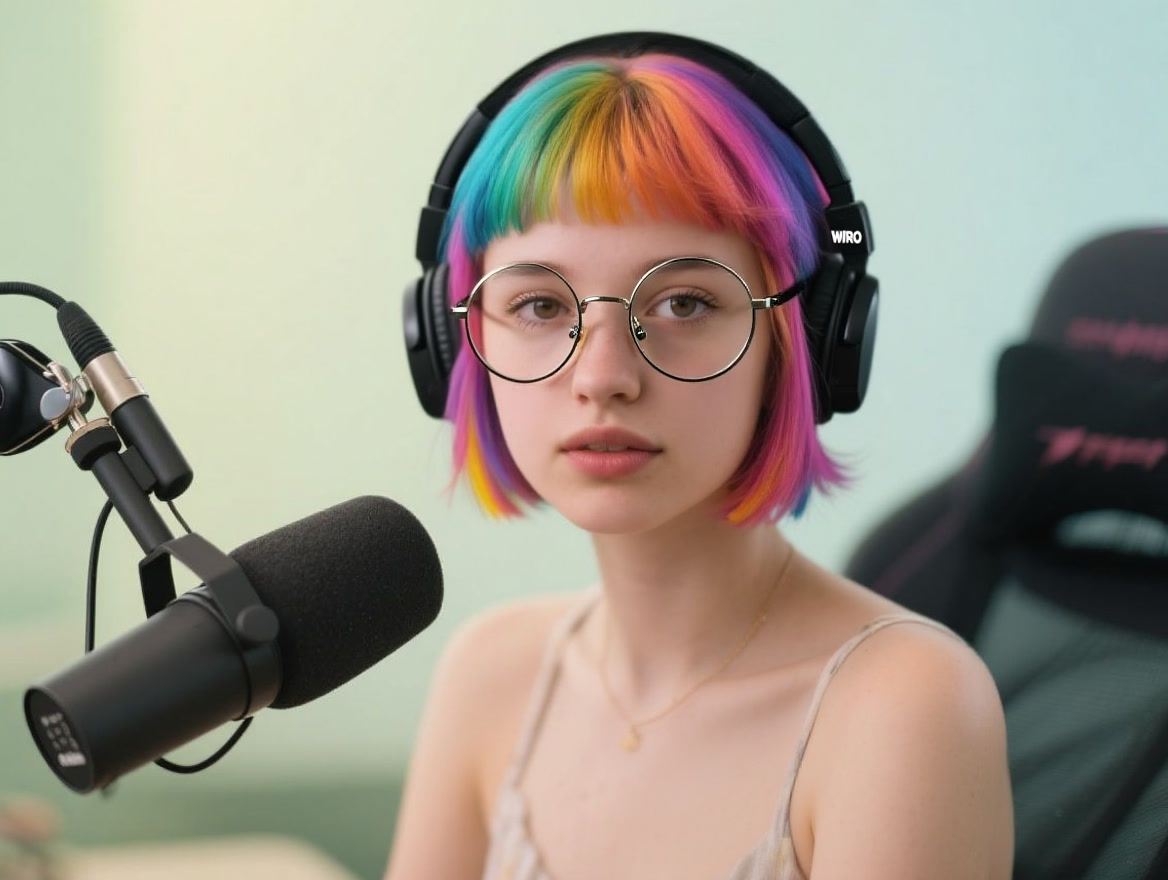
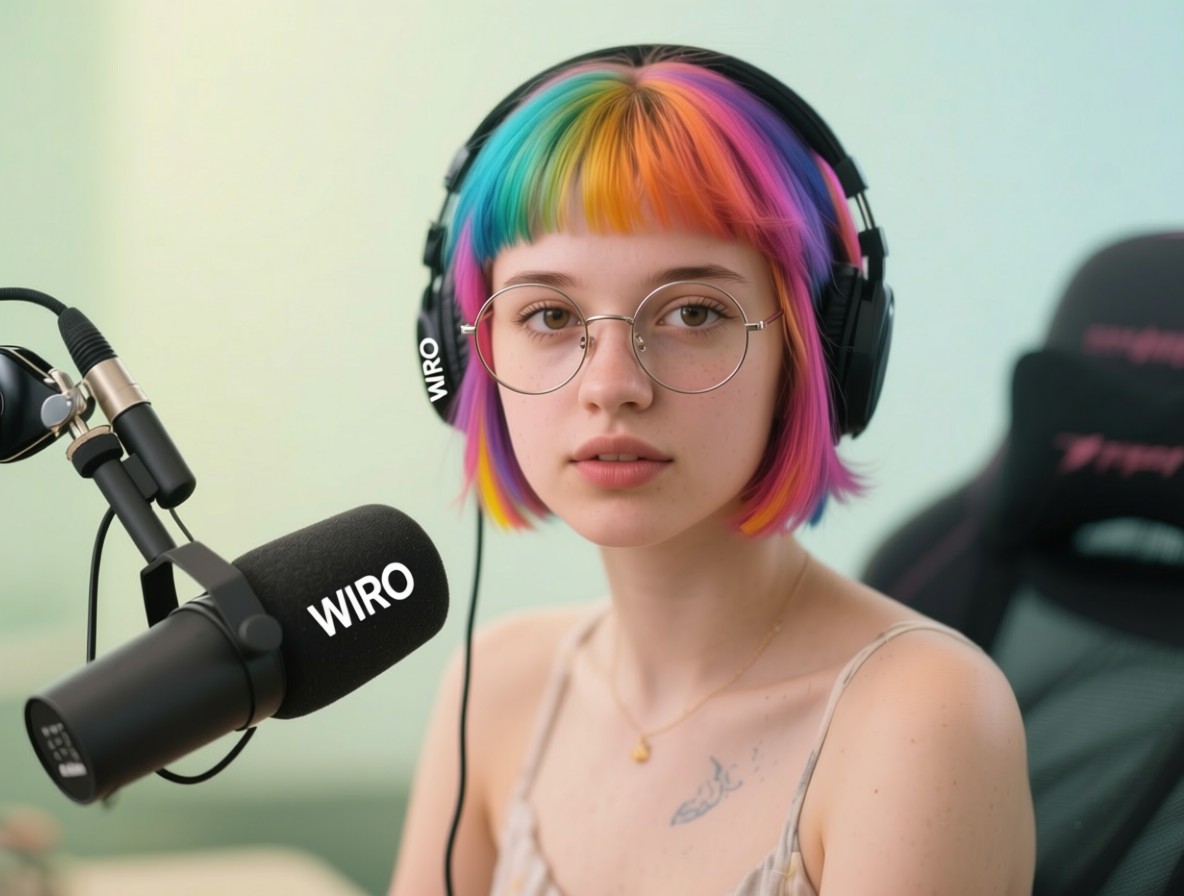
Prompt: Add thin round metal glasses on the face. Add small white text WIRO on the left earcup of the headphones. Keep everything else unchanged.

This is the hardest prompt in the set. It combines a small geometric object on the face with tiny lettering on a curved headphone surface. The output images show whether glasses sit naturally on the nose and ears, and whether the requested label remains readable without changing the rest of the headphones. Qwen’s documented text-editing emphasis makes it a strong model to inspect first for this prompt. The two Reve outputs still matter because speed and visual preference can outweigh label fidelity in a social crop.

Reve Edit Reve Edit Fast Qwen Image Edit Plus
Reve Edit output with added glasses and headphone text
Reve Edit: glasses and headphone-label result.
Reve Edit Fast output with added glasses and headphone text
Reve Edit Fast: glasses and headphone-label result.
Qwen Image Edit Plus output with added glasses and headphone text
Qwen Image Edit Plus: glasses and headphone-label result.

4. Remove the microphone: inpainting and continuity

Prompt: Remove the microphone and pop filter from the foreground. Fill the area naturally. Keep the person and background unchanged.

Object removal is less forgiving than a color swap. The missing microphone leaves a large foreground area that must be rebuilt without inventing distracting structure. Check the filled region, the outline of the subject, and the transition into the background. A model can follow the instruction yet still make a weak edit if those joins look pasted over. This prompt is a good reason to keep the original and several candidates rather than accepting the first successful response.

Reve Edit Reve Edit Fast Qwen Image Edit Plus
Reve Edit output with microphone removed
Reve Edit: microphone-removal result.
Reve Edit Fast output with microphone removed
Reve Edit Fast: microphone-removal result.
Qwen Image Edit Plus output with microphone removed
Qwen Image Edit Plus: microphone-removal result.

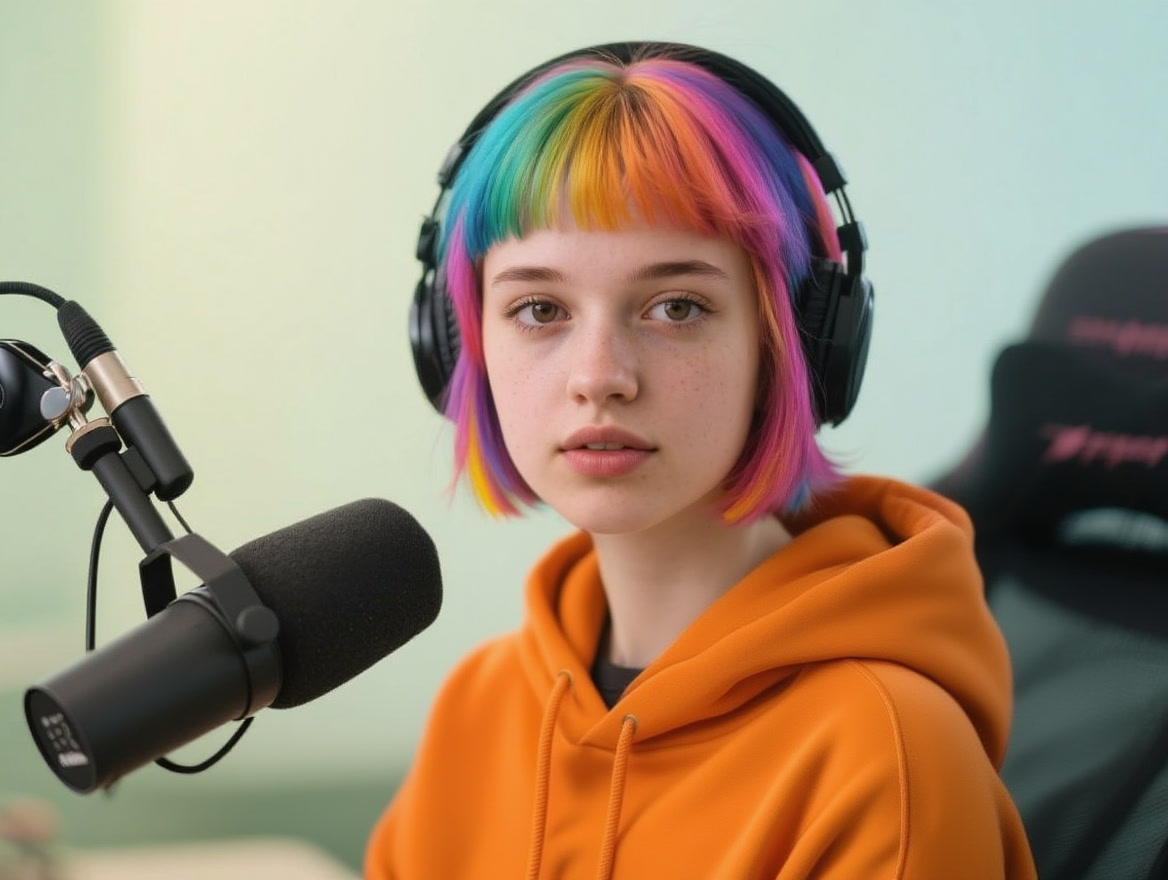
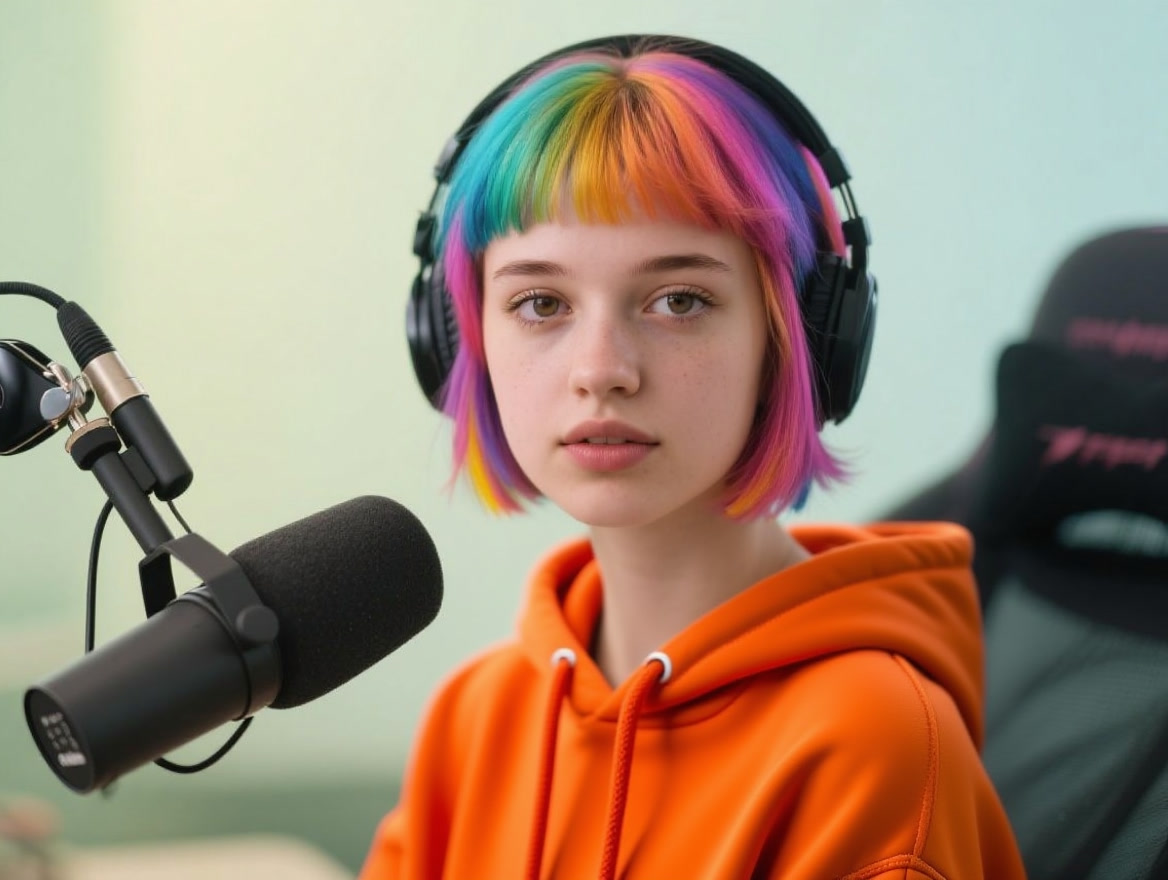
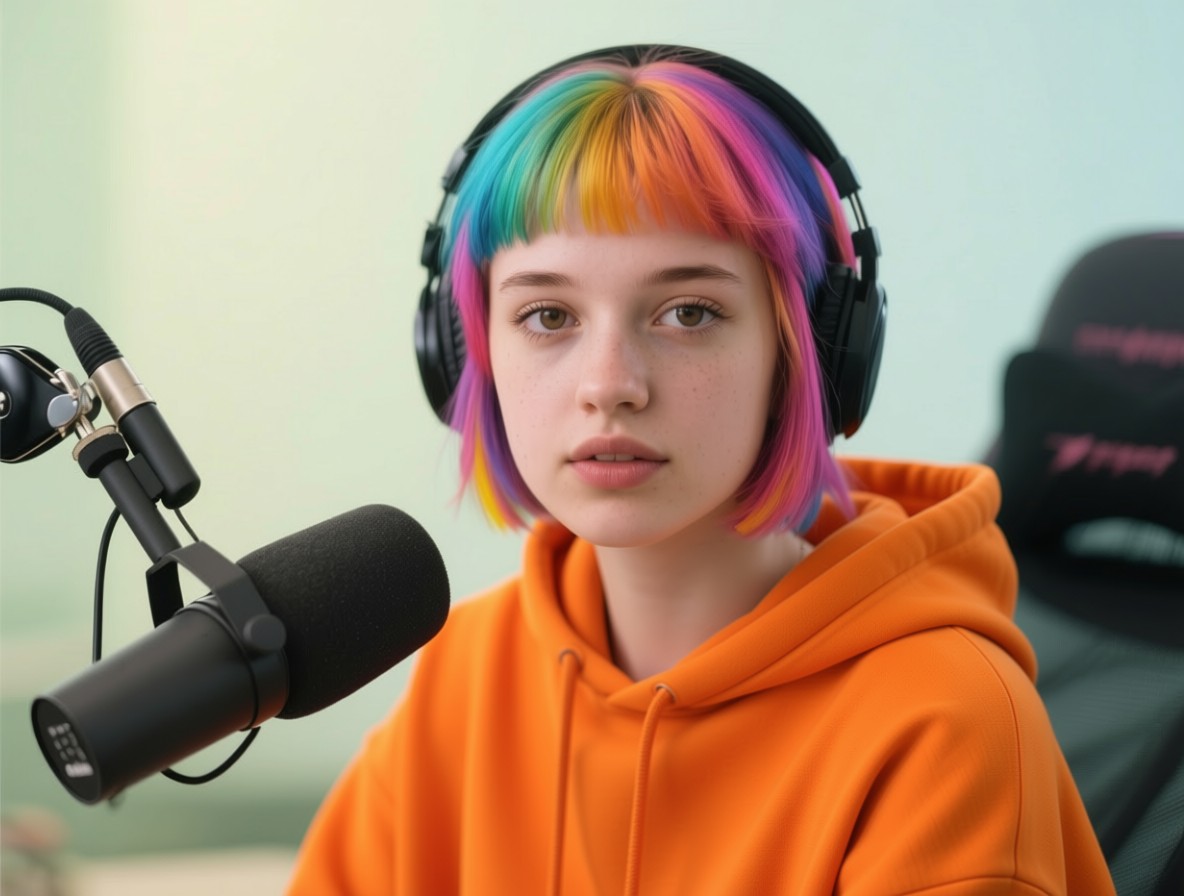
5. Orange hoodie: wardrobe replacement without losing identity

Prompt: Change the outfit to a casual orange hoodie. Keep the headphones, face, and hair the same.

The final prompt changes a broad area around the torso but asks for identity preservation. The useful comparison points are the hoodie shape around the headphone cable, the boundary at the neck, and whether face and hair remain consistent with the input. This is a practical creator task: a new wardrobe can refresh a thumbnail or campaign visual without setting up another shoot. If the result will be resized or repurposed, Qwen’s documented output-format setting can simplify the handoff.

Reve Edit Reve Edit Fast Qwen Image Edit Plus
Reve Edit output with orange hoodie
Reve Edit: orange-hoodie result.
Reve Edit Fast output with orange hoodie
Reve Edit Fast: orange-hoodie result.
Qwen Image Edit Plus output with orange hoodie
Qwen Image Edit Plus: orange-hoodie result.

Run time and cost visibility on Wiro

The retained results give an average wall-clock time from five runs: 22.0 seconds for Reve Edit, 10.4 seconds for Reve Edit Fast, and 14.6 seconds for Qwen Image Edit Plus. These are observed averages for this test set, not service guarantees. The Fast variant averaged 11.6 seconds less than Reve Edit here. Qwen sat between the two at 7.4 seconds faster than Reve Edit and 4.2 seconds slower than Reve Edit Fast.

Model Average time from five runs Cost per output Best reading of this test
Reve Edit 22.0 seconds Not exposed in the retained run data or available documentation Quality reference when more wait time is acceptable.
Reve Edit Fast 10.4 seconds Not exposed in the retained run data or available documentation Fast iteration across the same edit brief.
Qwen Image Edit Plus 14.6 seconds Not exposed in the retained run data or available documentation Controlled output format and a documented text-editing focus.

No cost figure is inserted because neither the available model documentation nor the saved test records provides a reliable per-output price. A number that cannot be traced to a run or current Wiro model documentation would make this comparison worse, not better.

Which model should you pick?

Pick Reve Edit Fast when the work is exploratory and turnaround is the priority. It was the quickest model in this five-prompt set, so it suits trying several prompt variations before selecting a direction. Pick Reve Edit when an individual result deserves a slower quality pass. Its 22.0-second average makes it the least convenient for volume, but it remains a useful comparison point for detail-focused edits.

Pick Qwen Image Edit Plus when output format control or text-sensitive edits are central to the brief. Its Wiro controls expose aspect ratio, seed, JPG/PNG/WebP output, and quality for JPG/WebP. The model’s upstream documentation also specifically describes precise bilingual text editing, so it is a sensible first option for jobs like the headphone-label test. Still, inspect the generated label at delivery size; no model deserves a pass based on a capability claim alone.

For more edit comparisons, see FireRed Image Edit vs Seedream V5 Lite, Seedream V5 Lite image-editing tests, and Qwen Image Edit Fast before-and-after edits.

Sources

Run the same source image and the same edit instruction when choosing among these models. That keeps the decision tied to the details that affect the final asset: preservation, legibility, output format, and time to a usable result.