GLM-Image text rendering is the point of this six-prompt test. The goal was not to make six attractive pictures. It was to see whether one text-to-image model could keep words, prices, labels, columns, punctuation, and small interface strings usable inside finished-looking images.
The test used GLM-Image on Wiro with six square 1024 by 1024 outputs. Each run used 30 inference steps, guidance scale 1.5, one sample, and seed 0. Those are the model page defaults used for this test. No per-output price was shown in the Wiro documentation, so this post does not assign a cost to these six results. The documentation includes one illustrative completed task with a six-second elapsed time, but that is not a timed measurement of these particular images.
GLM-Image combines an autoregressive generator with a diffusion decoder. Its model card describes a Glyph Encoder for text, which helps explain why it is a sensible candidate for layouts that need more than a single decorative word. The open model card is available on Hugging Face. That source also notes that output dimensions must be divisible by 32 and recommends putting text intended for rendering inside quotation marks. The prompts below used exact strings, lists, or explicit labels for that reason.
What the GLM-Image text rendering test checks
Text inside generated images fails in several different ways. A model can spell a headline correctly but lose the spacing in a list. It can make a convincing dashboard while replacing small labels with near-words. It can also make a dense board look plausible without preserving the data. The six prompts separate those cases: a poster tests display type, an infographic tests labels and arrows, a cafe menu tests prices, a comic tests punctuation and line breaks, an airport board tests repeated columns, and a settings screen tests small UI copy.
This is a qualitative test, not an OCR benchmark. Each output was inspected as an image against the requested strings. The practical question is simple: could a designer use the result as a draft, or would they need to redraw the text layer?
Six real outputs, read closely
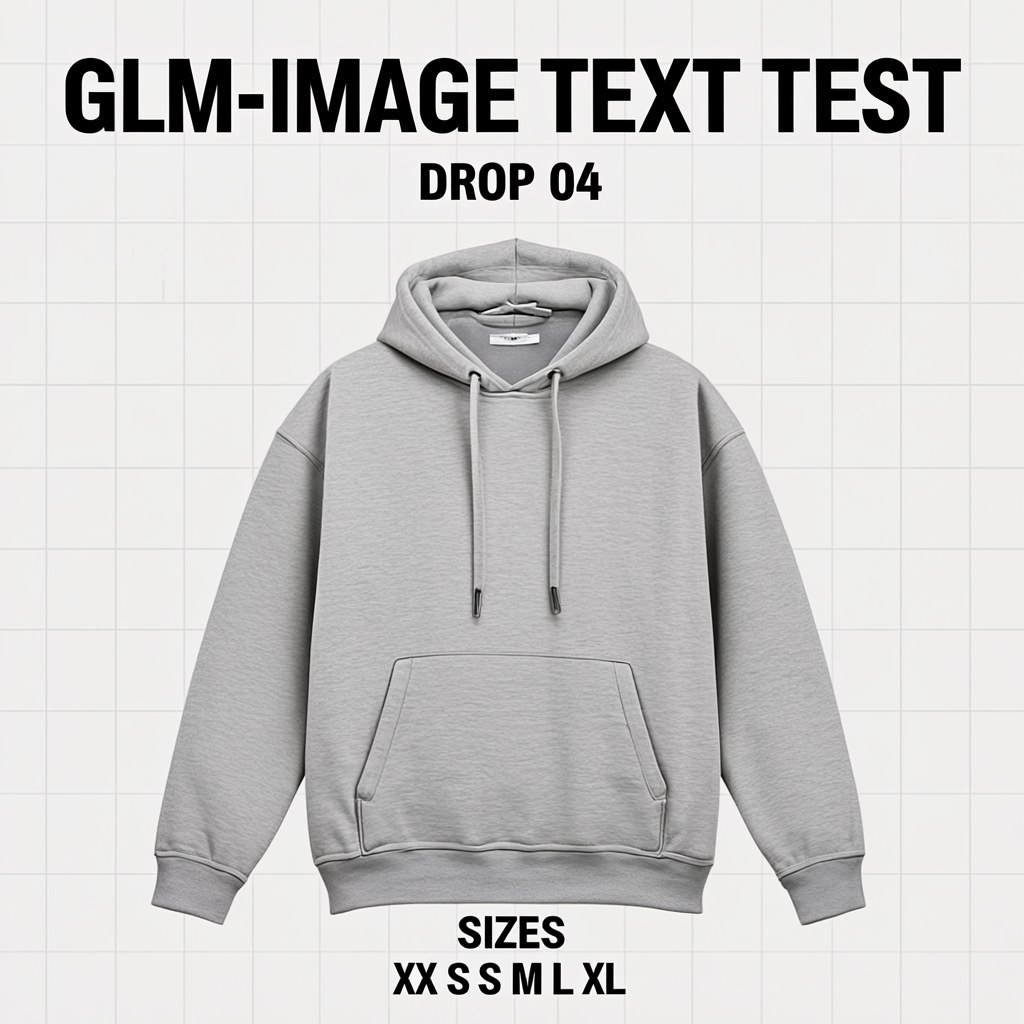
1. Streetwear poster: headline hierarchy holds
The poster asks for a large title, a smaller drop line, and a row of size labels around a centered hoodie. GLM-Image keeps the main headline crisp and makes the hierarchy easy to scan. The size line remains readable, though its spacing is less disciplined than a manually set grid. This is a strong fit for a rough campaign visual or a social concept. It is not proof that a print-ready size chart will survive unchanged.
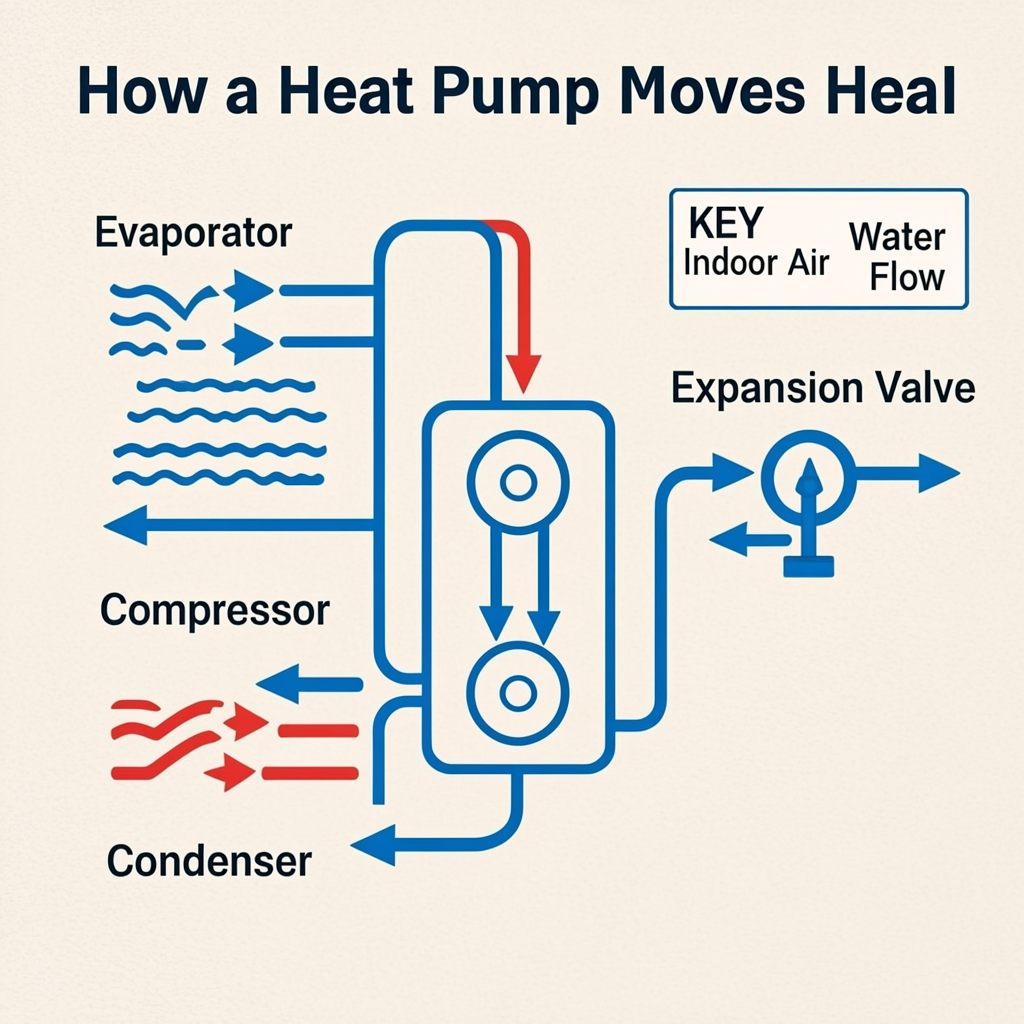
2. Heat-pump infographic: labels work, headline needs review
Infographics are harder because the viewer must follow arrows while reading several labels. The output keeps the callouts legible and the diagram readable at a glance. It also demonstrates the limit of trusting a generated title: the requested phrase “How a Heat Pump Moves Heat” slips to “Heal” in the image. That is a small error with a large consequence in an educational graphic. Use GLM-Image for composition, icon placement, and early drafts, then proof the text before publishing.
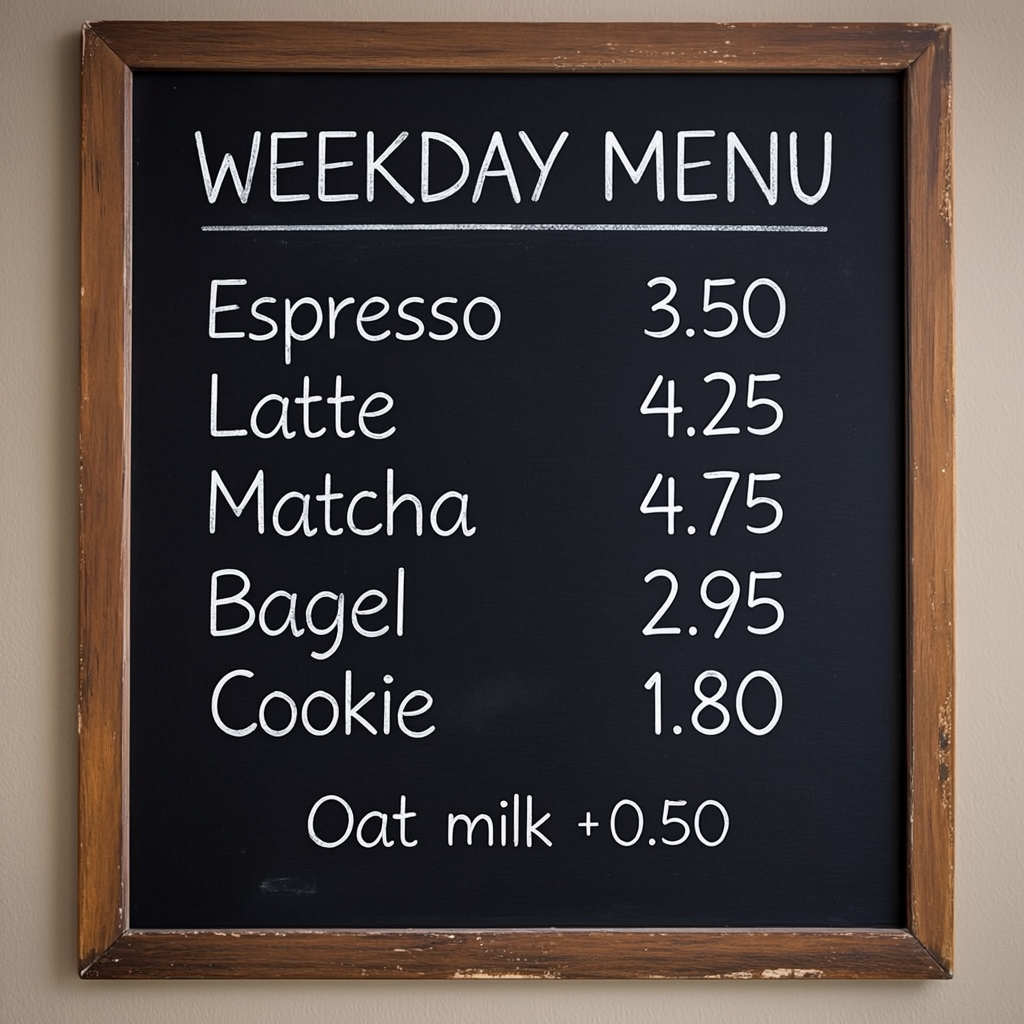
3. Chalkboard cafe menu: the most usable text result
The cafe menu mixes a stylized surface with five items, five prices, and an add-on note. It is the best evidence here that short, structured lists can work. The requested header, menu items, and prices stay coherent enough to read, despite the handwritten chalk treatment. Choose GLM-Image for menu concepts, event boards, or packaging mockups when the copy is short. For live pricing, copy the final text into a design tool rather than treating the image as a source of truth.
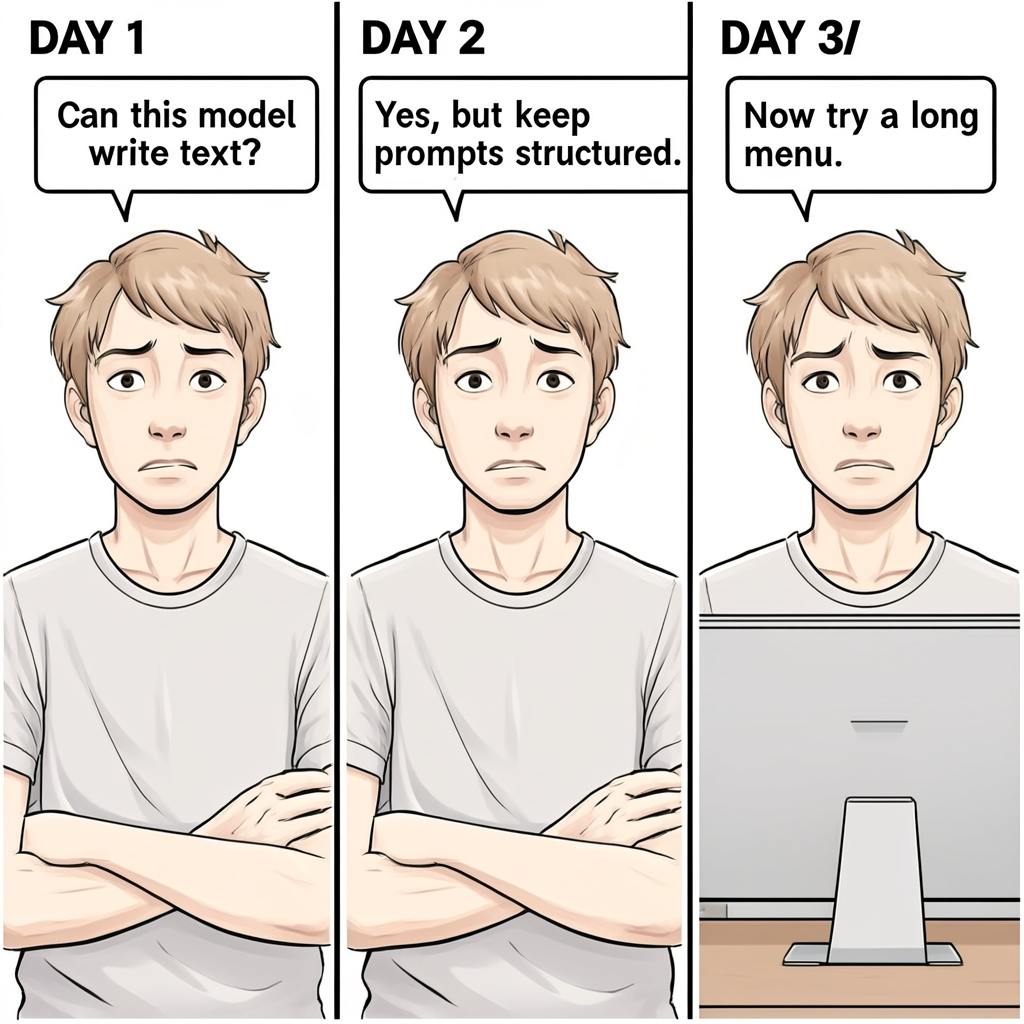
4. Three-panel comic: dialogue survives, punctuation does not always
The comic adds captions, quotation-like speech bubbles, repeated character identity, and panel-to-panel continuity. The short dialogue reads cleanly and the layout feels like a coherent strip. The third day label gains a stray slash: “DAY 3/”. That is exactly the kind of defect a viewer may miss in a fast review. Pick this model for ideation where speech bubbles are part of the visual, but use a separate lettering pass for comics, ads, or product explainers that must ship unchanged.
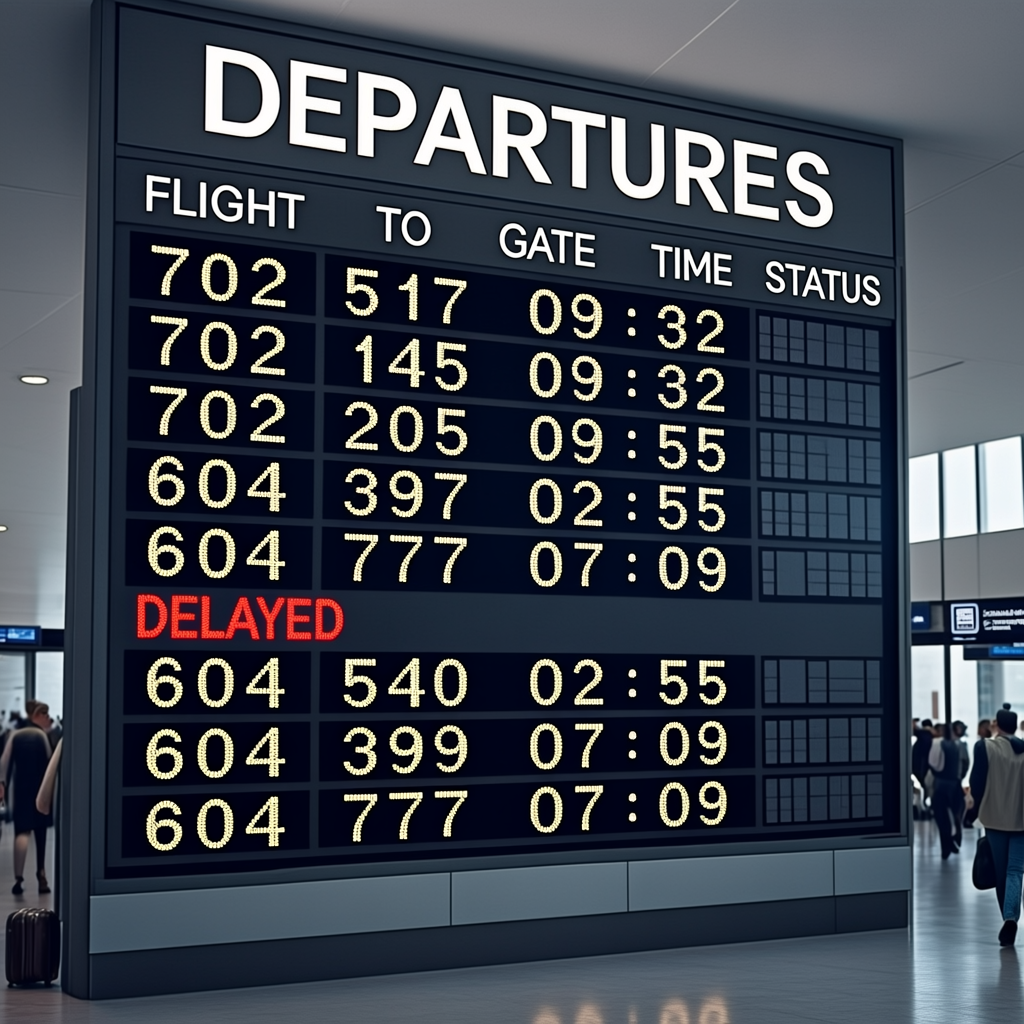
5. Airport departures board: strong structure, weak source data
The airport board has the toughest layout: repeated rows, aligned fields, times, gates, destinations, and one highlighted status. GLM-Image makes the board believable, preserves the column idea, and gives DELAYED enough visual emphasis. Some time formatting has small spacing quirks around the colon. More importantly, the prompt asked for plausible entries rather than an exact data table. That distinction matters. Choose GLM-Image for an atmospheric travel visual or interface mockup, not for a schedule that people will rely on.
6. Dark-mode settings screen: good for UI direction, not a product screenshot
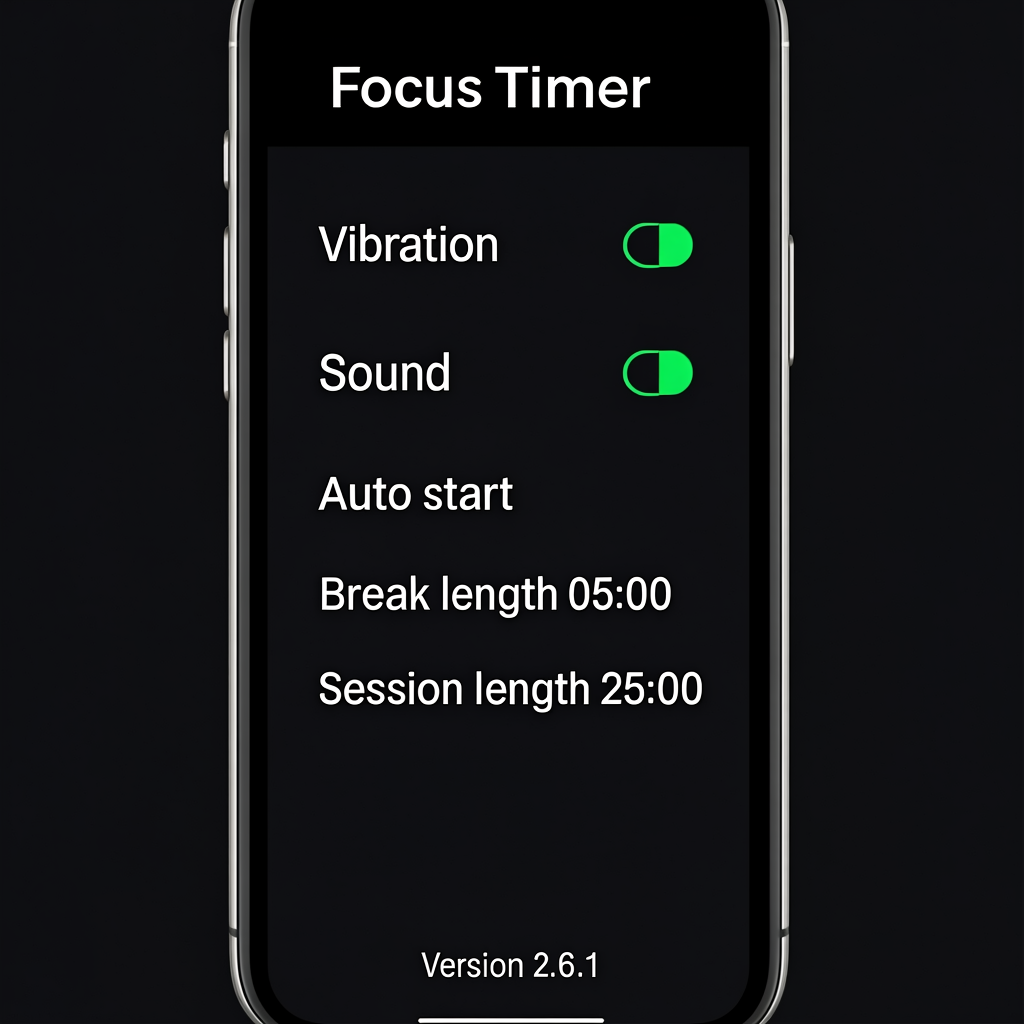
The final prompt asks for toggles, timer values, an app name, and a version string. The result gets the look of a settings screen right and keeps the central strings sharp enough to understand. This makes GLM-Image useful for product pitches, mood boards, and placeholder screens. It should not replace a real interface capture. Small copy, control states, accessibility labels, and actual product behavior need to come from the product itself.
When to choose GLM-Image
Choose GLM-Image when the image itself needs to carry structured language: posters, menus, explanatory diagrams, social graphics, app concepts, and information-rich product scenes. Its best results in this set came from short display text and clearly separated lists. It also kept a useful visual hierarchy when the prompt named sections and fields.
Choose a conventional design tool after generation when a spelling error would create legal, financial, safety, or product risk. Prices, routes, technical labels, UI settings, and publishable headlines need a final human check. The heat-pump title and comic caption show why. A model can make text look correct before it is actually correct.
Readers comparing layout-oriented image generators may also find GPT Image 1.5 layout tests and Ovis-Image 7B text rendering tests useful. For a different take on posters with readable copy, see Grok Imagine Image text posters.
Prompting rules that helped
- State the exact strings that matter, and keep them short.
- Name the regions of the composition: title, footer, legend, rows, panels, or callouts.
- Use one item per line for lists and prices instead of embedding the same data in a paragraph.
- Ask for readable text and a specific visual structure, then inspect every character in the result.
- Keep output width and height divisible by 32, as the model documentation requires.
Verdict
GLM-Image is a convincing option for text-heavy visual drafts. Across six outputs, it handled hierarchy, labels, menu items, dialogue, and UI-like copy better than a model that only decorates a scene with pseudo-text. It still makes real transcription errors. Treat it as a fast visual generator with unusually useful text behavior, not as a replacement for typesetting.
Try the same prompts with GLM-Image on Wiro and inspect the output at full size before using any generated copy in public.