HiDream I1 Fast prompt tests need to answer a practical question: does a fast image model still give a useful first pass when the brief changes from clean product work to a crowded cinematic scene? This set uses six 1024 x 1024 outputs already generated on Wiro. The prompts cover controlled materials, a face, food with a hand, an interior, a dense environment, and pixel art. That spread makes the results more useful than six variations of the same portrait.
Model page: HiDream I1 Fast on Wiro.
What this HiDream I1 Fast prompt test checks
A quick model earns its place when it helps narrow a visual direction before a team spends time polishing. The test therefore starts with scenes that have clear failure points. Product photography checks materials and controlled highlights. A portrait checks facial focus and skin treatment. Ramen adds steam, gloss, noodles, and a hand. The cabin asks for believable surfaces at a wider angle. The airship port raises object density and atmosphere. Pixel art checks whether a strict style can stay coherent instead of melting into generic illustration.
HiDream’s open-source project describes the family as an image-generation foundation model and lists a separate Fast variant with a 16-step inference setting. The six images here use the Wiro model settings shown below, not a local reproduction. For implementation and model-family context, see the official HiDream-I1 GitHub repository and the HiDream-I1 model card on Hugging Face.
Parameters, time, and cost
| Parameter | Value used for all six outputs |
|---|---|
| Resolution | 1024 x 1024 |
| Steps | 20 |
| Guidance scale | 0 |
| Flow shift | 3.0 |
| Samples | 1 |
| Seed | 0, which lets the service randomize the seed |
The original six task records do not include per-image elapsed time or a charge, so those numbers should not be invented after the fact. Wiro’s HiDream I1 Fast documentation does include one task-detail example: one 1024 x 1024 output completed with 6.0 seconds elapsed and $0.00351 total cost. That example is a useful reference point, not a measured average for these six outputs. Queue time, worker availability, and future pricing can change what a fresh run costs or how long it takes.
Six prompt tests and what the outputs show
1. Moody product photo
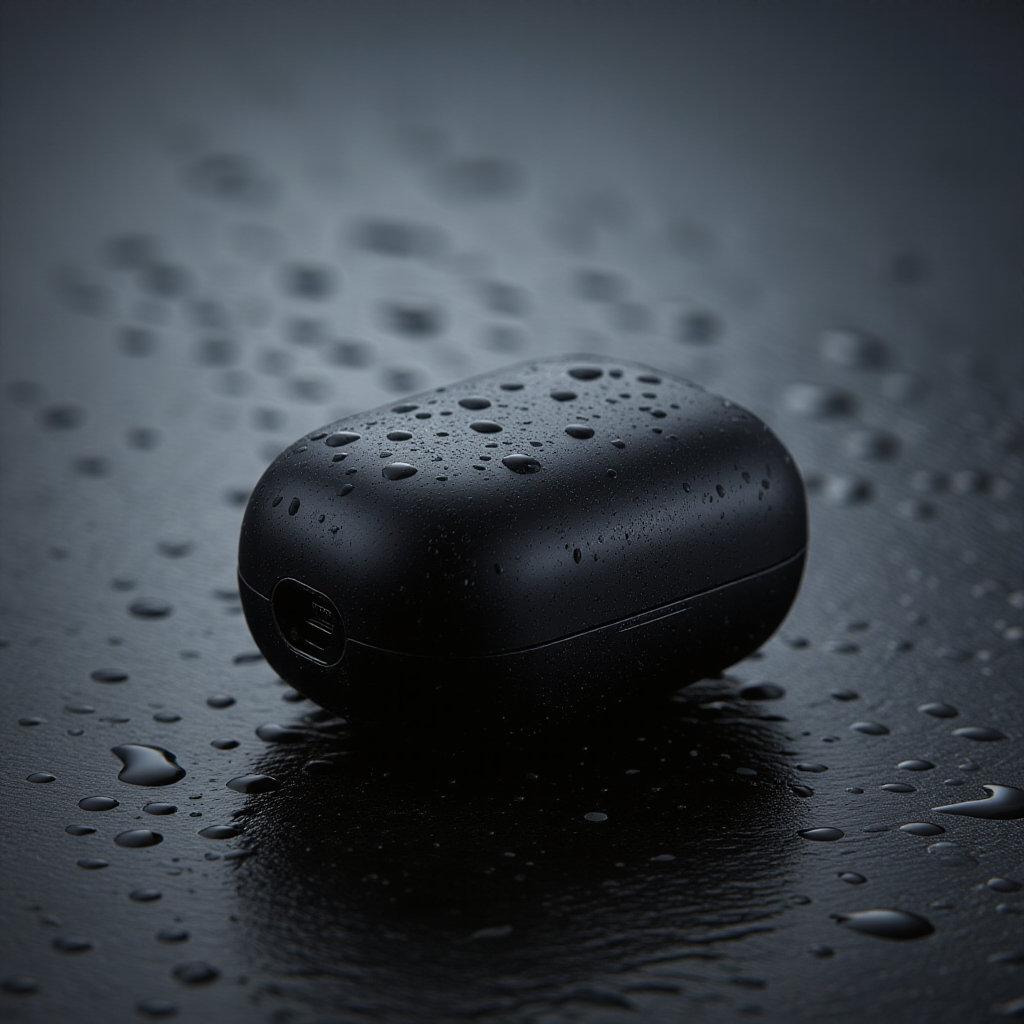
This is the cleanest output in the set because the prompt gives the model one hero object and a small lighting brief. The earbud case has readable edges, while the wet stone and droplets supply texture without making the frame busy. The reflection is restrained rather than mirror-like. That matters for a product concept, where extra shine can make a matte material look wrong. The output looks suitable for a mood board, ad-direction deck, or a rough landing-page hero. It should not be treated as a literal product photograph without checking proportions and brand details.
2. Studio portrait
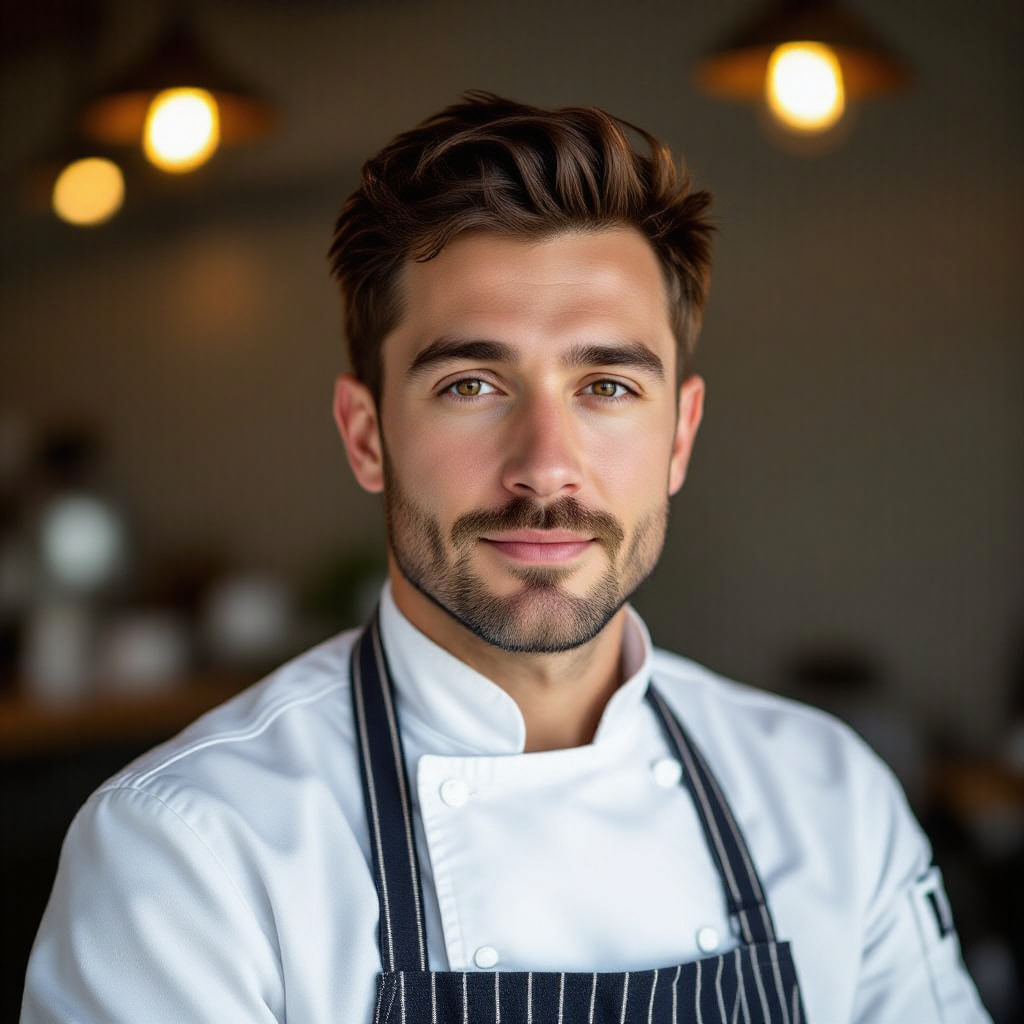
The portrait holds the important hierarchy: eyes first, face second, wardrobe third. The rim light separates the chef from the neutral background and makes the white jacket readable. Skin texture is present but slightly smoothed, which is common in polished image generation. The useful limitation is clear here. This works as a casting or art-direction reference, but any image used for a real person, hospitality brand, or close crop still needs a human review of hands, seams, earrings, and facial detail.
3. Macro ramen shot
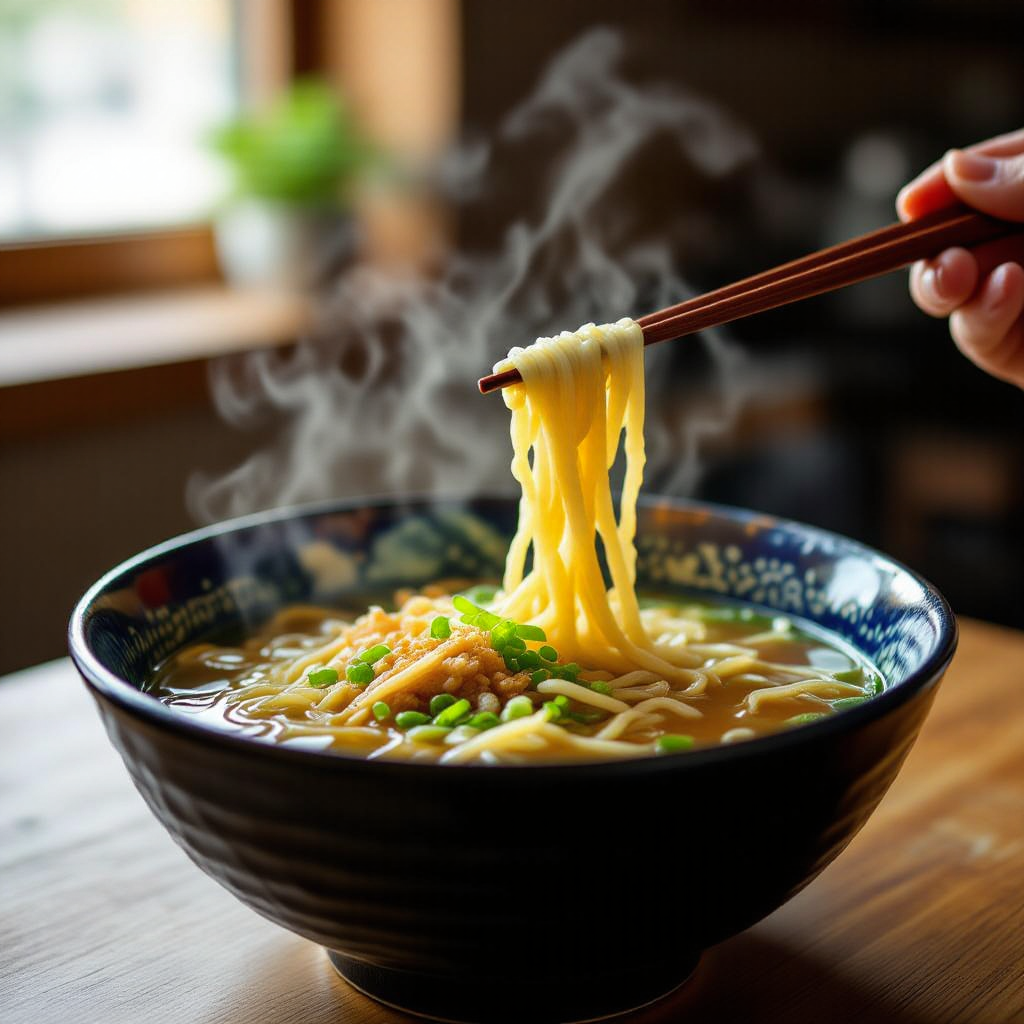
The model handles the food cues well. Glossy broth, steam, and shallow focus make the bowl feel warm and close rather than flat. The lifted noodles give the image a useful action cue. The hand and chopsticks are less dependable than the bowl, which is exactly where a commercial image needs scrutiny. A safer production prompt would crop the hand out or ask for chopsticks resting on the bowl. That trades a little movement for a more reliable asset.
4. Cabin interior
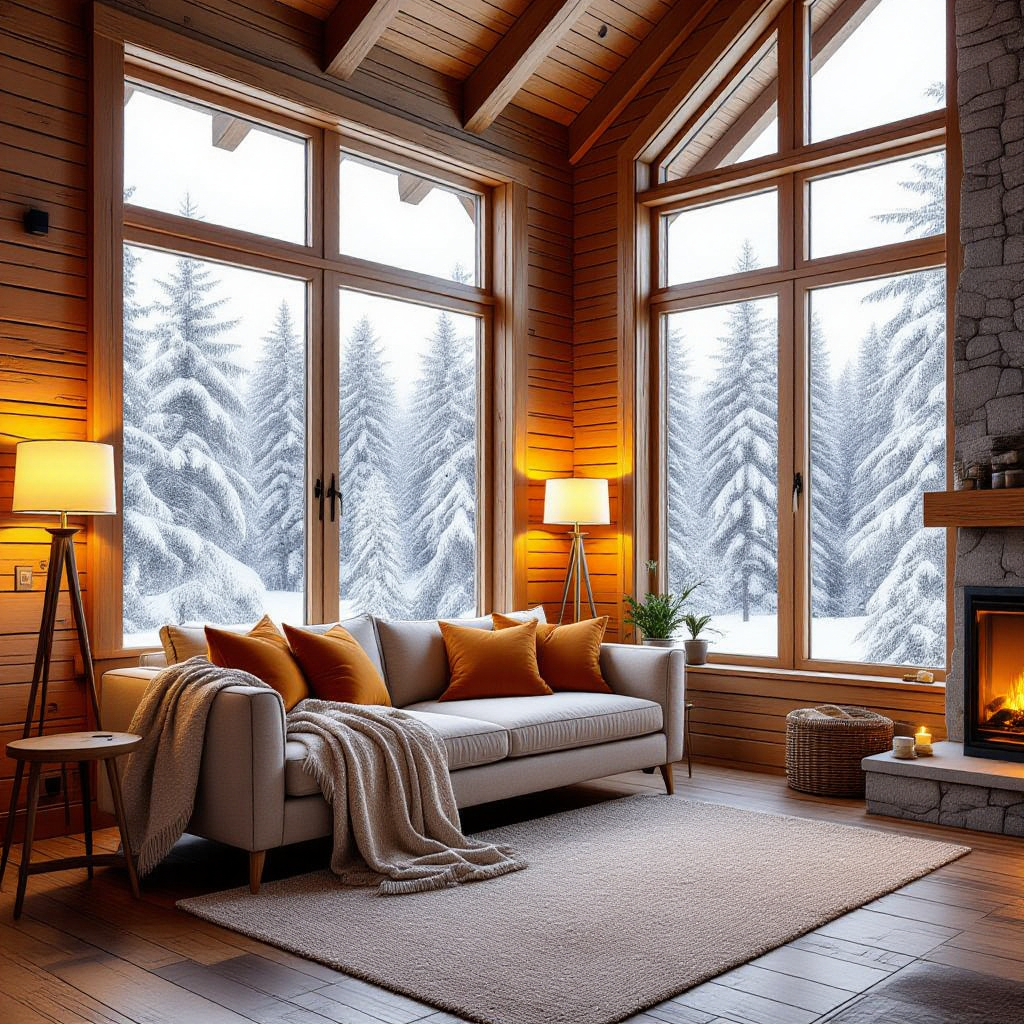
The cabin output shows why interiors are a sensible fast-model use case. It gets the broad read right: warm lamps, wood, blanket texture, and a cold exterior through the window. The composition feels staged, like a catalog or property mood image, which is useful for a design brief. Fine architecture is the risk. Window geometry, furniture joinery, and repeat textures should be checked before anyone relies on the image as a construction or retail reference.
5. Hard prompt: cinematic airship port
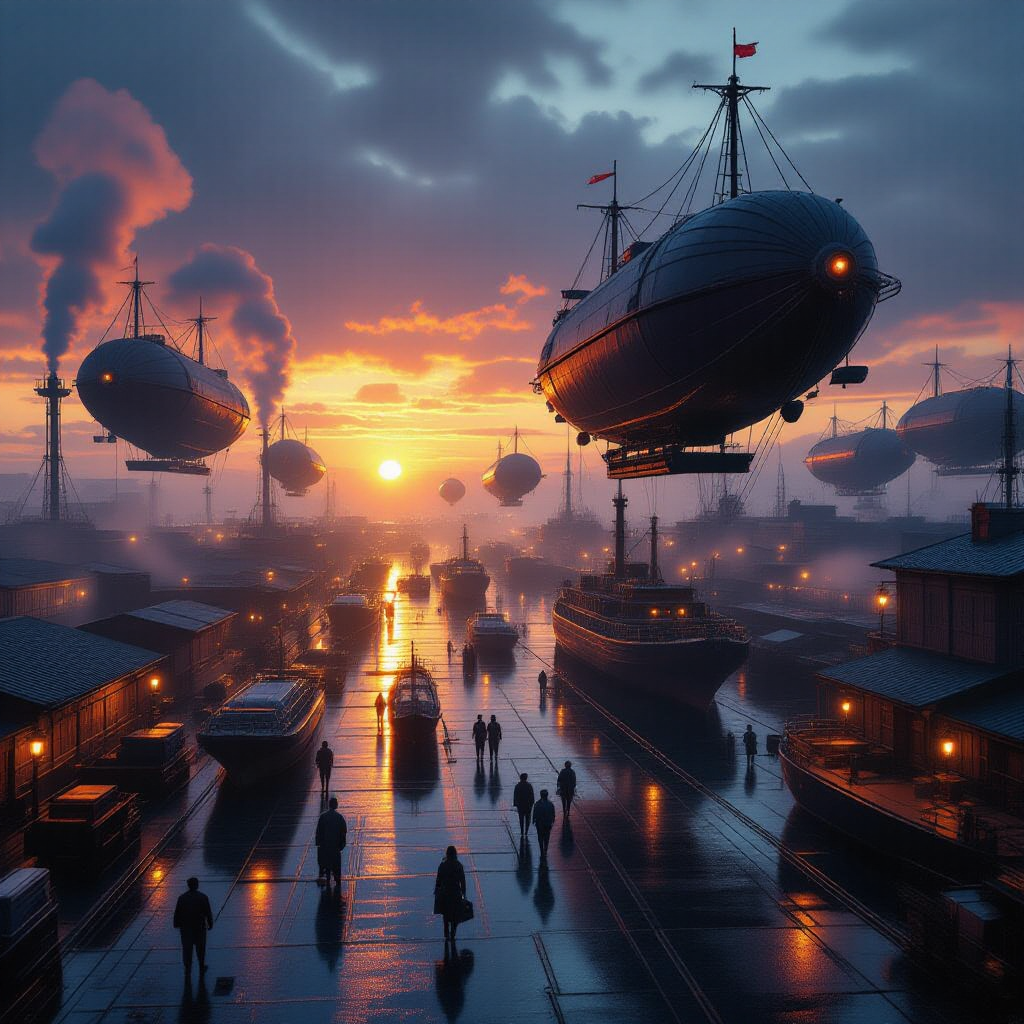
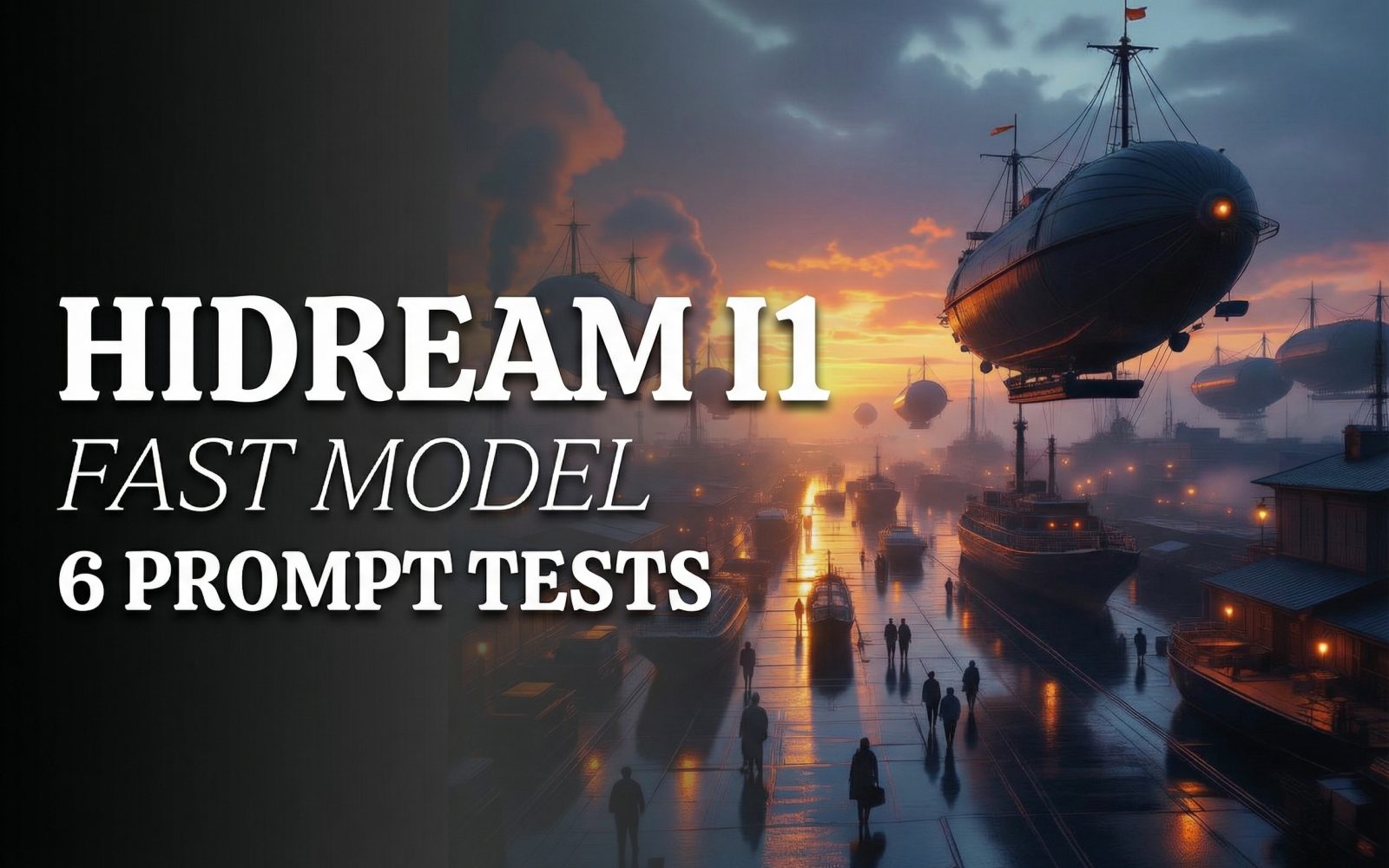
This is the stress test. It asks the model to place multiple vehicles, cranes, workers, wet surfaces, lights, fog, and sunset color into a single wide frame. The output succeeds at scale and atmosphere. It reads as a cinematic digital matte painting rather than a photograph, and that is not a flaw when the goal is concept art. The tradeoff is specificity. Small workers and distant structures do not carry the same clean logic as the central shapes. Use this kind of result to choose mood, framing, and palette, then make a tighter follow-up image for any single prop or location.
6. Isometric pixel-art city block
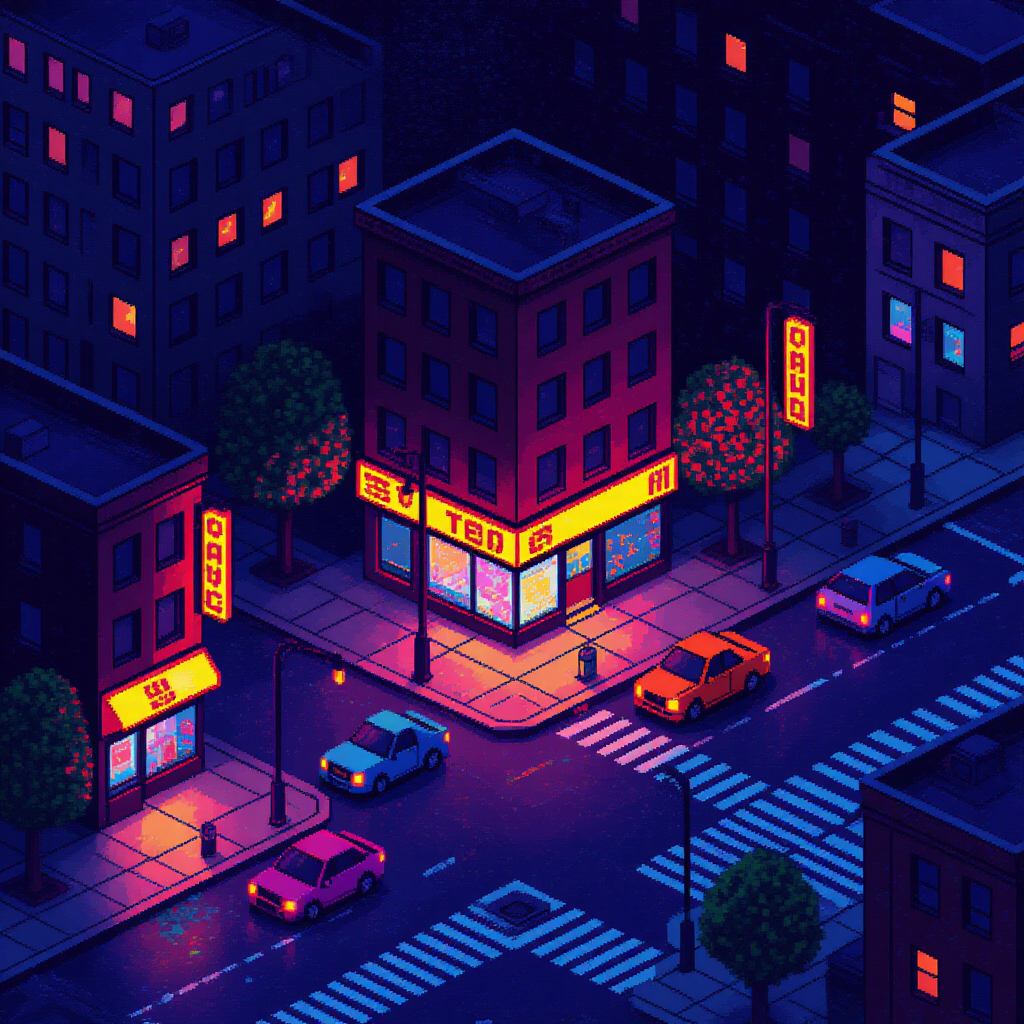
The final output keeps the requested isometric game mood and neon palette without drifting back to painterly realism. Cars, street lights, puddles, and building blocks remain legible at a glance. It is a strong prompt pattern for game ideation or a social graphic background. Small sign text remains unreliable, so copy should be added in a design tool after generation. The same rule applies to logos and UI labels.
Quick scorecard
| Test | What held up | What to review |
|---|---|---|
| Product | Materials, droplets, controlled light | Exact product geometry |
| Portrait | Focus, rim light, wardrobe separation | Skin, hands, small facial details |
| Food | Steam, gloss, close framing | Hands and chopstick contact |
| Interior | Light, mood, broad material read | Architecture and repeat textures |
| Airship port | Scale, fog, cinematic mood | Tiny people and dense objects |
| Pixel art | Style consistency and color | Small readable text |
When to choose HiDream I1 Fast
Pick HiDream I1 Fast when the work needs several visual directions quickly and the first pass does not need perfect micro-detail. Product concepts, interior mood boards, food direction, portraits, and game-world exploration all fit that job. Keep prompts specific about subject, lighting, lens feel, and framing. For dense scenes, lead with the camera view and mood, then add only the details that actually matter.
Choose a slower or more controlled workflow when the output needs readable text, locked product geometry, exact brand marks, or many small objects that must all be correct. A fast first pass can still help there. Use it to settle composition and color, then generate a narrower follow-up or finish the asset in a design tool. For another look at how speed and layout control trade off, see Seedream V5 Pro vs Nano Banana Pro. For a workflow where the image changes after generation, see these product photo editing tests.
HiDream I1 Fast is most useful when it is treated as a fast visual decision tool, not as an unchecked final asset. Try the model here: HiDream I1 Fast on Wiro.