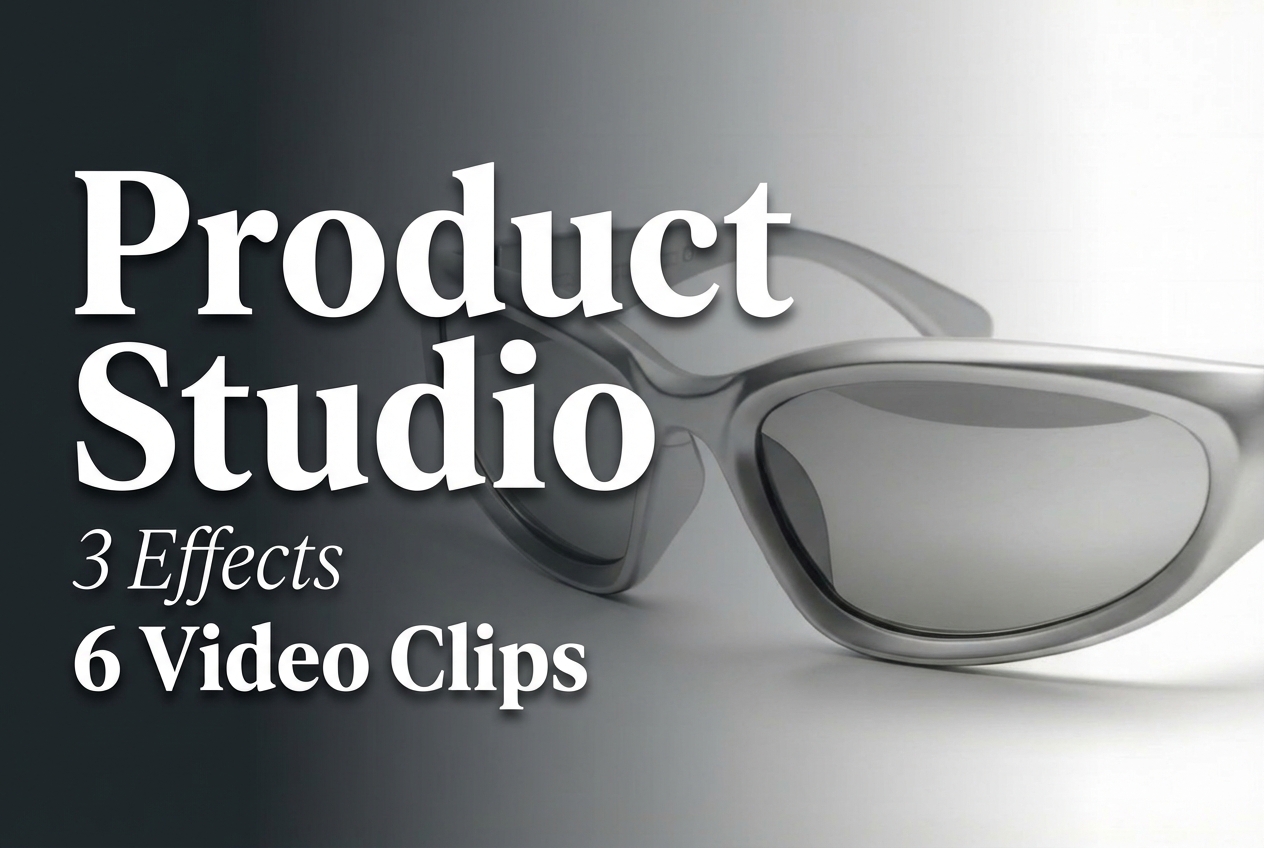
Product Studio turns a single product photo into short videos for listings and ads. This review runs all three built-in effects in two aspect ratios and shows the raw clips.
Model link: https://wiro.ai/models/wiro/product-studio
What this test covers
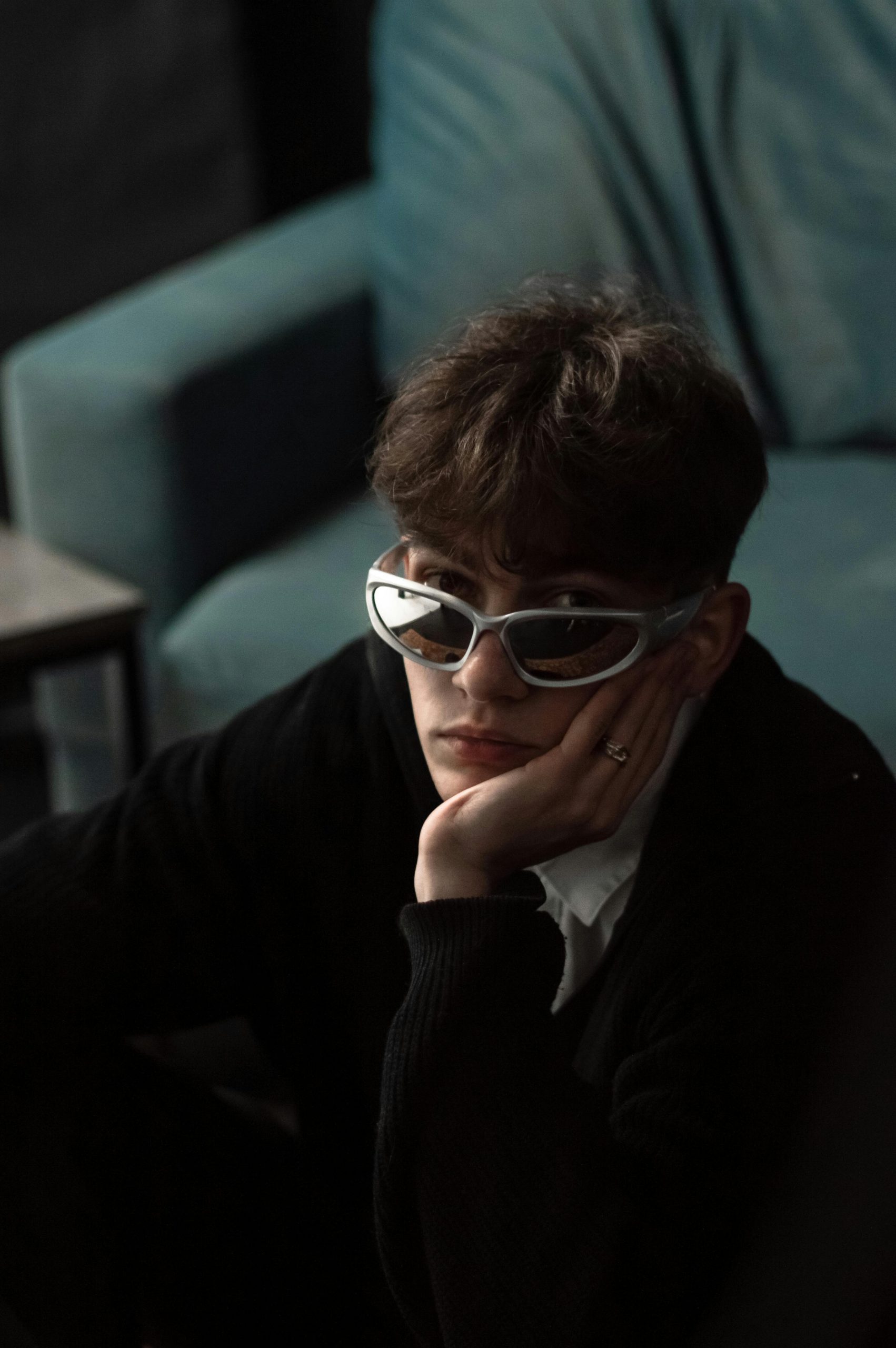
- One input product photo
- 3 effect types: product-360, ghost-mannequin, camera-movement-zoom-in
- 2 ratios per effect: 9:16 and 16:9
Input photo
Effect 1: Product 360
This effect creates a short turntable style motion. It fits product pages that need movement without a full shoot.
Ratio 9:16
Ratio 16:9
Effect 2: Ghost Mannequin
This effect targets apparel style shots. The output tries to mimic the clean ghost mannequin look used in catalogs.
Ratio 9:16
Ratio 16:9
Effect 3: Camera Movement Zoom In
This effect simulates a simple camera move. It works for short ads where a product needs a bit of motion and focus.
Ratio 9:16
Ratio 16:9
Quick takeaways
- The effectType switch changes the whole motion pattern without prompt work.
- 9:16 fits reels and stories. 16:9 fits site headers and video blocks.
- Clean input photos matter. Busy backgrounds can confuse the motion.