Model Reviews

Seedream V5 Lite: Text Rendering and Edit Quality in 6 Tests

Seedream V5 Lite: Text Rendering and Edit Quality in 6 Tests

ByteDance Seedream V5 Lite targets a simple promise: better prompt following and cleaner edits, without turning every request into a long prompt engineering session. This review runs 6 tests that stress text rendering, layout, and image-to-image edits.

Model link: https://wiro.ai/models/bytedance/seedream-v5-lite

What this test covers

  • 4 text-to-image prompts (product text, neon sign text, infographic labels, technical diagram labels)
  • 2 image-to-image edits (same input, edited background or weather)
  • All outputs shown below are real model results

Prompt 1: Product photo with exact text

This checks typography on a curved surface and whether the result stays photoreal.
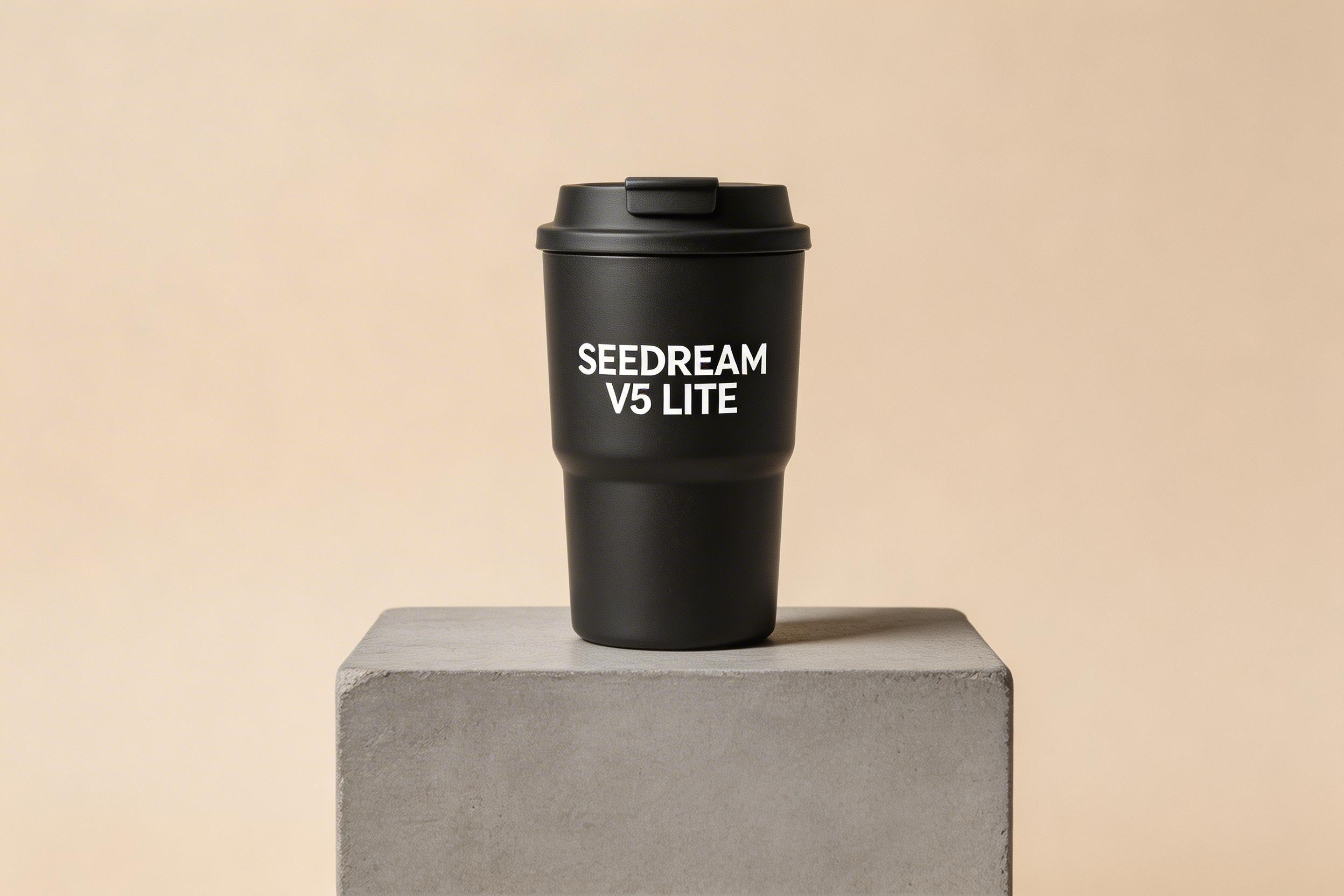
Seedream V5 Lite product photo of a travel mug with the text SEEDREAM V5 LITE
Prompt: Photoreal studio product photo of a matte black travel mug on a concrete pedestal. Add clear legible text on the mug: SEEDREAM V5 LITE. Softbox lighting. Sharp focus. Clean beige background.

Prompt 2: Night street scene with Turkish neon sign

Neon text plus motion blur tends to break fast. This one checks spelling and letter shapes.
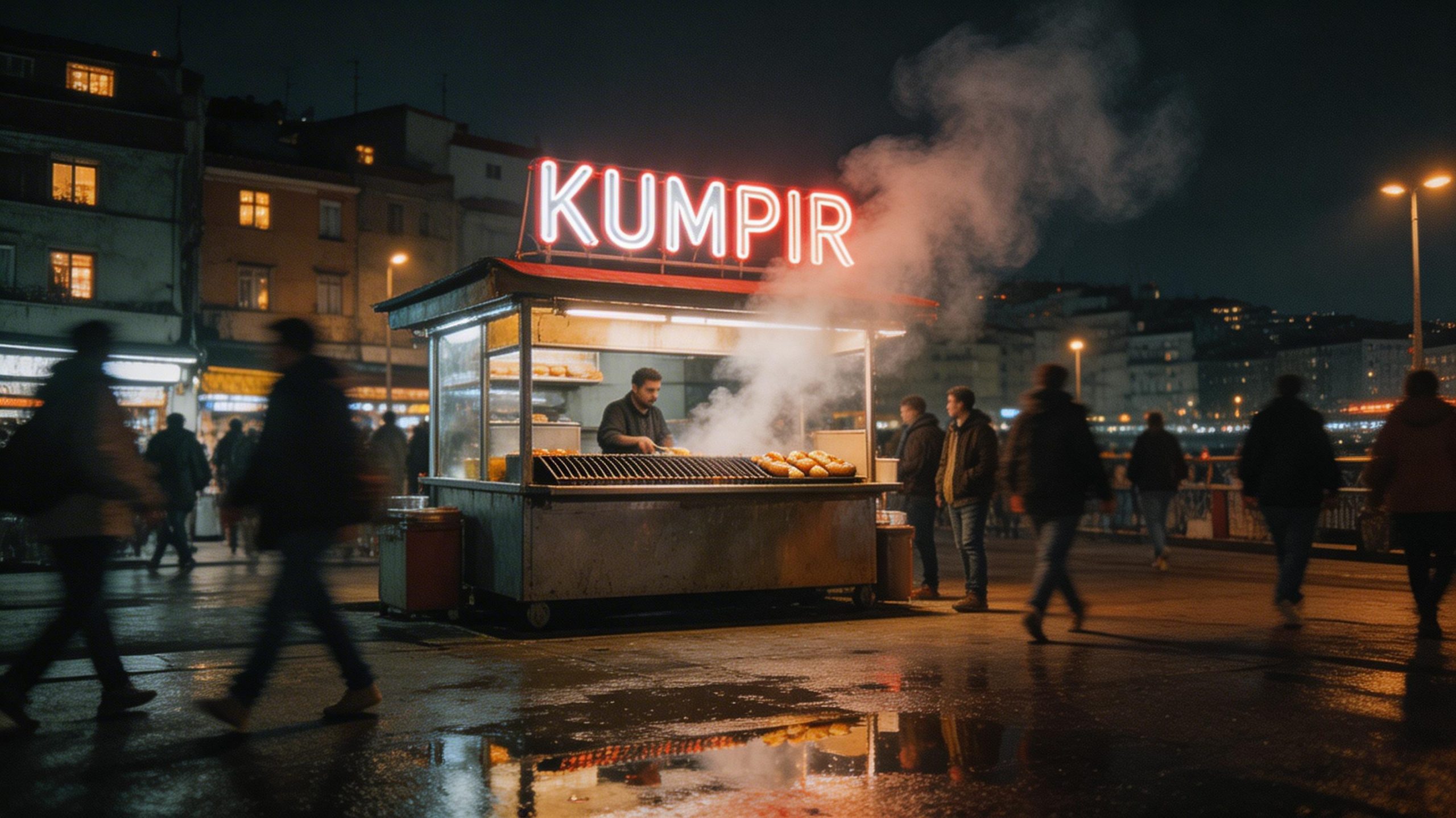
Seedream V5 Lite night street food stall scene with neon Turkish text
Prompt: Documentary photo of a busy street food stall in Istanbul at night. Steam rising from a grill. Neon sign with clear Turkish text: KUMPIR. Wet pavement reflections after rain. People in motion blur. 35mm film look.

Prompt 3: Minimal infographic with three exact labels

Simple shapes and perfect typography look easy. They are not. This checks alignment and text clarity.
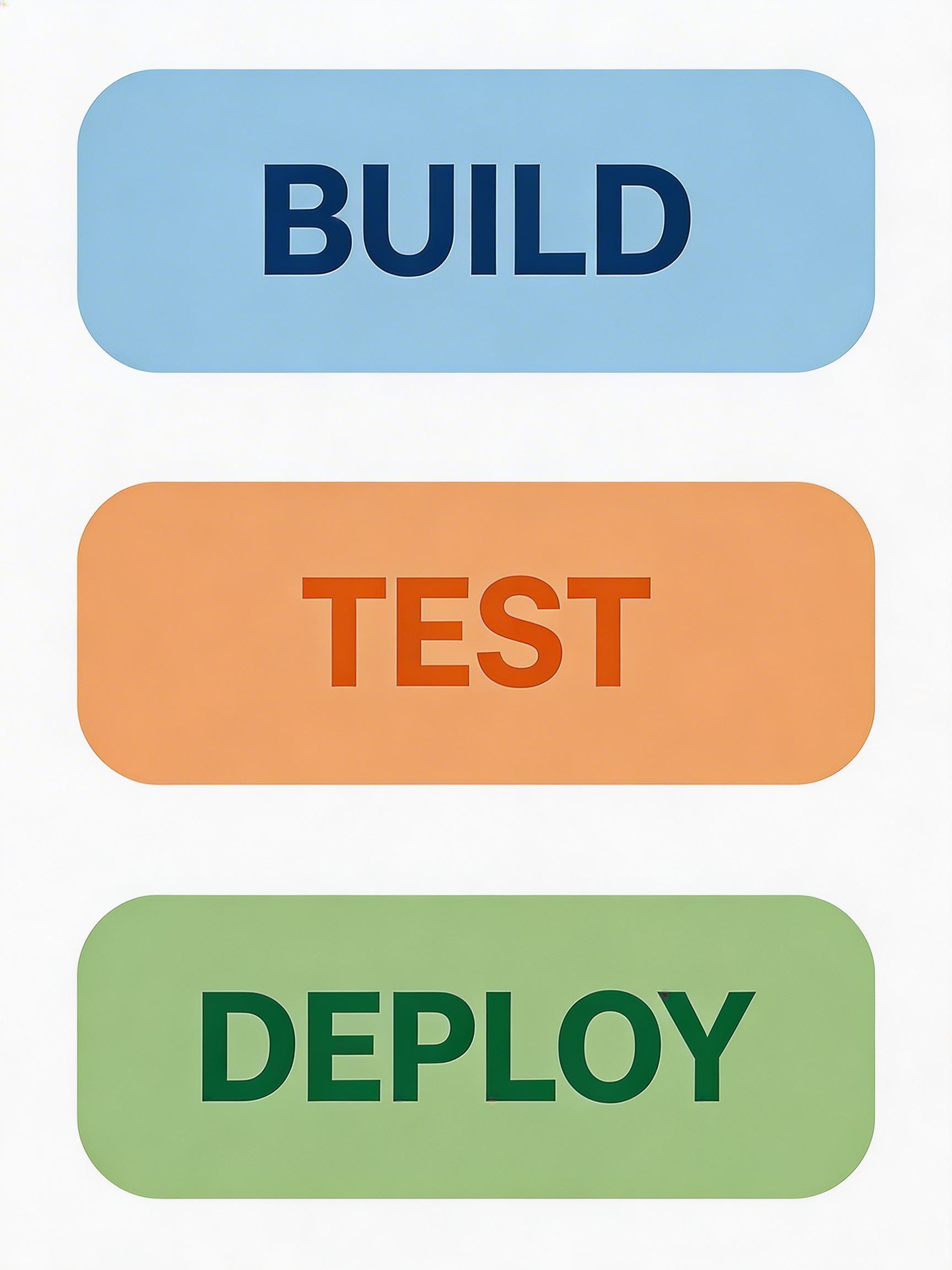
Seedream V5 Lite infographic with three labeled boxes BUILD TEST DEPLOY
Prompt: Clean minimalist infographic poster on a white background. Three rounded rectangles in a vertical stack with crisp text. Top box says BUILD in blue. Middle box says TEST in orange. Bottom box says DEPLOY in green. Flat design. Perfect typography. High readability.

Prompt 4: Exploded view diagram with labels

Diagram labels fail in two ways: they drift, or they turn into random glyphs. This prompt checks both.
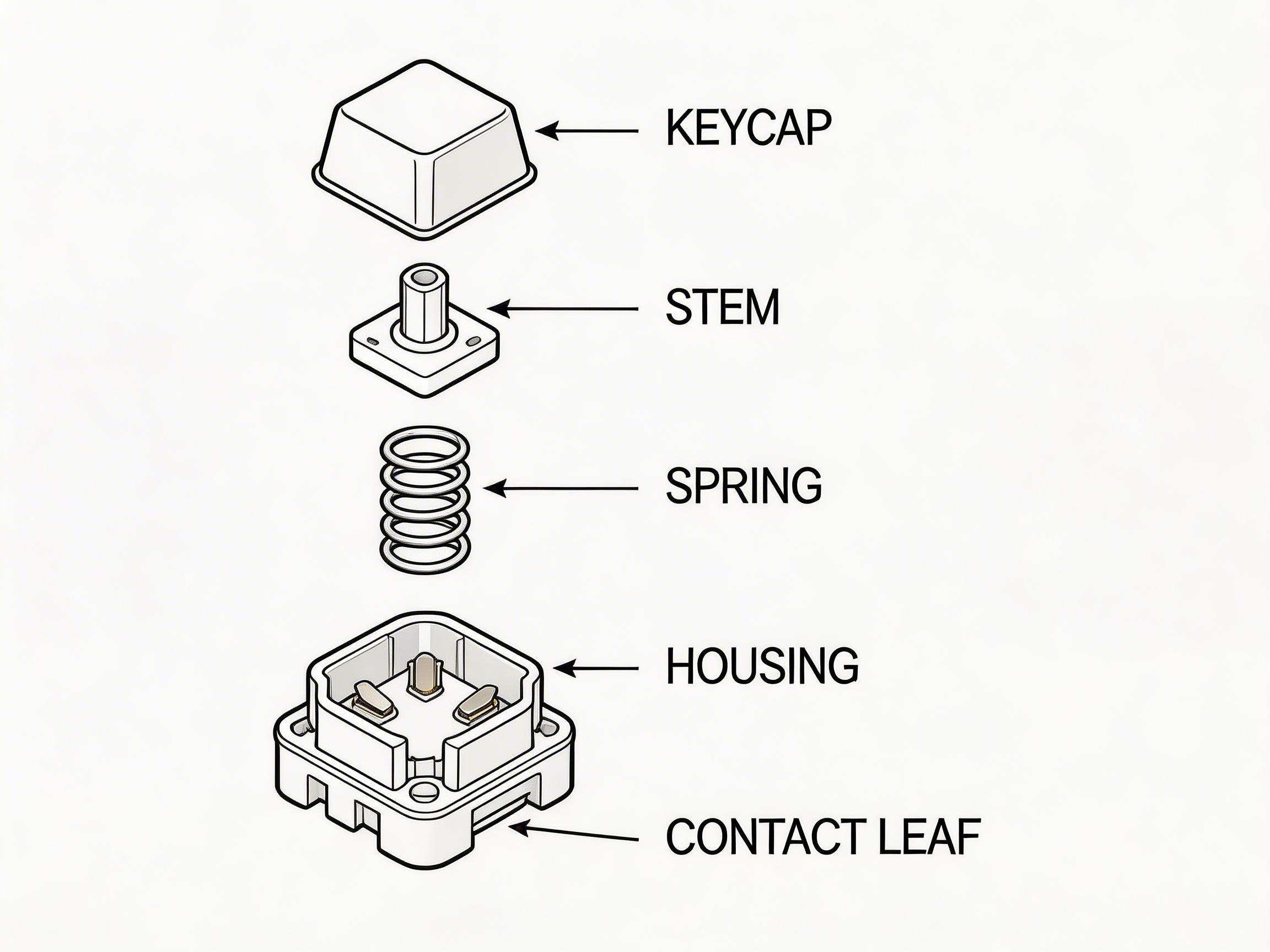
Seedream V5 Lite exploded view diagram of a keyboard switch with labeled parts
Prompt: Technical exploded view diagram of a mechanical keyboard switch. Clean vector lines. Each part separated and labeled with small neat text: KEYCAP, STEM, SPRING, HOUSING, CONTACT LEAF. White background. Precise alignment. Professional engineering style.

Image-to-image edit 1: Pattern + new background

Editing should keep the object identity stable. This test changes surface pattern and lighting context.

Input

Seedream V5 Lite edit input image of a mug
Prompt: inputImage=https://cdn.wiro.ai/uploads/sampleinputs/seedream-5-lite-input-1.jpg

Output

Seedream V5 Lite edited mug with geometric pattern and warm wooden background
Prompt: Add a black geometric pattern to the mug and change the background to a warm wooden surface with soft morning light

Image-to-image edit 2: Weather and lighting change

Scene edits often smear details or mutate buildings. This one pushes atmosphere changes while trying to keep the street layout.

Input

Seedream V5 Lite edit input street photo
Prompt: inputImage=https://cdn.wiro.ai/uploads/sampleinputs/seedream-5-lite-input-3.jpg

Output

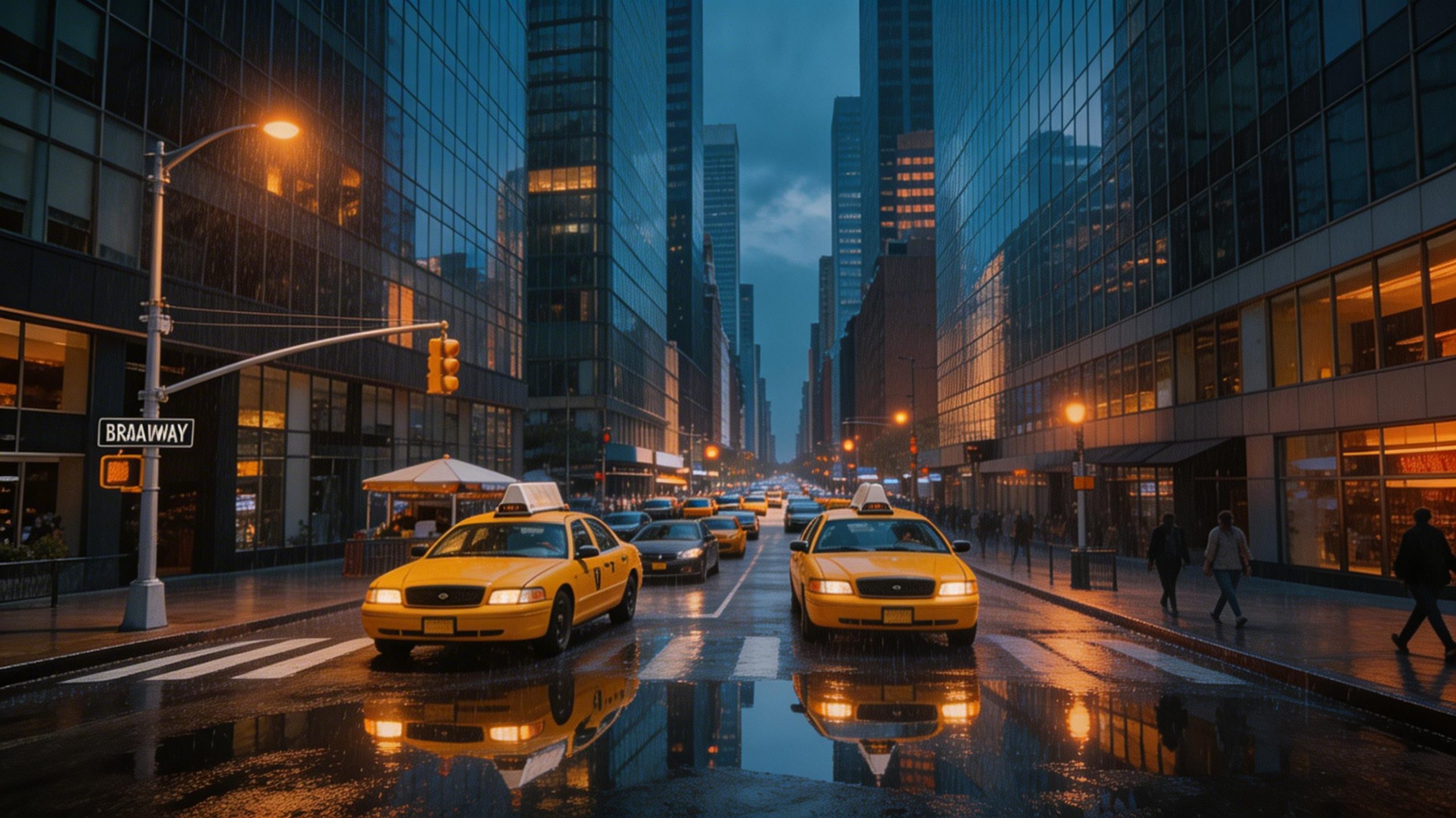
Seedream V5 Lite edited street scene changed to rainy evening with reflections
Prompt: Transform the same street to a rainy evening atmosphere, add wet reflections on the pavement, warm orange streetlights, fewer people

Quick takeaways

  • Text prompts with short, explicit labels worked well in this run set.
  • Infographics and diagrams still need strict phrasing. The smaller the text, the more the model can drift.
  • Image-to-image edits kept the overall scene structure while changing lighting and materials.

Try it

Seedream V5 Lite on Wiro


Leave a Comment

Your email address will not be published. Required fields are marked *