3D Text Animations: 8 EffectType Presets for Kinetic Typography Videos
3D Text Animations turns short captions into vertical 9:16 text videos. It works best with one or two words. This prompt guide tests 8 EffectType presets with the same format so it is easy to pick the right look for ads, launch posts, and landing pages.
Model link
Settings used
- videoMode: std
- ratio: 9:16
- Caption length: 1 word
8 presets tested
1) NEW (Silver Balloons Paris)
This preset fits luxury drops and premium launches. It sells the vibe even with one word.
2) SALE (Shop Window Neon)
Neon reads fast on mobile. It works for price-focused promos and late-night brands.
3) DROP (Rainy City Street)
This style fits streetwear and event announcements. The wet reflections help the text pop.
4) BIRTHDAY (Birthday Cake)
Food presets tolerate longer words. They work well for seasonal campaigns and brand moments.
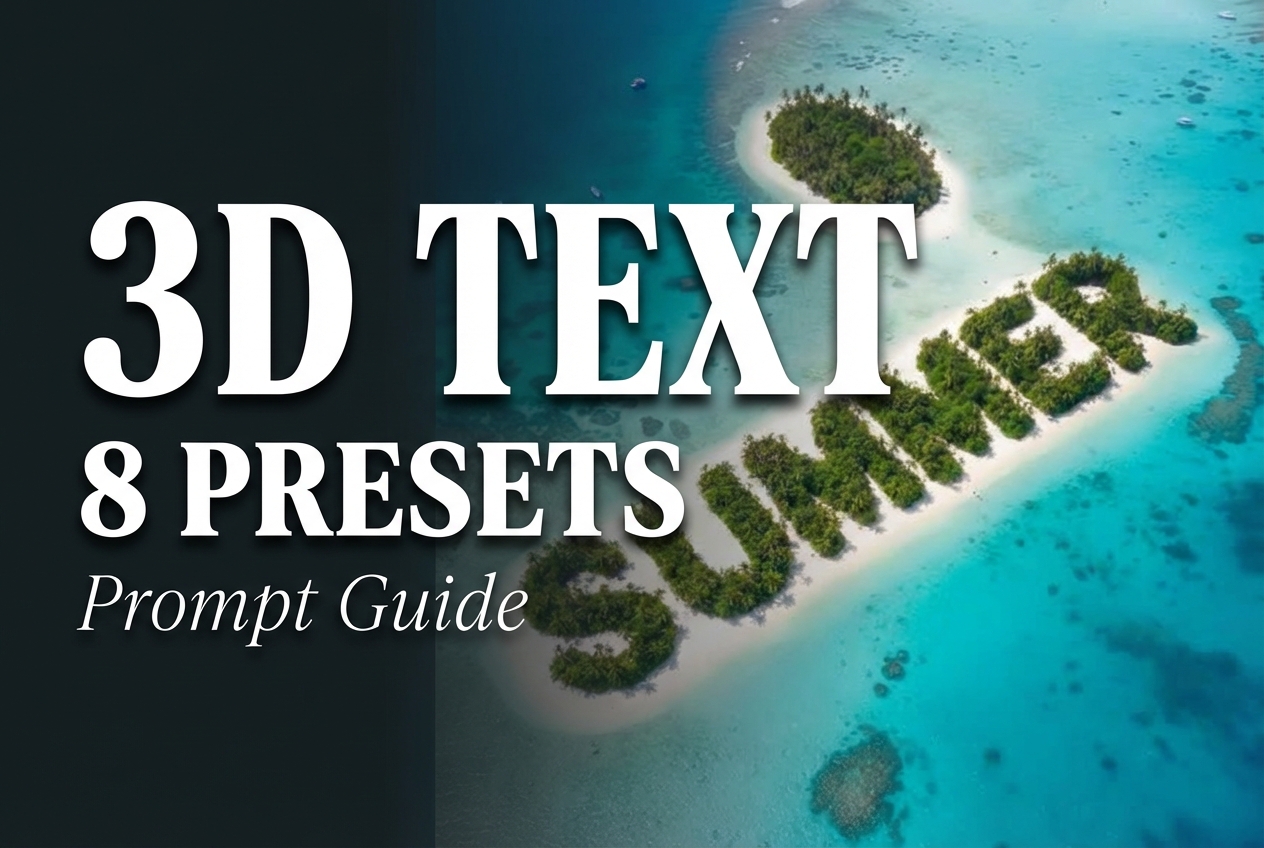
5) SUMMER (Island Shaped Text)
This preset targets travel and outdoor offers. It also works for app store screenshots as a motion header.
6) FRESH (Watermelon Splash)
Splashes add energy. It is a good fit for food, drink, and fast-moving promos.
7) KIDS (Colorful Toy Blocks)
This preset fits playful brands. It also works for onboarding screens and product tours.
8) LUXE (Gold Script)
Script styles demand short words. When the word is short, the look reads clean.
Quick tips for better results
- Keep captions to 1 to 2 words. Short beats long.
- Pick EffectType first, then choose the word that fits the scene.
- Use 9:16 for social. Use 1:1 if the output will be reused as a square cover.
- If the text looks cramped, shorten the caption instead of changing the preset.