Product with Model was tested here as an image-to-video preset tool, not as a freeform video generator. The question was simple: with the same product and model references, how much does the selected effectType control the resulting ad look, and which presets keep the product useful for an edit?
Test setup for Product with Model
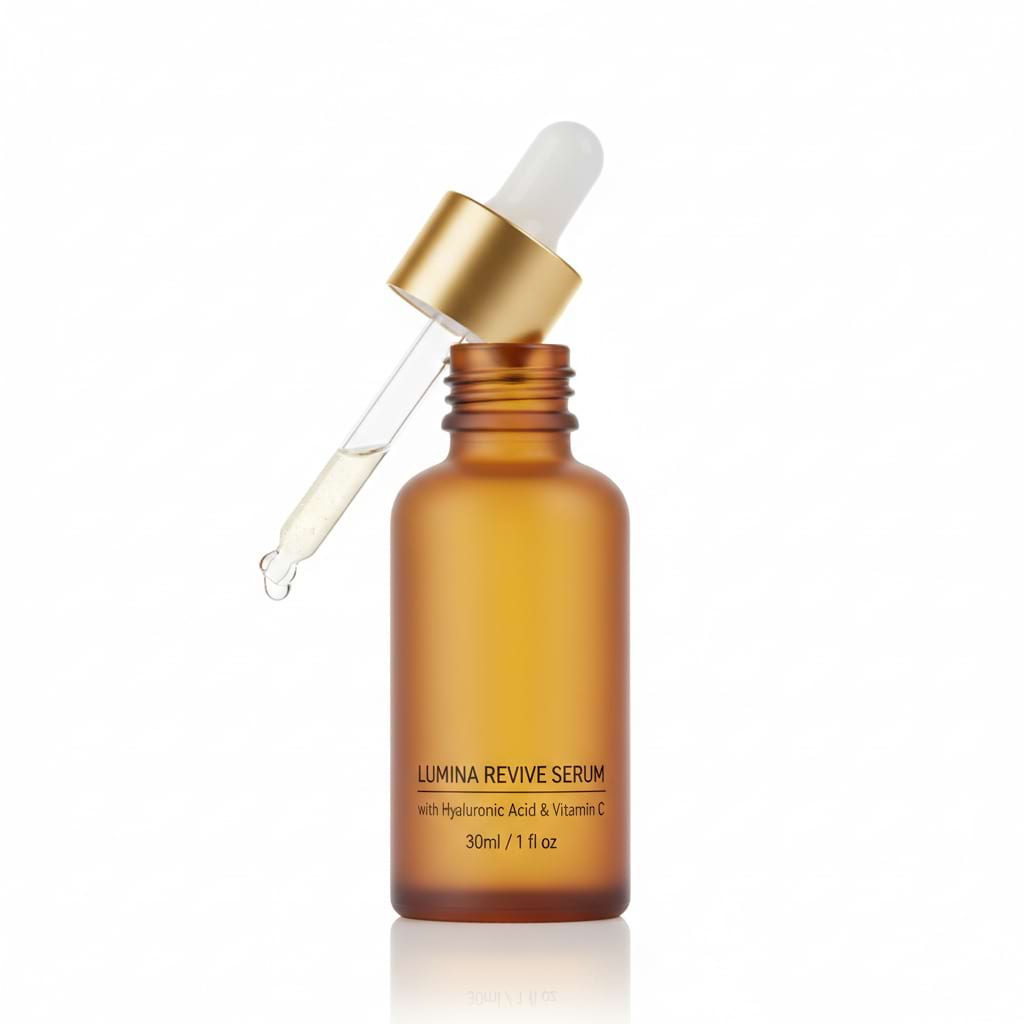
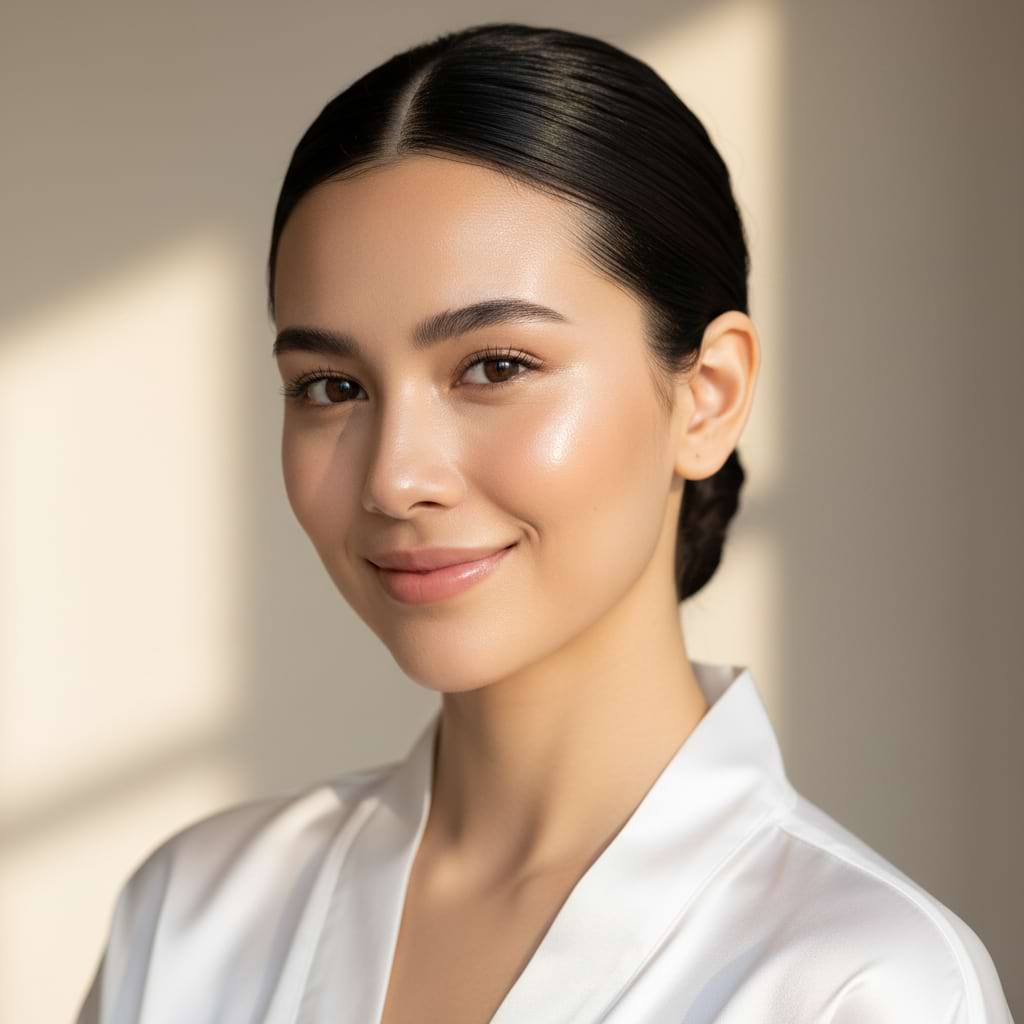
Each existing clip uses the same two supplied references: a product image and a model image. The output ratio was 9:16, so the result fits a vertical ad or story placement. No text prompt was used. The control under test was effectType, with one preset selected for each output. That makes this a preset comparison rather than a test of prompt writing.
| Setting | Value used |
|---|---|
| Product reference | inputImage |
| Model reference | inputImage2 |
| Background reference | Not used |
| Composed image | Not used |
| Ratio | 9:16 |
| Variable | effectType |
The current model documentation also supports an optional background image and a composed image. A composed image changes the path: it can run alone, or with a background, and the separate product and model images are then ignored. That option was not part of these eight runs. The model accepts 16:9 and 1:1 too, but vertical framing was held constant so scene choice, not crop, drove the comparison.
The current Wiro model detail lists a dynamic run price of 0.6 for this tool. It does not provide a runtime estimate, so no made-up seconds-per-output figure belongs here. Treat the eight clips as eight separate runs; verify the live price before a larger batch.
What the eight outputs show
1. Seaside Scene
effectType: product-on-model-seaside-scene
The output puts the dropper bottle in the model’s hand by a bright waterfront. The bottle, dropper, robe, and face stay prominent against a soft beach background. This is the clearest choice for a skincare or wellness ad that needs an outdoor, aspirational opening shot. Check the hand-to-bottle edge before using it as a close-up cut.
2. Studio Photoshoot
effectType: product-on-model-studio-photoshoot
This result moves the product to a side table beside a seated model. It reads as a quiet editorial still brought to life, with the item separated from the hands. Pick it for catalog-style creative, landing-page inserts, or retargeting where the product needs room in frame. The tradeoff is less obvious physical interaction with the bottle.
3. Urban Drive
effectType: product-on-model-urban-drive
The model sits inside a car, wears tinted glasses, and holds the bottle near the center of the frame. It has the strongest lifestyle shift of the set. Use it for a brand that wants movement and a city-day narrative rather than a beauty close-up. The car interior and glasses add more opportunities for temporal flicker, so inspect the finished video rather than judging only the poster.
4. Wet Glow
effectType: product-on-model-wet-glow
This preset turns the shot into a tight beauty crop: water droplets, a glossy cheek, and amber jewelry dominate the frame. The original bottle is no longer the central visual claim. Pick Wet Glow for a texture or mood cut in a skincare sequence, not for a product-packshot-first ad. Small labels and hard packaging details need a separate clean product shot elsewhere in the edit.
5. Mirror Selfie
effectType: product-on-model-mirror-selfie
The model holds the bottle and a phone in a bright mirror scene. It immediately reads as creator-style footage rather than a polished campaign. Choose it for social placements where an informal routine feels useful. Reflection-heavy shots deserve a manual check: the phone, duplicated room details, and bottle shape are the places most likely to reveal an artifact.
6. Dark Night
effectType: product-on-model-dark-night
The output becomes a low-key portrait on a dark background. It puts attention on the model’s pose and the white robe, not a visible product demonstration. Pick this when the campaign needs contrast, a premium mood, or a transition between brighter clips. Avoid it if legible packaging is the conversion goal; the product cannot carry the message alone in this frame.
7. Sunlight
effectType: product-on-model-sunlight
The model sits in direct window light, while the bottle stands on the desk at the right. It is a restrained, believable lifestyle setup with clean negative space. This is the sensible default for a daytime routine, newsletter embed, or paid-social cut that needs a soft but not theatrical look. Keep the product in a safe title area if text will be overlaid.
8. Pop Glam
effectType: product-on-model-pop-glam
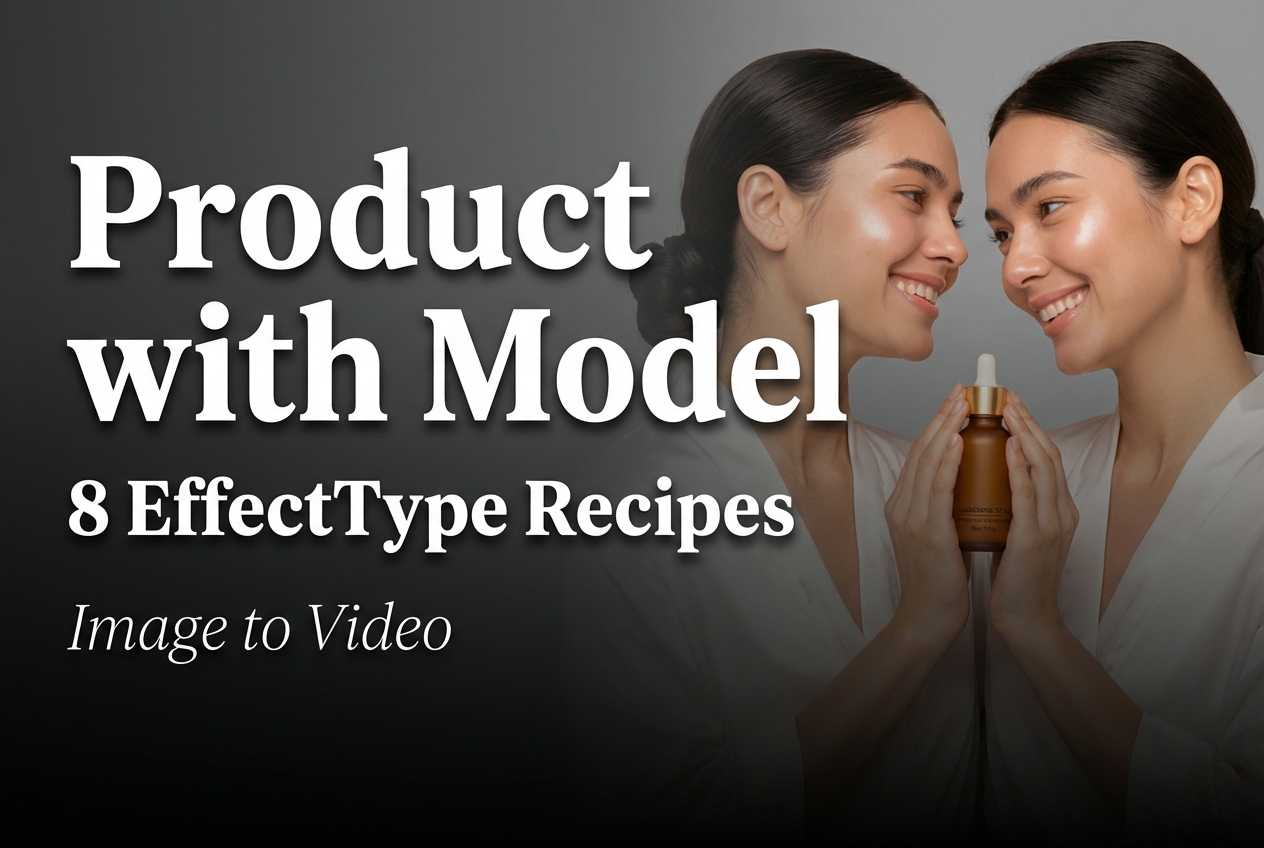
This output duplicates the model around the bottle against a warm plain background. It is the most stylized result and turns the product into a central prop. Pick Pop Glam for a short hook, a launch teaser, or an energetic social cut. It is not the safest choice for claims-led creative because the duplicated faces pull attention away from fine product information.
Which Product with Model look to pick
Start with Studio Photoshoot or Sunlight when the job calls for a clean ecommerce frame. Choose Seaside Scene when the setting should sell a feeling while the bottle still stays visible. Use Mirror Selfie for creator-style ads, Urban Drive for a lifestyle transition, and Pop Glam for the first second of a scroll-stopping edit. Wet Glow and Dark Night work better as supporting mood shots than as the only product proof.
For other motion approaches, see cinematic image-to-video model tests, a base-image image-to-video test, and UGC Creator product ad clips. They solve different problems: those workflows begin with an image or a prompt, while Product with Model uses an effect template to place the item into a ready-made ad scenario.
Working notes
Use a sharp product reference with a clear silhouette and enough contrast around the cap, label, and edges. Use a model image with a visible face and uncluttered lighting. Choose the effectType before changing the source images, then judge the whole rendered video for frame-to-frame stability. The model page documents product, model, background, and composed-image routes, so a campaign can move beyond this two-image setup once the first preset has proved its role.
Try Product with Model on Wiro when a short preset-led product clip is the right format. Keep a real product packshot beside the generated scenes when packaging accuracy matters.