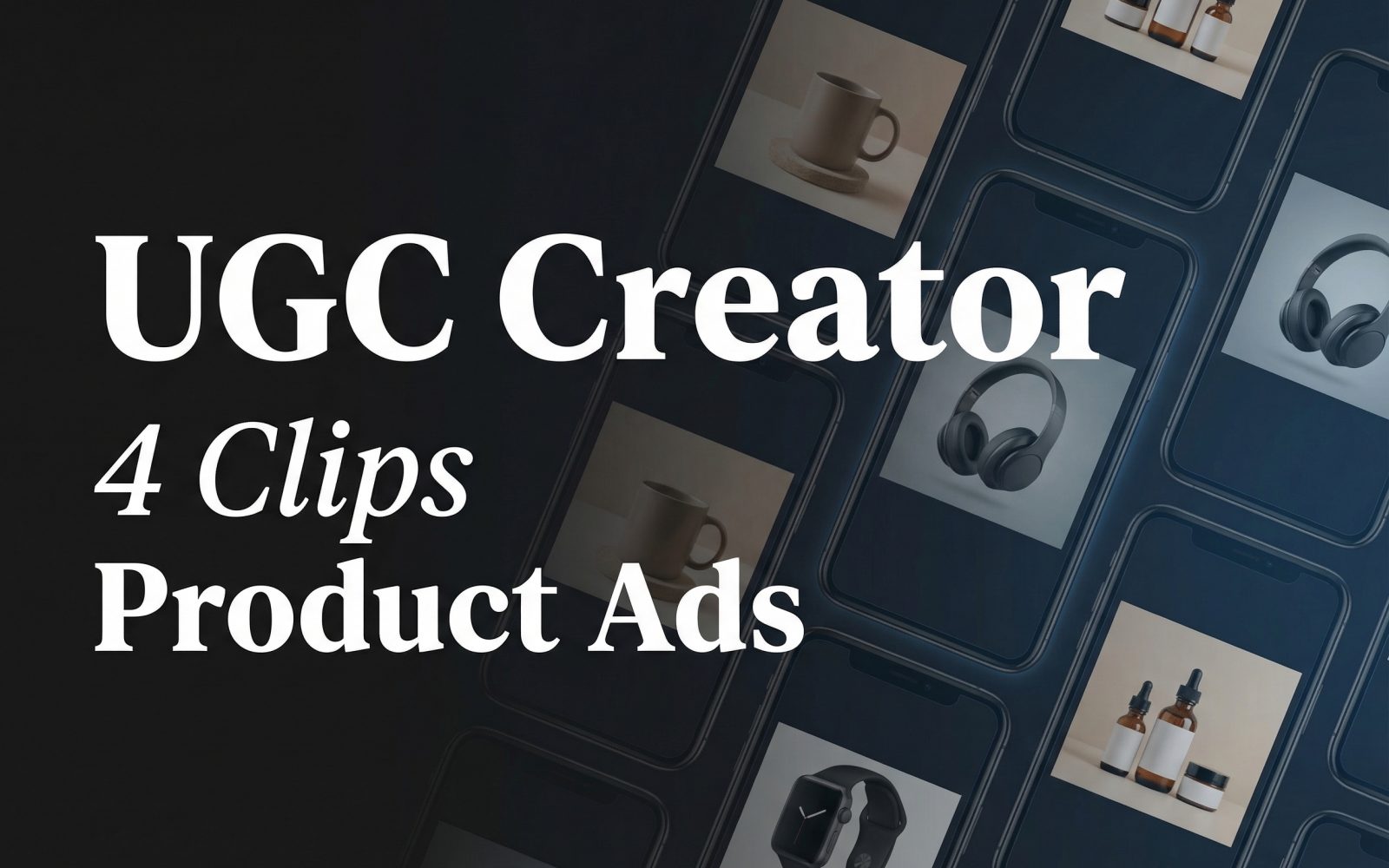
UGC Creator was tested with one frosted serum-bottle image and four short beauty-ad scripts. The goal was not to judge a finished campaign from a single clip. It was to check a narrower question: how much of the product, setting, performer, and spoken-style message remains usable when the same input image moves through four different preset scenes.
Test setup for UGC Creator
UGC Creator on Wiro takes a required product image, a required script, an effect type, a mode, and an aspect ratio. The product image below was held constant. Each output used the vertical 9:16 ratio and the standard mode. Standard mode produces a 5-second clip; pro mode produces a 10-second clip. No optional model image was supplied.
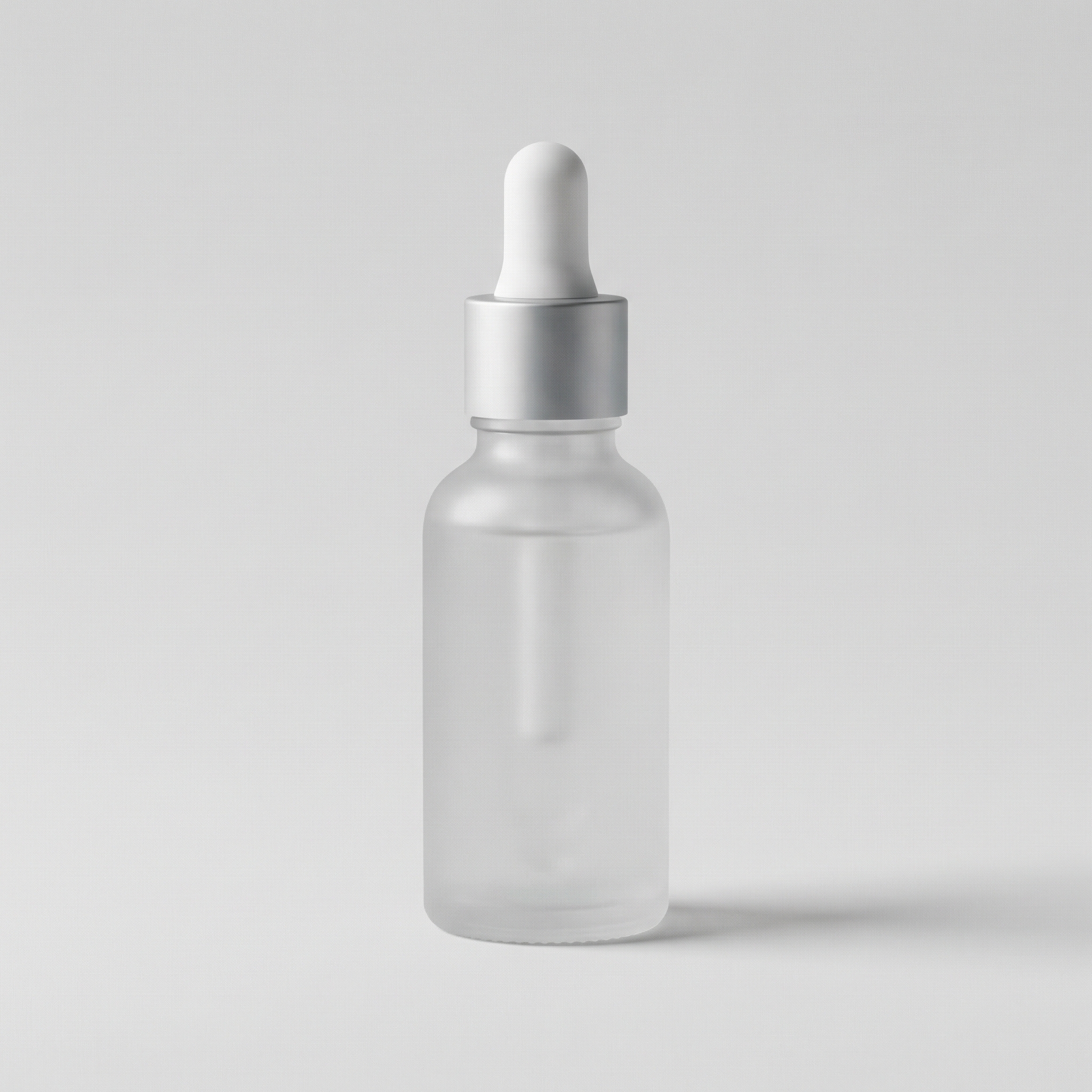
The test deliberately changed the script and preset together. That makes it a practical creative test, not a controlled benchmark between presets. The useful read is whether each pairing feels coherent enough to become a starting point for an editor, not whether one presenter is objectively better than another.
| Output | effectType | Mode | Ratio | Script |
|---|---|---|---|---|
| 1 | beauty-studio-woman+blonde+dewy | std, 5 seconds | 9:16 | Dry skin? One pump. Instant glow. |
| 2 | beauty-bathroom-man+navy+selfie | std, 5 seconds | 9:16 | Sensitive skin approved. No fragrance. Just calm. |
| 3 | beauty-bathroom-man+blue+tiles | std, 5 seconds | 9:16 | Before makeup: two drops and done. |
| 4 | beauty-bathroom-man+teal+pointing | std, 5 seconds | 9:16 | Night routine hero. Smooth, not sticky. |
What the four outputs actually show
Clip 1: dewy studio beauty framing
Script: “Dry skin? One pump. Instant glow.”
This preset puts the serum in a beauty-first context. The blonde, dewy presenter and studio treatment make the short line feel like a quick testimonial rather than a product demonstration. The phrase “one pump” suits the duration because it gives the clip one clear action and one clear payoff. The trade-off is specificity: it works best when the product belongs in skincare, cosmetics, or a polished personal-care feed. It is less useful for a clinical claim or a detailed ingredient explanation.
Clip 2: navy selfie bathroom delivery
Script: “Sensitive skin approved. No fragrance. Just calm.”
The second output shifts from studio polish to a bathroom selfie setup. That change matters. The line sounds more like a personal recommendation, while the navy-styled presenter gives the scene a casual, direct-response angle. The script contains three short claims, which is close to the limit for a five-second clip. It can work as a hook, but claims such as “sensitive skin approved” still need brand-side substantiation before paid use. The video is a creative asset, not proof for a product claim.
Clip 3: blue-tile pre-makeup routine
Script: “Before makeup: two drops and done.”
This output uses the man+blue+tiles bathroom preset. The script is the cleanest fit for the format: a familiar moment, a small amount of product, and a short result. It gives a marketer a usable opening for a routine sequence or a product-page social proof block. The clip does not explain why the serum belongs under makeup. That is a benefit claim for the landing page or a follow-up card, not a job for this short asset.
Clip 4: teal pointing for a night-routine hook
Script: “Night routine hero. Smooth, not sticky.”
The teal+pointing preset has the strongest visual cue for a callout or text overlay. The line asks the clip to carry a texture claim, so it needs a product close-up or proof point elsewhere in the ad sequence. As a standalone five-second unit, it works better as a night-routine opener than as a full explanation. The preset is a sensible pick when the campaign needs an obvious gesture that can point toward a price, offer, or on-screen caption.
Run time and cost: what is known
Each published output is a 5-second standard-mode video. That is clip length, not measured generation time. The UGC Creator documentation does not publish a price per standard or pro output, and this post does not invent one. It also does not provide measured task times for these four historical runs. The API documentation includes an illustrative task record with elapsedseconds set to 6, but that example is not a completed UGC video run and should not be used as a runtime promise.
The same documentation shows a cancellation example with a total cost field of 0.003510000000. A cancelled example is not an output price, so it is not assigned to any clip here. Check the model run result or project billing view for the actual cost and elapsed time before committing a production budget.
When to pick each UGC Creator preset
Pick the dewy studio preset for polished skincare creative, a simple glow claim, and a feed that already uses beauty editorial imagery. Pick the navy selfie bathroom preset when the script should sound conversational and personal. Pick blue tiles for a straightforward routine moment, especially an application step before makeup. Pick teal pointing when the edit needs a presenter gesture that can support a caption, price card, or offer.
Choose standard mode when the message is one idea and a short hook. Choose pro mode when the script needs more space, but still keep the copy tight because the documentation warns that text beyond the selected duration can be cut short. 9:16 fits vertical social placements. Use 16:9 for a horizontal placement and 1:1 when a square crop matters more than full-screen mobile coverage.
Related Wiro tests
- Best Cinematic Image-to-Video Models: 4 Smart Clip Tests
- LTX-Video vs Kling vs Seedance: 5 Text-to-Video Tests
- Product Ads with Logo: 3 Presets Tested
Verdict
UGC Creator is most useful when the campaign already has a product image and needs several presenter-led starting points fast. The effect type does much of the scene selection, so choose it for audience fit before writing the script. Keep a standard-mode line to one benefit or one action. Review every output for product visibility, claim support, representation, and brand fit before it goes live. Run UGC Creator on Wiro when that preset-led workflow matches the campaign.