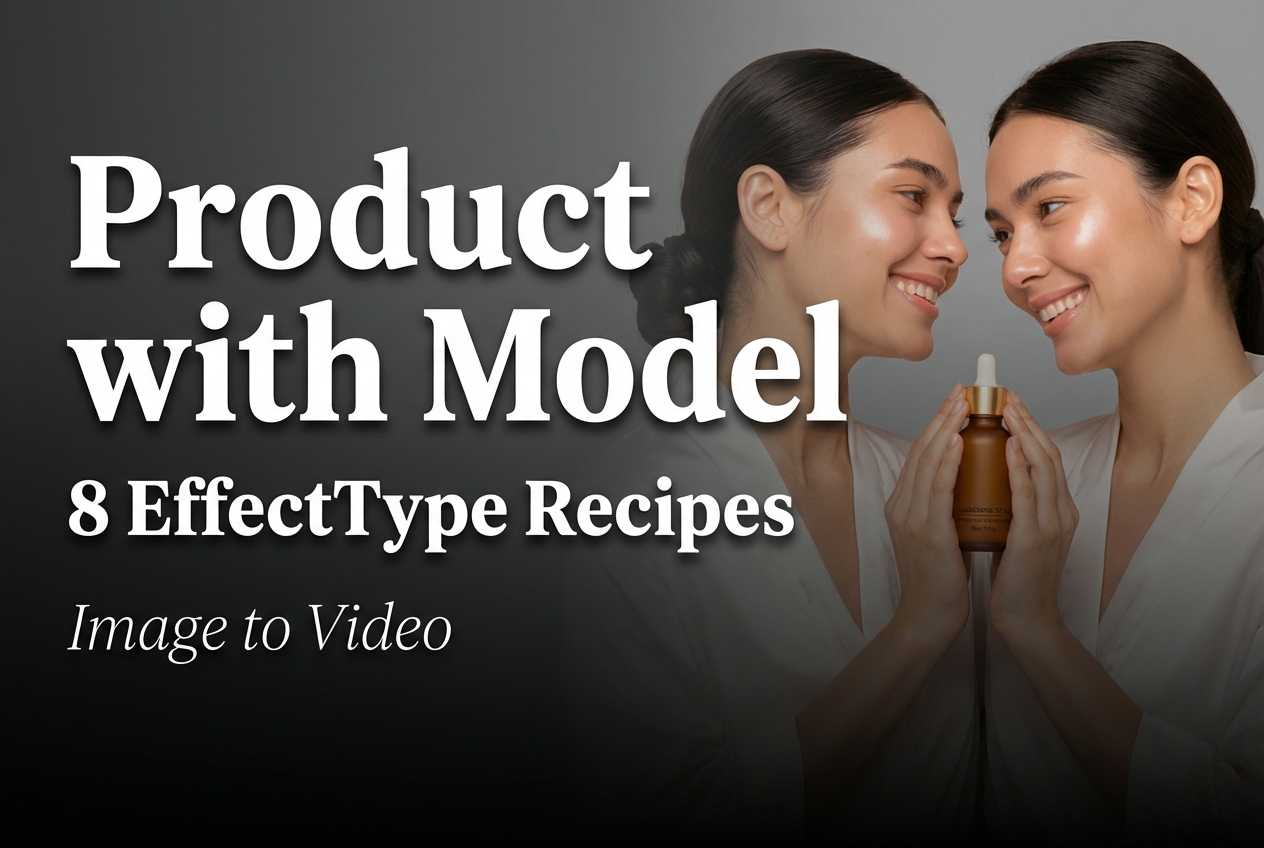
8 effect recipes for Product with Model (image-to-video)
Product with Model turns a product photo plus a model photo into a short vertical clip. There is no prompt. The main control lives in effectType. This post collects eight effectType recipes that cover the most common e-commerce looks: studio, night, wet glow, selfie, and more.
Model link
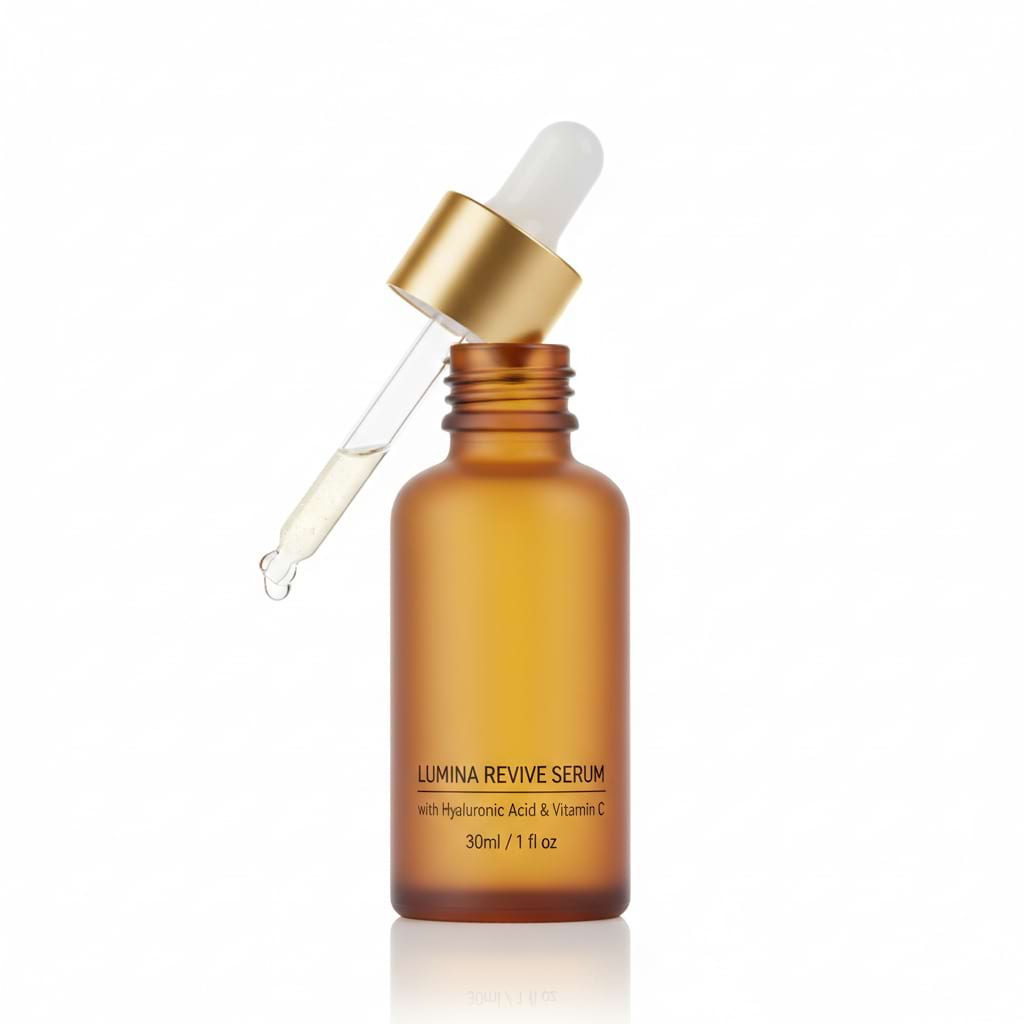
Inputs used
| Product image | Model image |
|---|---|
 |
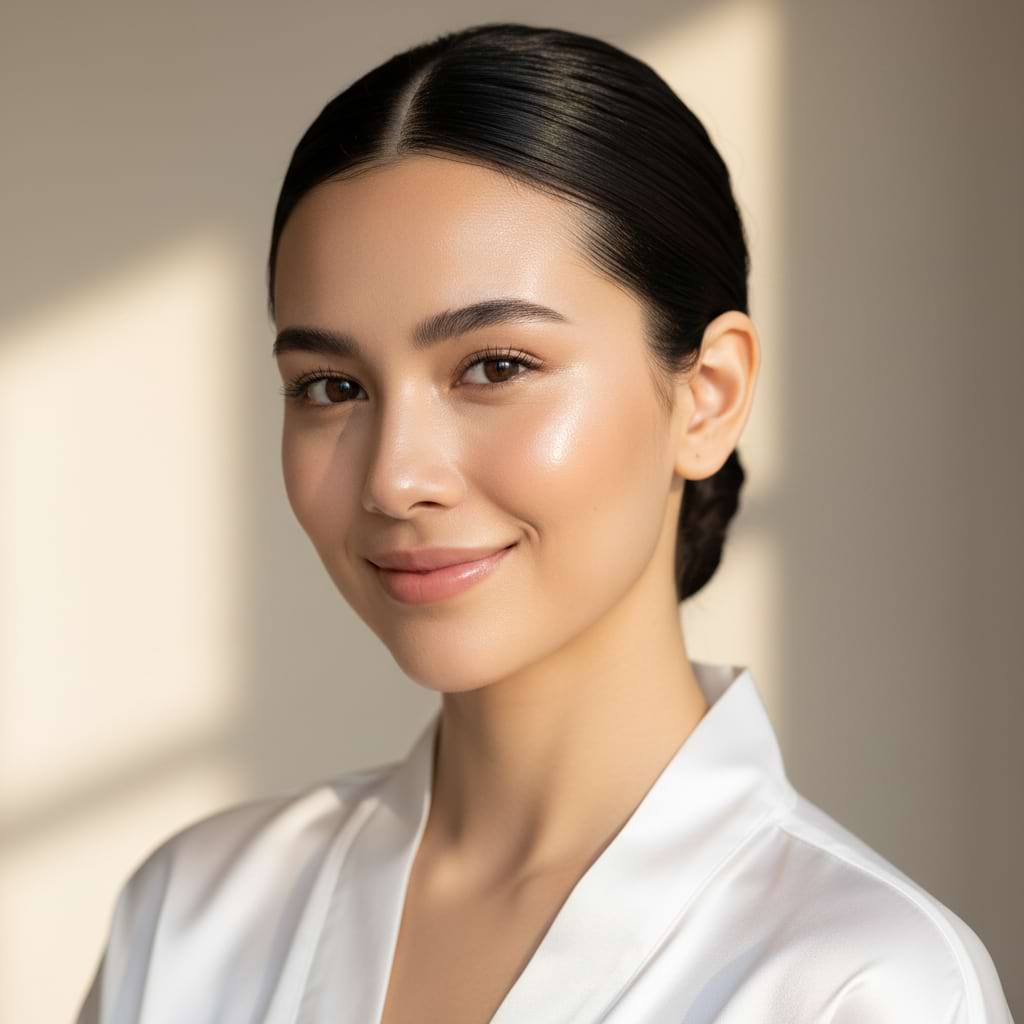 |
Settings
- Ratio: 9:16
- Inputs: inputImage + inputImage2 (no composed image)
8 effectType recipes (with real outputs)
1) Seaside Scene
effectType: product-on-model-seaside-scene
Use this when a bright outdoor look is needed. Check for edge stability around hands and product corners.
2) Studio Photoshoot
effectType: product-on-model-studio-photoshoot
Good default for catalog style clips. Watch for over-smoothing on skin and plastic looking fabric.
3) Urban Drive
effectType: product-on-model-urban-drive
Motion plus background detail tends to expose flicker. Keep the product simple and centered for best results.
4) Wet Glow
effectType: product-on-model-wet-glow
This style adds shine and contrast. Great for skincare and fragrance looks, but it can create fake highlights on hard edges.
5) Mirror Selfie
effectType: product-on-model-mirror-selfie
Selfie effects often introduce warped reflections. Test this effect early if the campaign depends on mirrors.
6) Dark Night
effectType: product-on-model-dark-night
Night looks can crush detail. If the product gets muddy, try a cleaner product photo with stronger lighting.
7) Sunlight
effectType: product-on-model-sunlight
Simple and bright. Usually the most forgiving effect for fast iteration.
8) Pop Glam
effectType: product-on-model-pop-glam
High color and high contrast. Useful for social feeds, but watch for skin tone shifts and background artifacts.
Quick tips
- Use a clean product photo with clear edges. Busy patterns cause shimmer.
- Keep the model photo front facing with consistent lighting.
- Pick effectType first, then swap inputs. That speeds up iteration.