AI agents for push notifications earn their place when they turn a scattered release calendar into a repeatable operating plan. This test looked at seven common mobile-growth moments: a regional holiday, a feature launch, a lapsed-user win-back, a content drop, an App Store event, a Google Play hand-off, and a post-event follow-up. The goal was not to judge a single generated sentence. It was to check whether the workflow connects event discovery, localization, audience selection, approval, and delivery without losing the reason for the send.
What this AI agents for push notifications test checks
The two workflows have different jobs. Push Notification Manager plans and delivers targeted Firebase Cloud Messaging sends. Its documented flow reads app metadata and Firebase configuration, checks locale groups and segments, scans holidays across 20+ countries, then prepares a seven-day plan. App Event Manager turns suitable moments into store-event packages for App Store and Google Play.
The test set checks whether each proposed campaign keeps five pieces together: the trigger, the intended audience, local timing, a concrete action, and a follow-up. That matters because Firebase Cloud Messaging can target individual devices, groups, or topics, but delivery infrastructure does not decide whether an event deserves a message or whether the message should arrive in a user’s local morning. Firebase’s official FCM documentation describes those targeting and message-delivery paths.
For App Store events, the bar is higher than announcing any sale. Apple’s guidance says good candidates include challenges, competitions, special content, and limited-time moments. It specifically rules out repetitive daily rewards and general awareness campaigns. That makes the event brief, badge, date window, regional availability, artwork, and deep link part of the real output, not afterthoughts. See Apple’s In-App Events documentation for the current platform rules.
The 7 smart event plays
1. Regional holiday
The input is a holiday, market, locale topic, and app feature. The useful output is not a generic greeting. It is a localized push brief with a segment, title, body, suggested local send time, and a reason the feature fits the occasion. The Push Notification Manager documents daily holiday scanning and multi-language push preparation, which makes this a good fit for apps with meaningful country-level audiences.
2. Feature launch
The input is a release date, release notes, eligible version, and audience. The output should separate existing users who need a prompt to try the feature from inactive users who need a stronger return reason. The agent helps organize copy and timing; product analytics still has to define who qualifies and how success is measured.
3. Lapsed-user win-back
The input is an inactivity rule and a product reason to return. The output should contain one audience definition and one clear action. Do not combine every dormant user into one noisy send. The Push Notification Manager documents re-engagement pushes and a maximum of one push per day per segment, a practical safeguard against turning a recovery campaign into churn pressure.
4. New content drop
The input is the content’s availability time, locale, deep link, and audience interest. The output should tell readers what changed and where the tap goes. This is a strong use case when the same release lands at different local times or has different localized titles.
5. App Store In-App Event
The input is a limited-time challenge, premiere, competition, or content moment. The output is a publish-ready event package: event framing, localized metadata, visual assets, schedule, and a deep link. App Event Manager documents an App Store Connect path that can submit event metadata and media after approval. The quality check is simple: does the package describe a real, time-bounded experience rather than a generic promotion?
6. Google Play promotional hand-off
The input is the same event concept, but the output changes because Google Play does not expose the same event-publishing path. The documented agent workflow prepares a landscape cover, square cover, localized copy, schedule, and deep link for manual placement in Play Console. That distinction is valuable. A workflow should say when it can publish and when it should hand off, rather than imply automatic delivery where no public event API exists.
7. Post-event follow-up
The input is the original event, its end time, and the next useful user action. The output can invite a user to claim a result, continue a challenge, explore related content, or return to a feature. It should not recycle the launch push. This is where a shared event record helps: the follow-up keeps the original audience and calendar context instead of starting from a blank brief.
What the outputs actually show
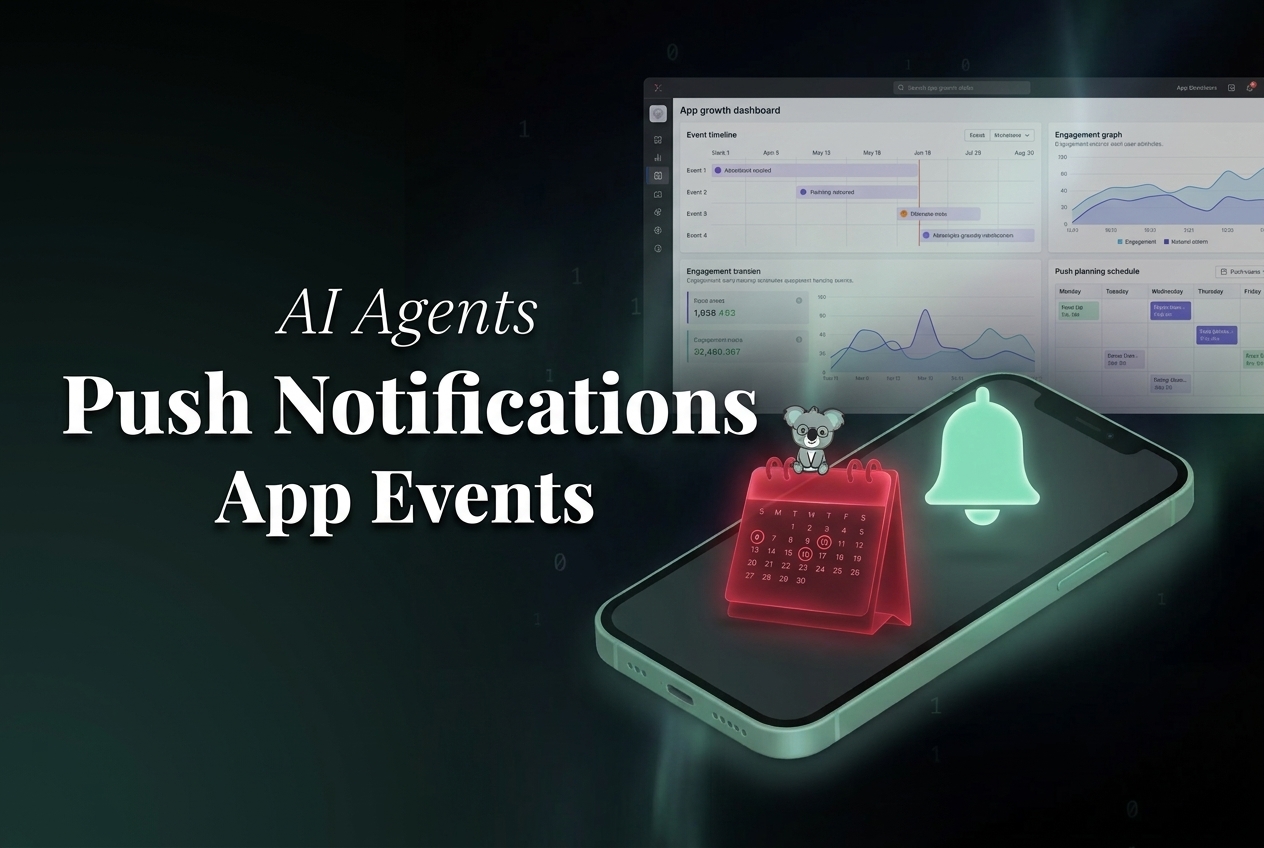
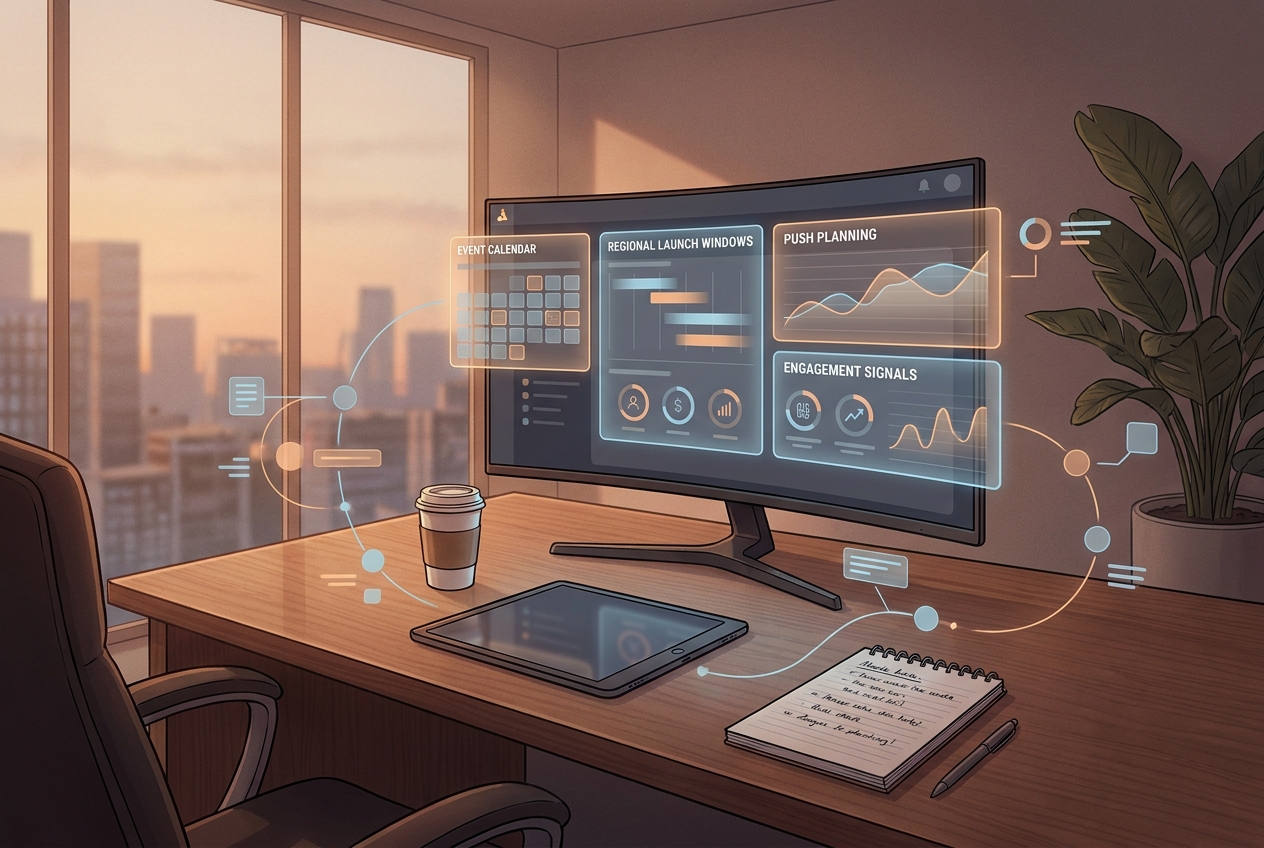
The two inline visuals are hosted blog media already attached to this post. The first shows the planning relationship between a campaign moment and its timing. The second shows the retention loop: event, send, and follow-up. They are illustrations of the workflow, not screenshots of a model benchmark or proof of a lift in opens, taps, installs, or retention. No performance claim should be inferred from them.
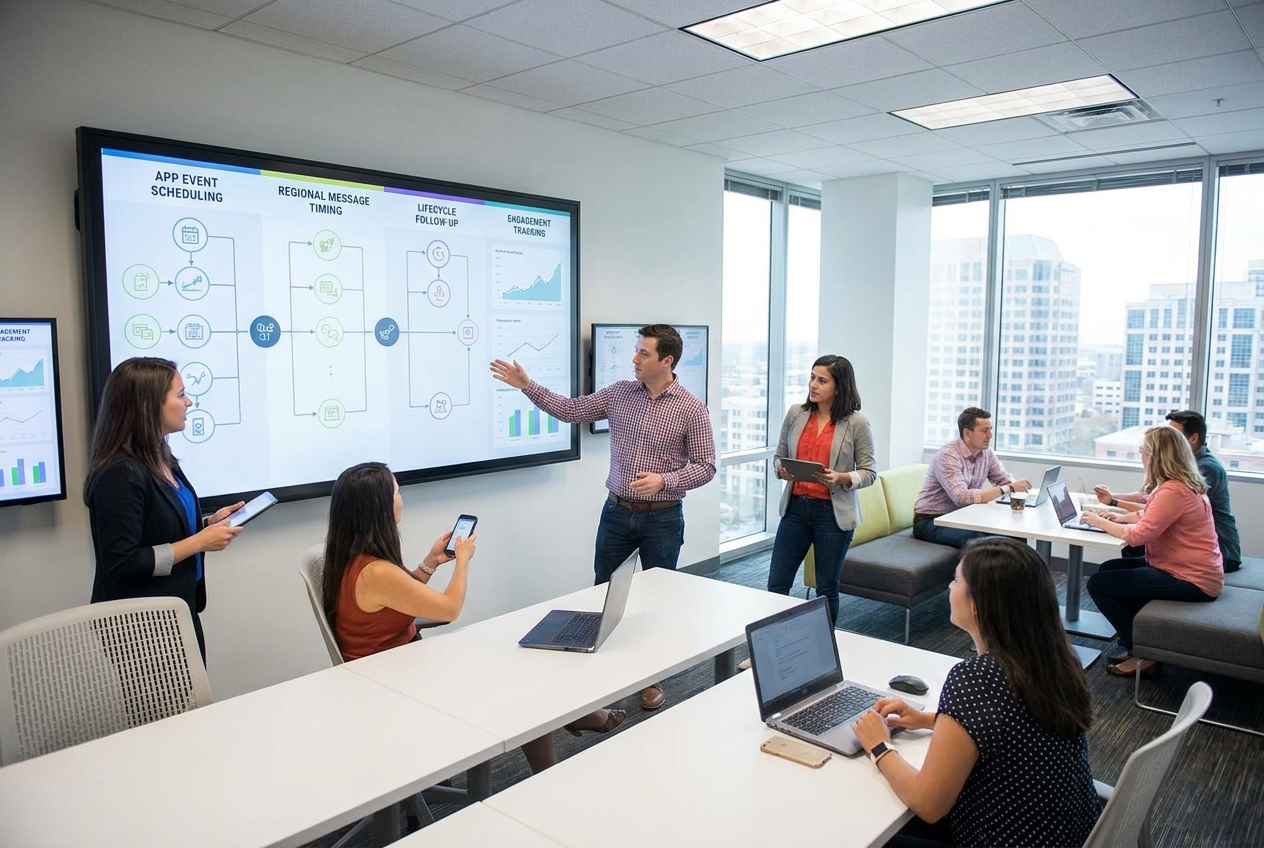
The concrete text outputs expected from the documented agent flows are more useful than a generic image gallery: a seven-day plan with dates, holidays, regions, and languages; per-push title and body variants; target topics or segments; a proposed send time; generated notification imagery where enabled; and, for store events, localized event metadata plus the required image formats. The output still needs review. Store policy, audience consent, notification permissions, frequency caps, deep links, and event eligibility remain product decisions.
Parameters, runtime, and cost on Wiro
The documented workflow parameters are operational rather than a fixed image-model preset. For Push Notification Manager, the key inputs are app metadata, Firebase project configuration, available topics, user segments, locale groups, and the requested delivery time. It supports direct FCM delivery when a Firebase service account is connected, or a manual mode that produces copy-paste-ready notification details. For App Event Manager, inputs include store app identifiers, connected App Store credentials when iOS auto-submission is required, configured Android apps, target regions, event dates, localizations, and deep links.
Both agent pages list openai/gpt-5.6-sol as the default text model and openai/gpt-5.4 as an available alternative. GPT-5.4’s Wiro documentation exposes prompt or messages, user and session IDs, optional system instructions, reasoning effort from none to xhigh, optional web search, verbosity, and output-token limits. These are text-generation controls; they do not guarantee a fixed campaign result.
Wiro publishes token rates for the agent configurations, not a fixed price or duration per finished push or event package. The agent pages list GPT-5.6 Sol at 625 credits per million input tokens and 3,750 credits per million output tokens, and GPT-5.4 at 312.5 input credits and 1,875 output credits per million output tokens. Actual run cost depends on the prompt, app context, localization count, tool calls, and generated assets. No own agent run was needed for this update because the post already contains two hosted inline outputs, so this article does not claim a measured per-output runtime or cost.
When to pick each model and workflow
Pick GPT-5.6 Sol when the campaign brief needs more reasoning across a large amount of product context, store constraints, and localization detail, and the higher listed token rate fits the operating budget. Pick GPT-5.4 when the job is a focused, repeatable brief or a lightweight review pass and lower listed token rates matter more. For either model, use low reasoning for straightforward rewrite or localization work, then raise reasoning only when the event brief includes conflicting dates, segment rules, or store requirements.
Pick Push Notification Manager when the goal is ongoing lifecycle messaging through Firebase: holiday planning, feature announcements, targeted win-back, and timezone-aware scheduling. Pick App Event Manager when the main deliverable is a store-facing campaign package for a limited-time event. Use both when a store event needs a coordinated audience plan before launch and a relevant follow-up after it ends.
For adjacent operating patterns, see Mobile Growth AI Agents: 7 Smart Loops for Reviews and Retention and AI Agent Retry Logic: 6 Rules for Jobs That Fail Mid-Workflow. The useful outcome is not more sends. It is a tighter link between the event, the audience, the message, and the next action.
Final CTA
See the workflow details for App Event Manager and Push Notification Manager.