DreamOmni2
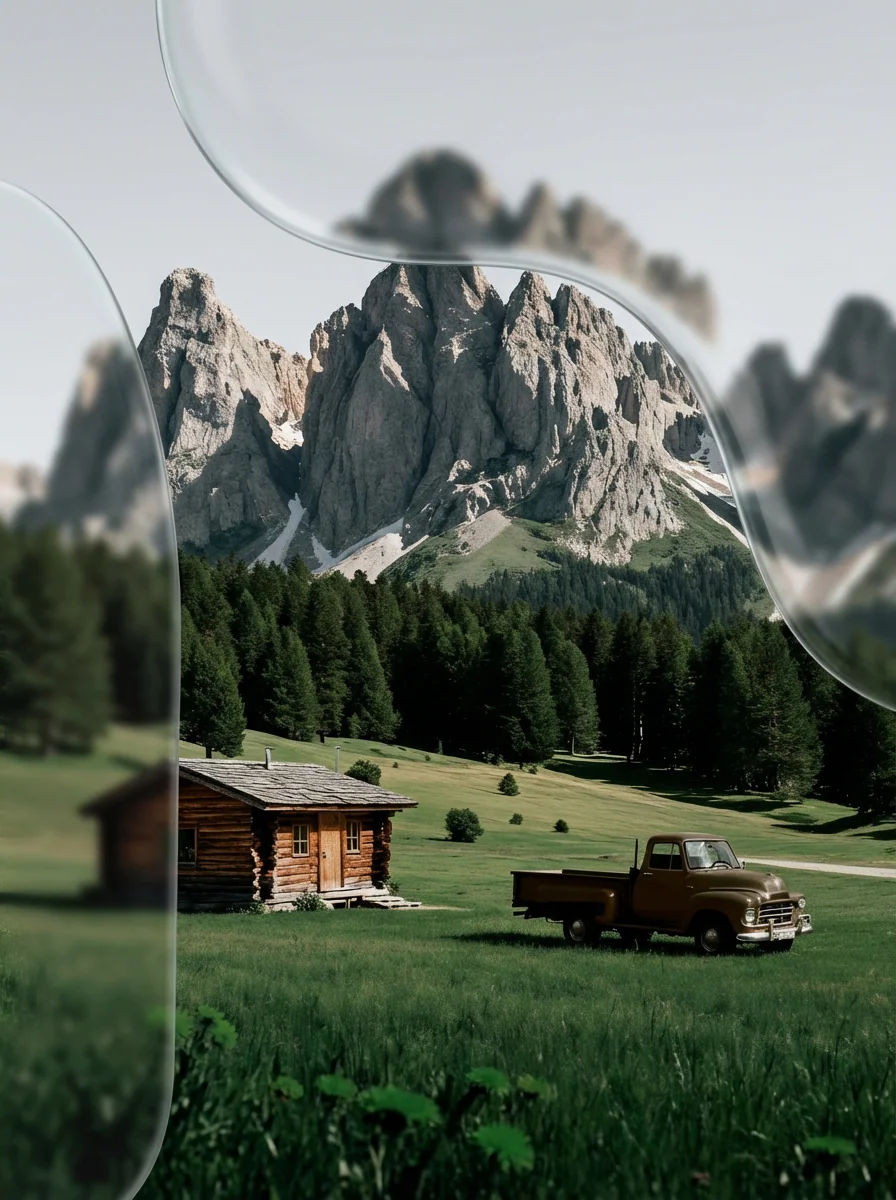
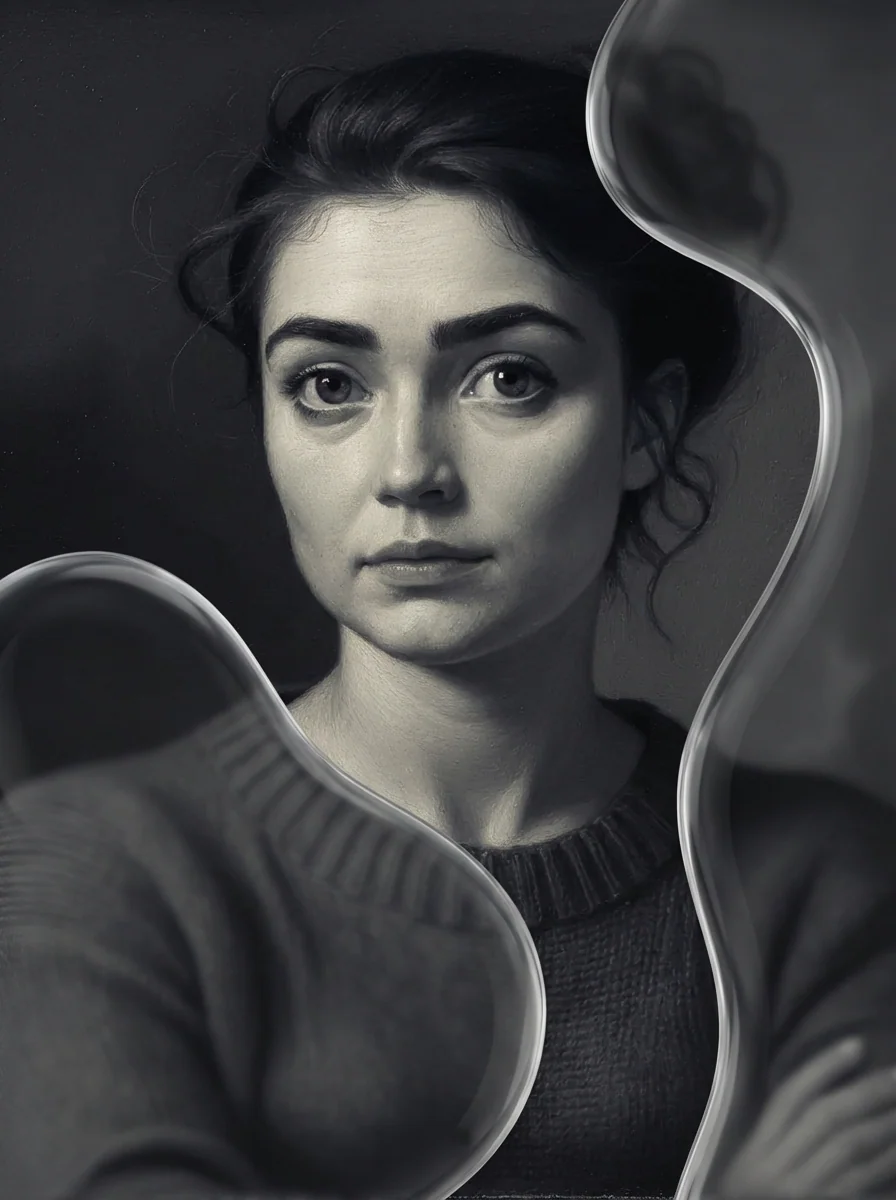
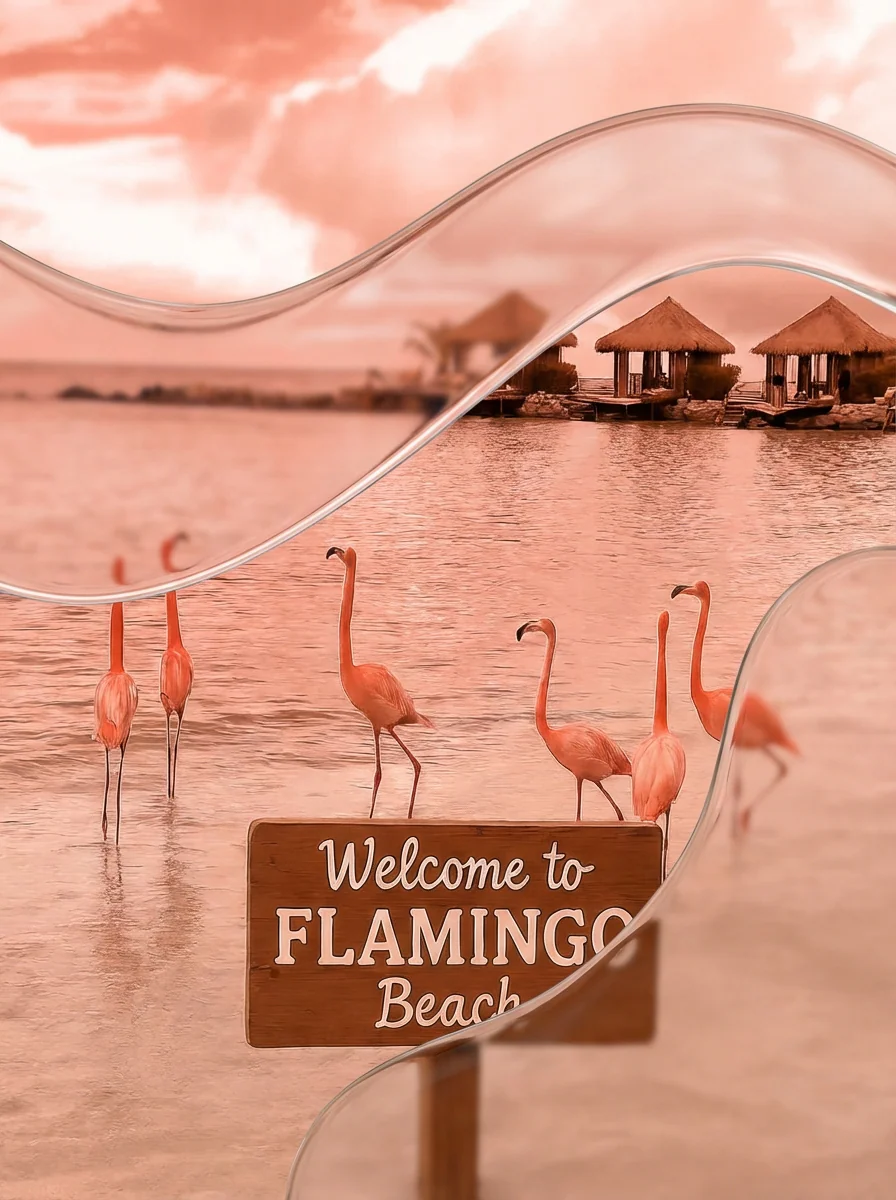
DreamOmni2 edits or composes images from a text instruction plus up to four input pictures. A reference can supply a subject, like a jacket or a pet, or an abstract trait such as a print or a painting style.


Overview
DreamOmni2 is an open image model from Bin Xia and co-authors, and its paper was named a CVPR 2026 Highlight. It is meant for instructions that are hard to put into words: you show a reference image and say what to take from it. The reference can be a concrete subject, such as a jacket or a person, or an abstract attribute like material, texture, makeup, hairstyle, pose or artistic style.
The model is a set of LoRA weights trained on FLUX.1 Kontext, paired with a Qwen2.5-VL 7B model fine-tuned to rewrite loosely worded instructions into the format the image model was trained on. An index encoding tells the model which reference is "image 1" and which is "image 2".
The authors treat editing and generation as separate tasks. An edit should leave the untouched parts of the source image alone, while generation may redraw the whole frame around the references. This page runs the editing model only, so prompts that build a new scene, like the handshake and the cat-and-dog samples, go through it too. On their own benchmark of real photos, the authors report that the editing model scores well above the open-source editors they tested, close to GPT-4o and Nano Banana in automated scoring and ahead of both in their engineers' ratings.
What you can build
- Virtual try-on: a man's navy suit swapped for the rust-brown bomber jacket in a hanger photo, with his face and the glass-roofed walkway behind him kept.
- Pattern mockups. In one sample the fireworks print on a gaming mouse carries over to an orange sports car.
- Style transfer, such as a beach photo redrawn in the crayon strokes of a sketch of trekking poles on a summit.
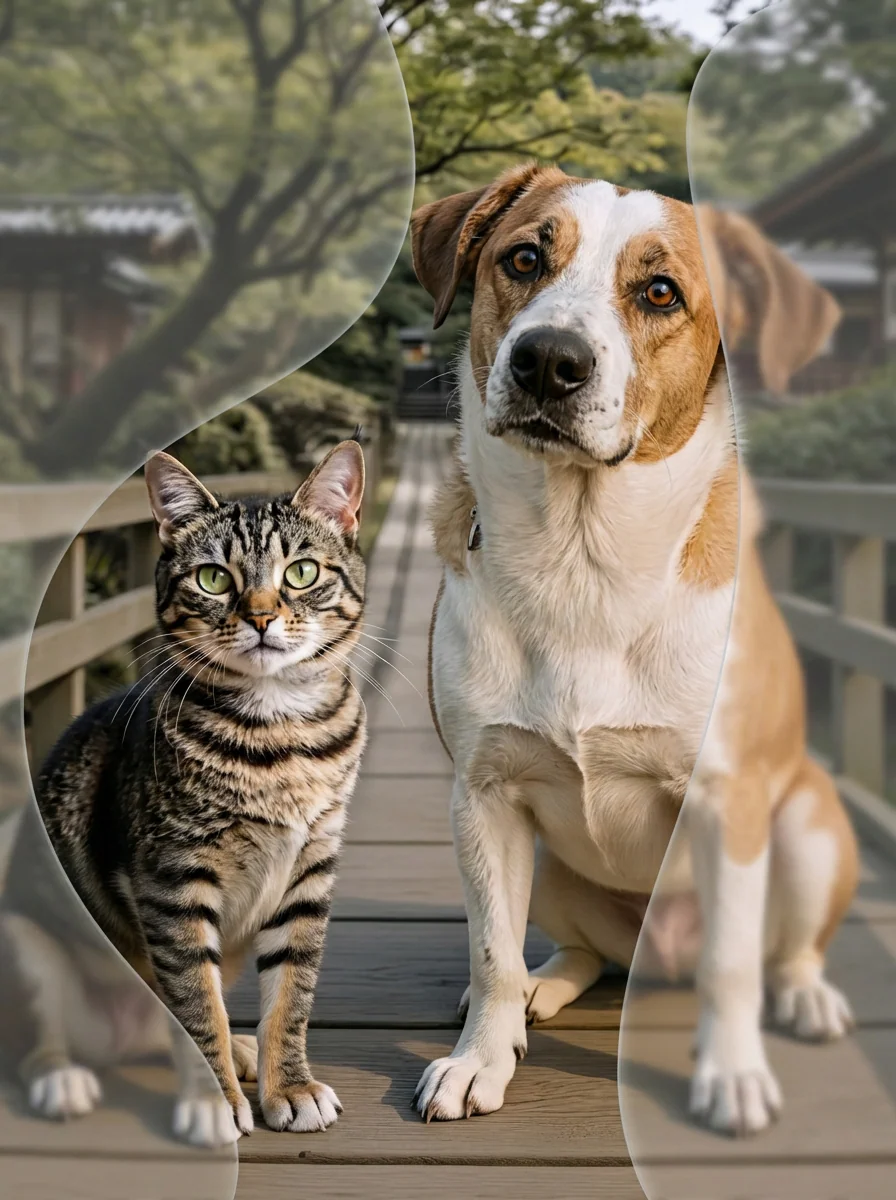
- Group scenes from separate photos: two people photographed apart now shaking hands, or a cat and a puppy sitting in a car, painted like The Starry Night given as a third image.
Inputs
- Images: up to four JPG, PNG, GIF, WebP or HEIC files or URLs. For an edit, the picture to change goes first; the model was trained with that order.
- Prompt: the instruction, referring to images by position ("the first image", "Image 3").
- Inference steps: 25 by default, from 1 to 500.
- Guidance scale: 3.5 by default, from 1 to 20. It sets how strongly the instruction steers the result.
Outputs
One image per run. In the samples the output keeps the orientation of the first input: 832 by 1248 pixels for portrait, 1248 by 832 for landscape.
Recommended settings
The authors' own scripts run 30 inference steps at a guidance scale of 3.5, so raise steps from the default 25 to 30 to match them. Say which image changes and what each reference contributes, as in "Make the car in the first image have the same pattern as the mouse in the second image."
Limitations
- Four images at most, which leaves an edit one target and three references.
- There is no mask input. The model picks the region to change, and nearby details can move: in the try-on sample the man's hands drop from his jacket buttons to his sides.
Safety & compliance
The DreamOmni2 LoRA and the fine-tuned Qwen2.5-VL weights are released under Apache-2.0. They run on FLUX.1 Kontext [dev], whose weights fall under the FLUX.1 [dev] Non-Commercial License; that license allows generated images to be used for commercial purposes. The authors ask users to follow local laws and use the model responsibly, and accept no responsibility for misuse. If an input shows a real person's face, make sure you have that person's consent.
Example prompts
Great starting points for DreamOmni2.
API quick start
Run DreamOmni2 with a single API call.
{
  "prompt": "Replace the suit in the first image with …",
  "inputImage": "https://your-cdn.com/input.png",
  "steps": 25,
  "scale": 3.5
}
curl -X POST "https://api.wiro.ai/v1/Run/xiabs/dreamomni2" \
-H "Content-Type: application/json" \
-H "x-api-key: YOUR_WIRO_API_KEY" \
--data-binary @- <<'JSON'
{
"prompt": "Replace the suit in the first image with …",
"inputImage": "https://your-cdn.com/input.png",
"steps": 25,
"scale": 3.5
}
JSONOther models you might like
Explore similar image generation models.