Try Kling V4 Video Generator from Kling-AI →
Models
Agents
Workflows
Studio
PricingBlogDocs
ExploreDiscover models by categoryBrowse All ModelsBrowse the complete catalogSee FavoritesSign in to view saved models
Generative Media AgentCreate and edit media by chattingWorkflow AgentBuild visual workflows with Agent
OverviewThe platform at a glanceLearnSkills, knowledge, guardrailsAnatomyWhat makes agents reasonBuild Your AgentPick skills, set tier, deploy
Pre-built AgentsBrowse the catalog
Agent Usecases
Ad Campaign ManagerApp Event ManagerApp Review RepliesBarber BookingCustomer Win-BackEcommerce ListingsRestaurant Reviews
Sign InStart Building

Task History

Click to see output list

No tasks yet

Go to Models
Discover AI models

Search the full model catalog.

Discover and compare production-ready models. Filter by modality, provider, pricing, and production fit.
92 models2 active filters

Active filters

Wiro AI

Utilities

Video Generation

Text to VideoImage to VideoVideo to Video

Image Generation

2
Text to ImageImage to ImageImage EditingImage to Text

Audio & Speech

Text to SpeechSpeech to TextSpeech to SpeechVoice Clone

Realtime Stream

Realtime Conversation

Music Generation

Music Generation

3D Generation

LLM & Chat

LLM

Partners

Need help choosing?

Compare models by capability, cost, and provider fit.

Showing 61–80 of 92 models
flux_kontext_dev_with_3_image - AI model cover image

flux_kontext_dev_with_3_image

wiro

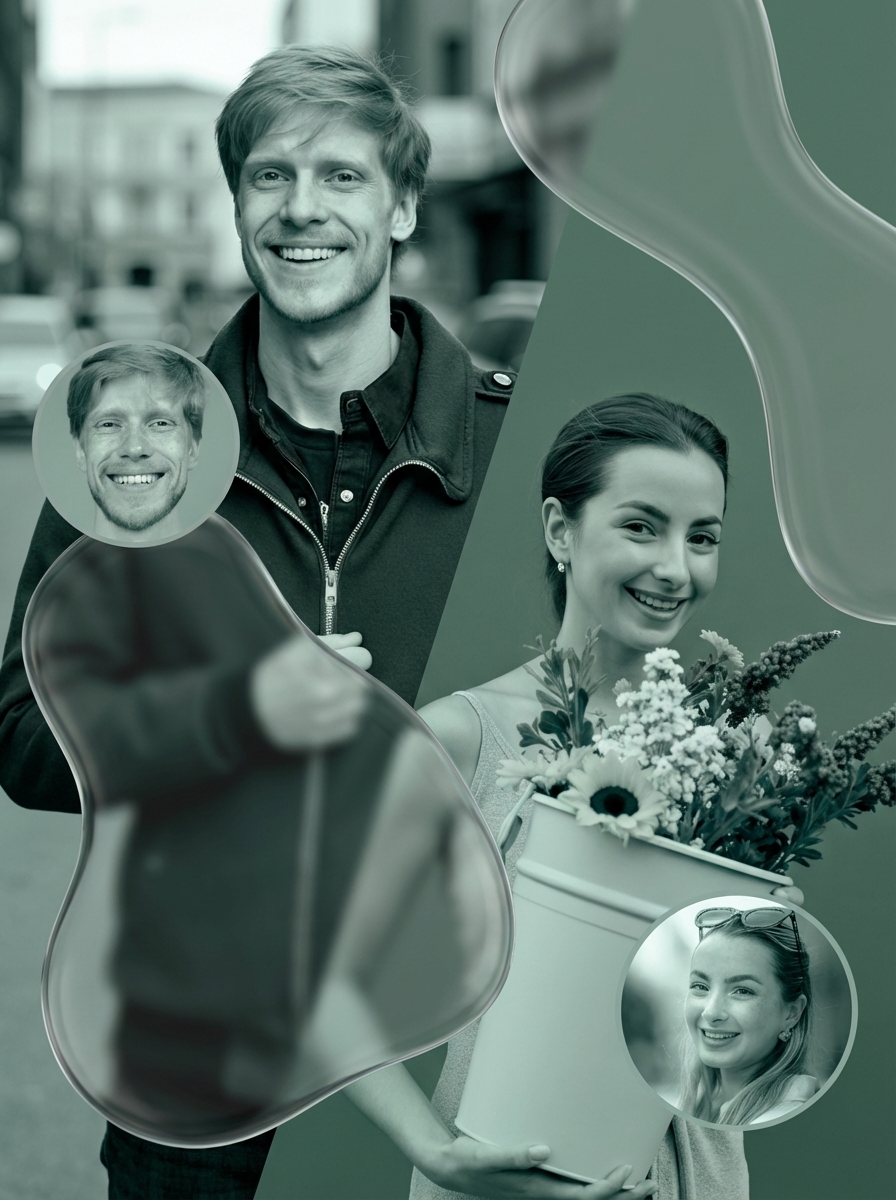
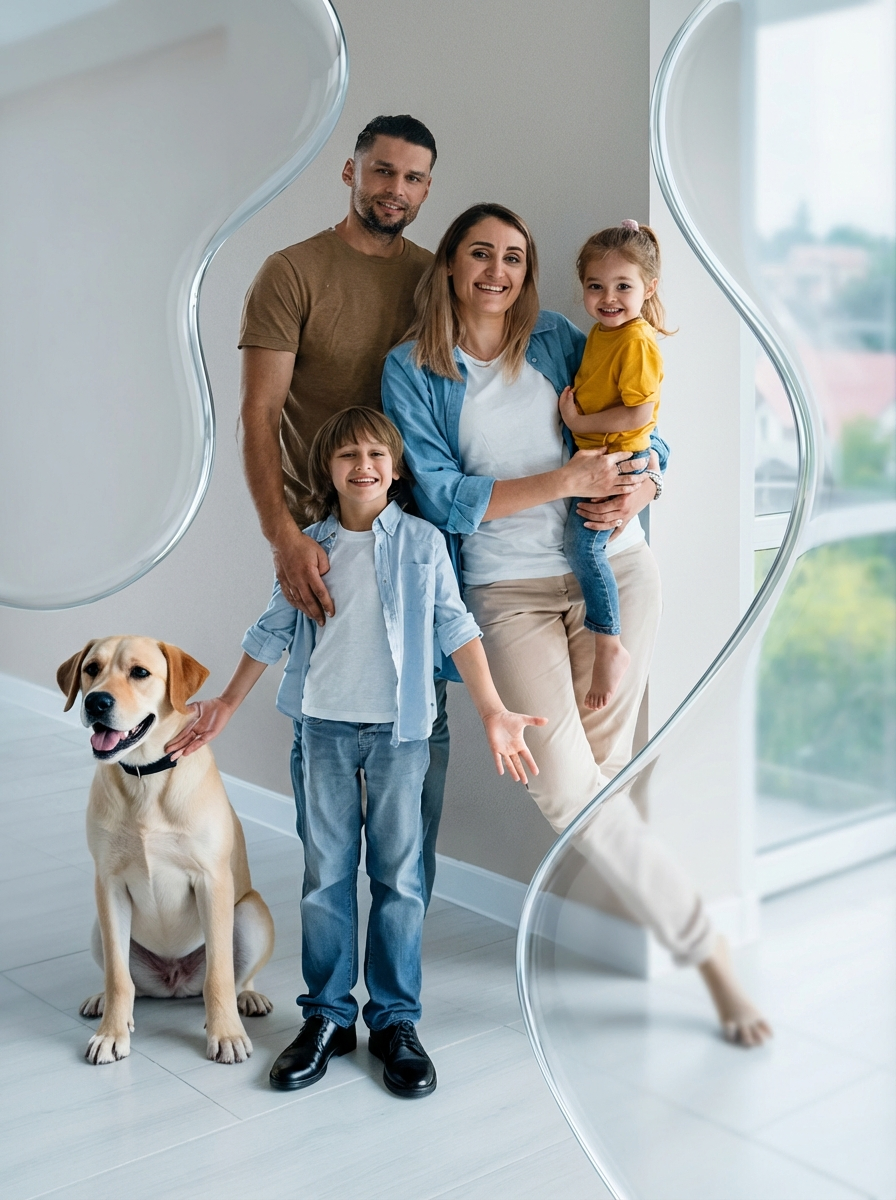
Combines three uploaded pictures into one scene with FLUX.1 Kontext [dev], for example two characters and the room they should sit in, arranged the way your prompt describes.

Image to Image
Run
flux_kontext_dev_with_2_image - AI model cover image

flux_kontext_dev_with_2_image

wiro

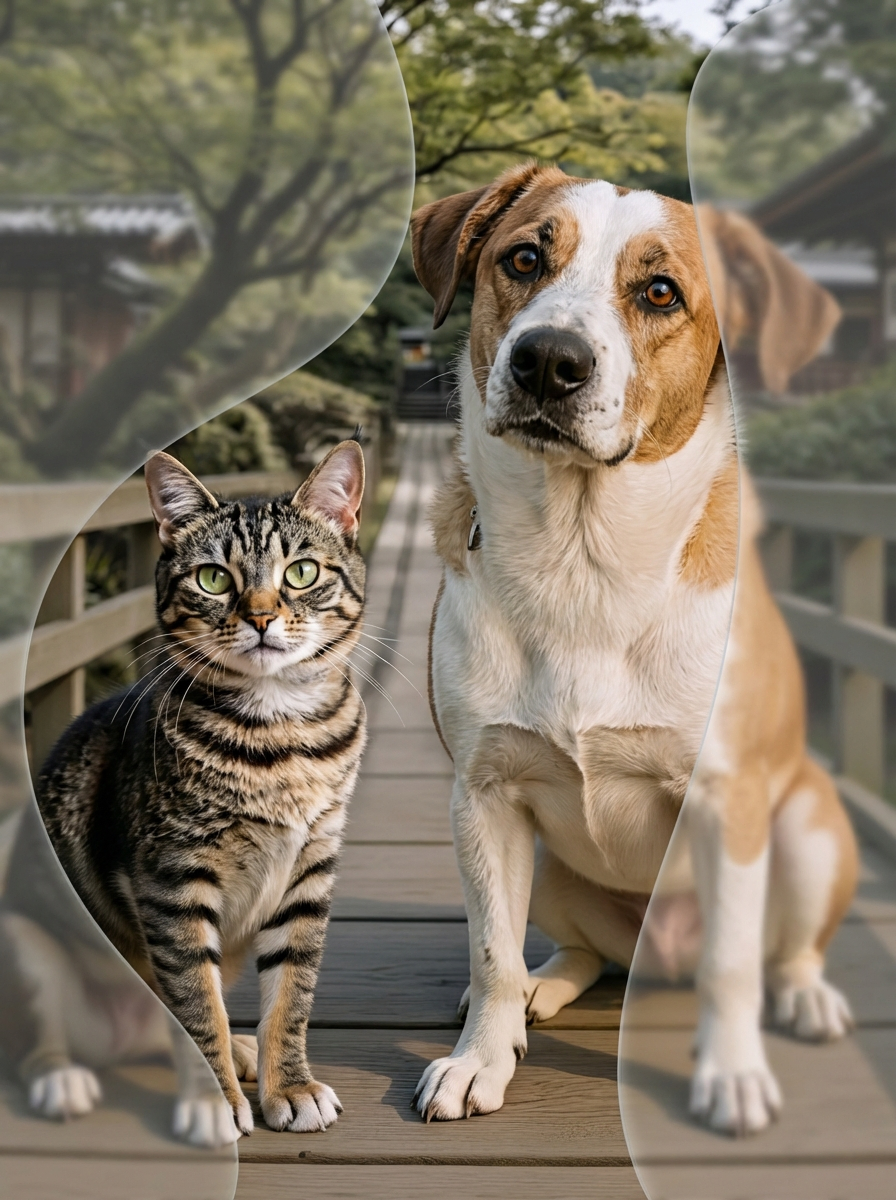
Places something from one photo into another with FLUX.1 Kontext [dev]. Upload a scene and a second picture, such as a toy dog or a stone texture, and say in the prompt where it belongs.

Image to Image
Run
flux_kontext_dev - AI model cover image

flux_kontext_dev

wiro

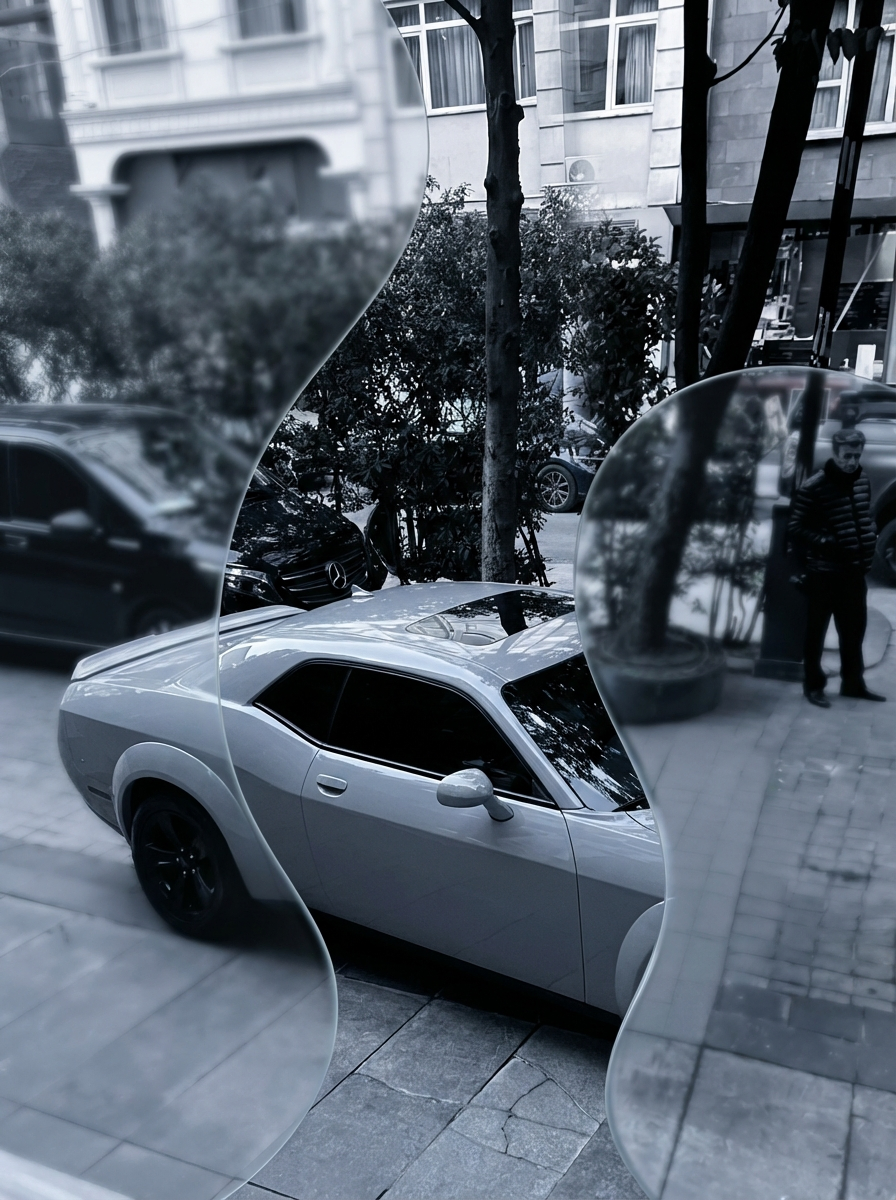
Edits one photo from a written instruction using Black Forest Labs' FLUX.1 Kontext [dev]. Ask it to remove a parked car or add rain, and the rest of the scene carries over, redrawn as a 1024 by 1024 square.

Image to Image
Run
filters - AI model cover image

filters

wiro

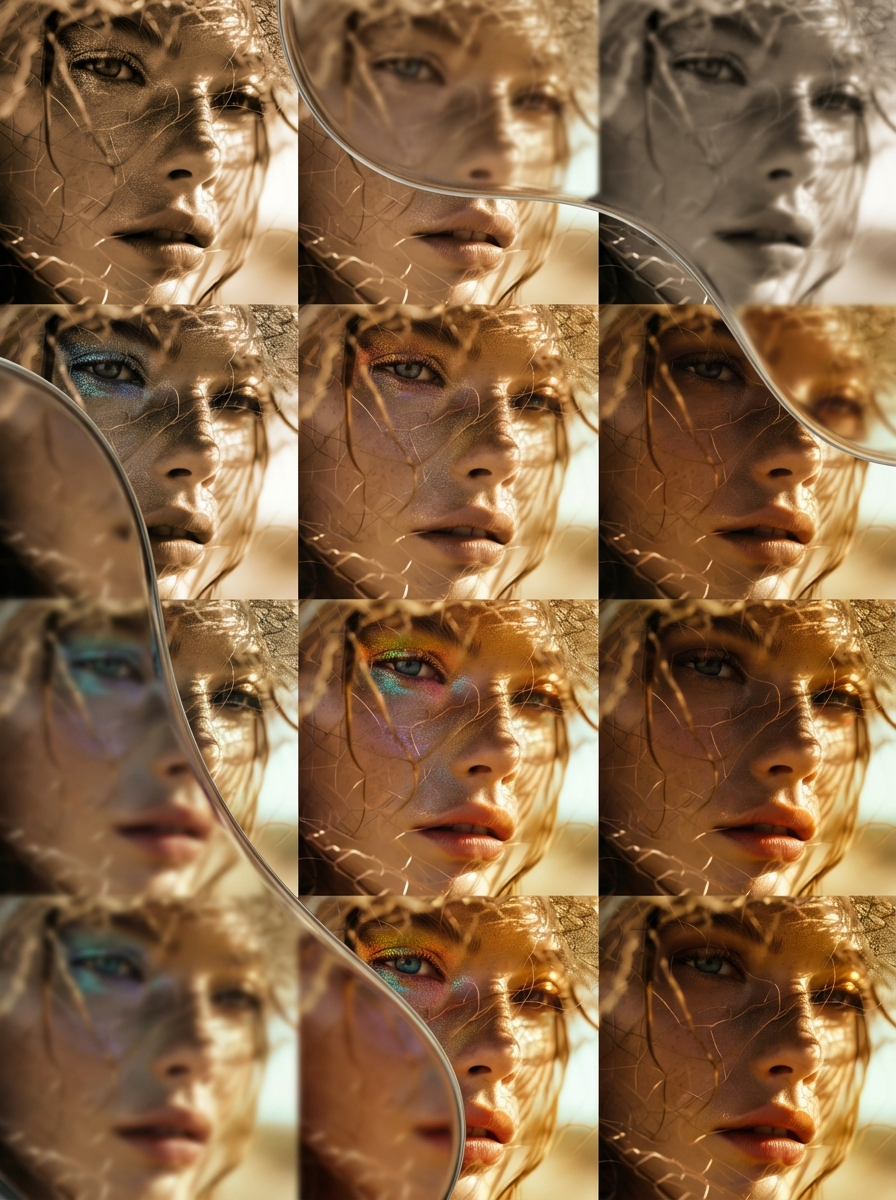
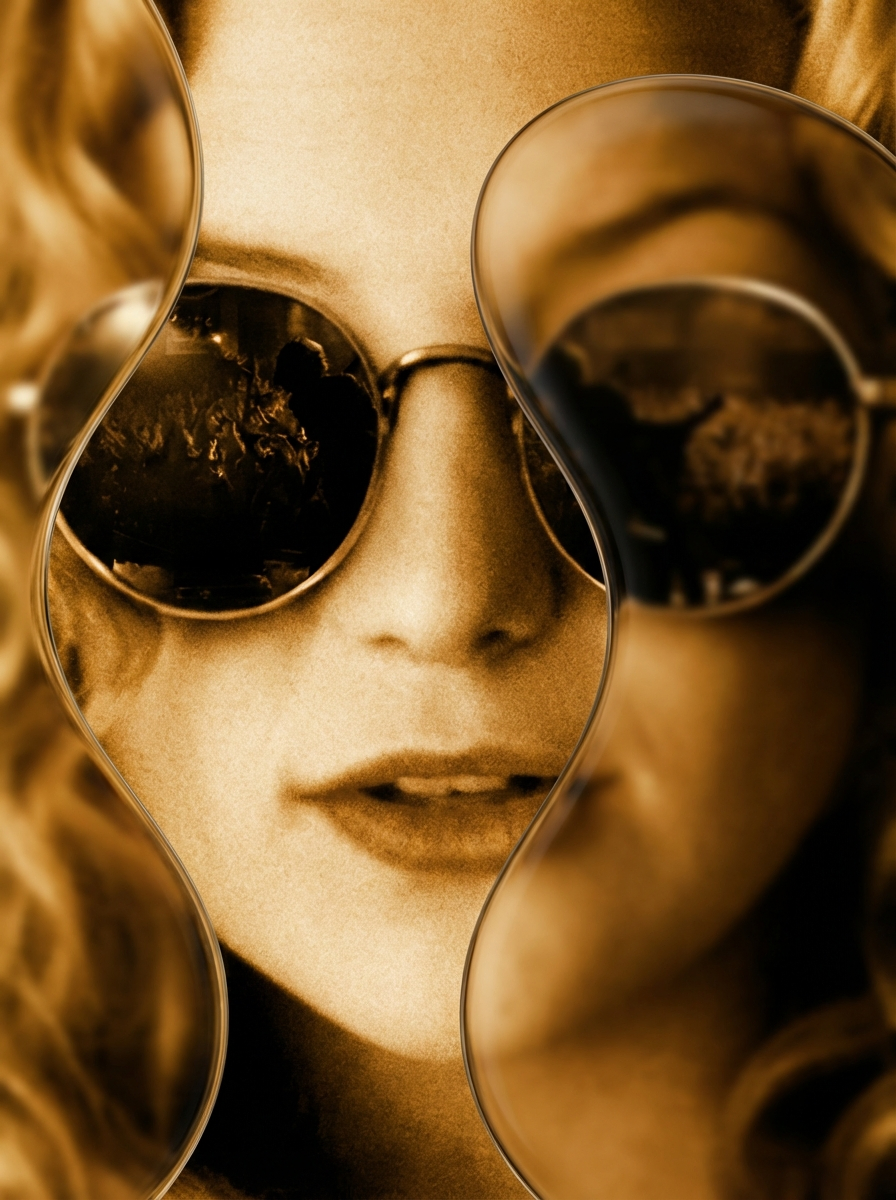
Recolors a photo with one of six looks: Vivid, Black and White, Sepia, Grayscale, Warm or Cool. The subject and framing of the picture stay as they were.

Image to Imageimage generationimage editing
Run
restore-image - AI model cover image

restore-image

wiro

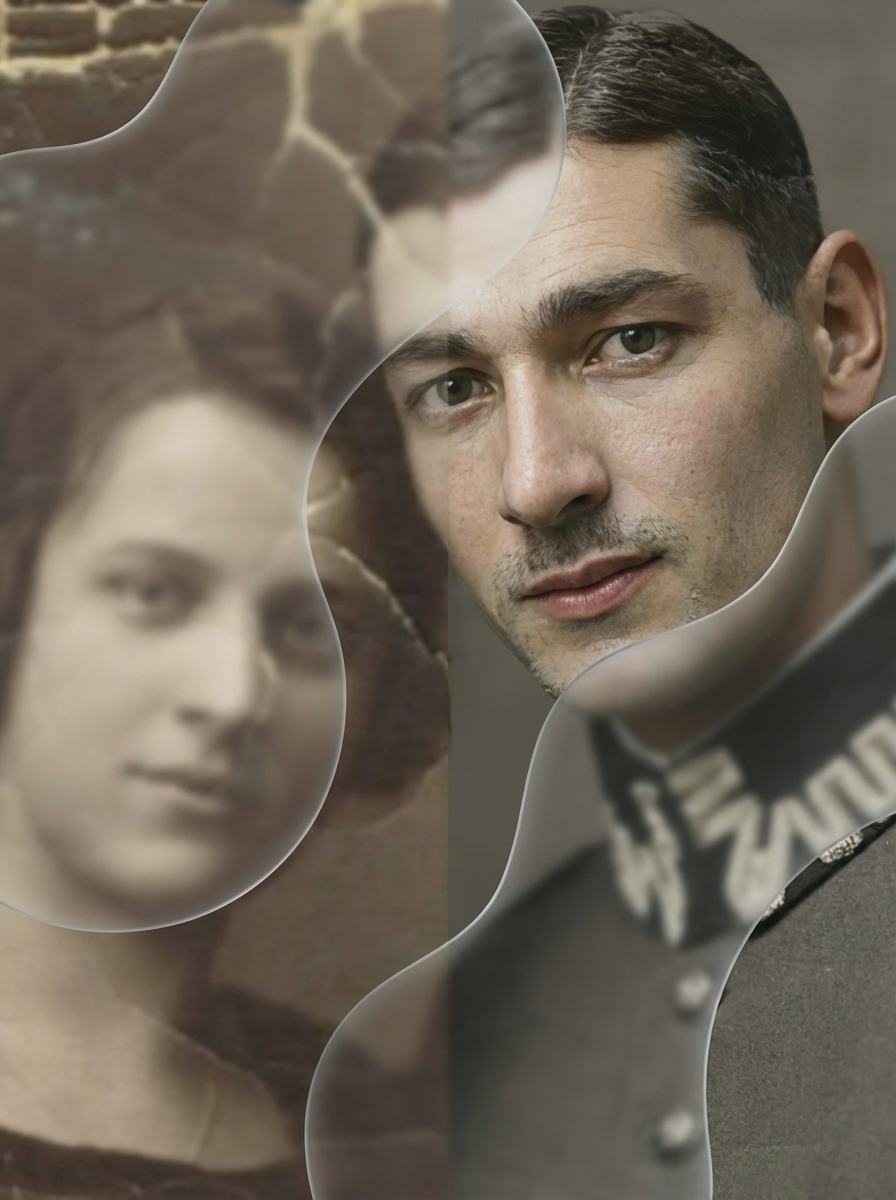
Repairs cracked or faded old photos and returns them in color. There is no prompt: you upload one image and the app redraws it.

Image to Imageimage generationimage editing
Run
professional-headshot - AI model cover image

professional-headshot

wiro

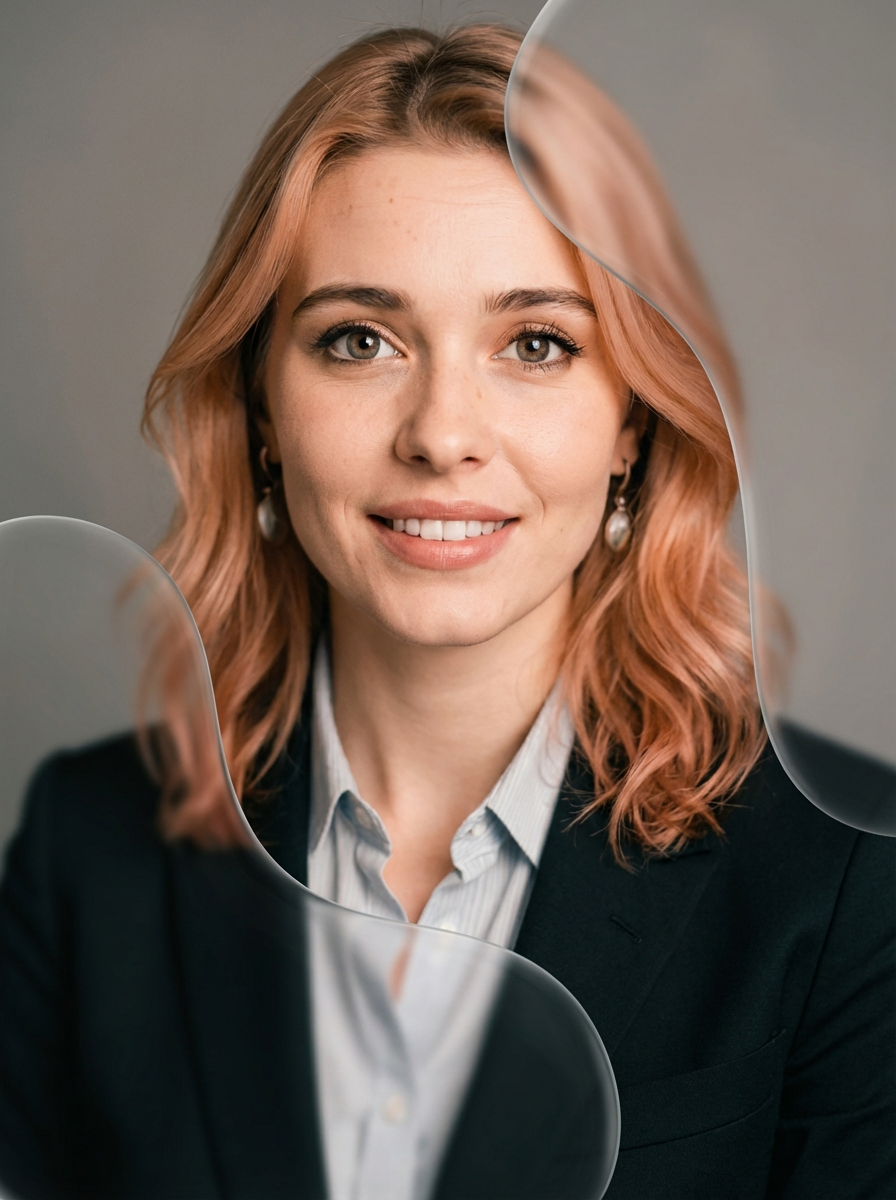
Create polished professional headshots instantly. Our image-to-image AI refines your photos into high-quality headshots, ensuring a crisp, professional, and confident look. Perfect for résumés, LinkedIn, and corporate profiles.

Image to Imageimage generationimage editing
Run
extreme-scenarios - AI model cover image

extreme-scenarios

wiro

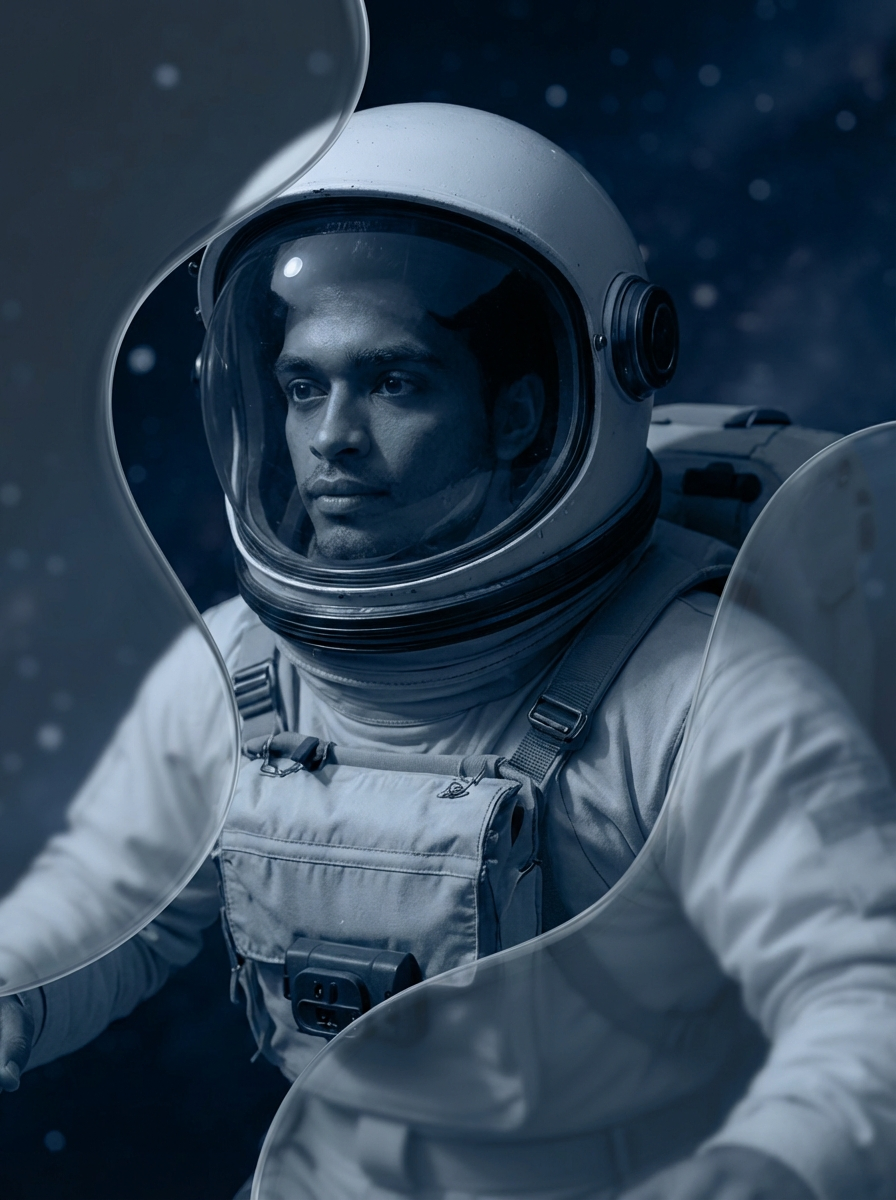
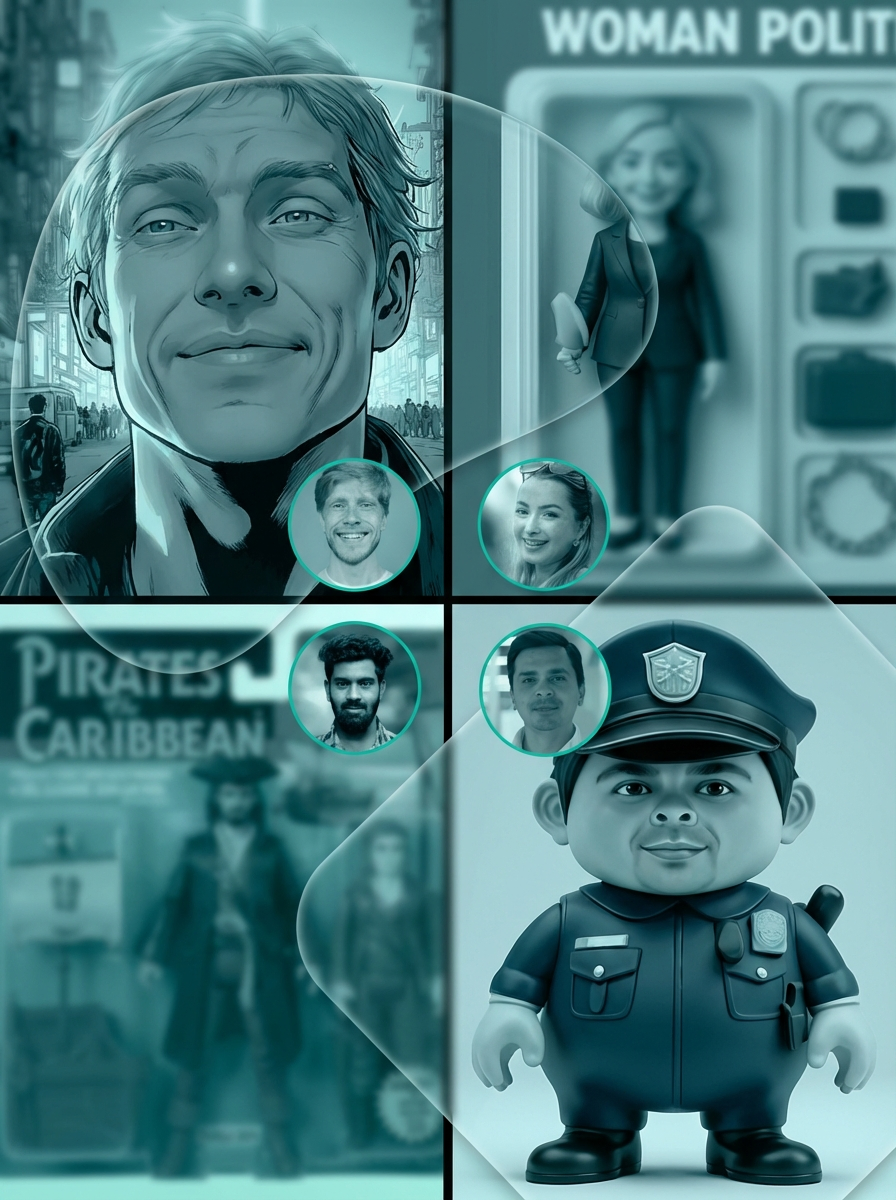
Generates an action or fantasy scene, such as a moonwalk or a volcano expedition, around the person in a photo and drops the original background. There are 32 scenarios, with Random as the default.

Image to Imageimage generationimage editing
Run
iconic-locations - AI model cover image

iconic-locations

wiro

Places the person from your photo at one of 66 named locations, such as the Eiffel Tower or Machu Picchu, in the same clothes and roughly the same pose. The location list starts on Random.

Image to Imageimage generationimage editing
Run
cartoonify - AI model cover image

cartoonify

wiro

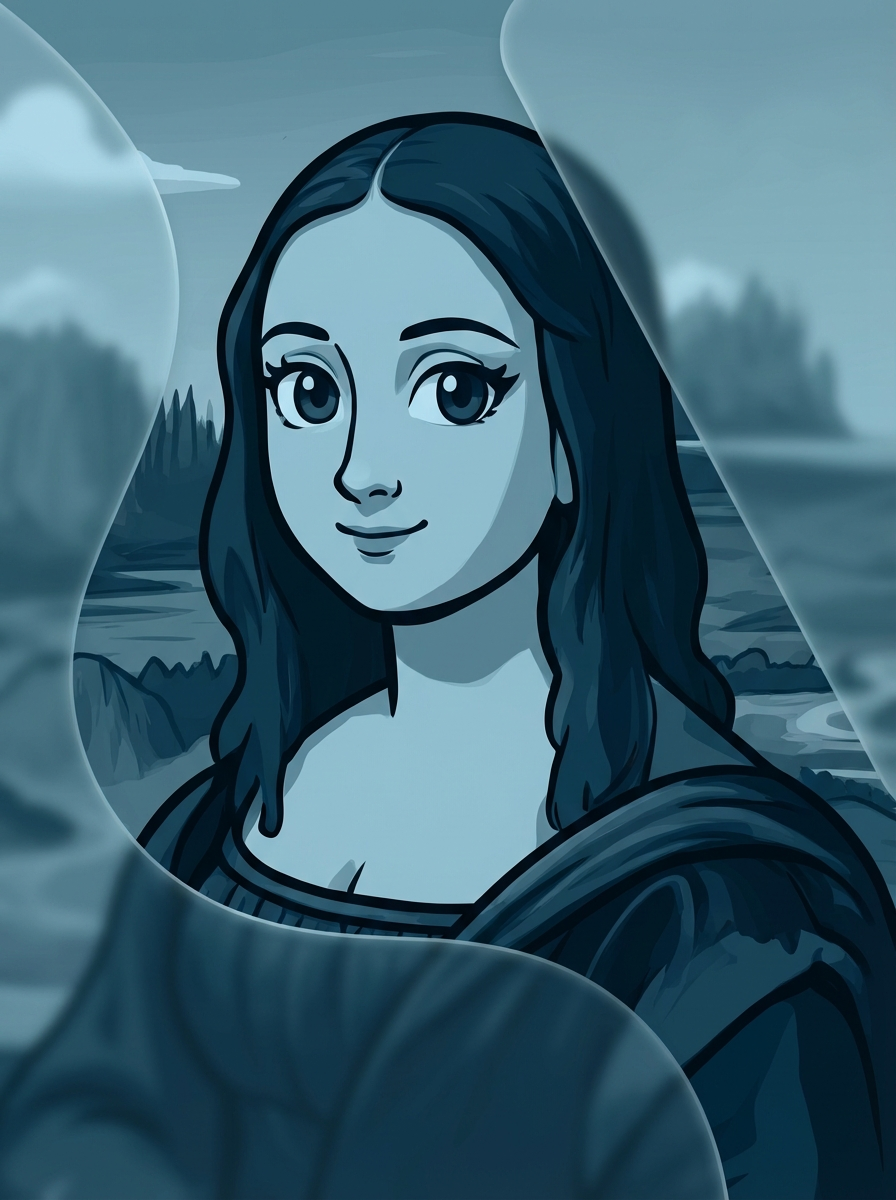
Redraws a photo as a cartoon with black outlines and flat color, leaving the person and the background where they were. You only supply the image; there is no text prompt.

Image to Imageimage generationimage editing
Run
renaissance - AI model cover image

renaissance

wiro

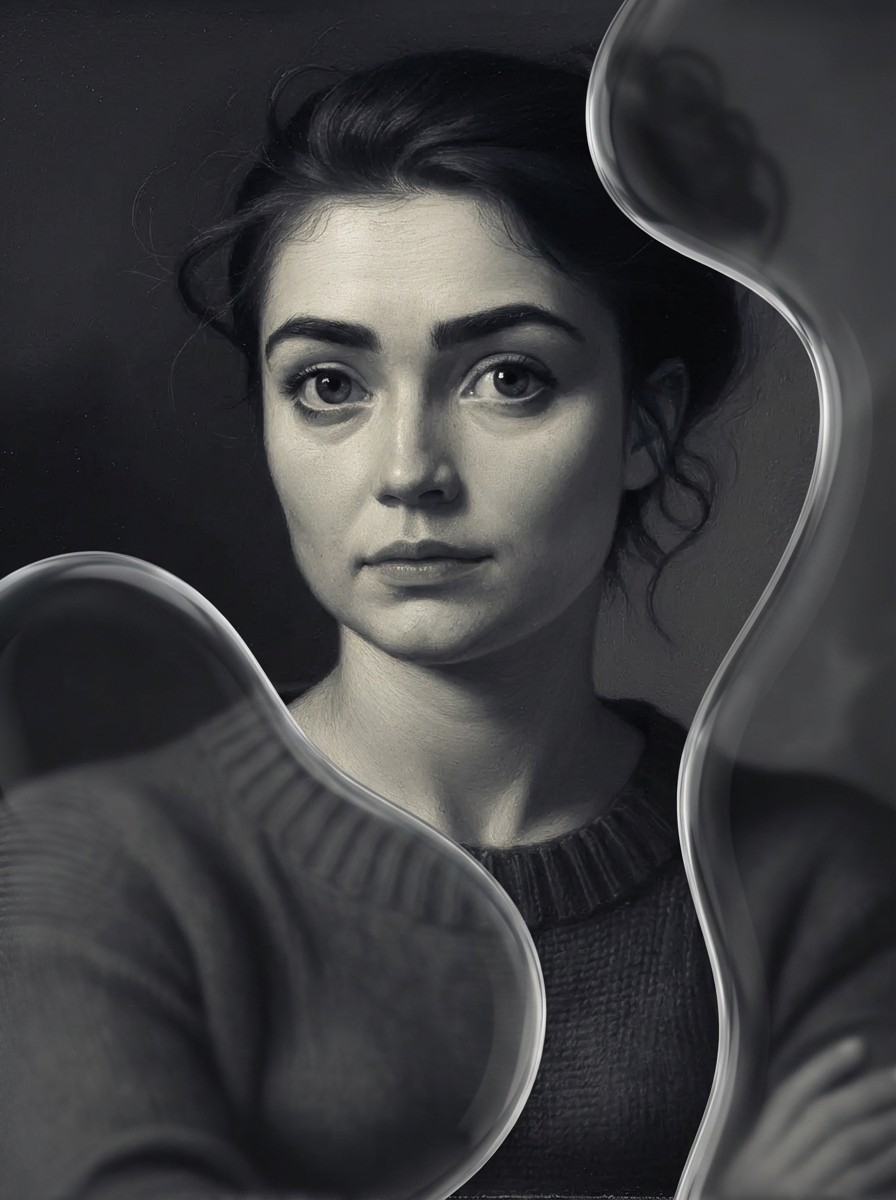
Old-master portrait filter: upload a photo and choose one of 12 named looks, from Leonardo da Vinci and Caravaggio styles to Venetian and Northern Renaissance.

Image to Imageimage generationimage editing
Run
text-removal - AI model cover image

text-removal

wiro

Erases the lettering in an image, signs included, and fills the gap with matching background. There is no prompt or mask to supply.

Image to Imageimage generationimage editing
Run
style-persona - AI model cover image

style-persona

wiro

Restyles a portrait photo with an art style and a character persona chosen from two lists, with switches to keep the original outfit and background.

Image to Imageimage generationimage editing
Run
flux-kontext-max-multi - AI model cover image

flux-kontext-max-multi

wiroai

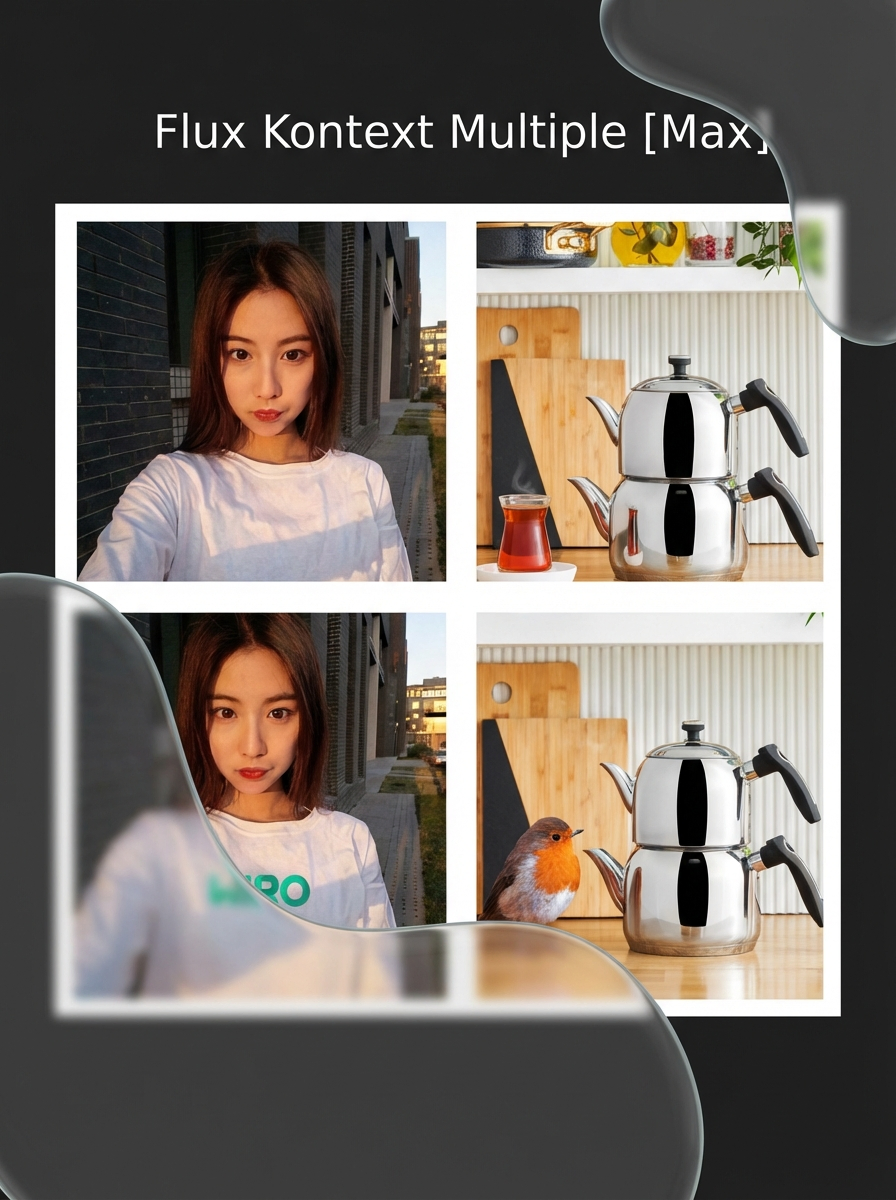
Two-image editing with FLUX.1 Kontext [max]. Put the scene first and the logo or product you want to add second, then describe in plain words where it goes.

Image to Imageimage generationflux-kontext
Run
flux-kontext-max - AI model cover image

flux-kontext-max

black-forest-labs

A premium text-based image editing model that delivers maximum performance and improved typography generation for transforming images through natural language prompts.

Image to Imageimage generationflux-kontext
Run
flux-kontext-pro - AI model cover image

flux-kontext-pro

black-forest-labs

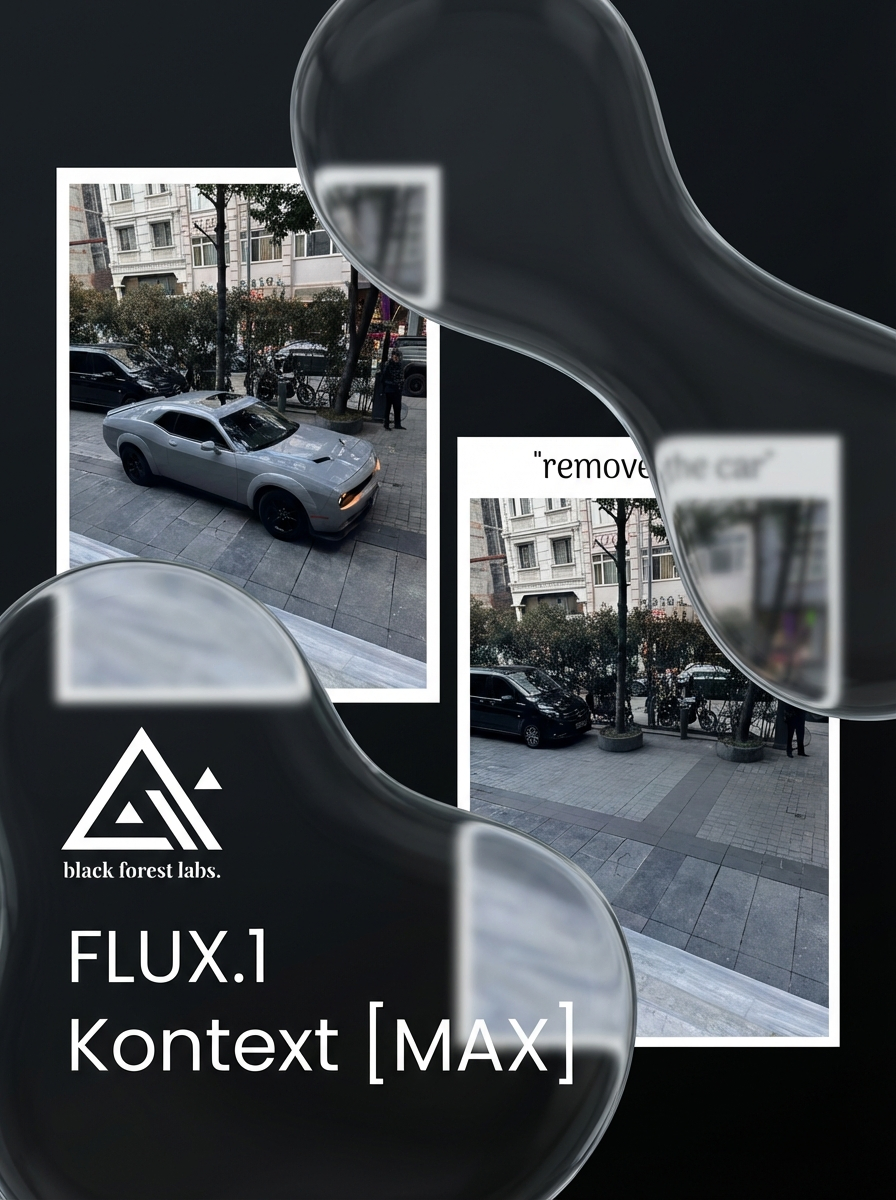
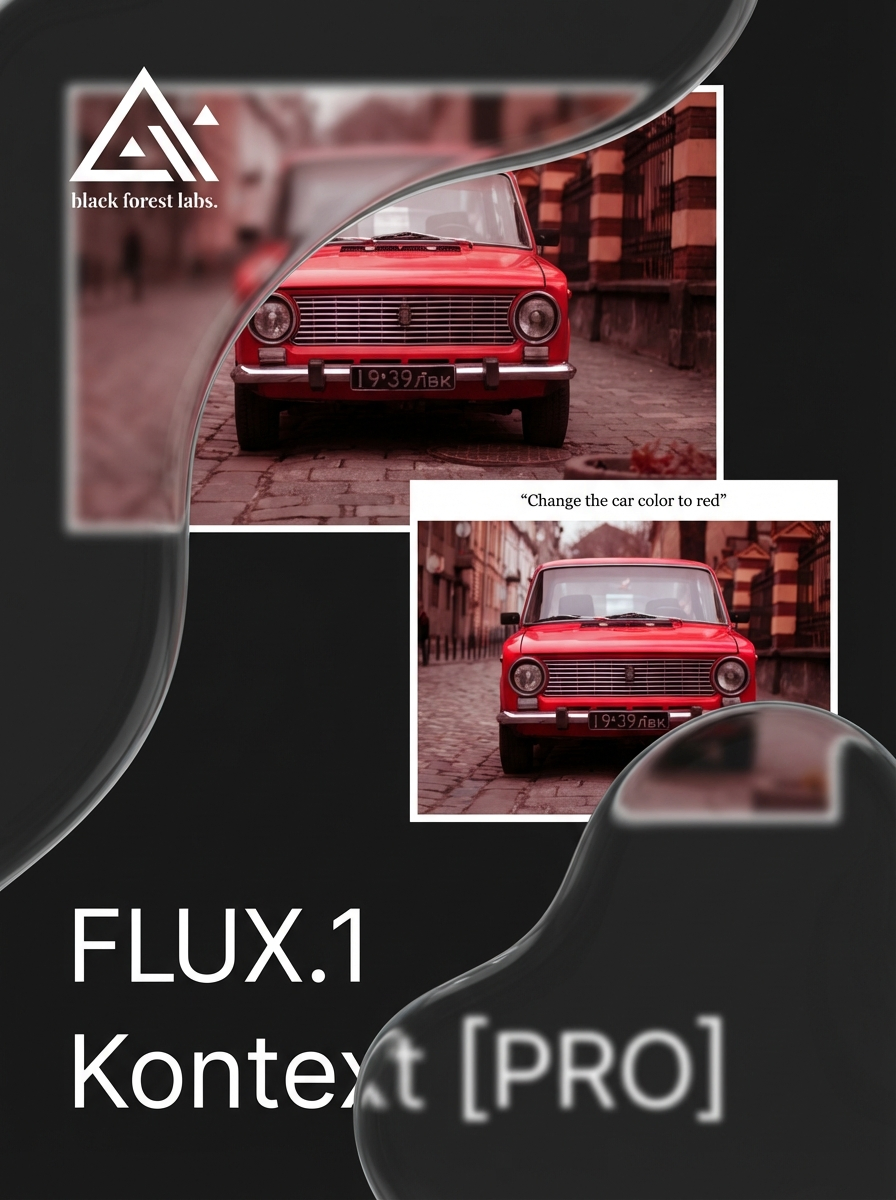
Edits an image from a plain-language instruction such as "Remove the car", with no mask, and keeps the rest of the picture in place. With no image attached it generates from text.

Image to Imageimage generationflux-kontext
Run
InfiniteYou-flux - AI model cover image

InfiniteYou-flux

wiro

Places the person from one portrait photo into a new scene described by your prompt. Built on ByteDance's InfiniteYou for FLUX.1-dev, using the variant with higher identity similarity.

Image to Image
Run
InfiniteYou-flux-lora - AI model cover image

InfiniteYou-flux-lora

wiro

InfiniteYou-Flux-LoRA extends InfiniteYou with LoRA fine-tuning capabilities for even deeper personalization and stylistic control. InfiniteYou is a flexible photo editing tool that transforms and enhances portraits while preserving the subject’s unique identity. With LoRA enhancement, you can adapt styles, customize personas, and achieve detailed, high-fidelity results tailored to your creative vision.

Image to Image
Run
remove-background - AI model cover image

remove-background

wiro

Removes the background from photos and returns each subject as a PNG cutout with transparency. One run takes up to 30 images.

Image to Image
Run

vgen

wiro

Sets a still image in motion, following a text prompt for what should move. The model is I2VGen-XL from Alibaba's Tongyi Lab, with adjustable frame rate and output size.

Image to Image
Run
ic-light-background - AI model cover image

ic-light-background

wiro

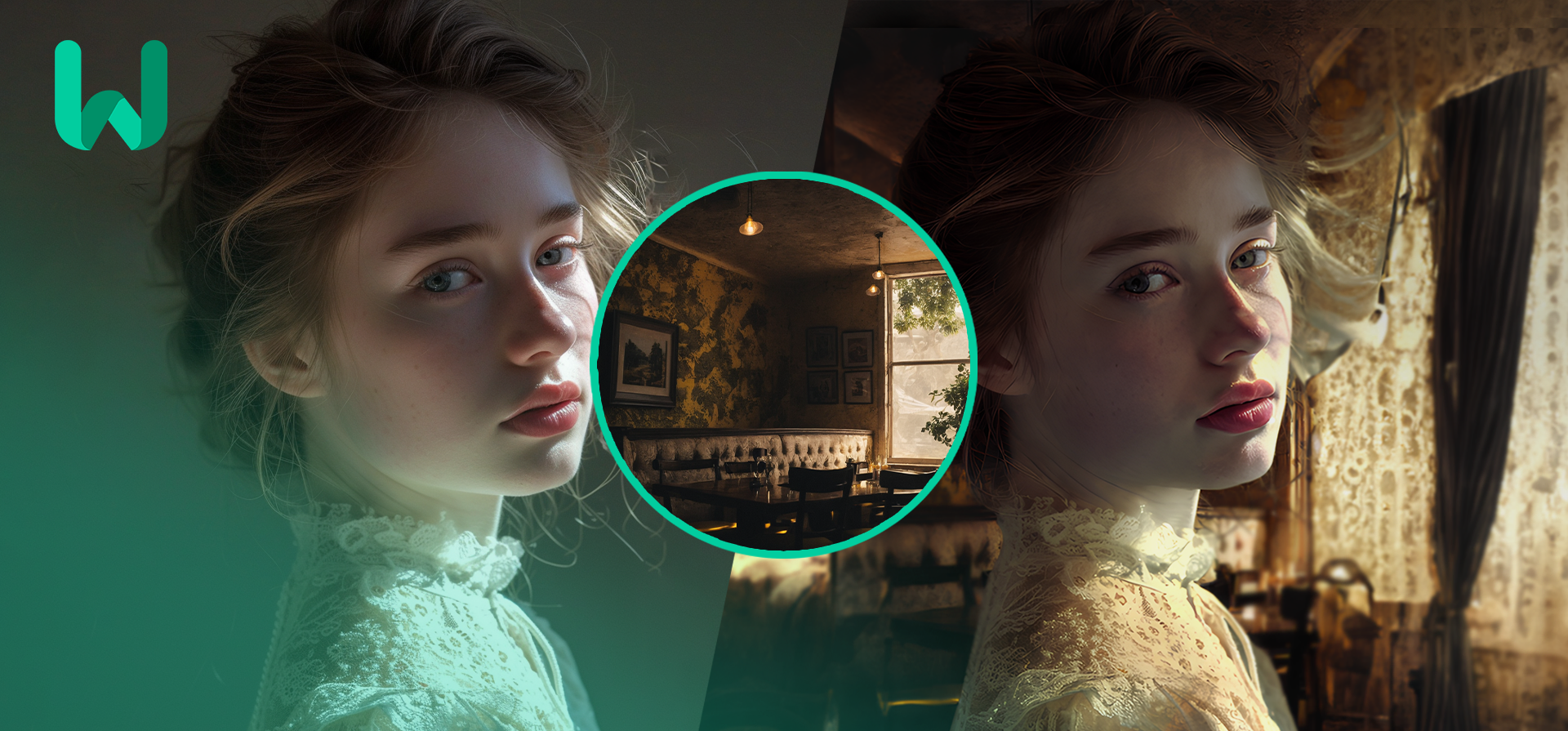
Places the subject of one photo onto a background image you choose and relights the subject to match the new scene, using IC-Light's background-conditioned model.

Image to Image
Run
Showing 61–80 of 92 models
  • 1
  • 2
  • 3
  • 4
  • 5

Discover, test, and run AI models, build workflows and agents with one unified API.

All systems operational
WiroModelsAgentsPricingAboutBlogCareersContactPartnerChangelogStatusFAQ
CategoriesText to ImageImage to ImageImage EditingImage to TextText to VideoImage to VideoVideo to VideoText to SpeechSpeech to TextSpeech to SpeechVoice CloneRealtime ConversationMusic GenerationLLMUtilities
ModelsNano Banana 2GPT Image 2.5Seedream V5 ProSeedance 2.5Veo 3.1Kling V3FLUX 3FLUX.2 ProWan 3.0 PrimeGrok Imagine 1.5
PartnersGoogleOpenAIByteDanceBlack Forest LabsKling AIQwenAlibabaxAIMiniMaxElevenLabs
Getting StartedIntroductionAuthenticationProjectsCode ExamplesWiro MCP ServerSelf-Hosted MCPn8n IntegrationLLMs.txt
API ReferenceModelsRun a ModelModel ParametersTasksLLM & Chat StreamingWebSocketRealtime VoiceFiles
© 2026 Wiro AI. All rights reserved.
PrivacyTermsData Deletion