Image to Text
Runs a vision language model of your choice on an image and returns its answer to your question as text. LLaVA v1.6 Mistral 7B is selected by default.


Overview
Image to Text sends an image and a question to a vision language model you pick from a list, then returns that model's reply as text. The list includes LLaVA v1.6 Mistral 7B, the default, and Salesforce's BLIP and BLIP-2 checkpoints. A second list shows private image-to-text models from your own account, which run through the same form.
What you can build
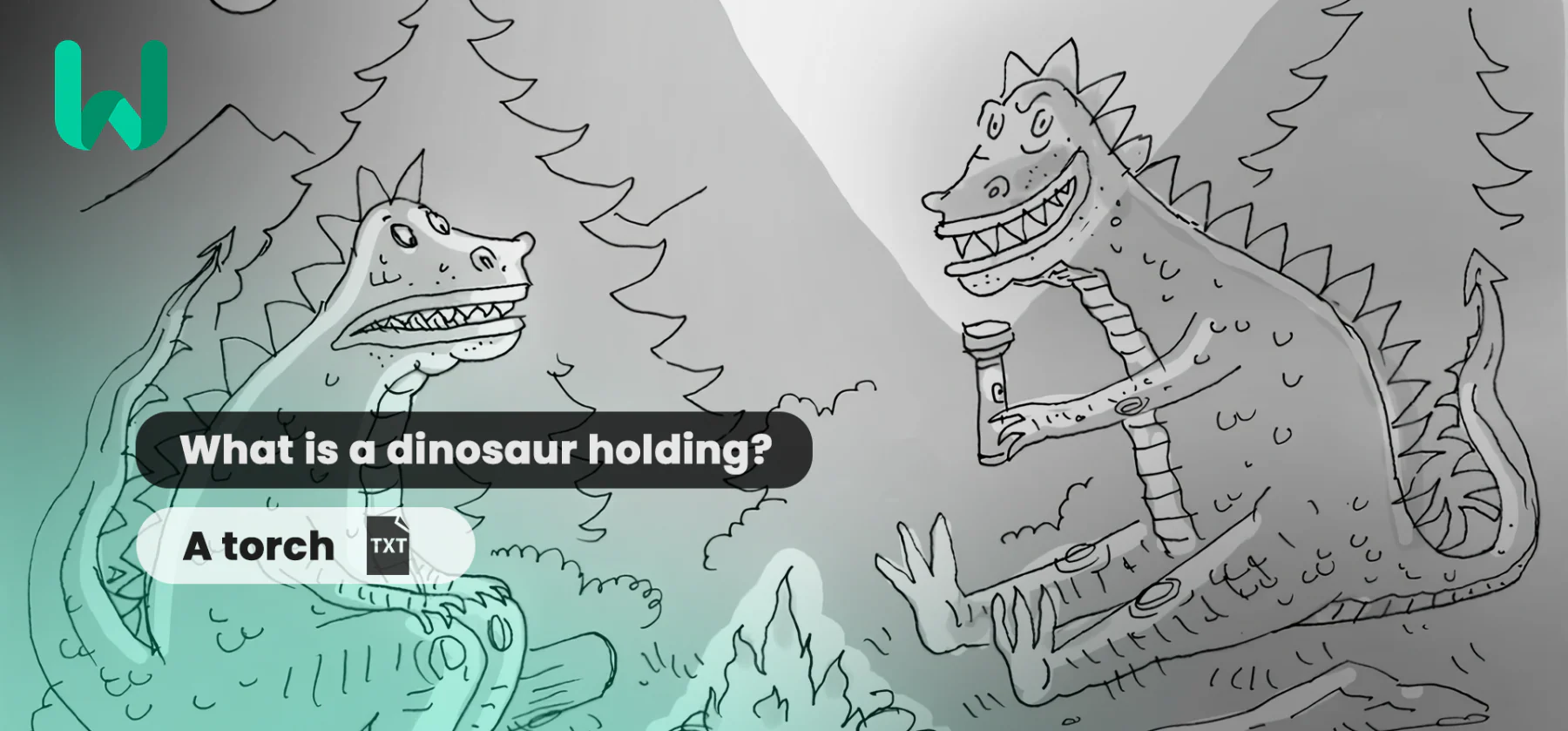
- Visual question answering, such as asking what a person is holding or what color a car is
- Short captions and alt text for photo libraries
- Product or stock photo tagging, where each image gets a short description you can search
Inputs
- A model (required), picked from the public list or from your private models.
- One image, uploaded as a file or given as a public URL.
- A prompt (required). By default it asks what is in the image.
- A token limit under the advanced settings: 1 to 500, default 30. It caps the length of the answer.
Outputs
Plain text, and answers to direct questions can be a single word. In the samples, a model answered "harp" when asked what a winged figure in a painting is holding, and "a turtle swimming in the ocean" when asked what it saw in an underwater photo.
Recommended settings
- For a paragraph-length description, raise the token limit well above 30, since the default cuts longer answers short.
- Send the same image and question to two or three models and compare the replies before you pick one.
Limitations
- Answer quality and length depend on the model you select.
- Each run takes one image and one question and keeps no memory of earlier runs.
Safety & compliance
Each model in the list comes with its own license, so read the terms of the one you build on. Use photos of recognizable people only with their permission.
Example prompts
Great starting points for vlm-image-to-text.
API quick start
Run vlm-image-to-text with a single API call.
{
  "prompt": "What is in the image?",
  "selectedModel": 562,
  "inputImageUrl": "https://your-cdn.com/input.png",
  "selectedModelPrivate": "..."
}
curl -X POST "https://api.wiro.ai/v1/Run/wiro/vlm-image-to-text" \
-H "Content-Type: application/json" \
-H "x-api-key: YOUR_WIRO_API_KEY" \
--data-binary @- <<'JSON'
{
"prompt": "What is in the image?",
"selectedModel": 562,
"inputImageUrl": "https://your-cdn.com/input.png",
"selectedModelPrivate": "..."
}
JSONOther models you might like
Explore similar image generation models.