AI agents for app reviews turn a mixed store-feedback queue into a repeatable support and product workflow. This update tests the workflow, not a named foundation model. The post does not name a Wiro model, publish a prompt, or record a model run, so it would be misleading to assign a run time or cost to the two existing visual outputs. Instead, the useful question is whether a review agent can sort each review correctly, produce a safe draft, and leave an audit trail for a human to check.
That distinction matters. An app store review can be praise, a reproducible bug report, a payment issue, a safety complaint, or a request for account help. Treating all of those as “reply to review” tasks creates weak public responses and hides useful signals from the people who can fix the problem.
What the AI agents for app reviews test checks
The test should begin with a realistic batch, not a handful of easy five-star comments. A useful batch includes short reviews, long bug reports, mixed sentiment, different languages, and cases where the right action is not a public reply. The pass condition is simple: each item receives an intent label, a priority, a routing decision, and a draft only when a draft is appropriate.
For each review, capture the store, locale, star rating, review text, app version when available, and review date. Then apply a small, explicit taxonomy: praise, feature request, usability question, bug, billing or account issue, abuse or safety concern, and unknown. Add a confidence score and an escalation flag. The agent should not invent a fix, promise a release date, ask for private data in public, or mark a serious complaint as routine feedback.
This setup makes the result reviewable. A support lead can sample low-confidence classifications. A product manager can filter bugs by version. A community manager can approve public language before it goes live. That is a stronger standard than measuring whether a single reply sounds friendly.
What the two existing outputs show

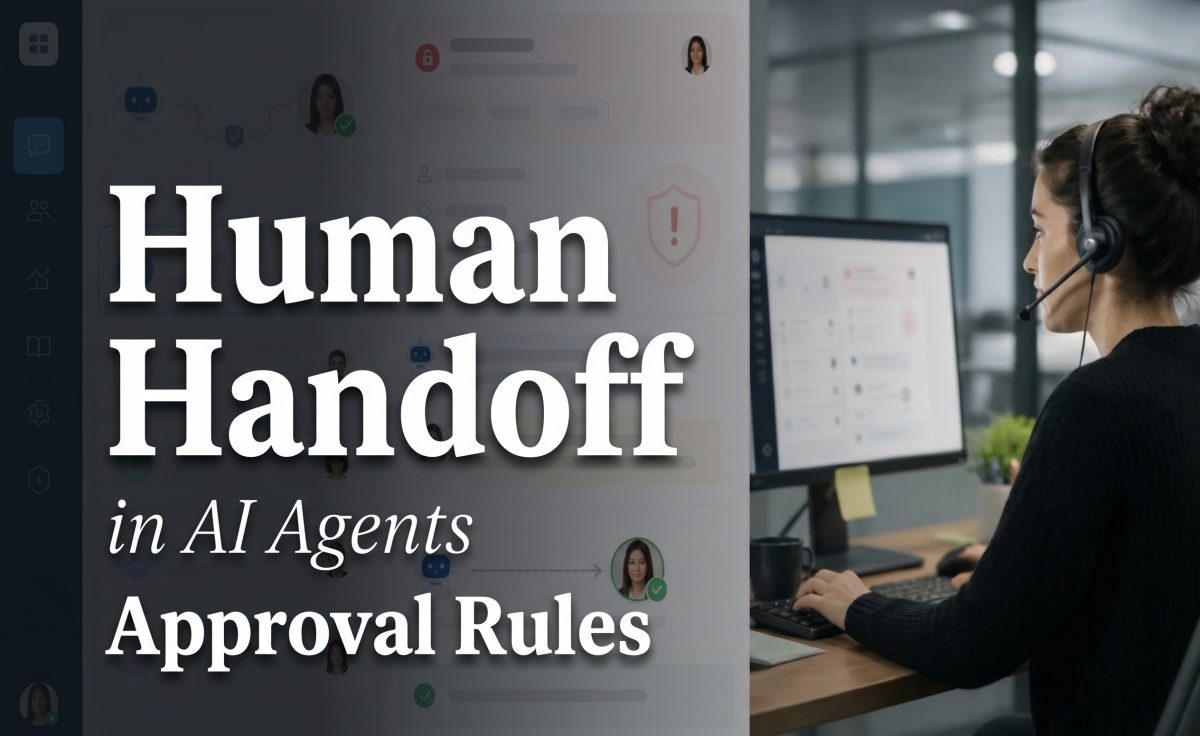
The first output is useful as an operational picture, not as proof of a model benchmark. It shows the workload that a review agent has to organize: reviews enter from public store surfaces, then move through classification, response drafting, and routing. The important test point is the handoff. A multilingual review should keep its original meaning, while the team can still work from a consistent internal label and a clear owner.

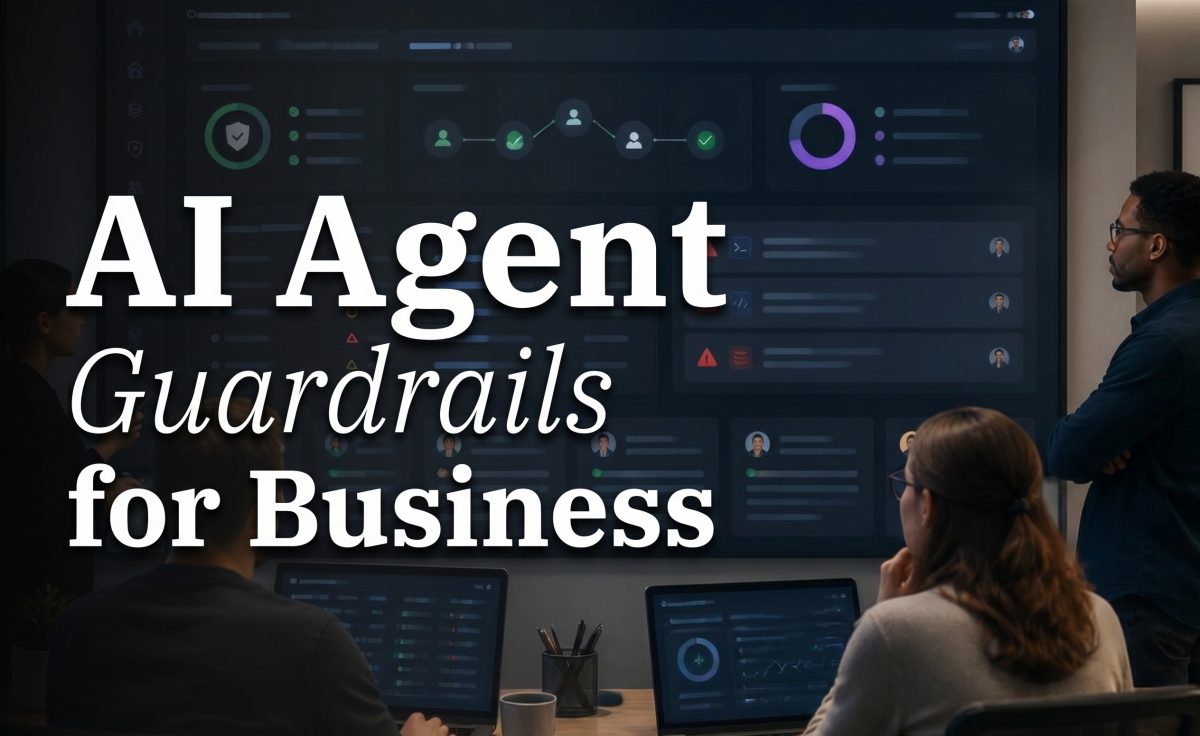
The second output focuses on routing. A reply can acknowledge a problem, but it does not fix a failed login or a duplicate charge. The workflow needs a route to support, billing, or product, plus enough context to make the handoff useful. That includes the review text, a translated version where needed, the inferred issue type, the app version, and the published reply status. A ticket without that context makes the team read the same complaint twice.
Six smart support workflows
1. Sort praise without wasting specialist time
For a positive review, the agent can prepare a short, specific thank-you draft and record the feature the reviewer praised. No escalation is needed unless the review contains a hidden issue. Teams should still approve the final tone if brand voice matters.
2. Turn bug reports into usable product evidence
Bug reports need a different route. Extract the affected feature, device details when present, app version, error wording, and any reproduction clues. Group matching reports after an update so product teams see a pattern rather than fifty unrelated comments. Do not claim the bug is fixed unless a human has confirmed it.
3. Escalate billing and account cases safely
Public store replies must not request passwords, card numbers, or account identifiers. The agent can acknowledge the issue, point the reviewer to a private support route, and tag the item as billing or account access. A human should own refunds, identity checks, and policy exceptions.
4. Handle safety, abuse, and legal-sensitive feedback
Threats, harassment reports, potential child-safety concerns, and legal claims should bypass automated public replies. The right output is an internal escalation with the original text preserved and a clear urgency flag. This is where a strict no-send rule matters more than a polished draft.
5. Compare review themes after a release
Use a release window as a parameter. Compare the issue taxonomy before and after a new version, then inspect clusters with high volume or low sentiment. The agent can surface themes, but a product owner should decide whether a cluster represents a regression, a confusing rollout, or normal variation.
6. Close the loop with retention work
A review agent should share approved patterns with lifecycle teams without turning public reviews into targeting data. Common onboarding questions may justify clearer in-app guidance. A spike in cancellation language may justify a support investigation. Related workflows include mobile growth AI agents, AI agents for push notifications and app events, and AI agent audit trails.
Parameters, runtime, and cost
Set the parameters before enabling replies: supported stores and locales; the intent taxonomy; confidence threshold; escalation categories; whether drafts need approval; maximum public reply length; tone rules; and ticket destinations. For example, a low-confidence item should queue for review instead of receiving a reply. A billing, safety, or legal label should always escalate.
No named model is covered in this post, and the stored post does not include Wiro run records for its two inline outputs. Therefore, no honest runtime or cost per output can be reported here. Those numbers depend on the selected model, input length, output length, and workflow configuration. A production test should log the model name, prompt or policy version, start and finish time, input and output sizes, result status, and charged cost for every run. Without that record, a precise figure would be invented.
For platform rules around monitoring and responding, see Apple’s ratings and reviews guide and its guidance on responding to reviews. Both are official documentation rather than vendor summaries.
When to choose an app review agent
Choose AI agents for app reviews when review volume, language coverage, or release cadence makes manual sorting unreliable. It fits teams that need repeatable classification, human-approved public replies, and issue routing that reaches the right owner. The workflow is a poor fit for teams that want unattended refunds, legal decisions, or a bot that promises fixes it cannot verify.
Use a review agent first when the problem is a noisy public-feedback queue. Pair it with release monitoring when app updates drive complaint spikes. Keep the human approval step for sensitive responses. That is how store reviews become a dependable source of support and product evidence rather than a backlog that only gets attention when ratings fall.
See the App Review Support workflow for the app-review use case.