FLUX1.1 Pro Ultra
FLUX1.1 [pro] Ultra renders a text prompt at about 4 megapixels, four times the resolution of FLUX1.1 [pro], in aspect ratios from 21:9 to 9:21.
Overview
FLUX1.1 [pro] Ultra is the high-resolution mode of FLUX1.1 [pro]. Black Forest Labs released it in November 2024 to render at four times the resolution of the standard model, up to 4 megapixels, and says it keeps prompt adherence at that size.
Here you choose an aspect ratio and the model sets the pixel dimensions on its own. A 16:9 request returns 2752x1536 and a 21:9 request returns 3136x1344, each a little over 4 million pixels.
When to use which: Ultra earns its place when the extra pixels will be seen, as in posters, print layouts, wide wallpapers and photos you plan to crop into several formats. For feed graphics, thumbnails and early drafts, FLUX1.1 Pro renders at about one megapixel and gives a fixed, known size for every ratio.
What you can build
- Posters, flyers and magazine pages where a one megapixel frame would look soft.
- Desktop wallpapers and website hero banners, using 21:9 for ultrawide screens.
- One master shot of a product that is later cut into square, portrait and banner crops.
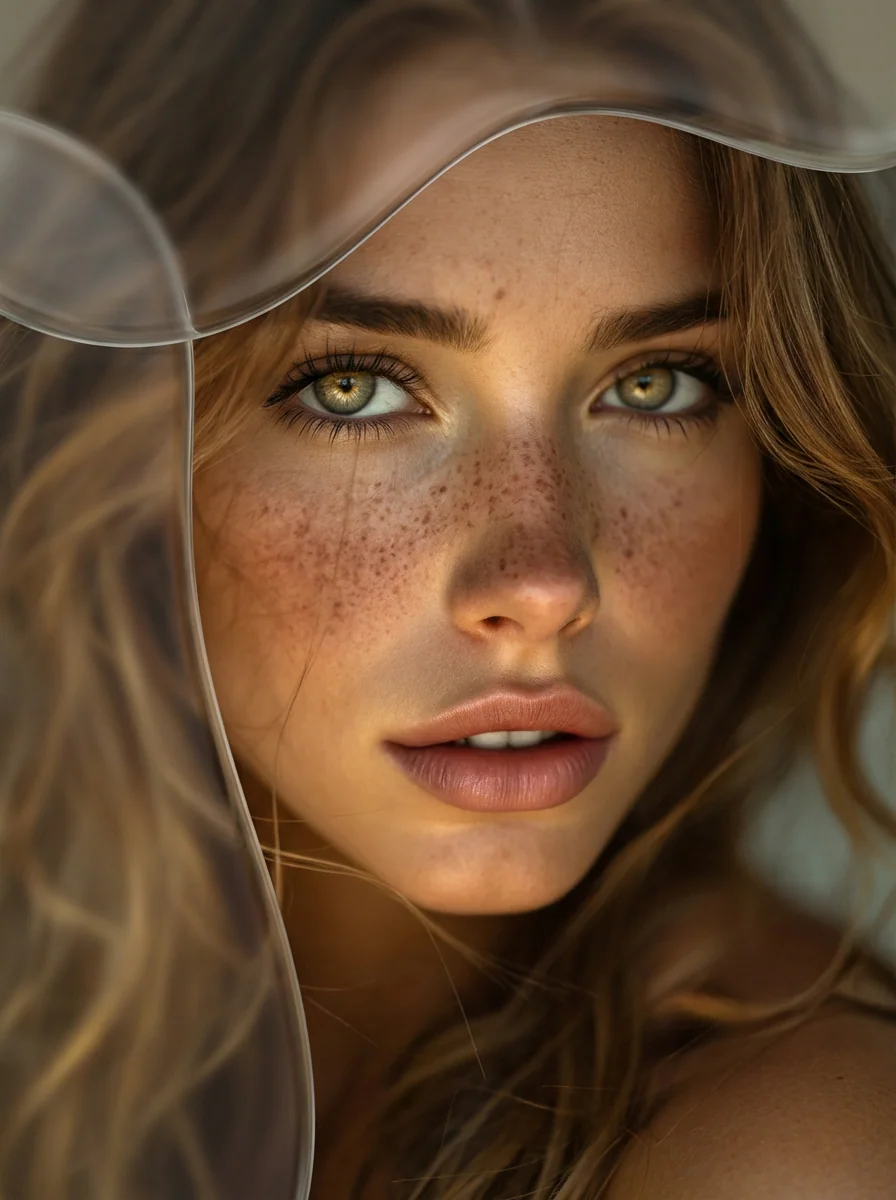
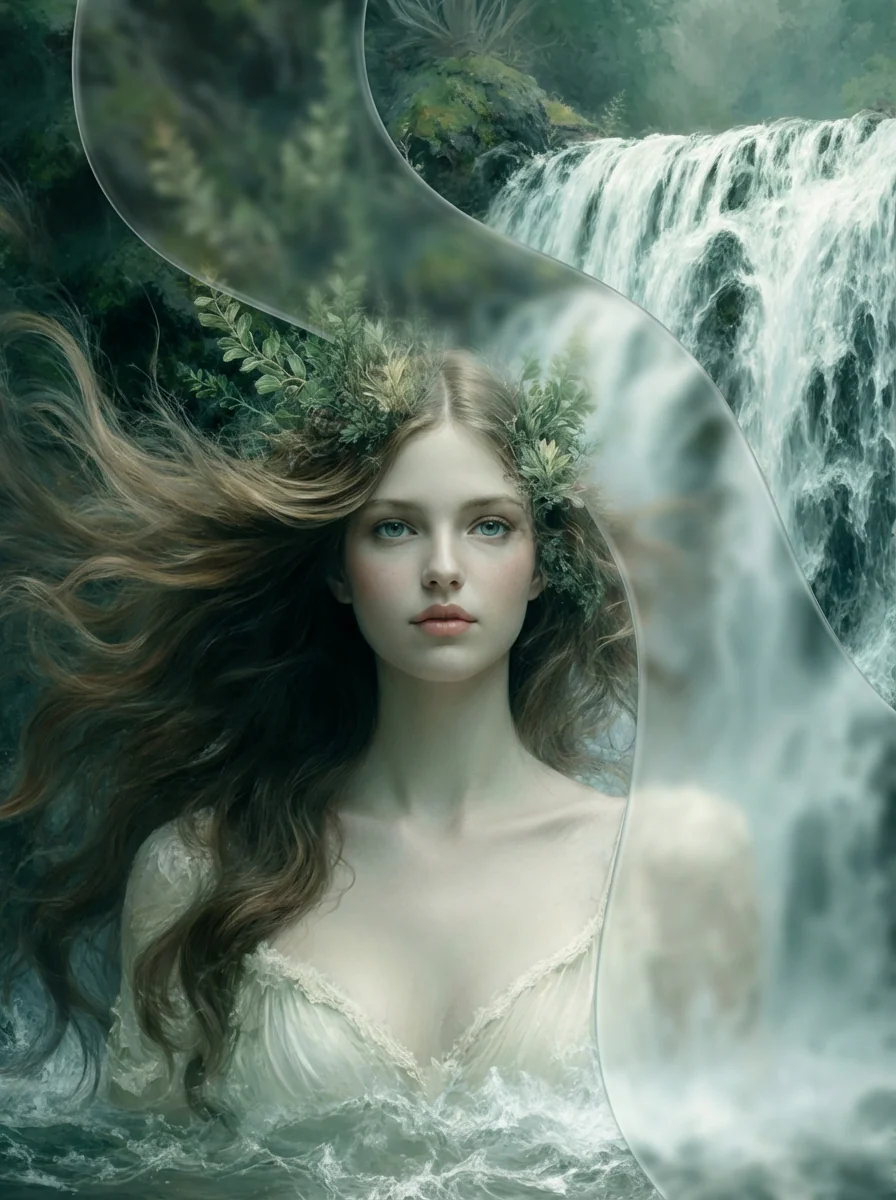
- Key art and concept paintings with enough pixels to zoom into textures, foliage or hair.
- Tall 9:21 artwork for vertical displays and signage.
Inputs
- Prompt: a written description of the picture. The example prompts on this page run from a lighthouse in a lightning storm to a sunflower pushing through a cracked sidewalk.
- Aspect ratio: 21:9, 2:1, 16:9, 3:2, 4:3, 5:4, 1:1 and their portrait mirrors, 16:9 by default.
- Prompt upsampling: switched off unless you enable it. With it on, the prompt is modified automatically before drawing, aiming for a more creative take.
- Seed: starts at 42 and accepts values from 0 to 9,999,999. Reuse a seed with identical settings to get the same picture back.
- Output format: PNG, or JPEG if you change it.
Outputs
A single picture per run, at roughly 4 megapixels, in PNG or JPEG. Width and height follow the ratio you pick: a 4:5 portrait, for example, comes back at 1856x2304.
Recommended settings
Set the ratio for the final placement and crop afterwards if you need a second format. A 4:5 portrait cut from the middle of a 16:9 render still measures about 1228x1536. Leave upsampling off when the image must follow your words closely. PNG keeps every pixel lossless but produces much larger files at 4 megapixels, so JPEG is the practical choice for web delivery.
Limitations
You cannot request an exact width and height, only one of the preset ratios between 21:9 and 9:21. The page works from text alone, with no image input. Every request yields one image.
Safety & compliance
Prompts and finished images both pass through moderation by Black Forest Labs. The tolerance is set to 2 here, their default, where 0 is the strictest level and 6 the most permissive. When moderation stops a request, the run ends with no image and a note suggesting a different prompt.
Example prompts
Great starting points for flux-pro-1-1-ultra.
API quick start
Run flux-pro-1-1-ultra with a single API call.
{
  "prompt": "A quiet, sun-drenched Los Angeles street …",
  "promptUpsampling": "false",
  "safetyTolerance": 2,
  "aspectRatio": "16:9"
}
curl -X POST "https://api.wiro.ai/v1/Run/black-forest-labs/flux-pro-1-1-ultra" \
-H "Content-Type: application/json" \
-H "x-api-key: YOUR_WIRO_API_KEY" \
--data-binary @- <<'JSON'
{
"prompt": "A quiet, sun-drenched Los Angeles street …",
"promptUpsampling": "false",
"safetyTolerance": 2,
"aspectRatio": "16:9"
}
JSONOther models you might like
Explore similar image generation models.