FLUX.1 Dev
FLUX.1 Dev is Black Forest Labs' 12B open-weight text-to-image model, distilled from FLUX.1 [pro]. It can spell short text inside the image, like the words on a sign or a label.
Overview
FLUX.1 Dev (written FLUX.1 [dev] by Black Forest Labs) is a 12-billion-parameter rectified flow transformer that turns a text prompt into an image. It was guidance-distilled from FLUX.1 [pro], whose weights are not public, and its own weights are published on Hugging Face in BF16.
The architecture mixes multimodal and parallel diffusion transformer blocks, trained with flow matching. At launch Black Forest Labs said [dev] gets close to [pro] in quality and prompt adherence. Its license is non-commercial, unlike FLUX.1 [schnell], which was announced alongside it under Apache 2.0.
What you can build
- Concept art and storyboard frames, square or wide. Width and height are set separately, so one prompt can serve a thumbnail and a banner.
- Images with a word or short phrase in them: a shop sign, a label, a poster headline. In one sample an orange cat holds a card reading "hello world", with a heart in place of the o in "world", and the letters are clean.
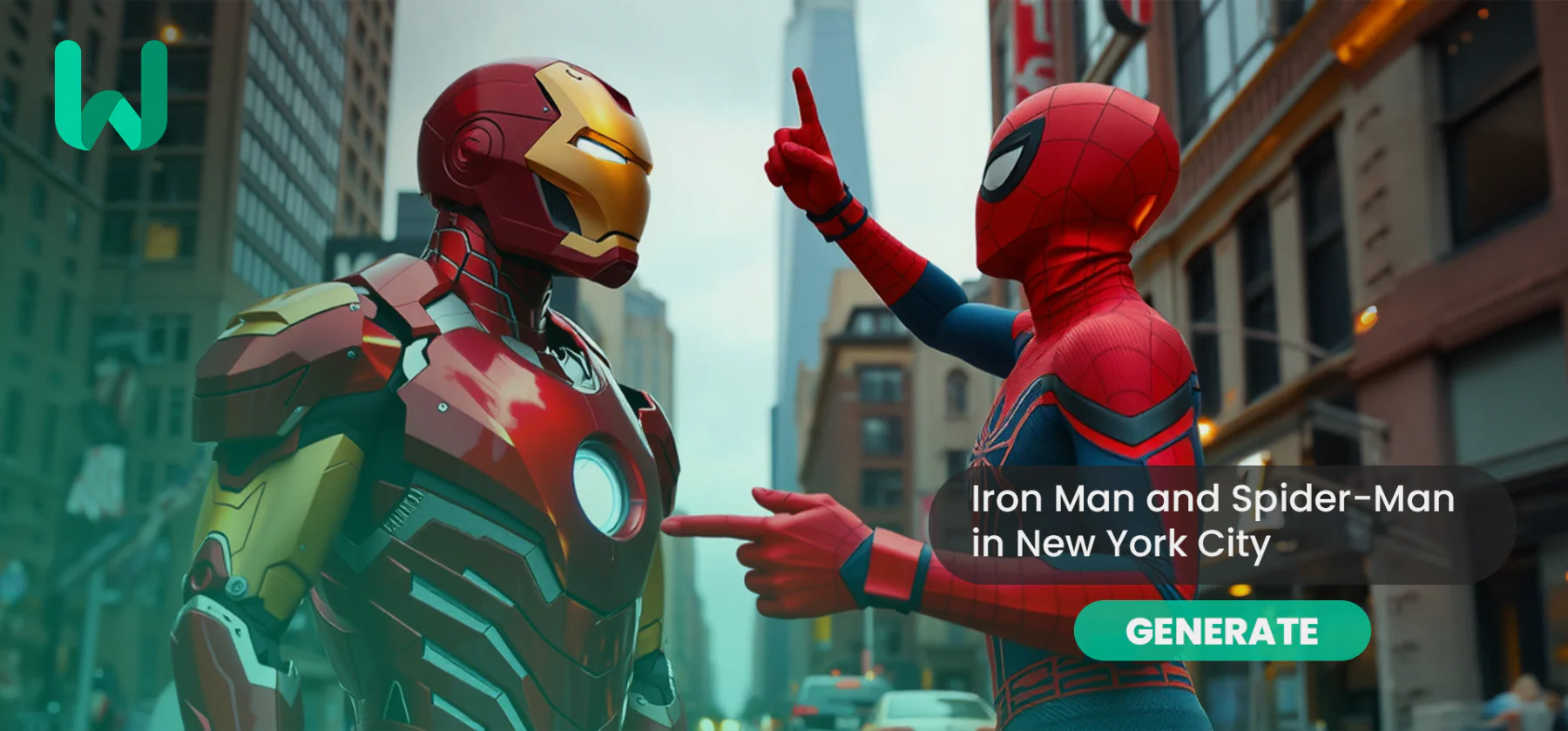
- Character and mood studies. One sample is a dark, cinematic portrait of an elf in spiked black armor. Another puts two masked superheroes face to face on a city street, the buildings behind them blurred out.
Inputs
Only the prompt is required. Write it like a brief for an illustrator: subject, setting, light, framing, and the exact wording of any text that should appear. There is no negative prompt field, so describe what belongs in the picture.
Advanced settings cover width and height (1024 by 1024 by default, up to 2048 pixels per side), inference steps (25 by default, 1 to 500), guidance scale (3.5 by default, 1 to 20) and the number of images (1 to 8). The seed comes pre-filled. Keep it while you tune other settings, and change it for a new composition from the same prompt.
Outputs
One to eight still images per run, at the size you set. Text is the only input, so editing a photo or matching a reference image is out of reach.
Recommended settings
- Start at guidance 3.5 and 1024 by 1024, the values in the code example on Black Forest Labs' model card.
- That example runs 50 steps; the default here is 25. Render both on one seed before you pick a value for production.
- Keep width times height between 0.1 and 2 megapixels, the range Black Forest Labs gives for FLUX.1. 1344 by 768 and 1536 by 1024 fit. 2048 by 2048 is allowed but comes to over 4 MP.
- If part of the prompt is ignored, rephrase it before raising guidance. The card says prompt following depends heavily on prompting style.
Limitations
The model card says the model is not intended to provide factual information and may amplify societal biases. It can also return images that miss parts of the prompt.
Background text is less reliable. In the sunset street sample, the shop signs behind the small green figure are sharp but spell made-up words.
Safety & compliance
Black Forest Labs rules out uses such as harming minors, non-consensual nudity, harassment, large-scale disinformation and fully automated decisions that affect someone's legal rights. The weights are under the FLUX.1 [dev] Non-Commercial License, and the card says generated outputs may be used commercially as that license describes. Check its terms against your use case.
API quick start
Run FLUX.1-dev with a single API call.
{
  "prompt": "Iron Man and Spider-Man singing to each o…",
  "steps": 25,
  "scale": 3.5,
  "samples": 1
}
curl -X POST "https://api.wiro.ai/v1/Run/black-forest-labs/flux-1-dev" \
-H "Content-Type: application/json" \
-H "x-api-key: YOUR_WIRO_API_KEY" \
--data-binary @- <<'JSON'
{
"prompt": "Iron Man and Spider-Man singing to each o…",
"steps": 25,
"scale": 3.5,
"samples": 1
}
JSONOther models you might like
Explore similar image generation models.