Image GenerationActive
Smart Resize by Wiro
bywiro
Smart Resize by Wiro converts one image into multiple exact sizes, using AI recomposition to keep key subjects in frame for ads, social posts, and web.


Overview
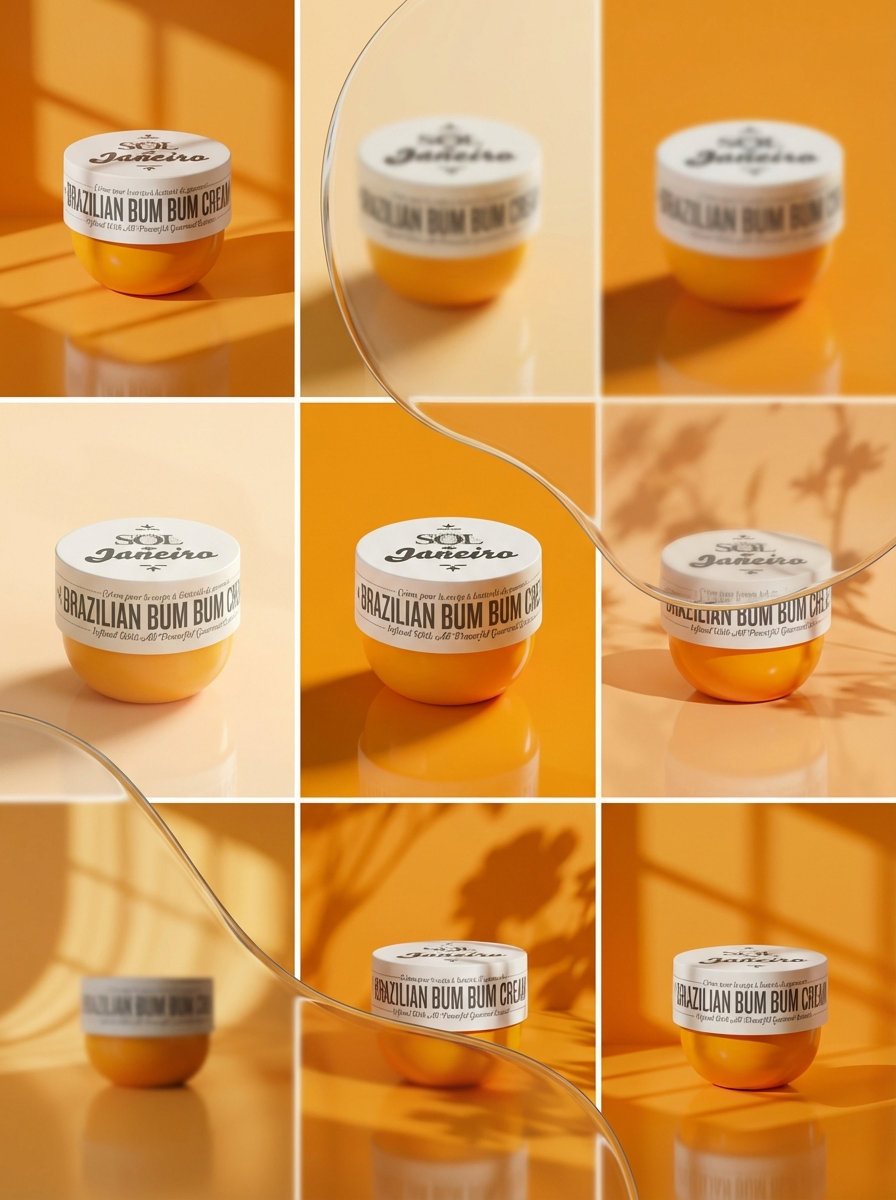
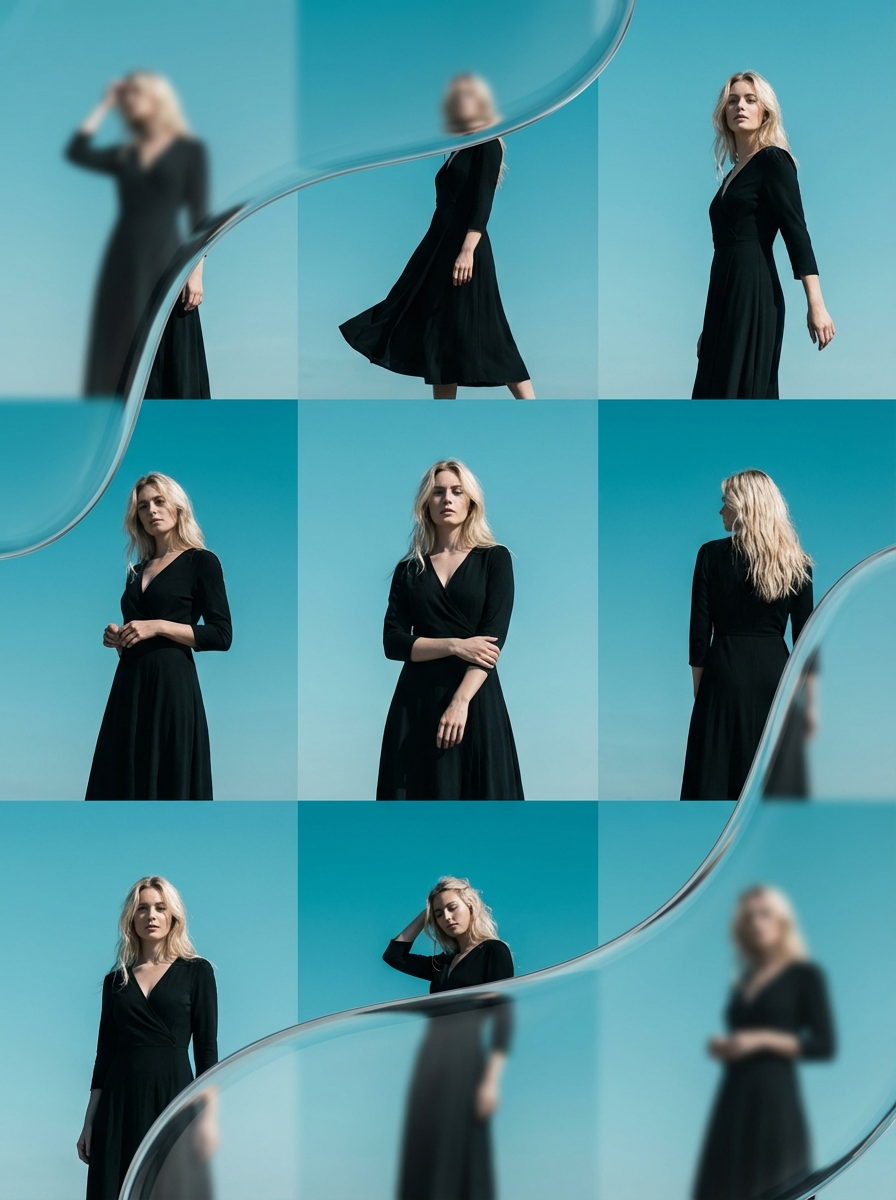
Smart Resize is an image recomposition model built by Wiro. It generates new pixels where needed, then crops to exact target dimensions. This avoids the “subject cut off” look from basic resizing. It’s useful when you need the same creative in many placements.
What you can build
- Batch versions of a hero image for ads, social placements, and display banners
- Square, landscape, and portrait variants from one approved key visual
- Product image variants for ecommerce grids and marketplace requirements
- Creative testing sets where each variant keeps the subject centered and readable
- Blog and landing page images that match fixed layout slots without manual art direction
Inputs
- One source image you want to resize and recompose. Provide it as a single uploaded image file, or as a public image URL.
- A list of target sizes, written as width × height in pixels. Separate multiple sizes with a semicolon or comma. The model outputs one image per size.
- An optional instruction text that guides how the scene should be recomposed. Keep it under 32,000 characters.
- A generation resolution tier that hints how much internal detail the model should use.
- An output quality level that trades off compression and visual fidelity.
Outputs
Smart Resize returns a set of image files. Each file matches one requested target size exactly in pixels. For each output image, you also get basic file metadata such as a filename, a MIME content type, a file size, and a downloadable CDN URL.
Limitations
- Target dimensions must stay within 480 to 3840 pixels per edge.
- The long side can’t exceed a 3:1 ratio versus the short side.
- The model may regenerate parts of the image to fit new framing. Small text can change.
- Logos and brand layouts can drift when aspect ratios change. Review final placements.
- Low-quality inputs increase risk of artifacts. This includes heavy JPEG compression, blur, and tiny subjects.
- Scanned images and screenshots with dense UI text can produce warped or invented details.
Safety & compliance
- The model applies safety filtering. Some prompts or edits may be blocked.
- Don’t upload images you don’t have rights to edit and republish.
- Get consent for identifiable people, especially for commercial use.
- Avoid requests that add disallowed content to real-person photos.
API quick start
Run smart resize with a single API call.
{
  "prompt": "Your prompt here",
  "inputImage": "https://your-cdn.com/input.png",
  "targetSizes": "1024x1024;1920x1080;1080x1920",
  "resolution": "1k"
}
curl -X POST "https://api.wiro.ai/v1/Run/wiro/smart-resize" \
-H "Content-Type: application/json" \
-H "x-api-key: YOUR_WIRO_API_KEY" \
--data-binary @- <<'JSON'
{
"prompt": "Your prompt here",
"inputImage": "https://your-cdn.com/input.png",
"targetSizes": "1024x1024;1920x1080;1080x1920",
"resolution": "1k"
}
JSONOther models you might like
Explore similar image generation models.