InfiniteYou FLUX
Places the person from one portrait photo into a new scene described by your prompt. Built on ByteDance's InfiniteYou for FLUX.1-dev, using the variant with higher identity similarity.
Overview
Give InfiniteYou FLUX one photo of a person and a text prompt, and it returns new images of that person in the scene you describe. It runs ByteDance's InfiniteYou framework on FLUX.1-dev, where an InfuseNet component feeds identity features from the face into the model through residual connections.
ByteDance released two variants. This app runs sim_stage1, the stage-1 model that the authors list as having higher identity similarity. Their default, aes_stage2, is fine-tuned further for text-image alignment and aesthetics.
What you can build
- Research demos that test how well the identity in one photo carries into new scenes.
- Non-commercial experiments that compare identity similarity across prompts, seeds and guidance settings.
Inputs
- A portrait, as an upload or a URL. The face in it is what carries over.
- A required prompt describing the new scene, for example "a woman sitting on the sand by the sea".
- Advanced settings: steps (1 to 100, default 30), guidance scale (1 to 20, default 4.0), 1 to 8 images per run, a seed, and width and height (1024 by default, up to 4096).
Outputs
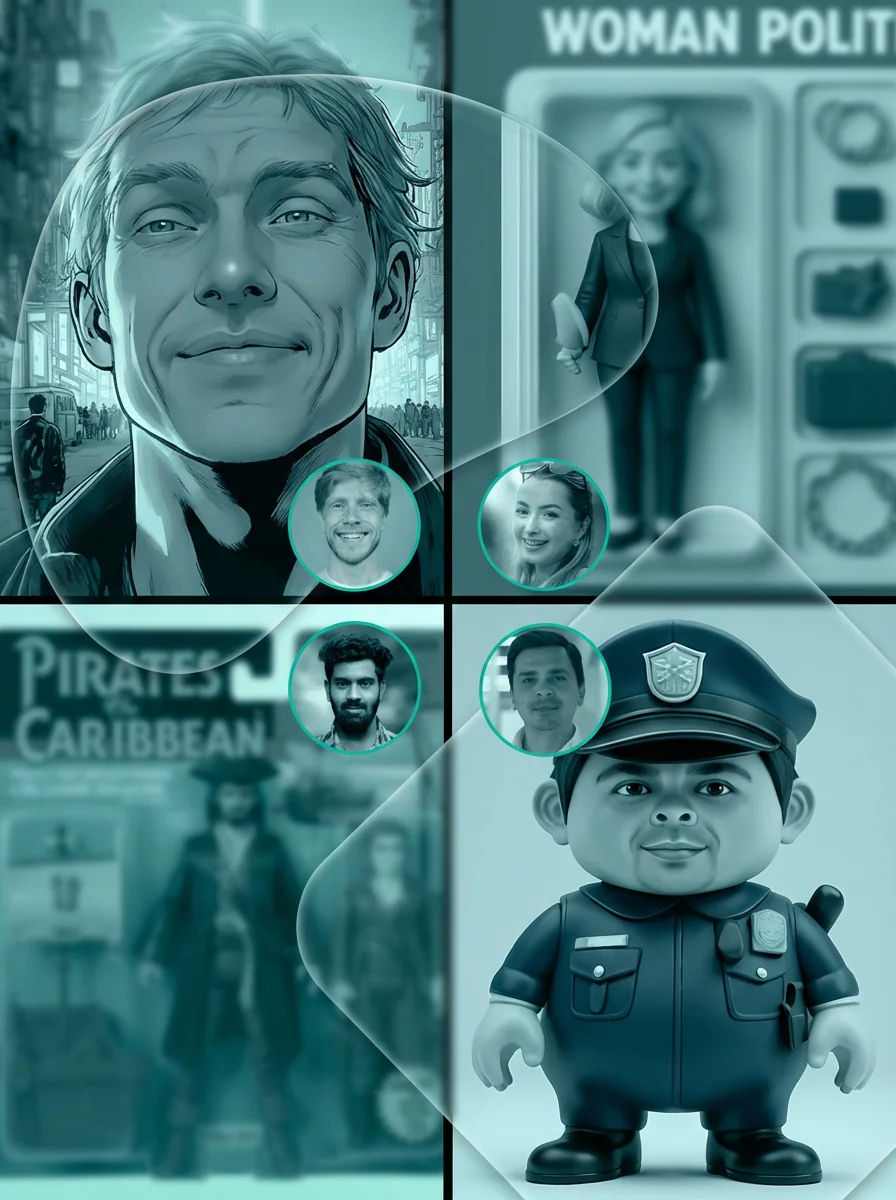
Images at the size you set. In the page samples, a studio headshot of a red-haired man becomes a street photo of him in a dark zip jacket, and a woman's outdoor portrait becomes a shot of her holding a bucket of wildflowers.
Recommended settings
ByteDance's own defaults are 30 steps and a guidance scale of 3.5; this form starts at 4.0. If the person comes out as the wrong gender, the authors suggest stating it in the prompt with words such as "a man" or "a woman". Fix the seed while you compare prompts.
Limitations
- One input photo means one identity per run.
- The face carries over more reliably than hair and clothing. In the woman's sample, her loose, lighter hair comes back darker and pulled back.
Safety & compliance
ByteDance releases the InfiniteYou weights under CC BY-NC 4.0 for academic research purposes only, and requires the FLUX.1-dev base model and InsightFace face models it relies on to follow their own licenses and be used only for academic research as well. Only upload photos of people who have agreed to have their likeness used this way.
Example prompts
Great starting points for InfiniteYou-flux.
API quick start
Run InfiniteYou-flux with a single API call.
{
  "prompt": "a man standing on the street",
  "inputImage": "https://your-cdn.com/input.png",
  "steps": 30,
  "scale": 4.0
}
curl -X POST "https://api.wiro.ai/v1/Run/wiro/infiniteyou-flux" \
-H "Content-Type: application/json" \
-H "x-api-key: YOUR_WIRO_API_KEY" \
--data-binary @- <<'JSON'
{
"prompt": "a man standing on the street",
"inputImage": "https://your-cdn.com/input.png",
"steps": 30,
"scale": 4.0
}
JSONOther models you might like
Explore similar image generation models.