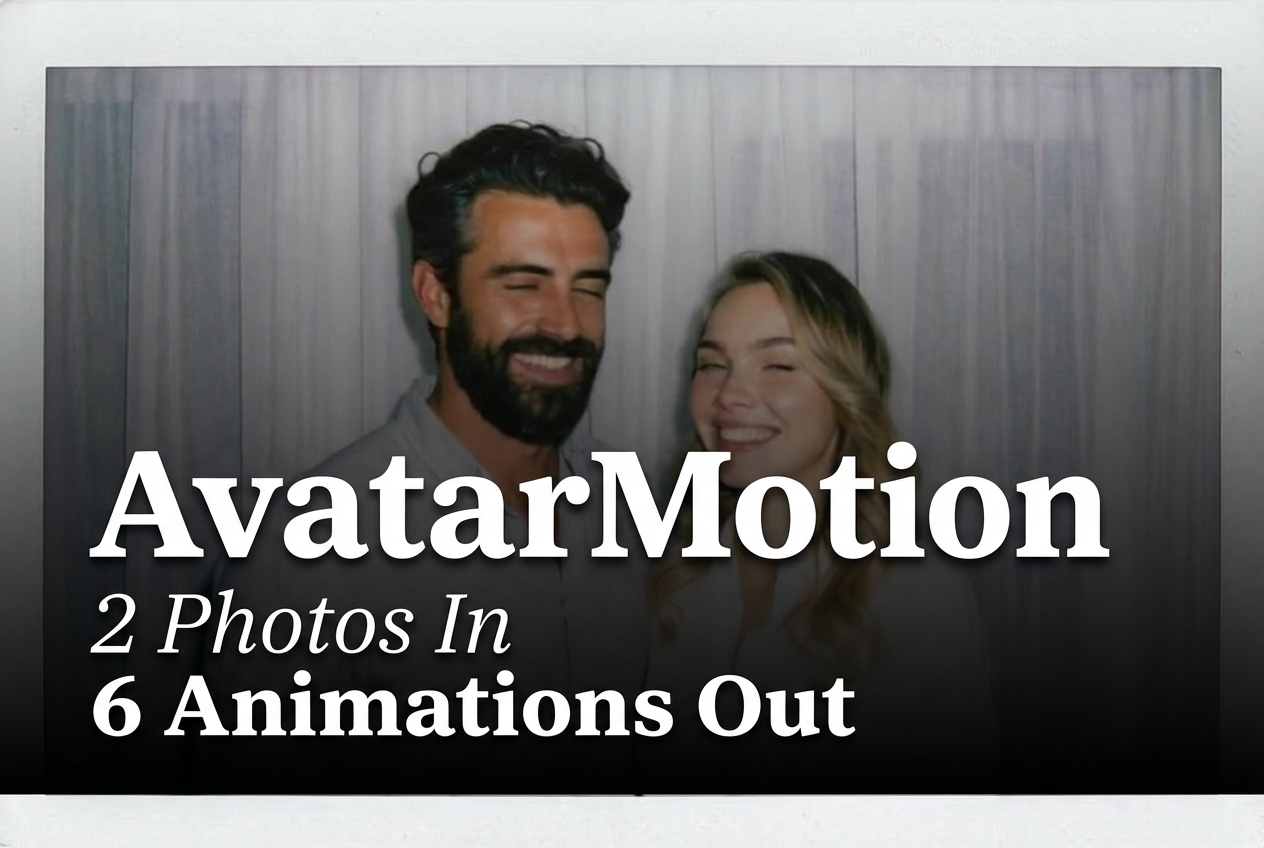
AvatarMotion Multi turns two supplied photos into a short preset animation. This test keeps the same two portrait inputs and seed across six runs, then changes only effectType. That makes the clips useful for checking a practical question: how much of the result comes from the chosen interaction rather than from a new prompt or a different pair of photos.
What this AvatarMotion Multi test checks
This is not a general image-to-video benchmark. The model’s documented interface asks for uploaded images rather than a text prompt, and the selected preset supplies the motion idea. For this post, the setup uses two people images in every run, seed=42, and one of the six Polaroid interaction presets. The aim is to see whether an action stays legible while the two inputs remain recognizable.
The official model documentation lists a broader set of two-image options too: relationship scenes, pet scenes, family-photo compositions, a car option, and a one-person-plus-pet ride preset. It also specifies when a preset needs two or three inputs. The six Polaroid presets below all call for two people images, so they are a clean like-for-like set. For context on the Wan 2.2 work listed in the model documentation, see the official Wan 2.2 repository.
Inputs and fixed parameters
| Setting | Value | Why it matters |
|---|---|---|
| Inputs | Two portrait photos | Every Polaroid preset in this test documents two people images. |
| Seed | 42 | Held constant so the preset is the intended variable. |
| Prompt | None | The effect type selects the action; no text prompt was added. |
| Output choice | Six existing blog-hosted videos | Each clip is the saved result for one preset. |
| Input photo A | Input photo B |
|---|---|
 |
 |
Six AvatarMotion Multi outputs
These clips show preset-driven interactions, not six unrelated generations. The useful comparison is the clarity of the requested gesture and whether faces, arms, and the paired composition stay plausible while it happens. Hands and close contact are the hard part of this category, so the handshake, high-five, and victory-sign clips deserve closer inspection than a simple facial expression.
1. Polaroid smiling
effectType=polaroid_smile, seed=42. This is the lowest-complexity test in the set: a paired portrait with a small facial-action cue. Use it when the desired result is a light social animation rather than a scene change. It is also the best first run for checking whether the source faces and framing suit the model before moving to hand-heavy presets.
2. Polaroid kissing
effectType=polaroid_kiss, seed=42. This asks the preset to bring two subjects into close contact, which is a tougher identity and geometry test than smiling. Pick it for a romantic or celebratory keepsake where the input photos already show compatible scale and face angle. It is not the right choice for a neutral professional interaction.
3. Polaroid hugging
effectType=polaroid_hug, seed=42. The hug preset makes the relationship between two people the subject of the clip. It is the stronger family, friendship, or reunion option because the intended action reads without requiring an exaggerated gesture. Check shoulder placement and arms here; those are the areas most likely to reveal a weak pairing of source photos.
4. Polaroid handshaking
effectType=polaroid_handshake, seed=42. This is the business-friendly preset in the group. The output tests a compact, recognizable greeting where hands must meet at a believable point between two bodies. Use it for partnership, introduction, or agreement-themed content. Avoid it when the source images crop hands or place the subjects at very different apparent distances.
5. Polaroid high five
effectType=polaroid_highfive, seed=42. A high five needs a larger arm movement and a shared contact point, so it is a useful stress test for limb continuity. Choose it for sports, team wins, school events, or playful social posts. It carries more energy than the handshake, but it also gives the model more movement to resolve.
6. Polaroid victory sign
effectType=polaroid_victory_sign, seed=42. This preset focuses on a recognizable hand pose rather than contact between the two people. Pick it for a quick success, travel, graduation, or party moment. It is a sensible alternative when the high-five’s shared hand contact is more motion than the source portraits can support.
Run time and cost: what the docs actually show
The stored six clips do not include individual task receipts, so their exact completion times and charges cannot be reconstructed from this post. The model documentation includes one API task example with elapsedseconds=6.0000. That same example reports totalcost=0.003510000000, but its status is task_cancel. It is evidence of an example task record, not a reliable completed-output price. No per-output cost is claimed here for the six published clips.
| Output | Documented setting | Completed run time | Completed cost |
|---|---|---|---|
| Smiling | polaroid_smile, seed 42 | Not recorded | Not recorded |
| Kissing | polaroid_kiss, seed 42 | Not recorded | Not recorded |
| Hugging | polaroid_hug, seed 42 | Not recorded | Not recorded |
| Handshaking | polaroid_handshake, seed 42 | Not recorded | Not recorded |
| High five | polaroid_highfive, seed 42 | Not recorded | Not recorded |
| Victory sign | polaroid_victory_sign, seed 42 | Not recorded | Not recorded |
Which preset to pick
- Smile: the conservative first test for a subtle paired portrait.
- Kiss or hug: personal relationship and family-photo moments.
- Handshake: business, introductions, and collaboration.
- High five: energetic team or celebration content.
- Victory sign: a simple success cue with less person-to-person contact.
For another single-photo Polaroid test, see Polaroid Effect: 4 One-Photo Animations Tested. For a related preset comparison, see AvatarMotion with Caption: 4 Presets Tested. For a broader category view, see Top 5 Image-to-Video APIs in 2026: 1 Base Image Test.
Try AvatarMotion Multi
Start with two sharp, similarly framed photos, select the interaction that matches the relationship or occasion, and inspect the first clip before producing variations. Run AvatarMotion Multi on Wiro.