FireRed Image Edit 1.1 was tested here as an image-to-image editor, not as a text-to-image generator. The question was simple: can it make a visible change while keeping the thing that makes the original image useful? Each test starts with one supplied 1024 x 1024 image, then asks for a constrained edit. The useful result is not just a new look. It is a new look that still keeps the subject, framing, lighting logic, and geometry readable.
What this FireRed Image Edit 1.1 test checks
All three examples use the same documented Wiro settings: 1024 x 1024 output, 30 inference steps, guidance scale 1.5, one sample, and seed 0. The input image and edit instruction change for each case. That makes the set a practical check of three different jobs: changing a product surface and background, swapping product styling and props, and relighting a scene without rebuilding it.
The model page describes version 1.1 as an update focused on identity consistency, multi-image conditioning, and specialized edits. This small set does not benchmark every claim. It checks the more basic production question: whether a directed change can leave enough of the source intact for a product image or location shot to remain recognizable.
Test setup and Wiro run details
| Model | FireRed Image Edit 1.1 on Wiro |
| Input and output size | 1024 x 1024 |
| Inference steps | 30 |
| Guidance scale | 1.5 |
| Samples | 1 per input |
| Seed | 0 |
| Measured time and cost for these three outputs | Not recorded in the original runs, so no per-image billing claim is made here. |
The Wiro model documentation includes a completed-task example with six seconds elapsed and a total cost of 0.003510000000 for one example task. Treat that as a documentation example, not a promised time or price for these three images. Queue time, input processing, output size, and service conditions can change a real run. The original post did not retain task records for these outputs, so assigning that example cost to them would be misleading.
Before and after edits
1. Product surface change with a new background


This is the most useful kind of constrained commercial edit: change the treatment, not the object. The output keeps the mug silhouette and its central placement. The black pattern reads as a surface treatment rather than a replacement object. The wood surface also gives the image a warmer setting, while the light direction remains plausible around the mug. It is a good result for a concept mockup or a listing variation when the product shape must stay fixed.
Look closely at transitions around the rim, handle, and base before using a result like this in a catalog. Those edges carry most of the evidence that the original object survived the change. This output holds together at page size, but a production asset still deserves a zoomed review for pattern bleed or small contour changes.
2. Bottle recolor and prop swap
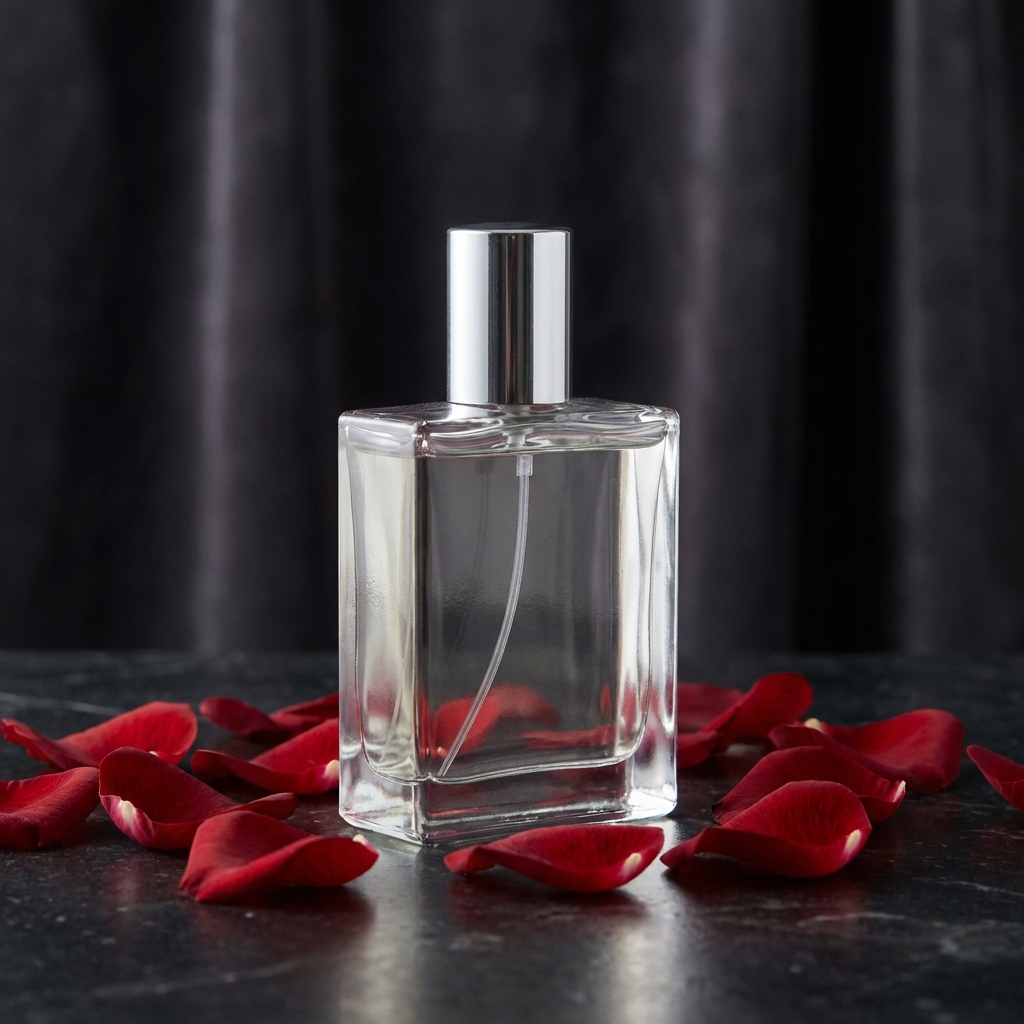
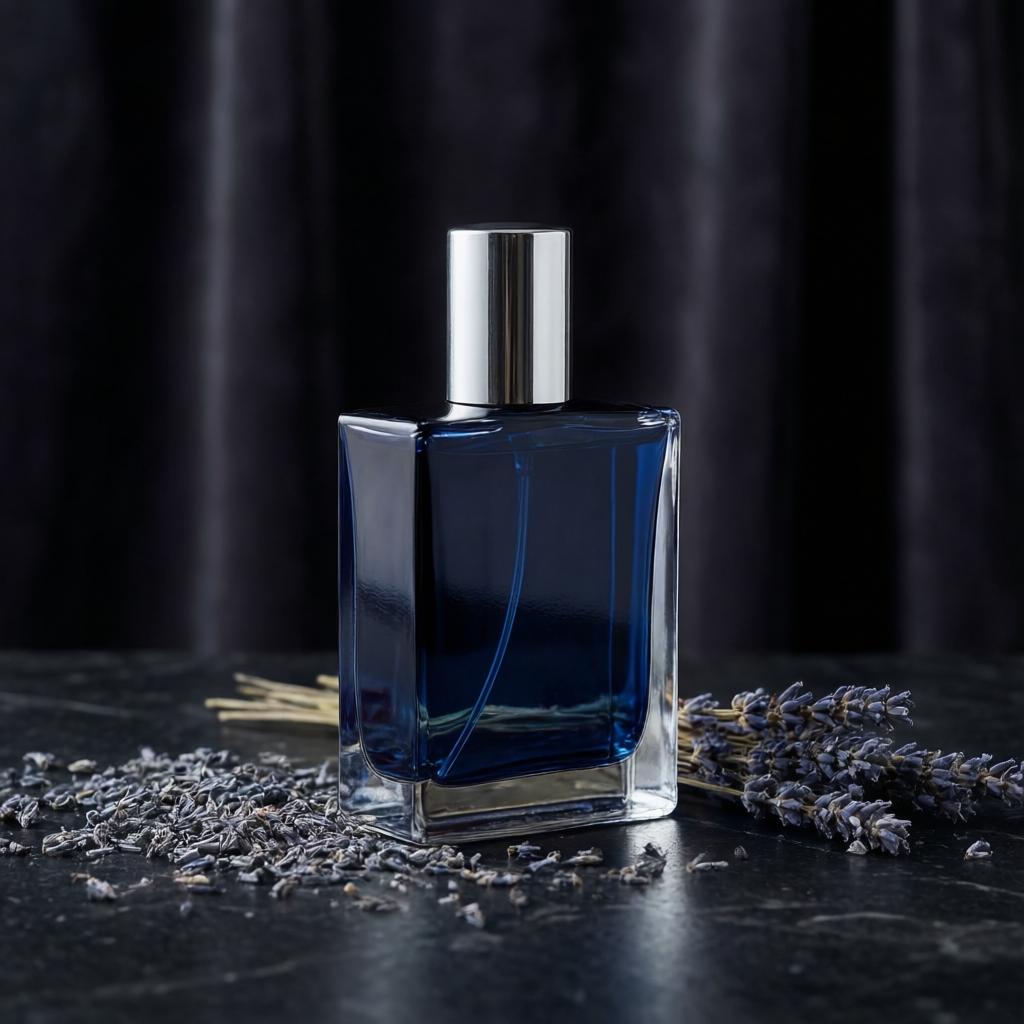
This prompt stacks three requests: recolor the bottle, replace foreground props, and change the scene mood. The output keeps the camera angle and the bottle’s overall shape, which matters more than simply turning the bottle blue. The silver accents work with the darker treatment, and dried lavender gives the foreground a different texture without pushing the composition into a different shot.
Reflections are the hard part of a bottle edit. A strong editor has to make the recolor, highlights, and surrounding background agree. Here, the reflection behavior reads as part of the new scene instead of a flat color overlay. That makes FireRed a better match for art-directed product concepts than for a task that needs audited, pixel-exact packaging artwork. Fine label text and legal copy should still be restored manually.
3. Day scene to rainy evening
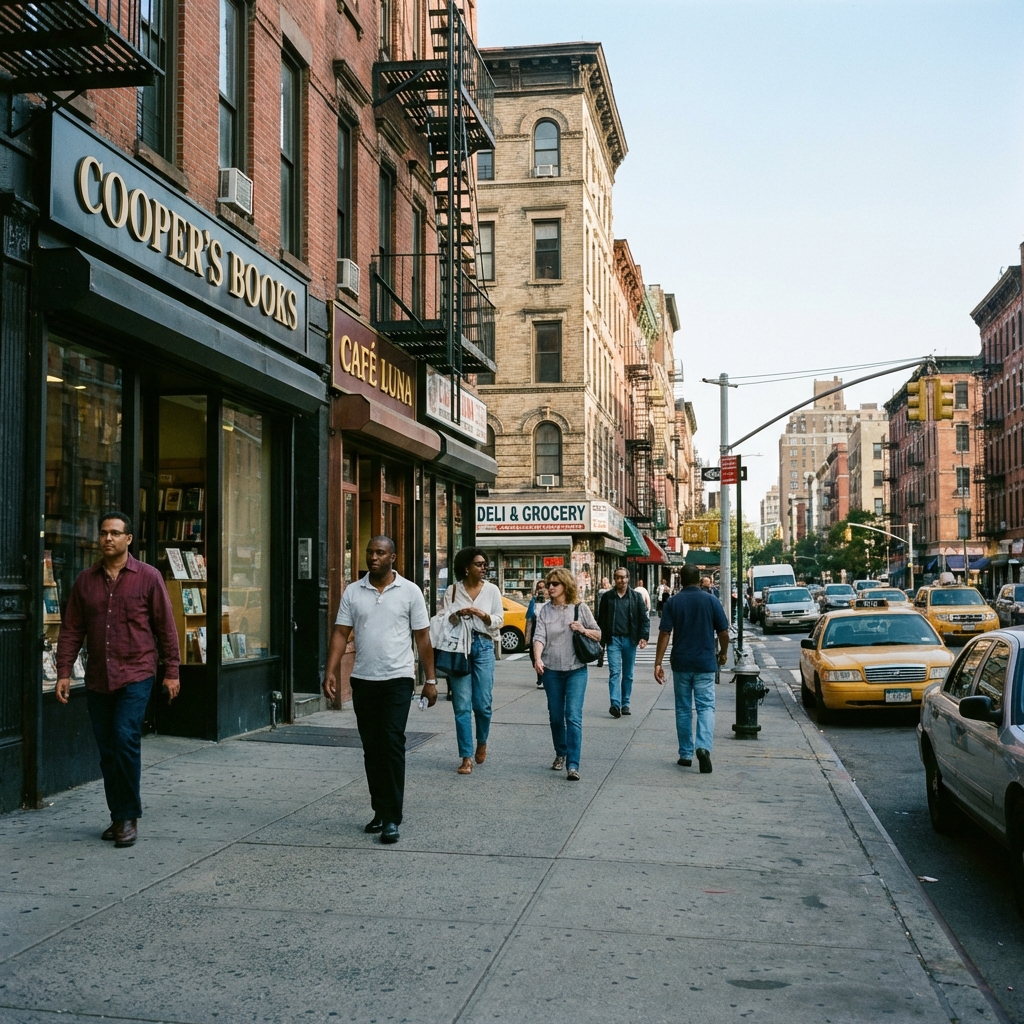
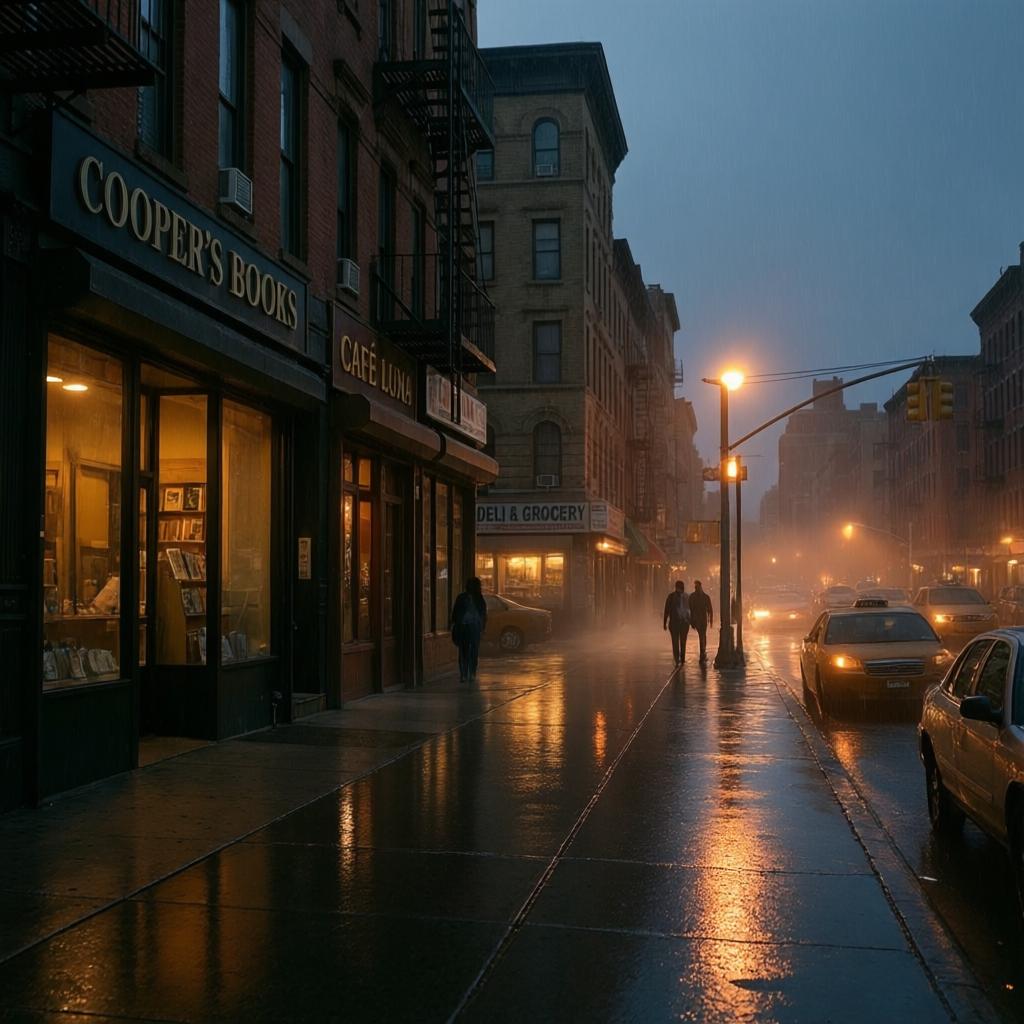
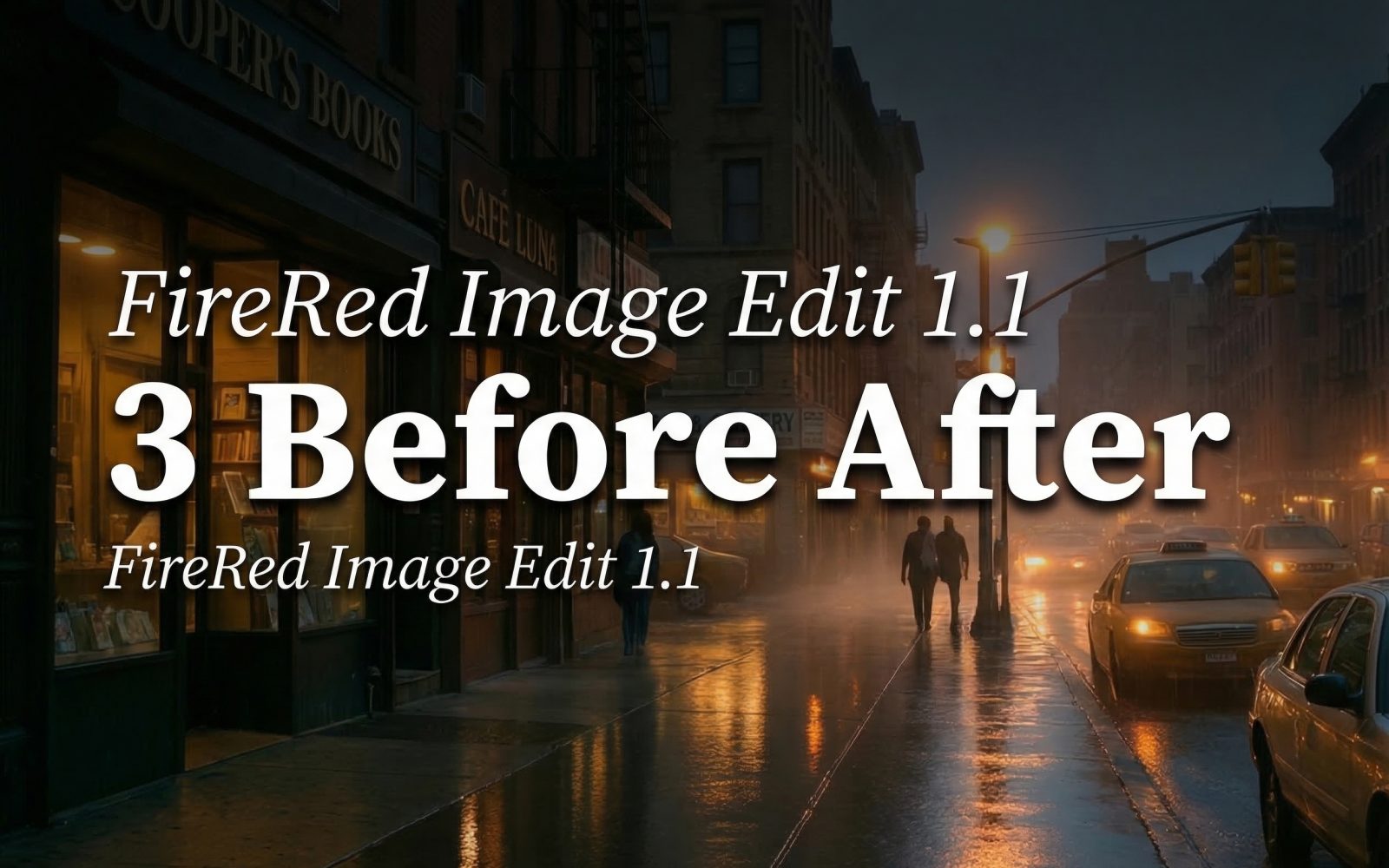
The third edit asks the model to alter time, weather, light, crowd density, and pavement detail while preserving architecture. That is a harder structural request than a product recolor. The output succeeds where it counts: buildings and street perspective still anchor the image, while wet pavement reflections and warmer lamps sell the evening mood. The reduction in people also helps the frame feel quieter without breaking the street layout.
There is a tradeoff. Atmospheric edits give the model more room to reinterpret small details. Use this approach for mood boards, campaign concepts, and scene exploration. For architectural documentation or location evidence, use an edit with narrower instructions and check every sign, window line, and person boundary.
When to pick FireRed Image Edit 1.1
Pick this model when the source identity and composition matter as much as the requested change. It fits product restyling, background swaps, prop changes, relighting, portrait revisions, and early art direction. Start with a direct instruction that names what must stay fixed: product shape, camera angle, person identity, building layout, or perspective. Then state the requested change in separate concrete terms.
Choose a more manual workflow when exact typography, regulated packaging, tiny logos, or forensic image accuracy matters. The model can create coherent visual edits, but it should not be treated as a source of approved factual details. Its strongest role is producing a believable edited image that a designer can assess and refine.
Further reading and related tests
The model team publishes the FireRed Image Edit repository and the FireRed Image Edit 1.1 model card. For more hands-on comparisons on this site, see FireRed Image Edit vs Seedream V5 Lite, Seedream V5 Lite image editing tests, and before-and-after product photo edits.
Try the model
Run FireRed Image Edit 1.1 on Wiro with one clear keep instruction and one clear change instruction. That pattern gives this model the best chance to preserve the image logic that made the original useful.