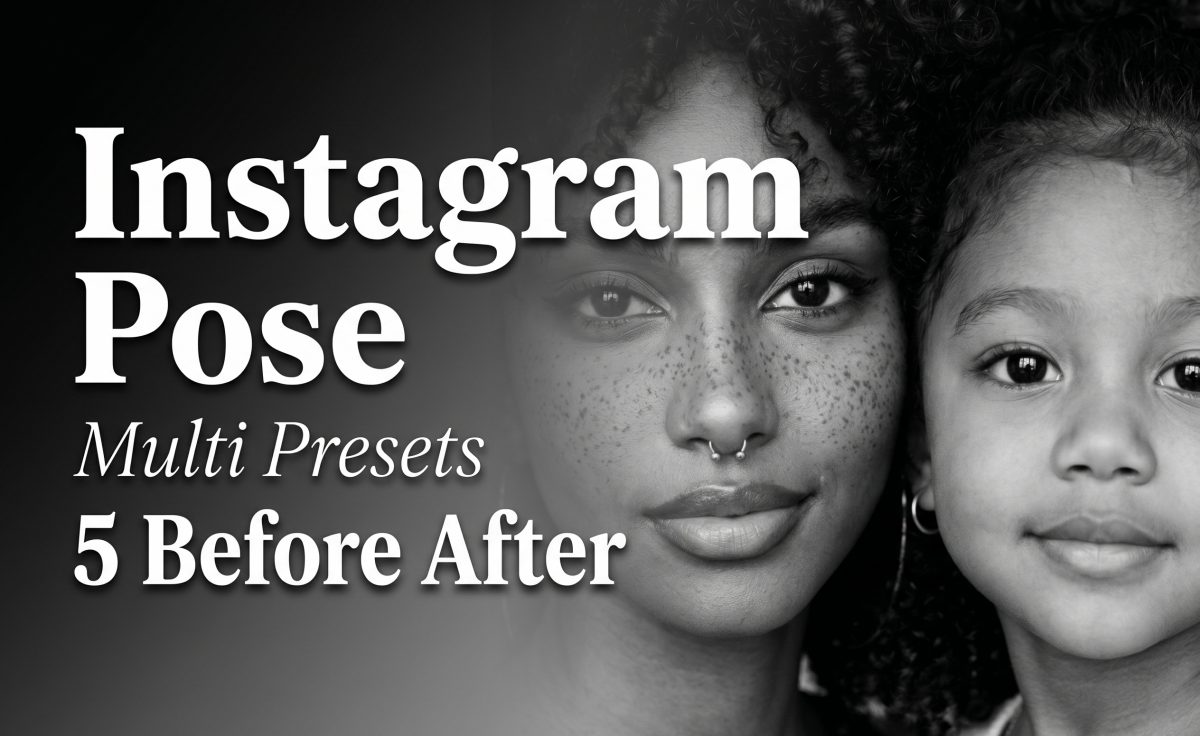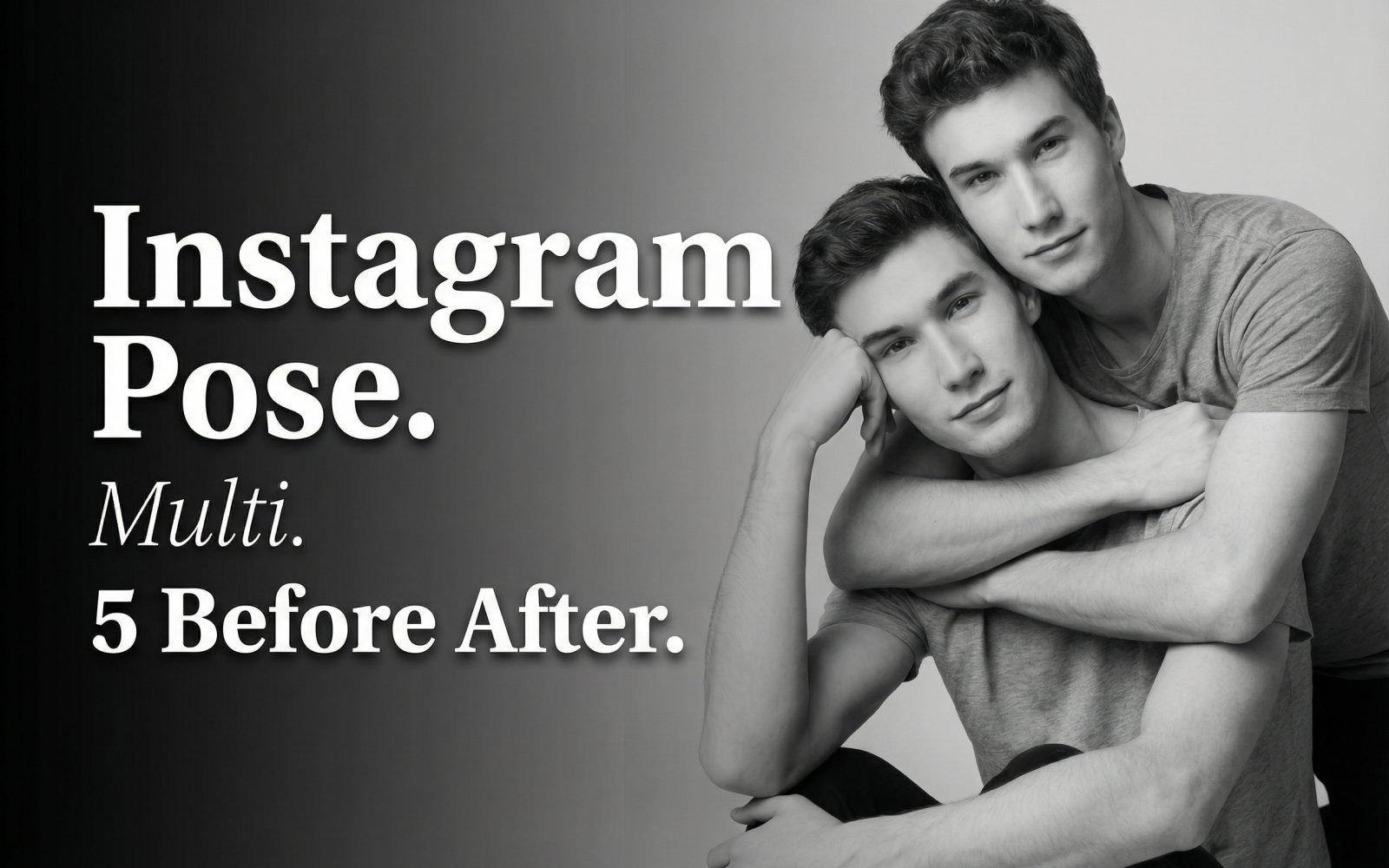
Instagram Pose Multi was tested as a preset-driven image-to-image tool for turning separate portraits into a shared social-photo pose. The goal was not to judge a single pretty result. The test checked whether the presets keep faces recognizable, place hands and shoulders believably, and handle close contact without inventing limbs or merging clothing.
What the Instagram Pose Multi test used
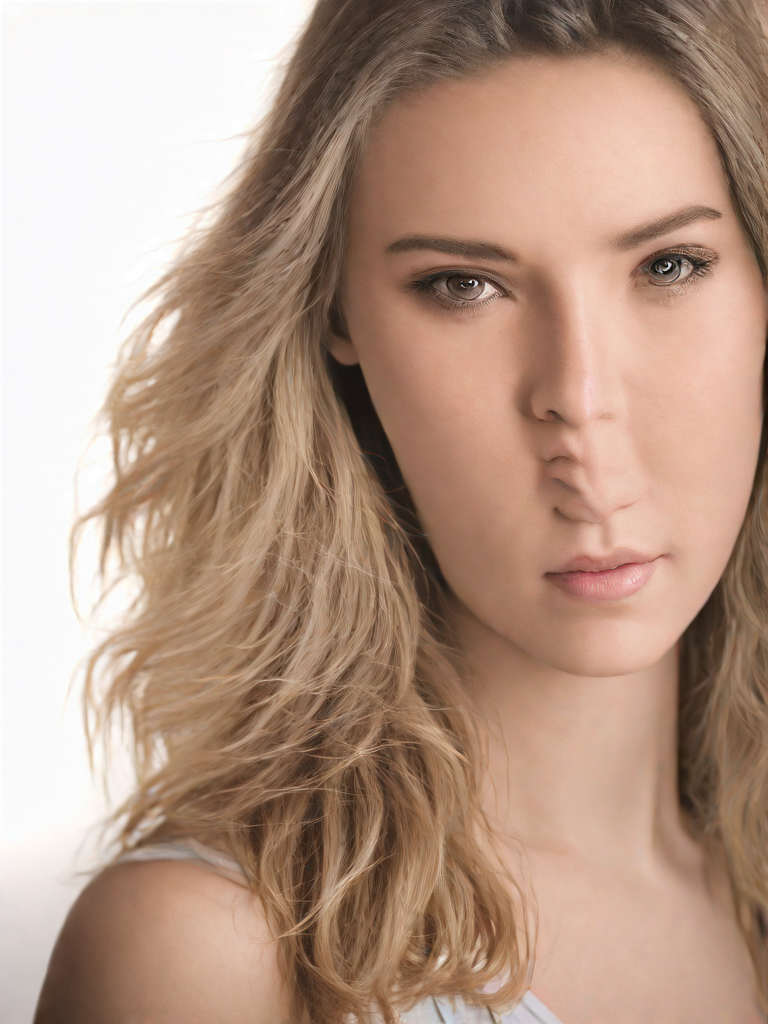
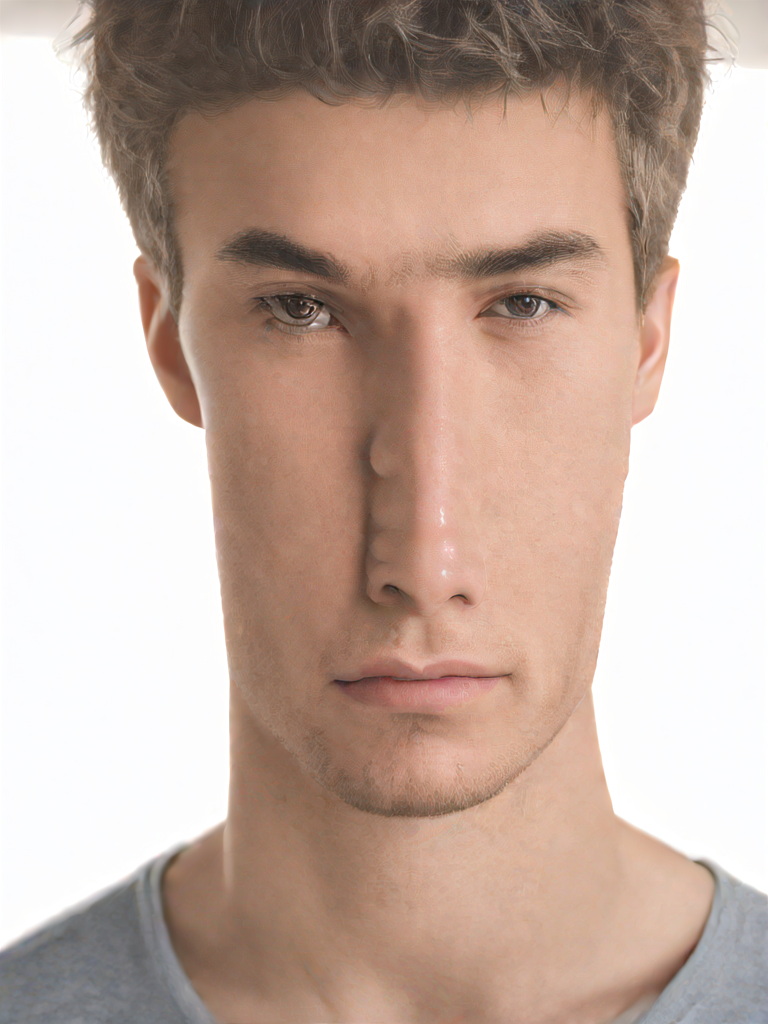
Each people-only test started with the same two portrait inputs shown below. The selected effect type supplied the pose and composition; there was no text prompt, seed, aspect-ratio control, or strength setting exposed in the model documentation. That matters: this is a guided preset tool, not a general image editor. The two input order should be kept consistent when comparing outputs because the service accepts an ordered input-image list.
 |
 |
The model page documents distinct presets for two people, three people, and people-with-pets. Four of the tests below use two images. Joyful Family Pile is documented as a three-person preset, so its result is best read as a stress test rather than a like-for-like two-person comparison. The model documentation includes one task-detail example with 6.0 seconds elapsed and a listed total cost of $0.00351 on a cancelled task. It does not publish a fixed per-output price or a guaranteed run time, so those figures should not be treated as a quote for these outputs.
Preset results: what each output shows
1. Intimate Duo
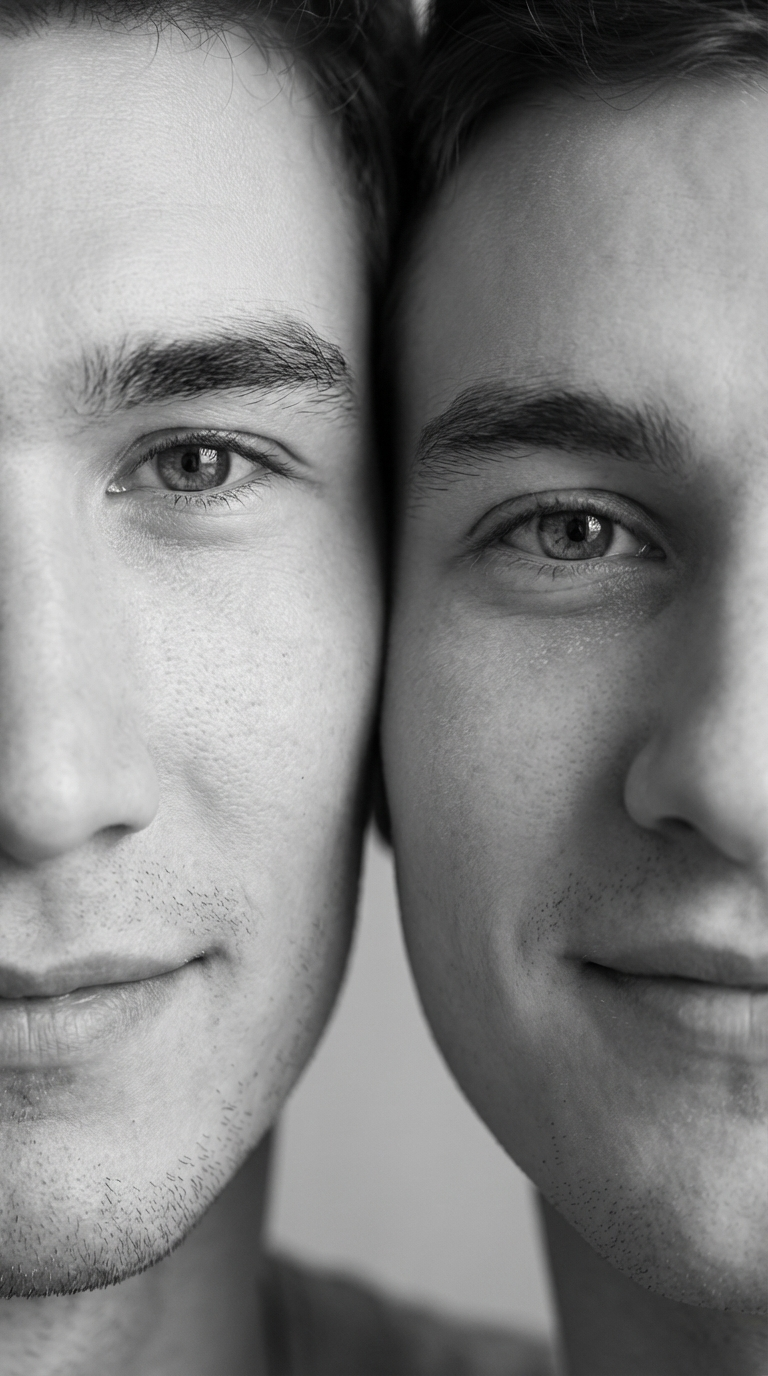
instapose-familyphotoshoot-intimate-duo.Intimate Duo puts the two subjects into a close, portrait-led composition. It is the cleanest starting point when the aim is a couple-style image without a complicated full-body arrangement. The useful checks here are face identity, overlap at the cheeks and hairline, and whether the nearer hand reads as attached to the right person. Pick this preset for profile photos, anniversary posts, or a restrained paired portrait. Avoid it when the original photos have very different camera heights or heavy side lighting; the preset has less room to hide those mismatches.
2. Shoulder Hug Pose
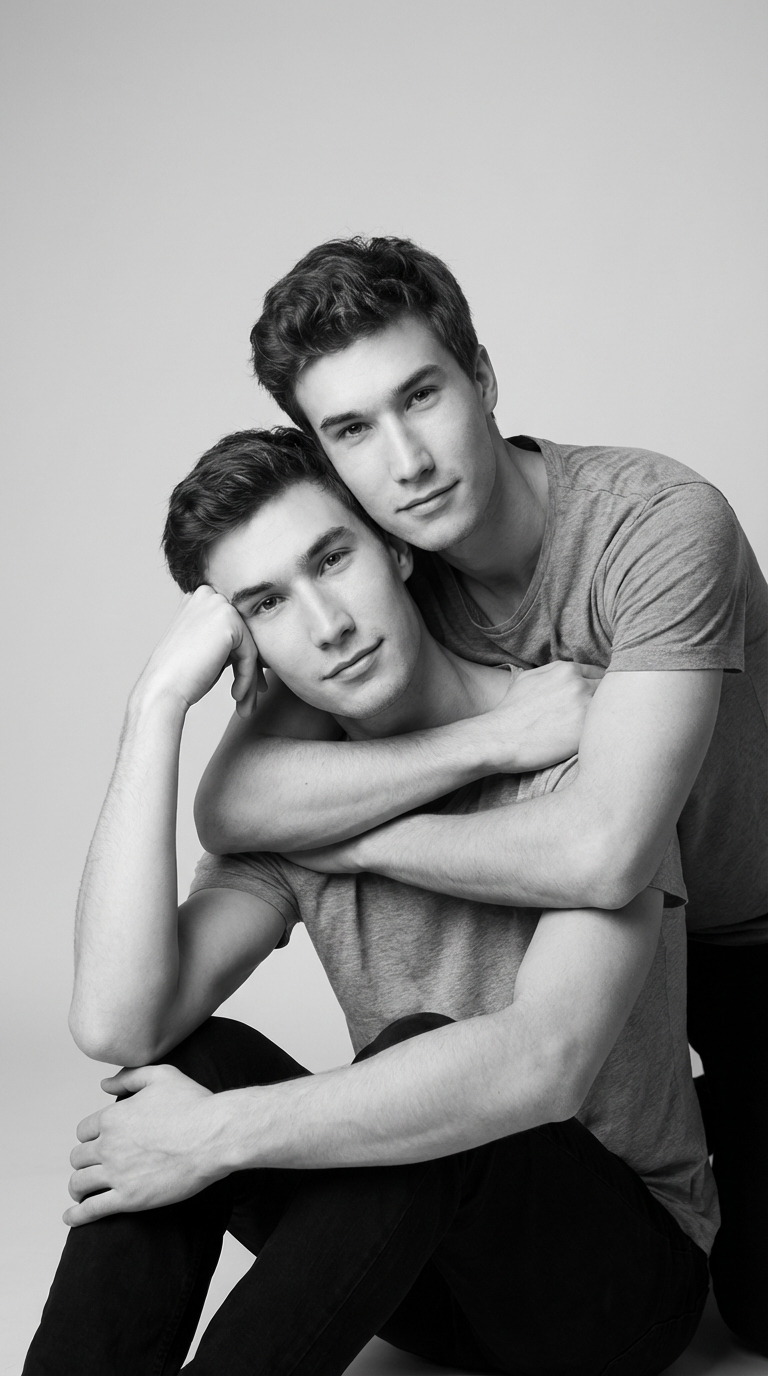
instapose-familyphotoshoot-shoulder-hug-pose.Shoulder Hug Pose makes the arm geometry do most of the work. The output should show one subject anchoring an arm over or around the other shoulder, while the faces stay visible. It is a practical option when a friendly, less romantic pose is needed. This is also where source images matter most: portraits cropped tightly at the shoulders leave less visual evidence for the model to extend the arm naturally. Check sleeve edges, shoulder width, and the point where the arm crosses the back before using the result publicly.
3. Tender Forehead Kiss
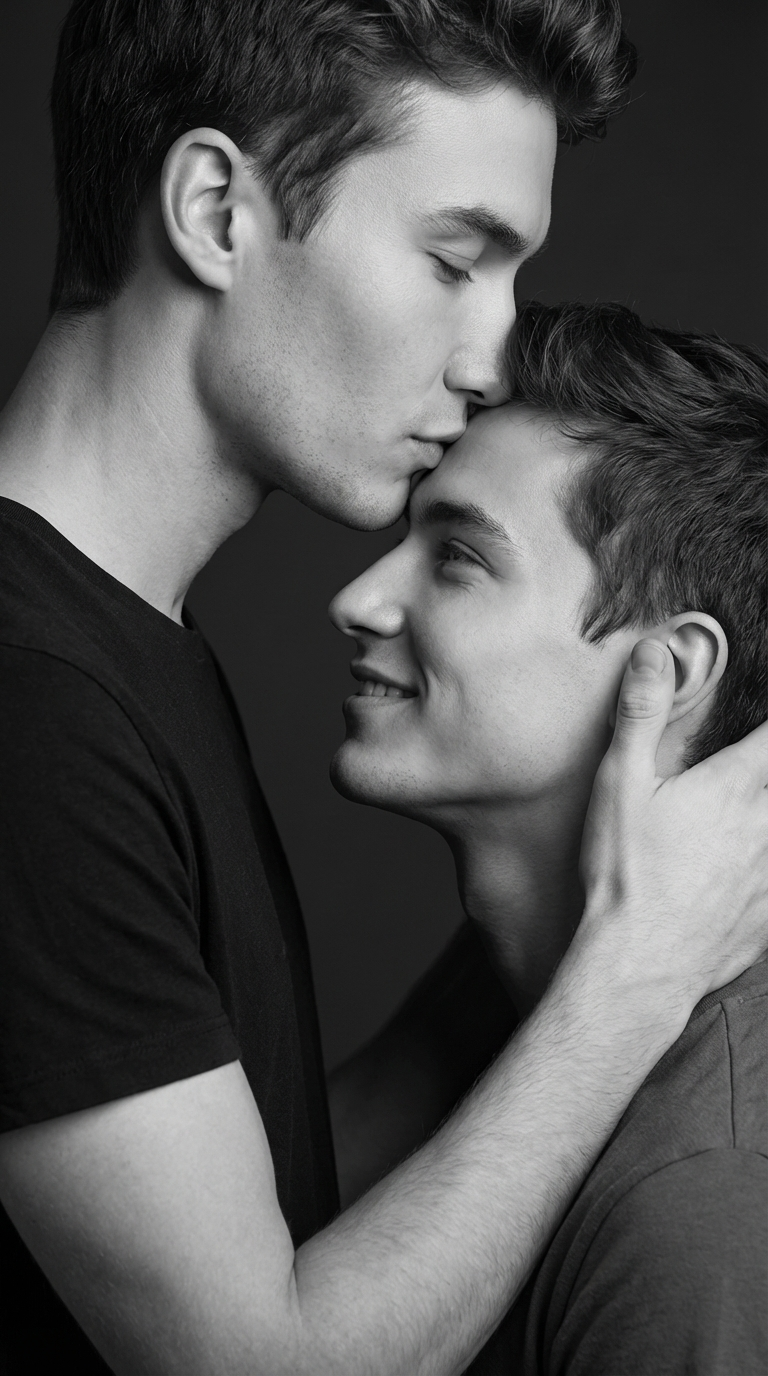
instapose-familyphotoshoot-tender-forehead-kiss.Tender Forehead Kiss asks the model to solve the hardest face interaction in this set: head tilt, hair overlap, and a very small gap between noses and foreheads. The output is useful when it preserves two distinct facial structures instead of smoothing them into one generic face. Pick it for a close, affectionate image where a quiet pose fits the source photos. Skip it if either input already has an extreme head turn, sunglasses, hands near the face, or dense curls across the forehead. Those details raise the chance of a soft or confused contact point.
4. Wrapped Embrace
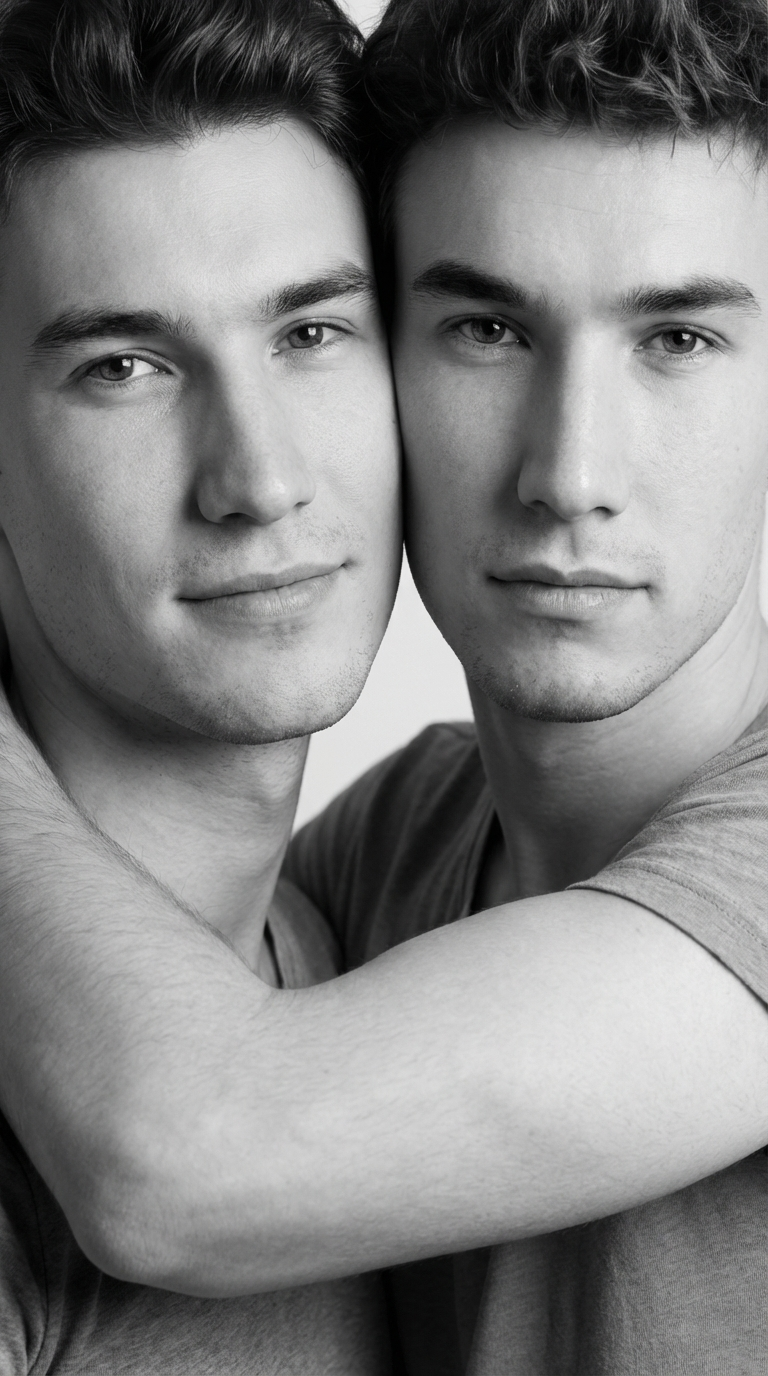
instapose-familyphotoshoot-wrapped-embrace.Wrapped Embrace shifts attention from faces to body contact. It tests whether the model can connect torsos, sleeves, and hands without breaking the outline of either person. The output is a better fit for a warm full-frame social post than a headshot replacement. It is also the preset that benefits most from inputs with visible upper bodies and simple clothing. Busy patterns, long loose hair, and cropped elbows make the generated join harder to inspect. Look closely at fingers, cuffs, and the negative space between arms before choosing this version.
5. Joyful Family Pile
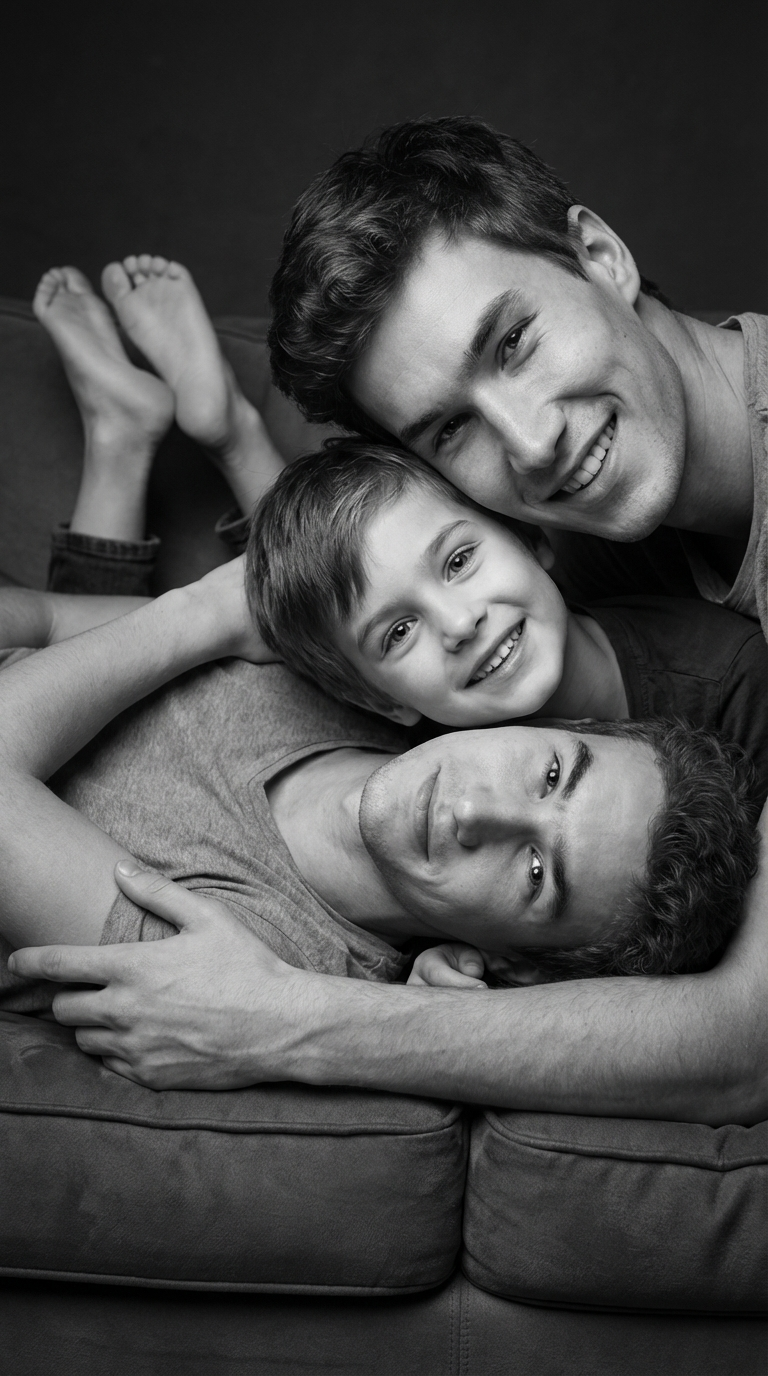
instapose-familyphotoshoot-joyful-family-pile. The documented preset expects three people.Joyful Family Pile is the most ambitious composition because it is designed for three people and stacked body positions. Its job is to create energy, not a formal portrait. With the documented three-image setup, choose it for family celebrations, friend-group posts, or a playful card image. It is the preset to inspect most carefully: added hands, duplicated arms, merged torsos, and uneven face scale are more likely when several bodies overlap. Use three clear, forward-facing portraits with similar lighting, then reject any output that cannot be understood at a glance.
Parameters and realistic expectations
| Preset | Documented image count | Best use | Inspect before posting |
|---|---|---|---|
| Intimate Duo | 2 people | Close paired portrait | Face identity and hand placement |
| Shoulder Hug Pose | 2 people | Friendly social image | Arm length and shoulder joins |
| Tender Forehead Kiss | 2 people | Affectionate close-up | Forehead, nose, and hair overlap |
| Wrapped Embrace | 2 people | Warm upper-body pose | Hands, sleeves, and clothing edges |
| Joyful Family Pile | 3 people | Playful group image | Extra limbs and face scale |
For all five presets, start with recent portraits that have visible shoulders, even light, and minimal occlusion. The output will not repair a face hidden behind a phone, a hand, or heavy shadow. This tool works best when the desired result is already close to a familiar social-photo pose. It is less suitable for exact editorial art direction, a specific camera lens, or a pose that is not in its preset list.
Which Instagram Pose Multi preset to pick
Choose Intimate Duo when face recognition matters more than a dramatic gesture. Choose Shoulder Hug for a casual two-person post. Use Tender Forehead Kiss only when both faces are clean and the close-contact result suits the subjects. Pick Wrapped Embrace when visible upper bodies give the model enough information to build a convincing connection. Reserve Joyful Family Pile for three-person source sets and treat it as a creative option that needs a strict visual review.
Instagram Pose Multi is not a replacement for a custom photo shoot. It is a fast preset editor for making a plausible shared moment from compatible inputs. The strongest workflow is simple: match lighting and crop in the source portraits, select the preset that matches the intended relationship and number of subjects, then inspect faces and hands at full size.
Related image-editing tests
- Instagram Pose Multi: 5 Duo Pose Presets (Before/After)
- Instagram Pose: 4 Preset Poses From One Photo
- Seedream V5 Lite Image Editing: 7 Real Before and After Tests
Run Instagram Pose Multi on Wiro with the preset and input count that match the scene.