Filters1 active

Wiro AI

Video Generation

Image Generation (1)

Audio & Speech

Realtime Stream

Music Generation

3D Generation

LLM & Chat

Partners

Try Kling Image V4 Long for Page Mockups from Kling AI →
Models
Agents
Workflows
Studio
PricingBlogDocs
ExploreDiscover models by categoryDiscoverModels and effects built by WiroBrowse All ModelsBrowse the complete catalogSee FavoritesSign in to view saved models
Generative Media AgentCreate and edit media by chattingWorkflow AgentBuild visual workflows with Agent
OverviewThe platform at a glanceLearnSkills, knowledge, guardrailsAnatomyWhat makes agents reasonBuild Your AgentPick connectors and skills, choose a plan, deploy
Pre-built AgentsBrowse the catalog
Agent Usecases
Ad Campaign ManagerApp Event ManagerApp Review RepliesBarber BookingCustomer Win-BackEcommerce ListingsRestaurant Reviews
Sign InStart Building
Image Editing models

AI image editing models and APIs.

Edit an existing photo with a plain-language instruction: add or remove objects, change the background, fix lighting or retouch a portrait.

AI Models and Tools
Showing 61–80 of 81 models
flux_kontext_dev_with_2_image - AI model cover image

flux_kontext_dev_with_2_image

wiro

Places something from one photo into another with FLUX.1 Kontext [dev]. Upload a scene and a second picture, such as a toy dog or a stone texture, and say in the prompt where it belongs.

Image Editing
Run
flux_kontext_dev - AI model cover image

flux_kontext_dev

wiro

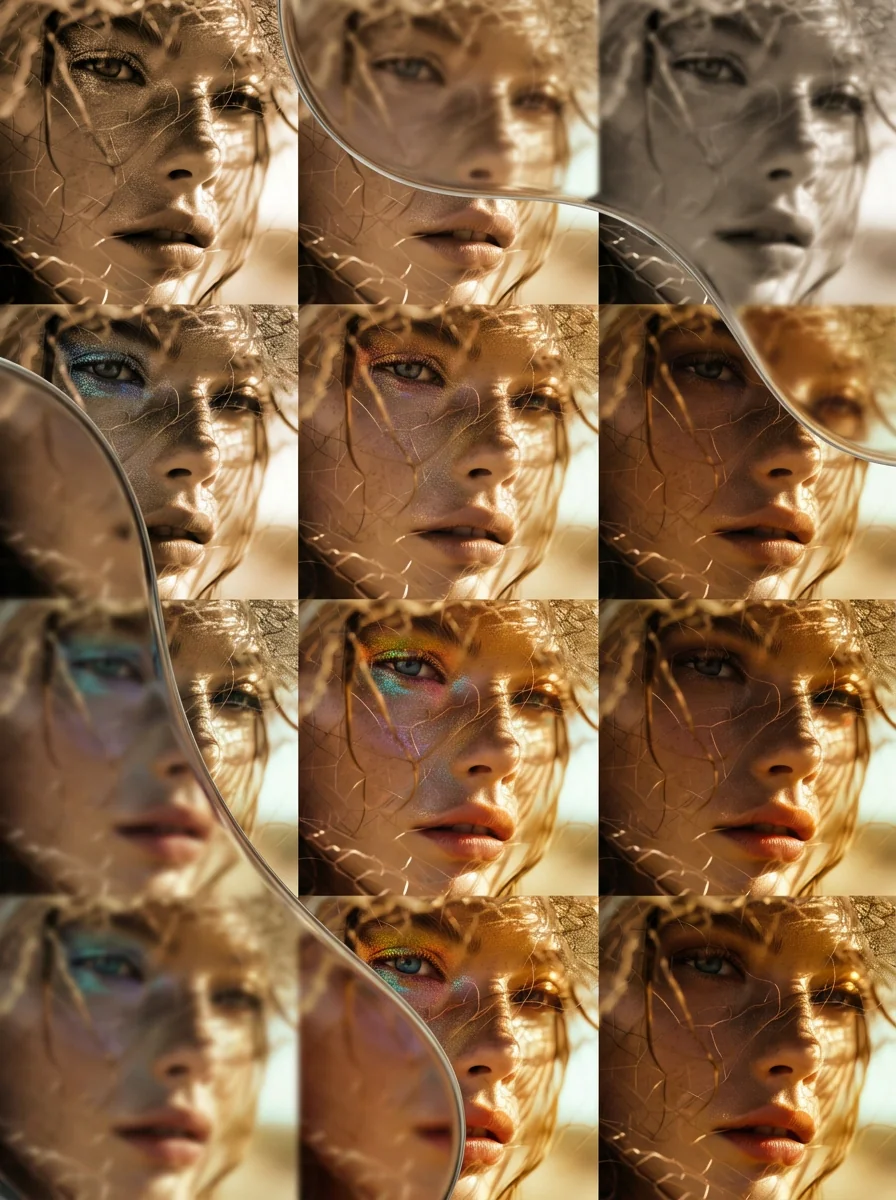
Edits one photo from a written instruction using Black Forest Labs' FLUX.1 Kontext [dev]. Ask it to remove a parked car or add rain, and the rest of the scene carries over, redrawn as a 1024 by 1024 square.

Image Editing
Run
filters - AI model cover image

filters

wiro

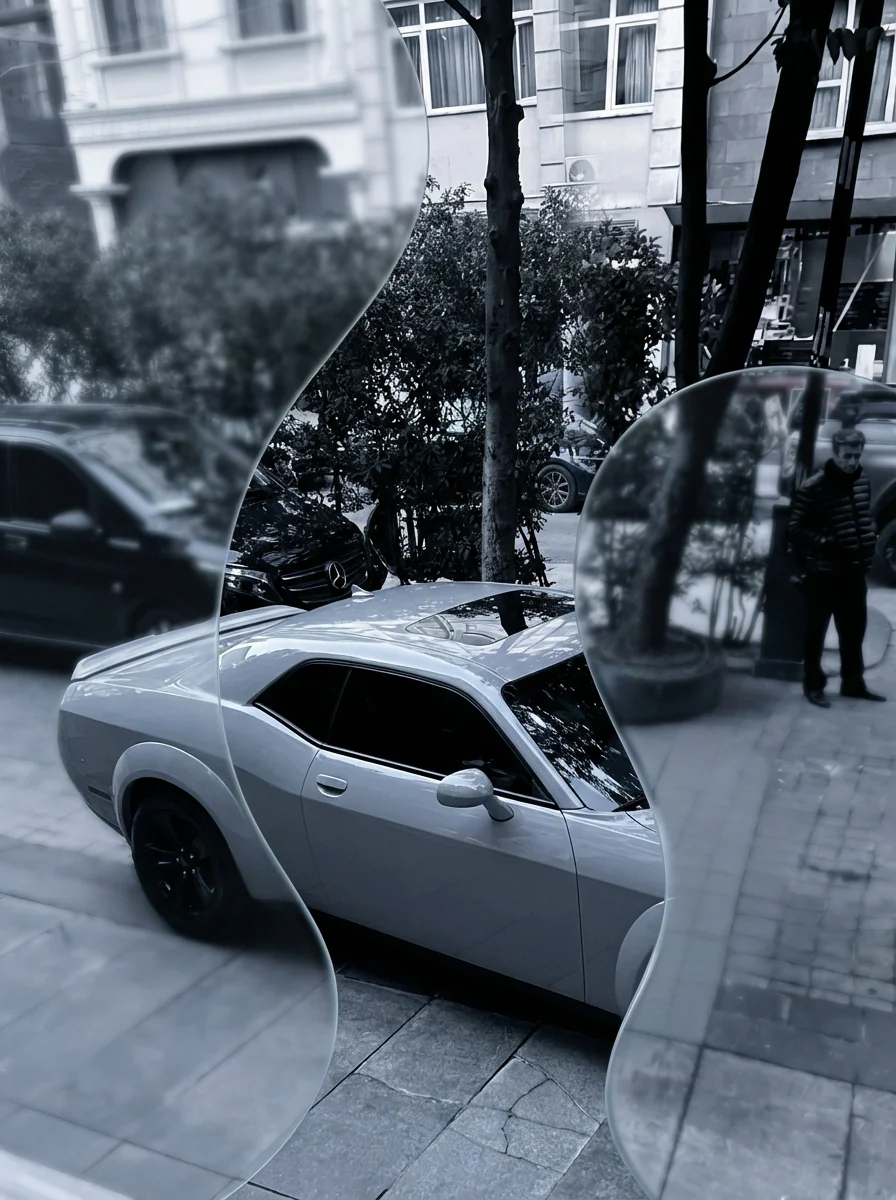
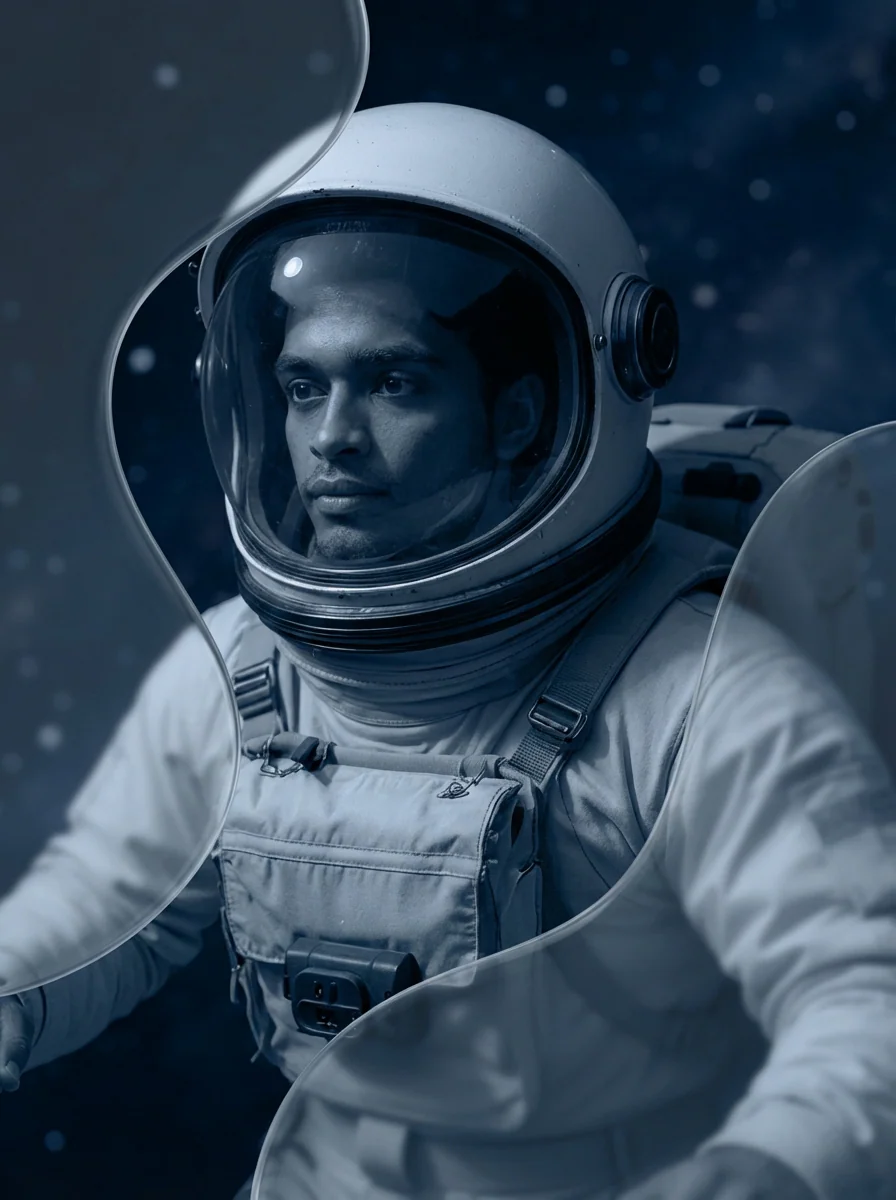
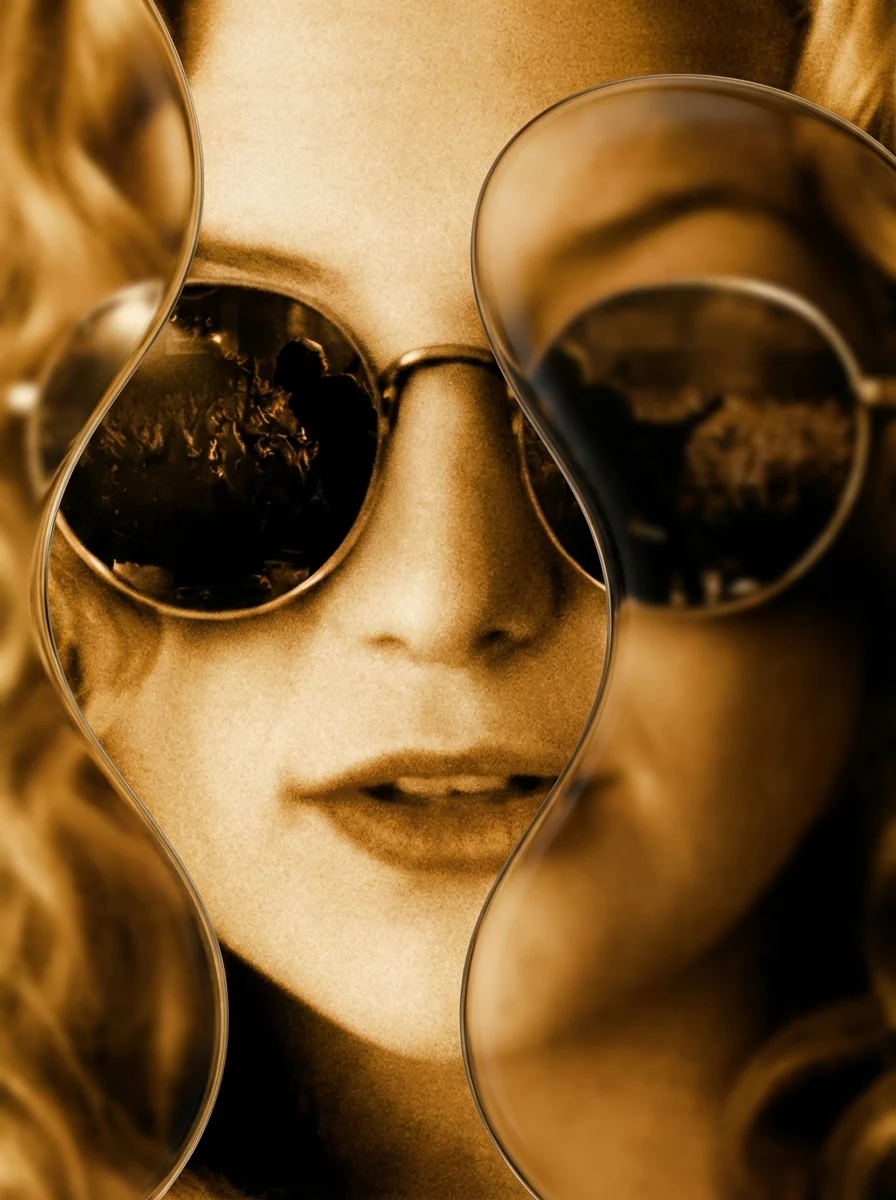
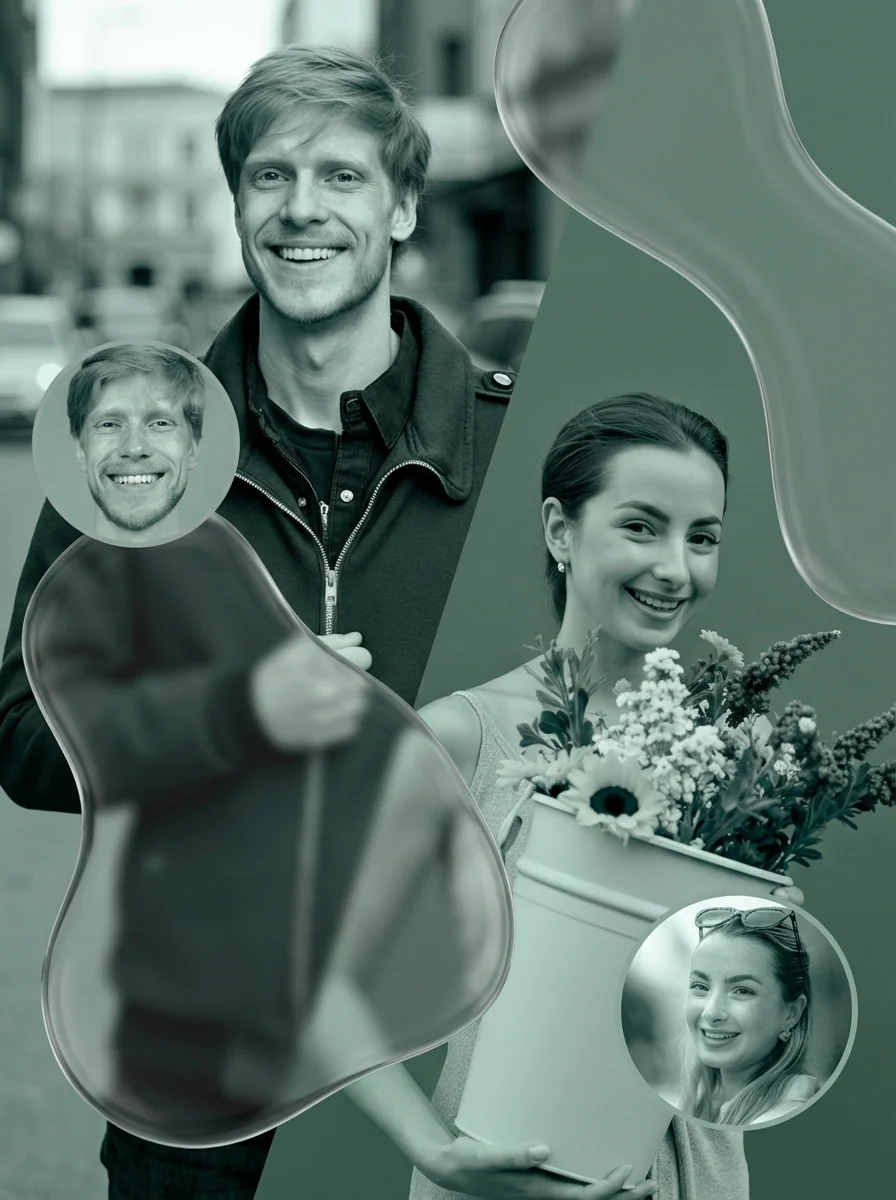
Recolors a photo with one of six looks: Vivid, Black and White, Sepia, Grayscale, Warm or Cool. The subject and framing of the picture stay as they were.

Image Editingimage generationimage editing
Run
restore-image - AI model cover image

restore-image

wiro

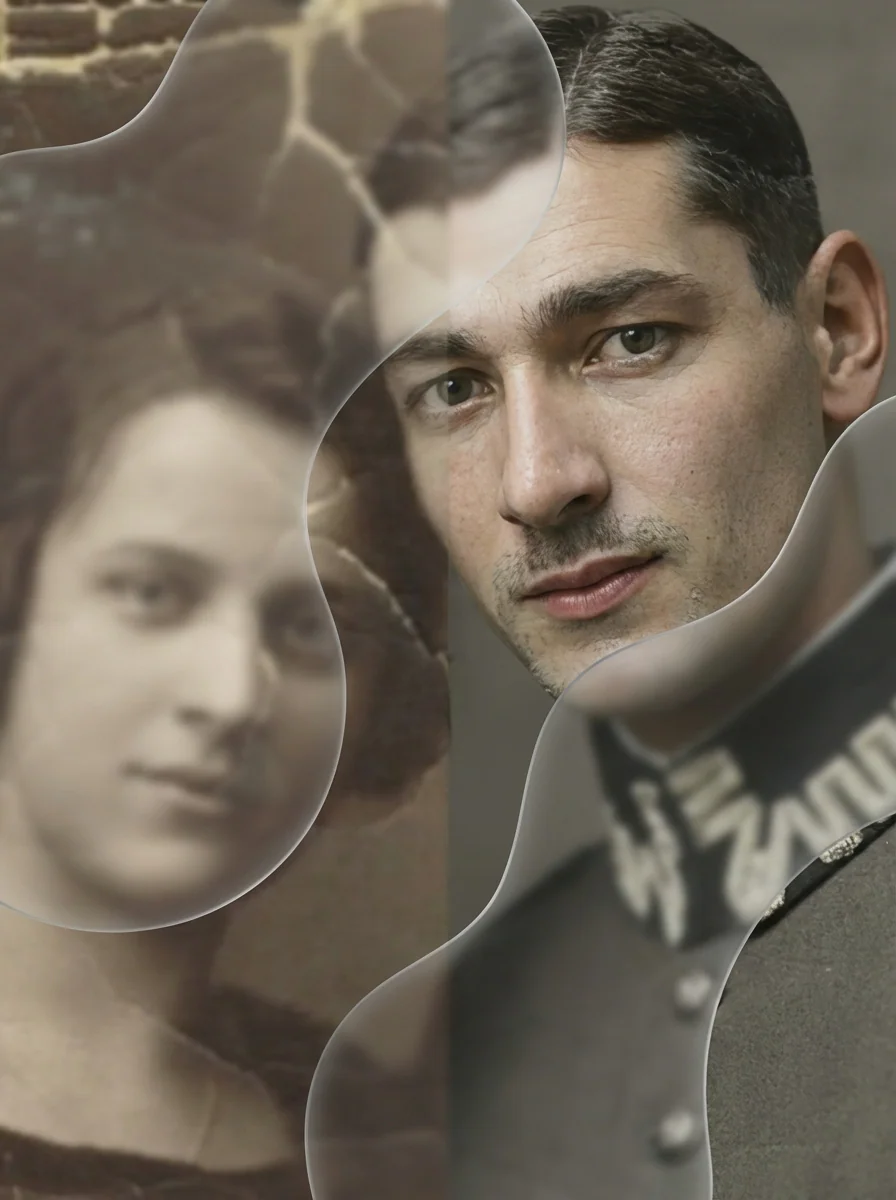
Repairs cracked or faded old photos and returns them in color. There is no prompt: you upload one image and the app redraws it.

Image Editingimage generationimage editing
Run
professional-headshot - AI model cover image

professional-headshot

wiro

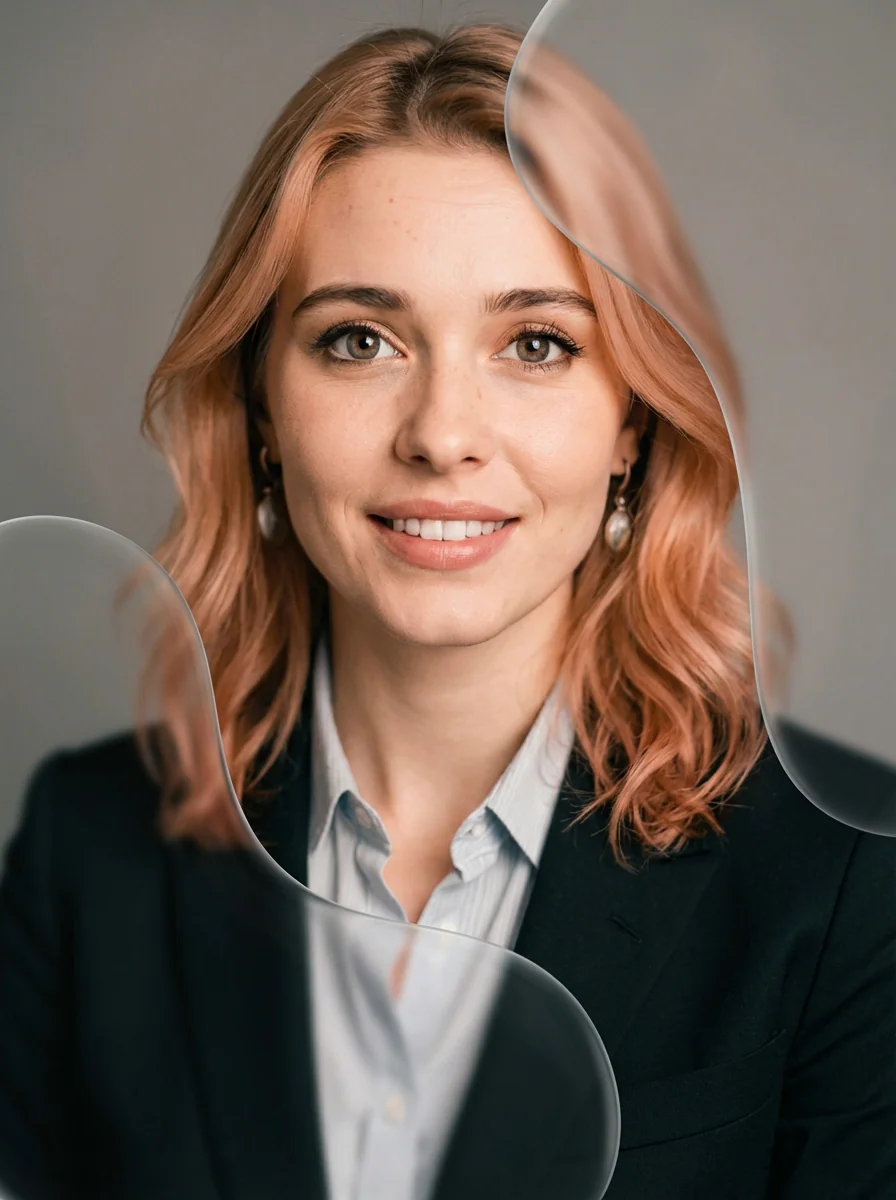
Turns an everyday photo of a person into a business headshot: same face, professional clothing, and a white, black, gray, neutral or office background.

Image Editingimage generationimage editing
Run
extreme-scenarios - AI model cover image

extreme-scenarios

wiro

Generates an action or fantasy scene, such as a moonwalk or a volcano expedition, around the person in a photo and drops the original background. There are 32 scenarios, with Random as the default.

Image Editingimage generationimage editing
Run
iconic-locations - AI model cover image

iconic-locations

wiro

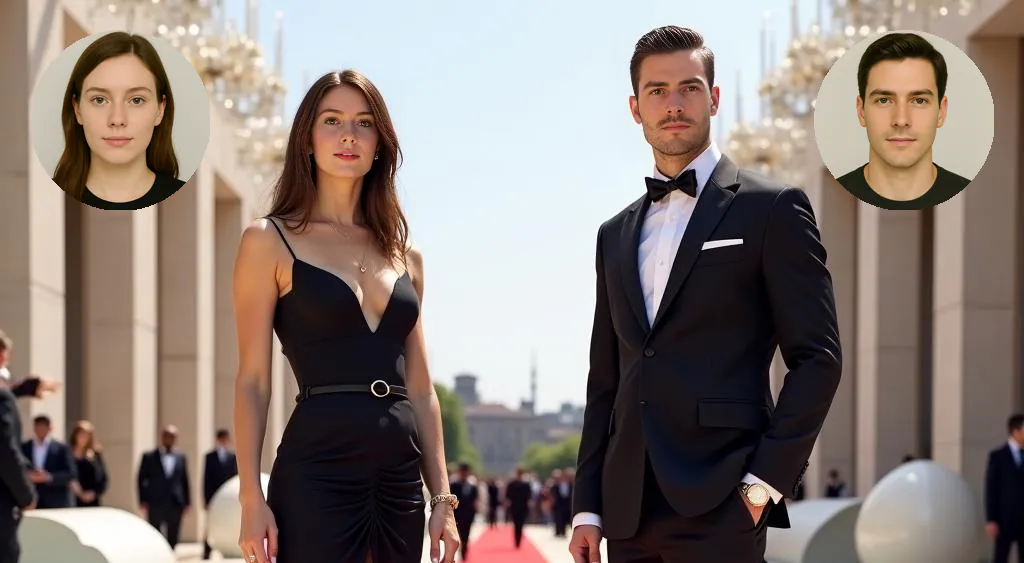
Places the person from your photo at one of 66 named locations, such as the Eiffel Tower or Machu Picchu, in the same clothes and roughly the same pose. The location list starts on Random.

Image Editingimage generationimage editing
Run
cartoonify - AI model cover image

cartoonify

wiro

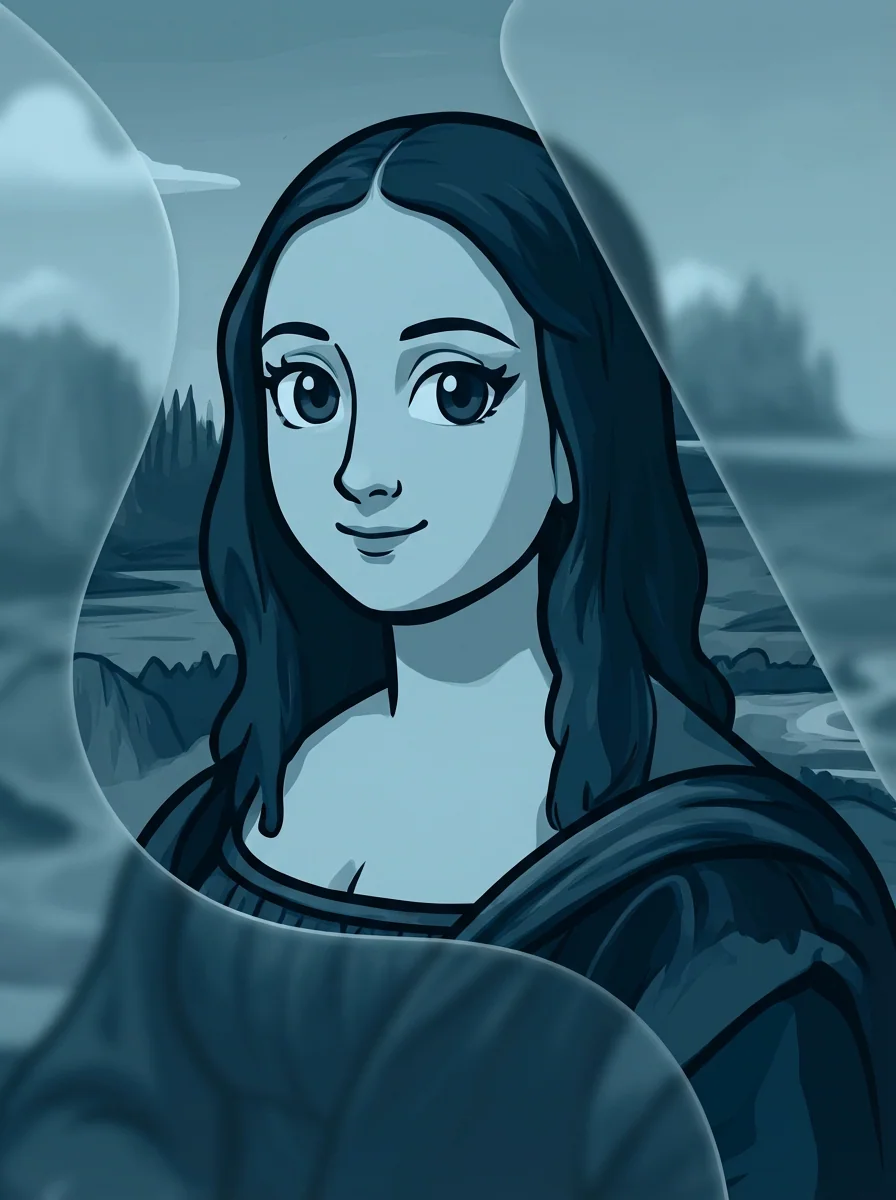
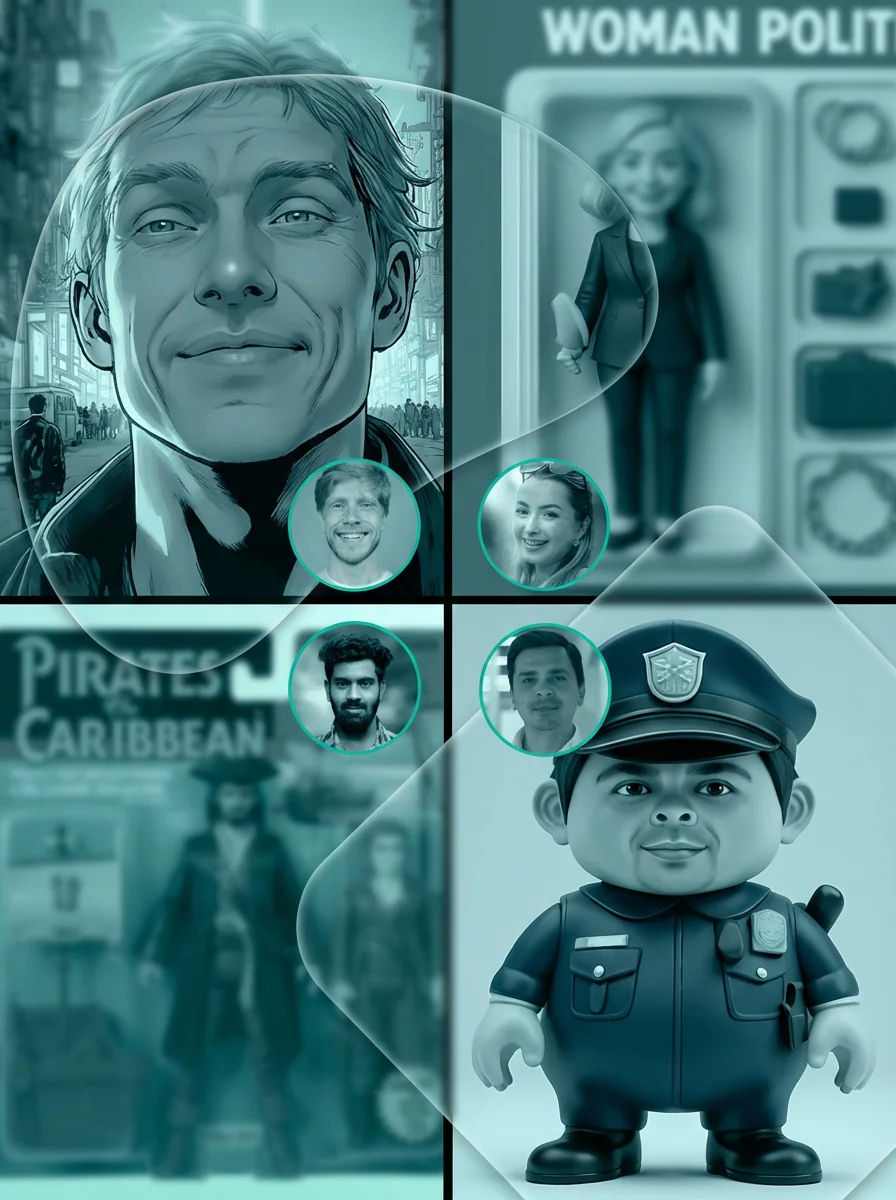
Redraws a photo as a cartoon with black outlines and flat color, leaving the person and the background where they were. You only supply the image; there is no text prompt.

Image Editingimage generationimage editing
Run
renaissance - AI model cover image

renaissance

wiro

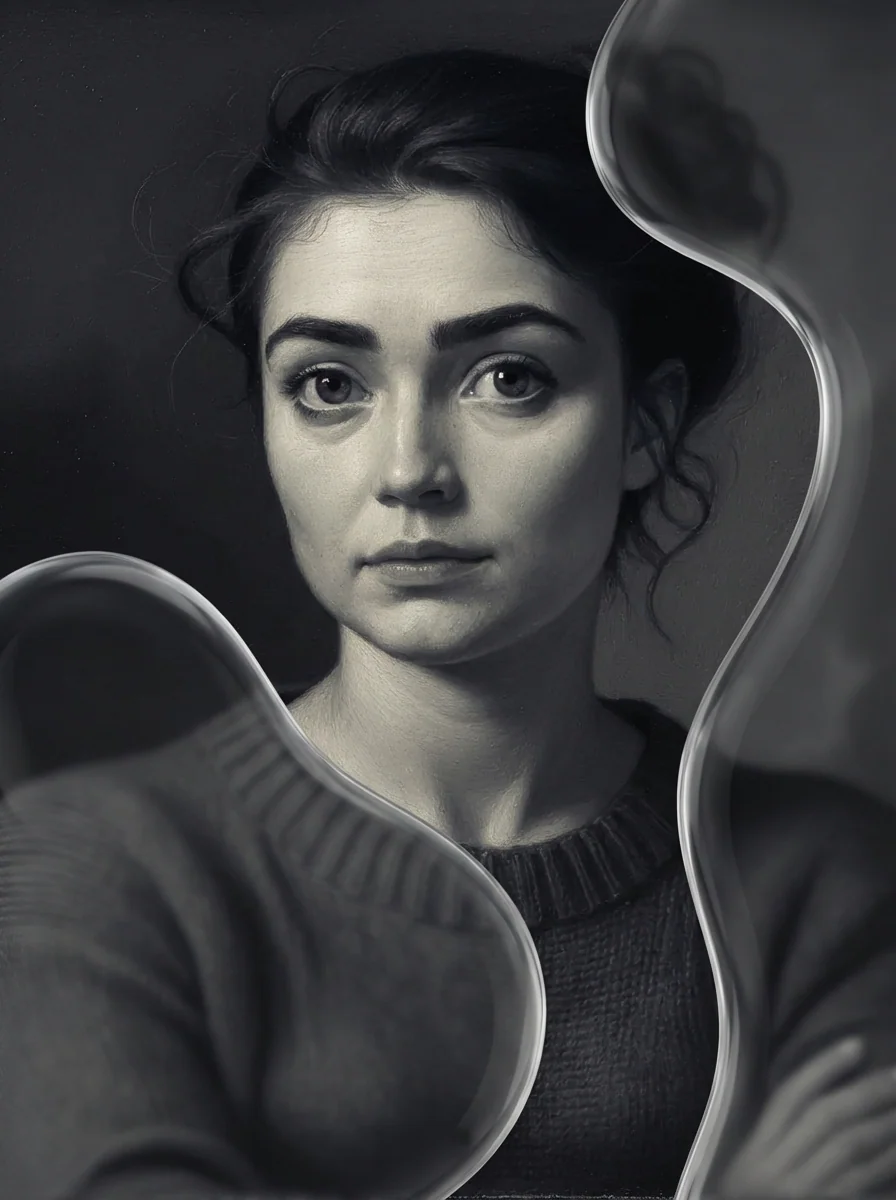
Old-master portrait filter: upload a photo and choose one of 12 named looks, from Leonardo da Vinci and Caravaggio styles to Venetian and Northern Renaissance.

Image Editingimage generationimage editing
Run
text-removal - AI model cover image

text-removal

wiro

Erases the lettering in an image, signs included, and fills the gap with matching background. There is no prompt or mask to supply.

Image Editingimage generationimage editing
Run
style-persona - AI model cover image

style-persona

wiro

Restyles a portrait photo with an art style and a character persona chosen from two lists, with switches to keep the original outfit and background.

Image Editingimage generationimage editing
Run
flux-kontext-max-multi - AI model cover image

flux-kontext-max-multi

wiroai

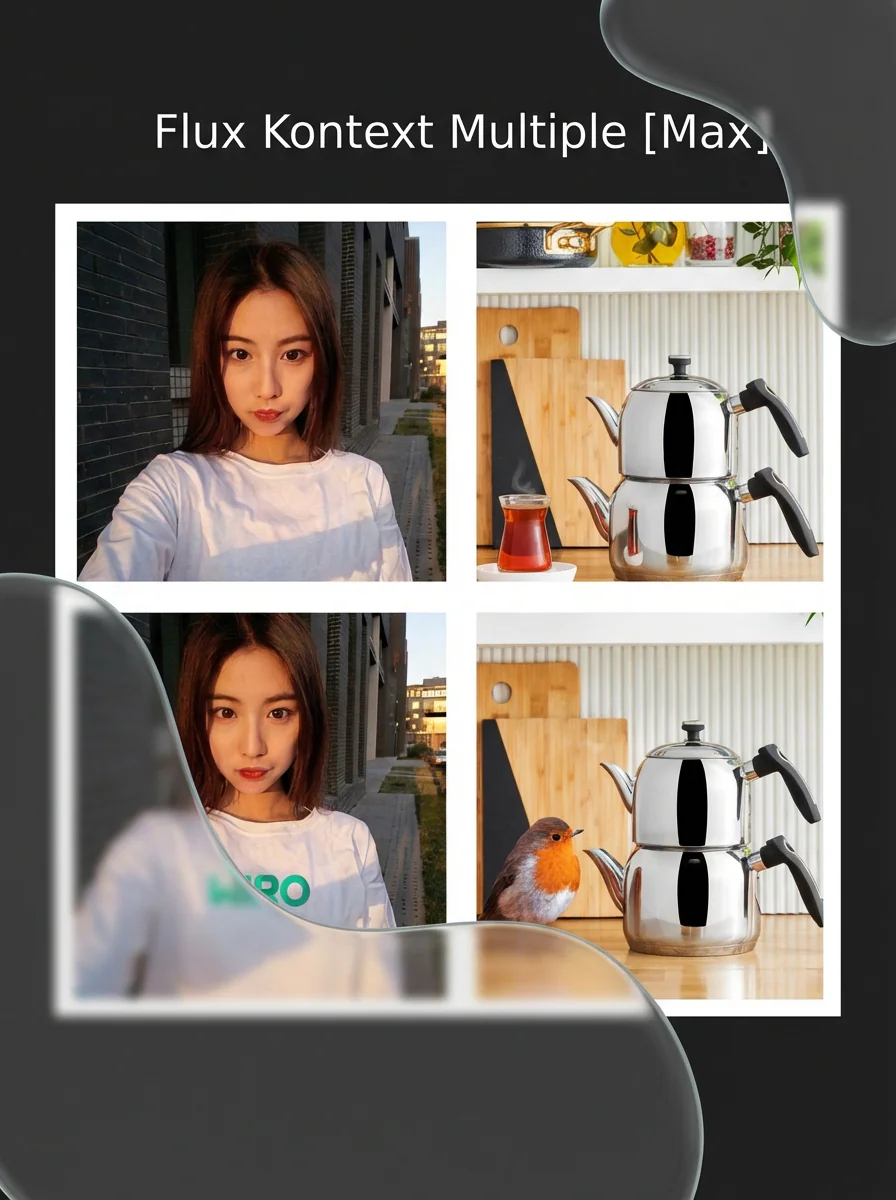
Two-image editing with FLUX.1 Kontext [max]. Put the scene first and the logo or product you want to add second, then describe in plain words where it goes.

Image Editingimage generationflux-kontext
Run
flux-kontext-max - AI model cover image

flux-kontext-max

black-forest-labs

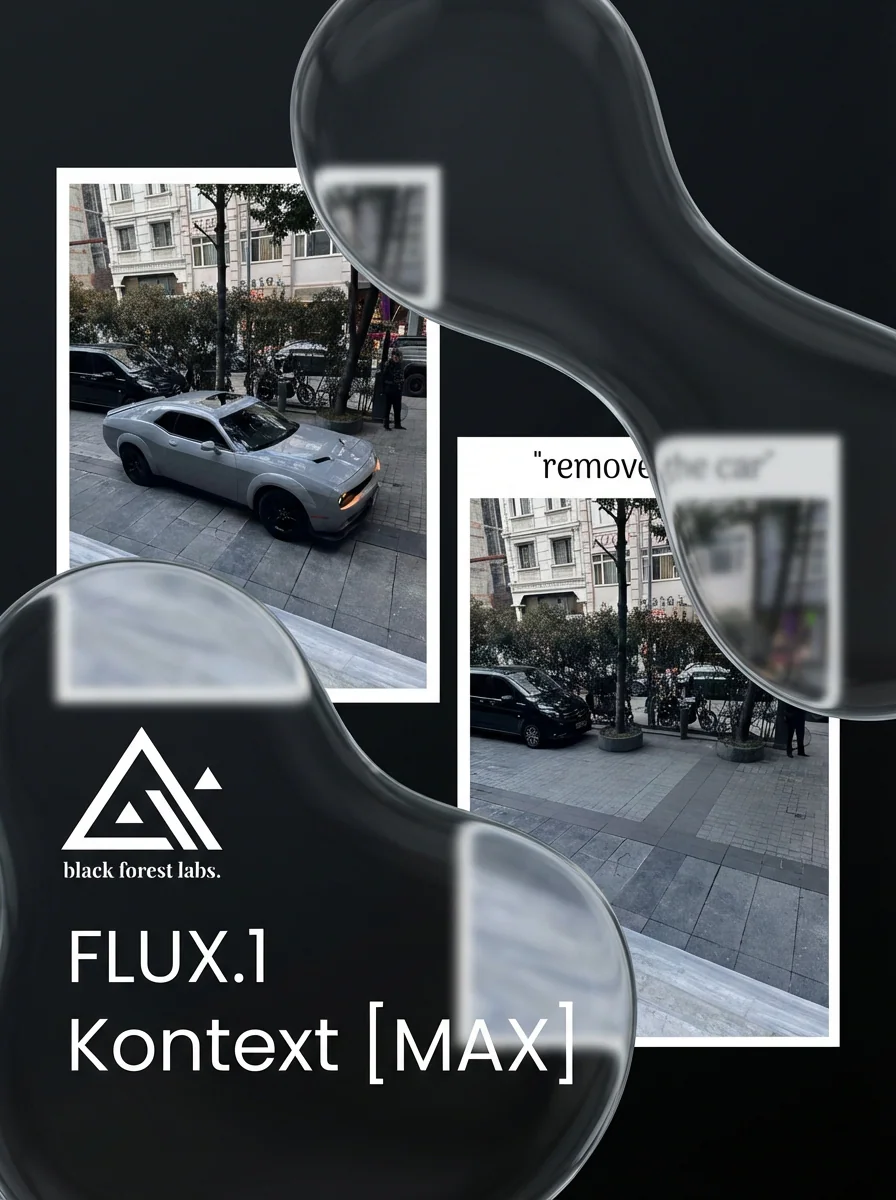
FLUX.1 Kontext Max edits an image from a plain-language instruction. It is the top tier of Black Forest Labs' Kontext family, tuned for prompt adherence and for changing or adding text inside images.

Image Editingimage generationflux-kontext
Run
flux-kontext-pro - AI model cover image

flux-kontext-pro

black-forest-labs

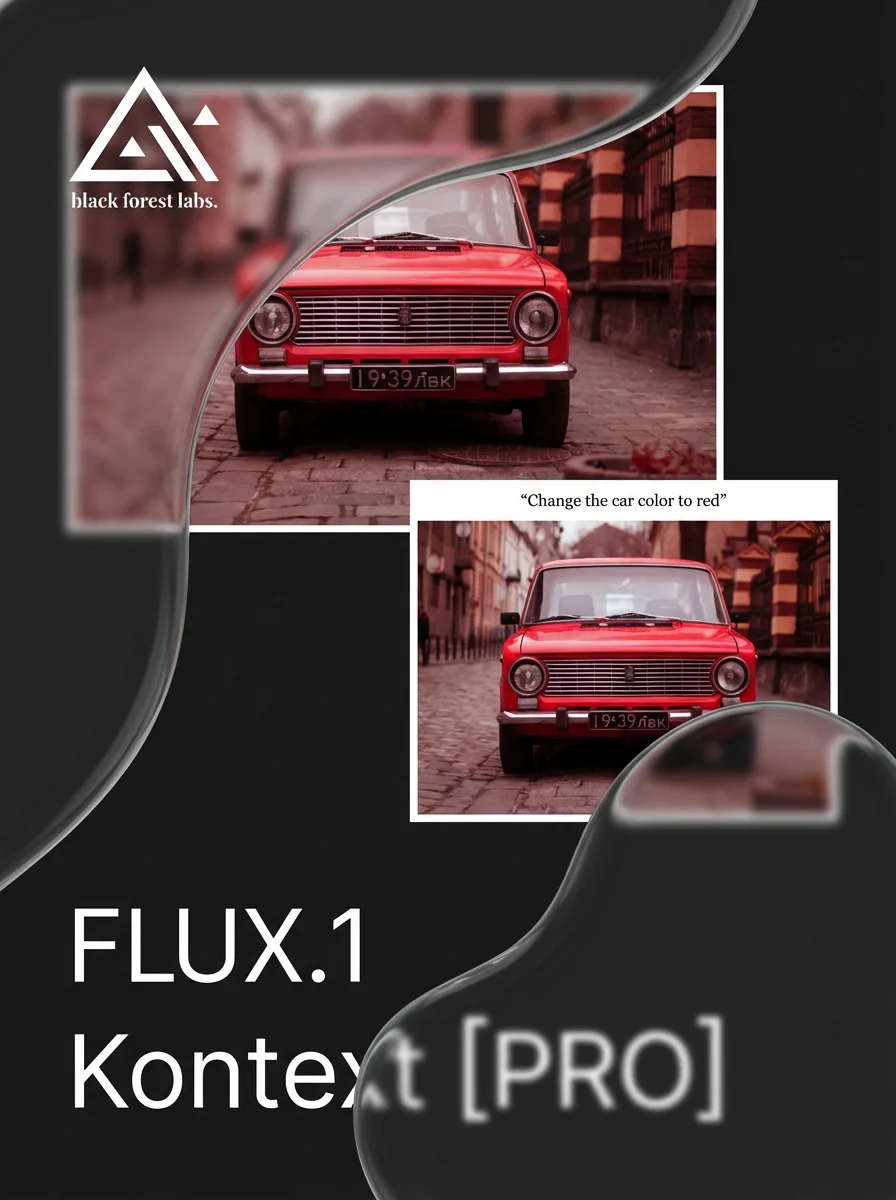
Edits an image from a plain-language instruction such as "Remove the car", with no mask, and keeps the rest of the picture in place. With no image attached it generates from text.

Image Editingimage generationflux-kontext
Run
InfiniteYou-flux - AI model cover image

InfiniteYou-flux

wiro

Places the person from one portrait photo into a new scene described by your prompt. Built on ByteDance's InfiniteYou for FLUX.1-dev, using the variant with higher identity similarity.

Image Editing
Run
InfiniteYou-flux-lora - AI model cover image

InfiniteYou-flux-lora

wiro

Generates new images of a person from one face photo and a prompt. Built on ByteDance's InfiniteYou for FLUX.1-dev, with your own FLUX LoRAs applied on top for style.

Image Editing
Run
hair-fast-gan - AI model cover image

hair-fast-gan

wiro

hair-fast-gan applies the hairstyle and hair color to the input image.

Image Editing
Run
Face-Swap - AI model cover image

Face-Swap

wiro

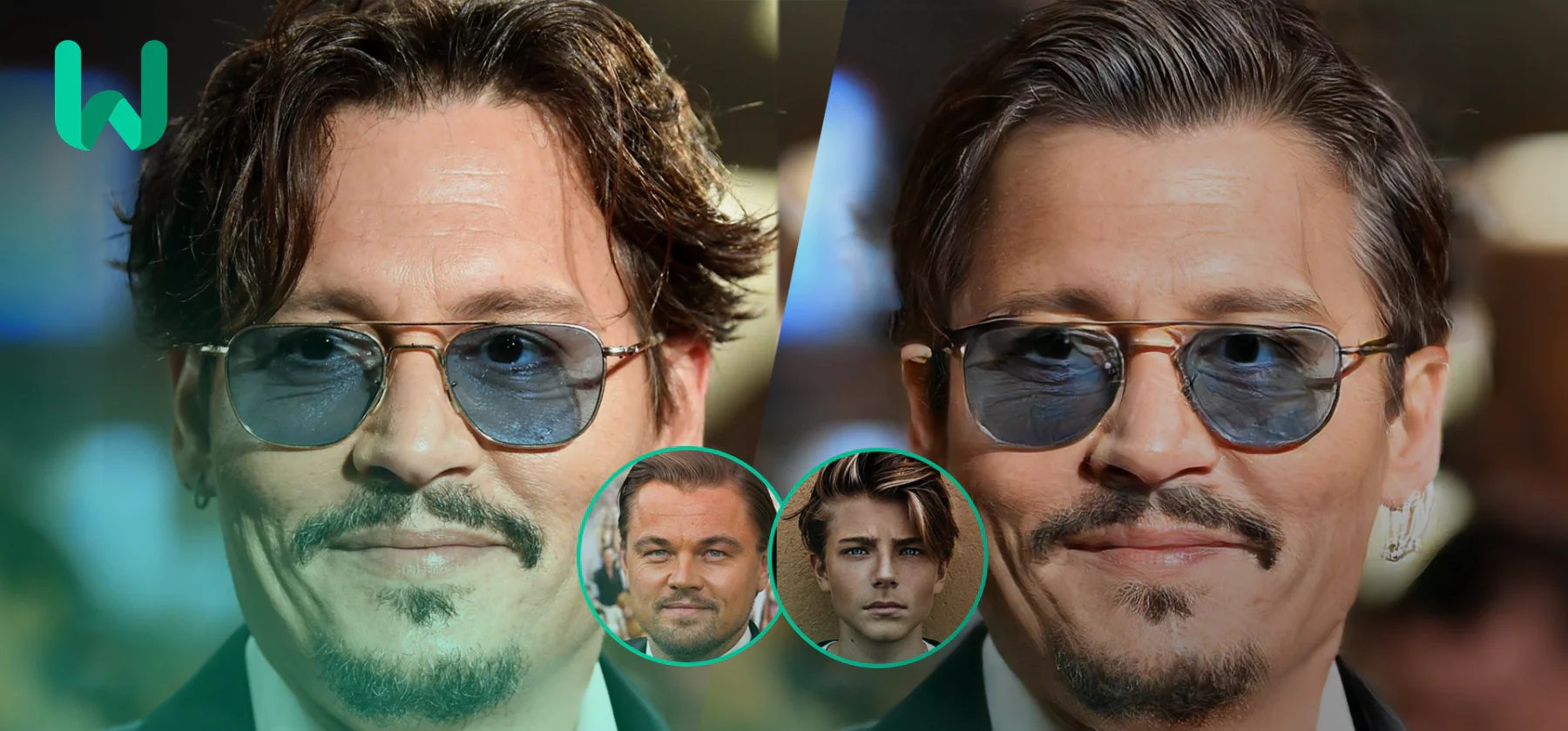
Puts one or two faces into a scene it generates from your prompt, or into a photo you upload. In a two-person photo it can replace just the left or the right person.

Image Editingrestoration
Run
InstructPix2Pix - AI model cover image

InstructPix2Pix

wiro

Edits an existing image from a written instruction such as "add a beautiful sunset", with no mask to draw. Fine-tuned from Stable Diffusion 1.5 by Tim Brooks, Aleksander Holynski and Alexei A. Efros.

Image Editing
Run
img-to-img-flux - AI model cover image

img-to-img-flux

wiro

Repaints an existing image from a text prompt with a FLUX.1 checkpoint you pick. A strength setting decides how much of the source survives, from a light restyle to a near full redraw.

Image Editing
Run
Showing 61–80 of 81 models
  • 1
  • 2
  • 3
  • 4
  • 5

Discover, test, and run AI models, build workflows and agents with one unified API.

All systems operational
WiroModelsAgentsMCP ServerLLM GatewayBrowser ExtensionIntegrationsPricingAboutBlogCareersContactPartnerChangelogStatusFAQ
CategoriesText to ImageImage to ImageImage EditingImage to TextText to VideoImage to VideoVideo to VideoText to SpeechSpeech to TextSpeech to SpeechVoice CloneRealtime ConversationMusic GenerationLLMUtilities
ModelsNano Banana 2GPT Image 2.5Seedream V5 ProSeedance 2.5Veo 3.1Kling V3FLUX 3FLUX.2 ProWan 3.0 PrimeGrok Imagine 1.5
PartnersGoogleOpenAIByteDanceBlack Forest LabsKling AIQwenAlibabaxAIMiniMaxElevenLabs
Getting StartedWiro ModelsWiro EffectsIntroductionAuthenticationProjectsCode ExamplesWiro MCP ServerSelf-Hosted MCPn8n IntegrationLLMs.txt
API ReferenceModelsRun a ModelModel ParametersTasksLLM & Chat StreamingWebSocketRealtime VoiceFiles
© 2026 Wiro AI. All rights reserved.
PrivacyTermsData Deletion