ERNIE Image Turbo
The distilled 8-step checkpoint of Baidu's ERNIE-Image text-to-image model. Baidu says it keeps the parent's text rendering and layout handling, and it includes a prompt enhancer.
Overview
ERNIE Image Turbo is the distilled checkpoint of Baidu's ERNIE-Image, built on the same 8B single-stream Diffusion Transformer. Baidu tuned it with DMD and reinforcement learning to finish an image in 8 inference steps at guidance 1.0, and reports higher aesthetics as a result.
Baidu says Turbo keeps the parent's strength in text rendering and structured layouts. Its LongText-Bench average with the enhancer is 0.9655, a little under the full model's 0.9733.
Choosing a variant: ERNIE Image is the 50-step SFT release and leads on GenEval overall (0.8728 against 0.8510, both with the enhancer). Turbo is the lighter variant and holds a small lead in GenEval counting (0.8375 against 0.8187). Switch to the full model when objects land in the wrong place or attributes attach to the wrong object.
What you can build
- Neon signs and street scenes with readable lettering. In the fourth sample, "NEO TOKYO" runs down a vertical sign and a corner sign advertises ramen, "OPEN 24H".
- Comic pages where each panel follows its own description.
- Photo-style portraits, like the older man on a rocky shore with a boat behind him in the third sample.
Inputs
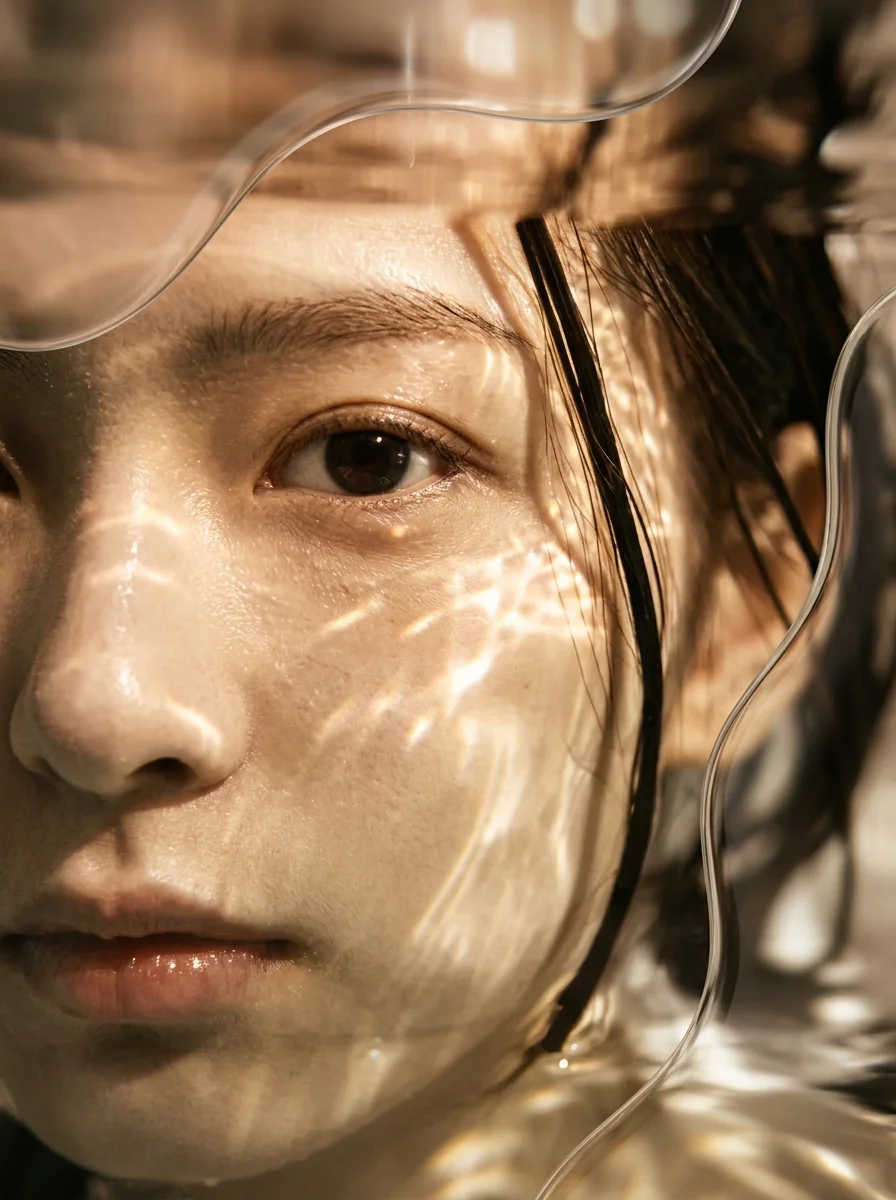
You only have to fill in the prompt. It opens with Baidu's street-scene example, which matches the first sample: a cyclist riding toward a low sun on a tiled sidewalk.
Under advanced settings, steps default to 8 (range 1 to 100) and guidance to 1.0 (range 0 to 20). Width and height start at 848 by 1264 and go up to 2048 each. You can also request 1 to 4 images, fix a seed and add a negative prompt. Unticking the Prompt Enhancer changes nothing on this page, because the enhancer rewrites every prompt.
At guidance 1.0 the negative prompt has no effect: the diffusers pipeline on Baidu's card applies classifier-free guidance only above 1.0. Baidu's card gives only guidance 1.0 for this checkpoint, so phrase the prompt positively instead of leaning on a negative prompt.
Outputs
Still images at the width and height you choose, one to four per run. The model accepts text only.
Recommended settings
- Begin at 8 steps and guidance 1.0, Baidu's values for this checkpoint.
- Sizes from Baidu's list: square 1024 px, portrait 848x1264, 896x1200 or 768x1376, and the landscape versions of those three. Keep both sides multiples of 16.
- In Baidu's tables the enhancer lifts Turbo's OneIG-EN overall from 0.5341 to 0.5656, mostly through diversity and reasoning, and lowers GenEval a little (0.8667 to 0.8510).
Limitations
- Object position is where Turbo falls furthest behind the parent. With the enhancer, Baidu reports 0.7950 against 0.8625 on GenEval position, and the colors category (0.8351 against 0.8830) is the next largest gap.
- Small text away from the focal point can break down, and a large sign can still carry a wrong mark. In the neon sample, whose prompt named no words, the tall katakana sign reads サイパーパンク, with パ where the word for "cyberpunk" needs バ, and several smaller signs deeper in the street show made-up characters.
Safety & compliance
The Turbo checkpoint is published under Apache 2.0, like the full model, and the license permits commercial use.
API quick start
Run ERNIE-Image-Turbo with a single API call.
{
  "prompt": "This is a photograph depicting an urban s…",
  "negativePrompt": "...",
  "steps": 8,
  "scale": 1.0
}
curl -X POST "https://api.wiro.ai/v1/Run/baidu/ernie-image-turbo" \
-H "Content-Type: application/json" \
-H "x-api-key: YOUR_WIRO_API_KEY" \
--data-binary @- <<'JSON'
{
"prompt": "This is a photograph depicting an urban s…",
"negativePrompt": "...",
"steps": 8,
"scale": 1.0
}
JSONOther models you might like
Explore similar image generation models.