Kling Image V4 (KlingAI) Image Generator
Generate or edit high-resolution images with KlingAI’s Kling Image V4. Write a prompt, optionally add one reference image, and get 1–9 variants.
## Overview
Kling Image V4 by KlingAI generates still images from a written description. It can also edit an existing image by following an instruction. You describe the scene or the change you want. If you upload a reference image, you can point to it inside the prompt as @image_1. The model returns one or more finished images at the resolution and aspect ratio you choose.
## What you can build
- Concept art variants for the same character, outfit or location
- Marketing creatives like product shots, banners and background swaps
- Style changes such as cinematic, night scene or film still looks
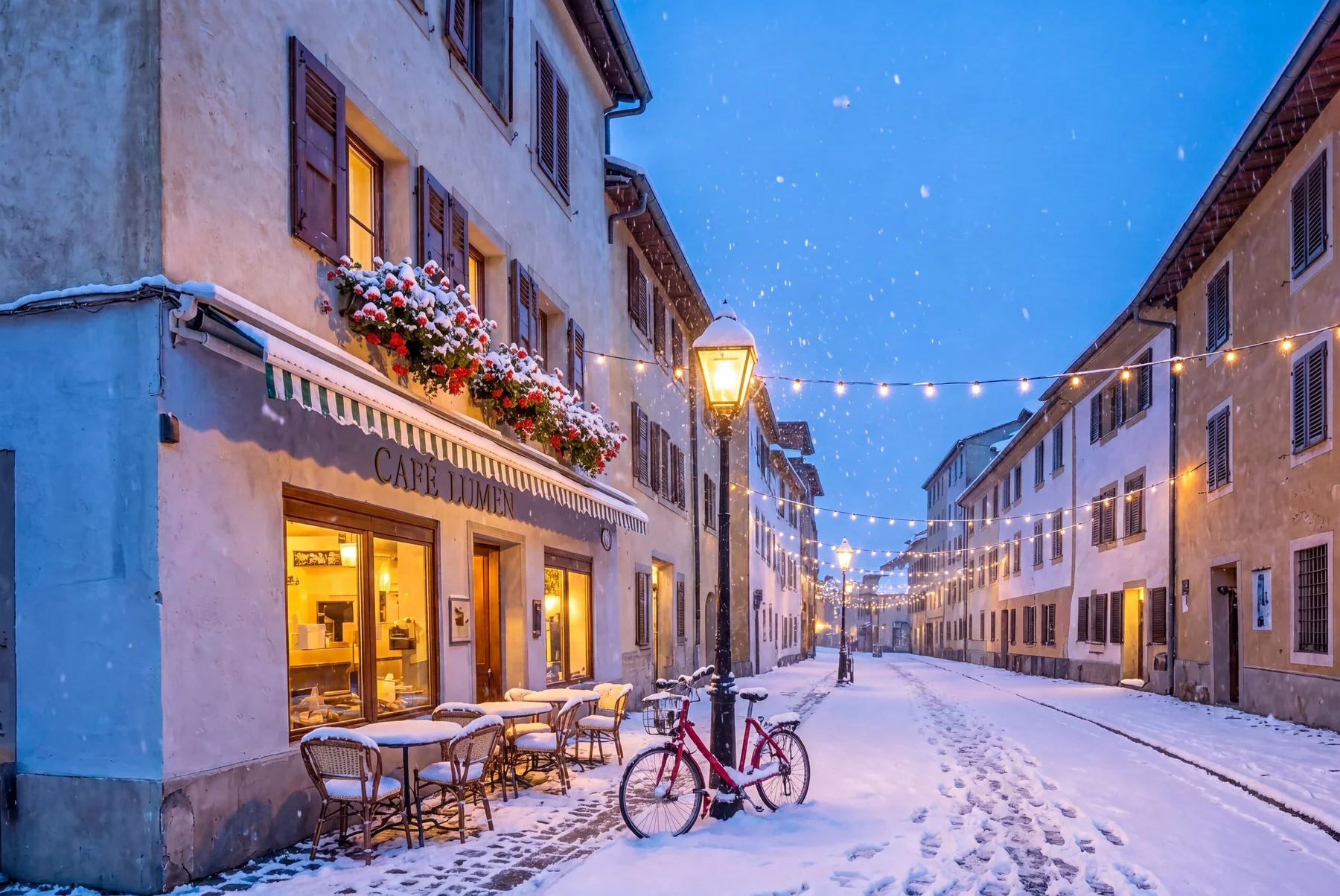
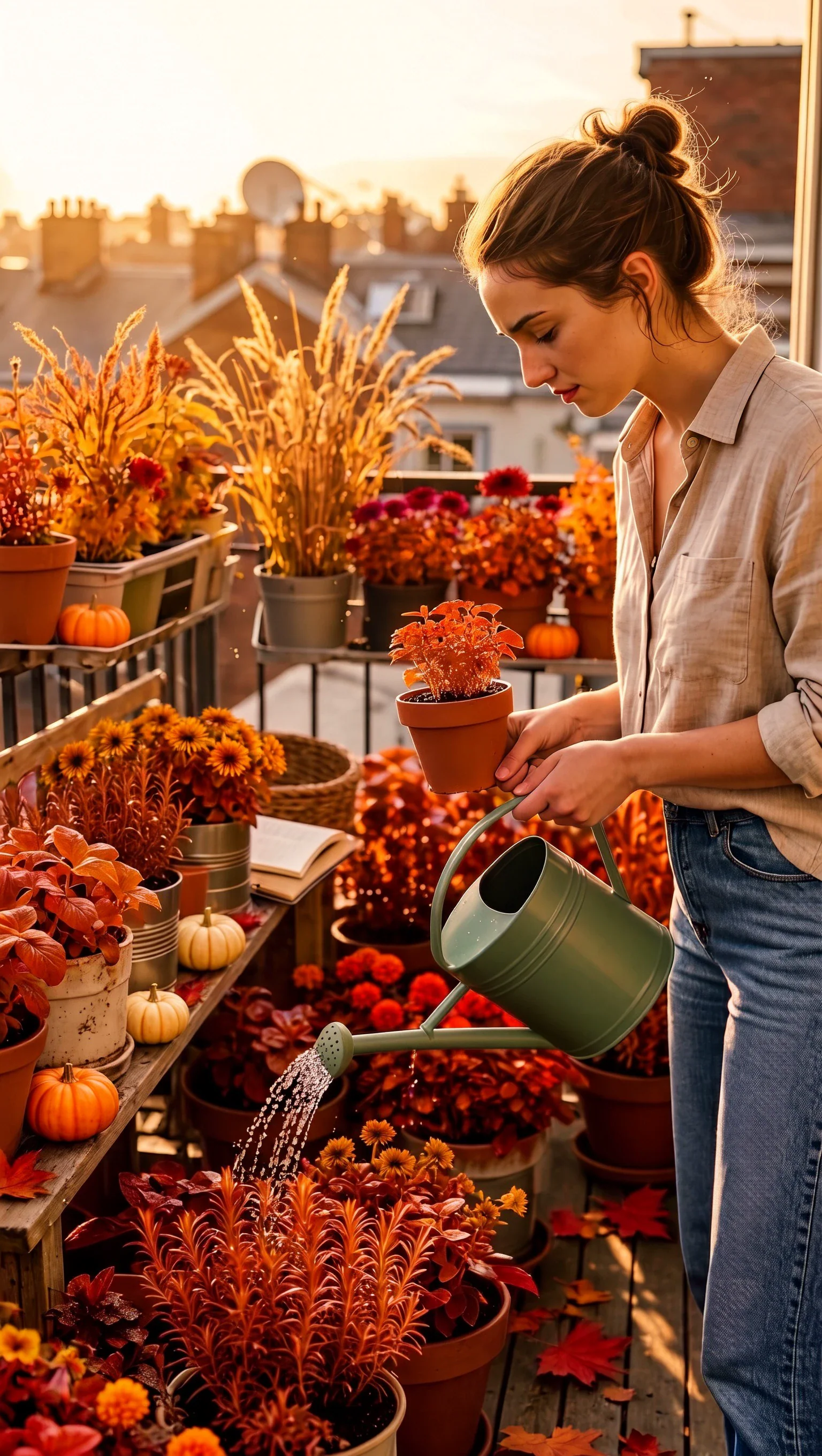
- Seasonal edits like snow, rain, autumn colors or holiday lighting
- Storyboard frames you later animate with a video model
- A/B testing assets by generating several options per prompt
## Inputs
- A required prompt describing the image you want, or the change to apply to your uploaded image.
- An optional reference image to edit, as WebP, PNG or JPEG. Mention it in your prompt as @image_1.
- A required output resolution: 2K, 4K or 8K.
- Samples, the number of images to generate in one run, from 1 to 9.
- An optional aspect ratio: auto, or a fixed ratio such as 1:1, 16:9, 9:16, 4:3, 3:4, 3:2, 2:3 or 21:9.
## Outputs
- 1 to 9 generated still images.
- Each image matches the chosen resolution and aspect ratio.
- With an input image, the outputs apply your instruction as an edit while keeping the referenced content consistent.
## Limitations
- Only one reference image per run. For up to 10 references or connected image series, use Kling Image V4 Advanced.
- Auto aspect ratio can change the composition. Use a fixed ratio when layout matters.
- Fine text, logos and packaging details can shift during edits.
- Blurry, heavily compressed or very small subjects in the input lower the quality of the edit.
- Strong edits can change identity details. Keep the edit narrow and say what must not change.
## Safety & compliance
- Follow KlingAI's Terms of Service and Community Guidelines when generating or editing images.
- Don't generate sexual exploitation content, non-consensual sexual content or sexualized minors.
- Don't create content that promotes violence, crime, illegal drugs or instructions for wrongdoing.
- Respect intellectual property and personality rights. Only upload images you have the rights to use.
- Some prompts or images may be blocked by moderation.
Example prompts
Great starting points for kling image v4.
API quick start
Run kling image v4 with a single API call.
{
  "prompt": "Turn this into the same scene at night wi…",
  "resolution": "2k",
  "samples": 1,
  "inputImage": "https://your-cdn.com/input.png"
}
curl -X POST "https://api.wiro.ai/v1/Run/klingai/kling-image-v4" \
-H "Content-Type: application/json" \
-H "x-api-key: YOUR_WIRO_API_KEY" \
--data-binary @- <<'JSON'
{
"prompt": "Turn this into the same scene at night wi…",
"resolution": "2k",
"samples": 1,
"inputImage": "https://your-cdn.com/input.png"
}
JSONOther models you might like
Explore similar image generation models.