Kling Image V4 Advanced (KlingAI)
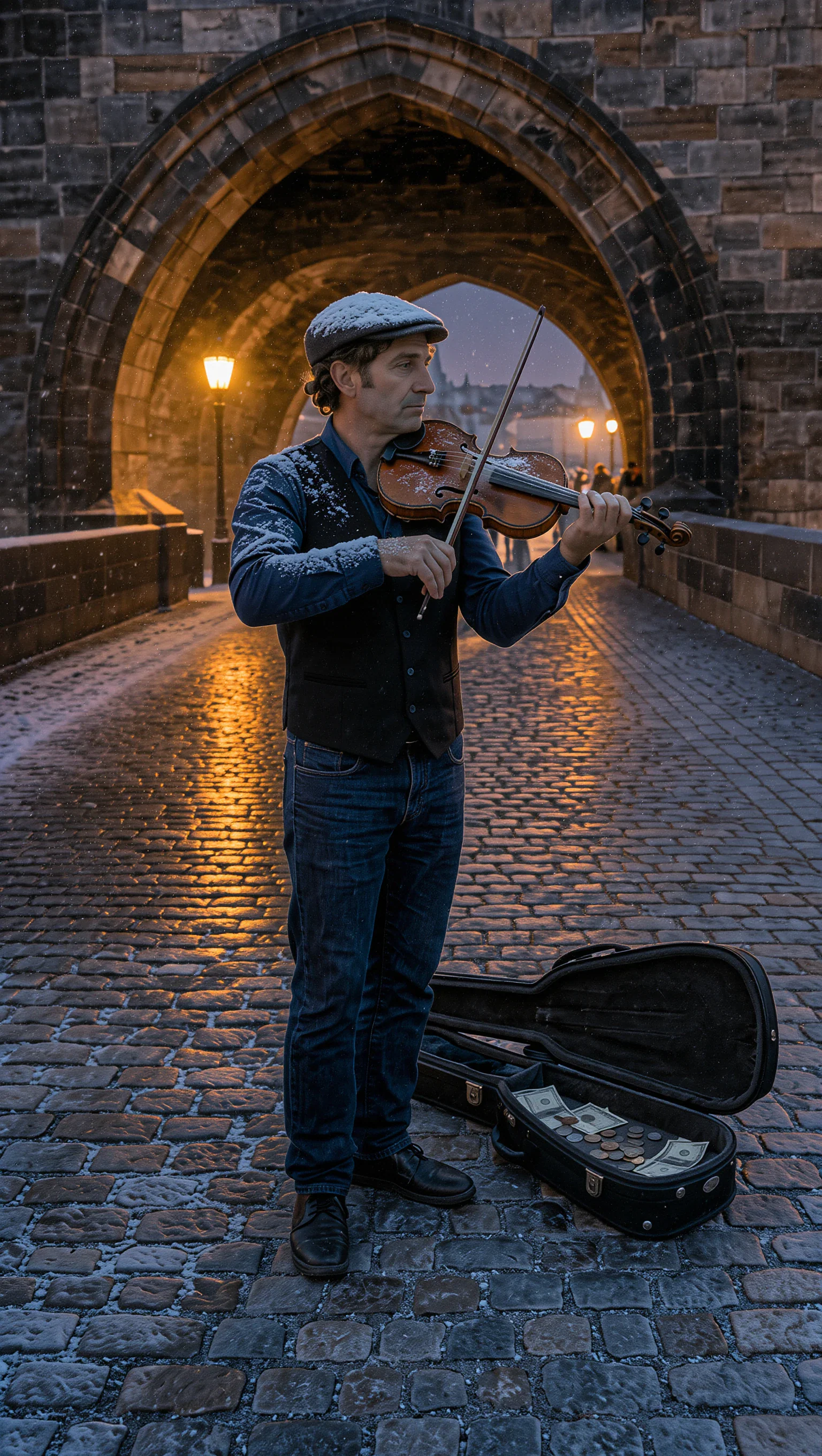
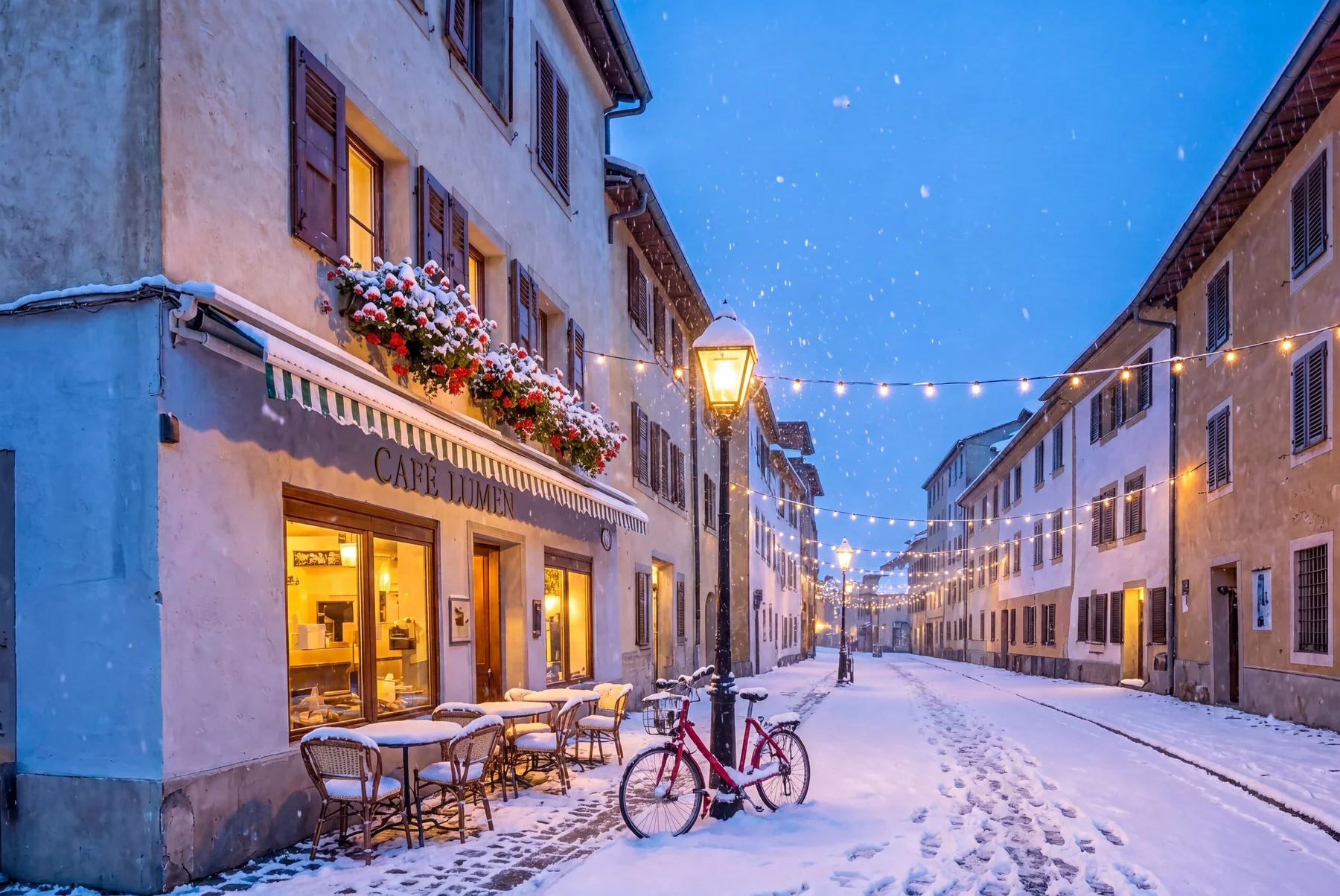
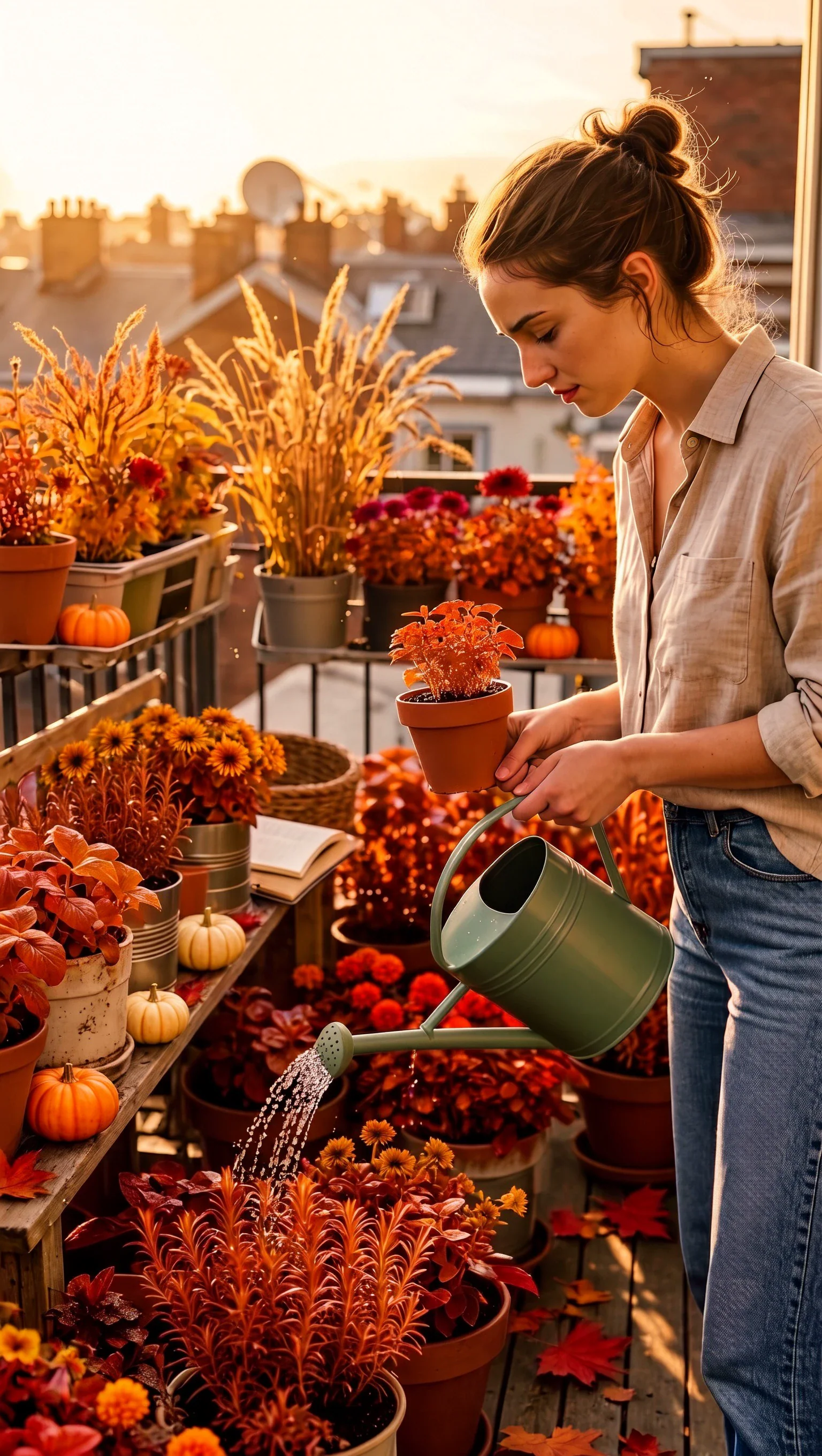
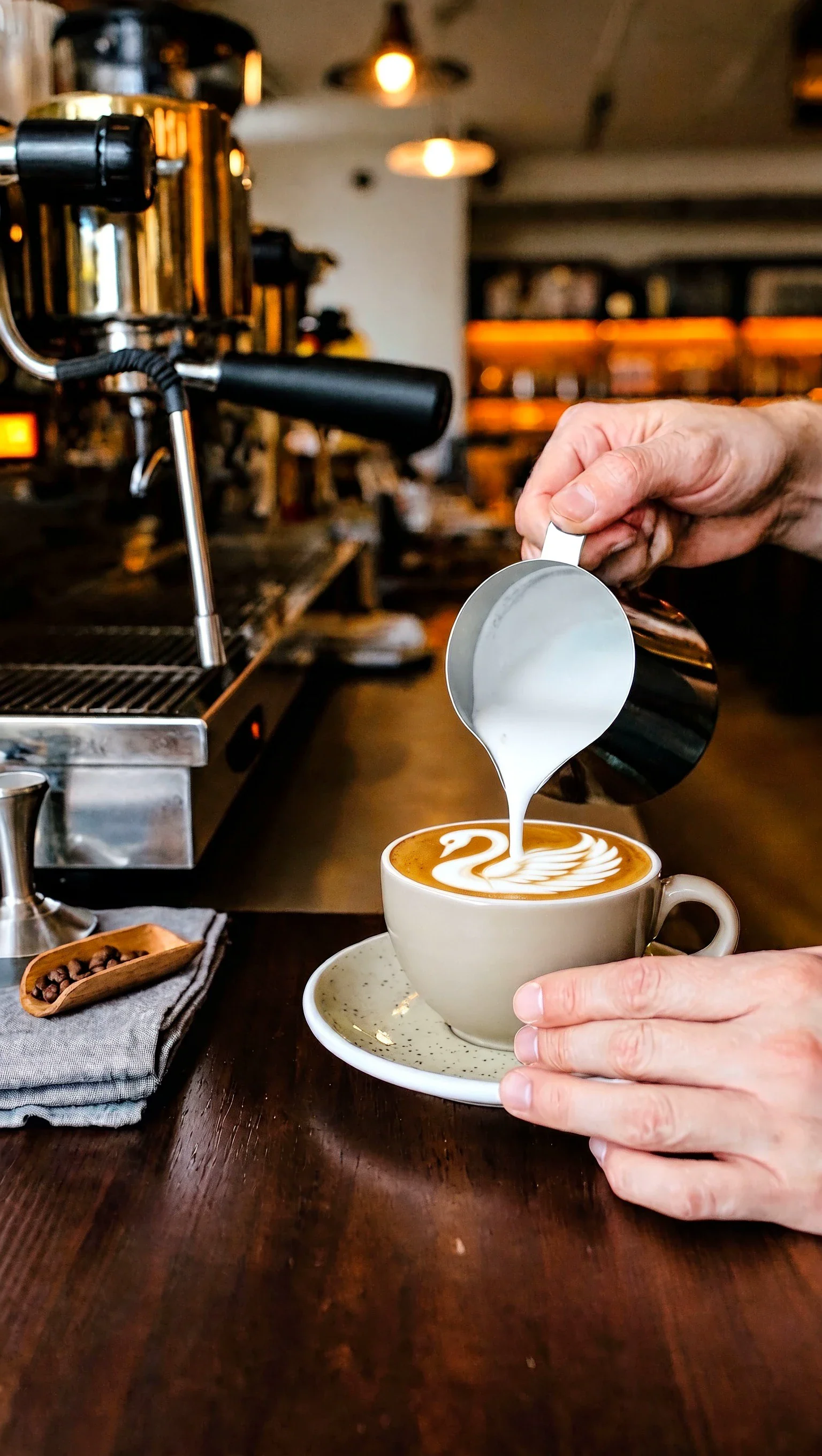
Generate 2K–8K images from prompts, with up to 10 reference images for identity or style. Create single variations or a connected series for consistent visuals.
## Overview
Kling Image V4 Advanced is an image generation model by KlingAI. It turns a written scene description into one or more finished still images. You can add up to 10 reference images and call them out inside your prompt, which helps keep a person, product or style consistent across outputs.
## What you can build
- Product lifestyle shots that keep the same packaging and branding
- Character concept art with repeatable faces, hair and wardrobe
- Storyboards and shot lists as a connected image series
- Campaign image sets with consistent lighting and art direction
- Variations of the same scene, pose or composition
## Inputs
- A required prompt describing the image you want: subject, setting, camera, lighting and style.
- Optional reference images, up to 10. Refer to them in the prompt as @image_1, @image_2 and so on, in upload order.
- A required output resolution: 2K, 4K or 8K.
- An optional aspect ratio: 16:9, 9:16, 1:1, 4:3, 3:4, 3:2, 2:3, 21:9, or auto to let the model choose.
- A result type: single for independent images, or series for a connected set that keeps the same subject and style.
- Samples, the number of images in single mode, from 1 to 9.
- Series amount, the number of images in a series, from 2 to 10, or auto to let the model decide.
## Outputs
- Single mode returns the number of separate images you asked for.
- Series mode returns a set of related images in story order, all following one creative direction.
- Images are delivered as PNG files at the chosen resolution.
## Limitations
- Reference images guide the result, but they don't guarantee an exact match of a person's identity.
- Small, dense or stylized text inside the image can come out inconsistent.
- A series can drift from image to image if the prompt is vague. Describe the moment each image shows.
- Blurry, heavily compressed or dark reference images lower the quality of the result.
- Busy scenes with many faces or fine repeating patterns can show artifacts.
## Safety & compliance
- KlingAI filters prompts and outputs for unsafe content. Requests for sexual content, graphic violence or illegal content are refused.
- Only upload reference images you have the rights to use.
- Don't upload private images of real people without their permission, especially for identity-focused generations.
Example prompts
Great starting points for kling image v4 advanced.
API quick start
Run kling image v4 advanced with a single API call.
{
  "prompt": "Show the same barista from @image_1, with…",
  "resolution": "2k",
  "inputImage": "https://your-cdn.com/input.png",
  "aspectRatio": "auto"
}
curl -X POST "https://api.wiro.ai/v1/Run/klingai/kling-image-v4-advanced" \
-H "Content-Type: application/json" \
-H "x-api-key: YOUR_WIRO_API_KEY" \
--data-binary @- <<'JSON'
{
"prompt": "Show the same barista from @image_1, with…",
"resolution": "2k",
"inputImage": "https://your-cdn.com/input.png",
"aspectRatio": "auto"
}
JSONOther models you might like
Explore similar image generation models.