
Google Ads AI agent vs Meta Ads AI agent is not a test of which ad platform is better. It is a workflow comparison: which queue needs help first, what the agent can actually inspect, and what still needs a human decision. This review checks the two published Wiro agent specifications rather than claiming a live-account experiment that did not happen. No ad account, spend level, conversion volume, audience list, or creative library was supplied for this article.
What this Google Ads AI agent vs Meta Ads AI agent review checked
The useful question is not whether search or social creates more value in the abstract. It is whether the paid-media team has an intent-management problem or a creative-and-audience iteration problem. The two Wiro agent pages describe different operational loops. Google Ads Manager creates, optimizes, and reports on Google Ads campaigns with daily insights. Meta Ads Manager manages Meta campaigns with daily reporting and optimization across Facebook, Instagram, Messenger, and Audience Network.
The comparison used the public product specifications as the test set. It checked campaign types, reporting cadence, metrics, approvals, diagnostics, and the information each workflow prioritizes. It did not measure CPA, ROAS, conversion lift, or time saved because those need access to a real account and a defined period. Treat any promise of a universal winner without those inputs with caution.
What the two inline outputs actually show

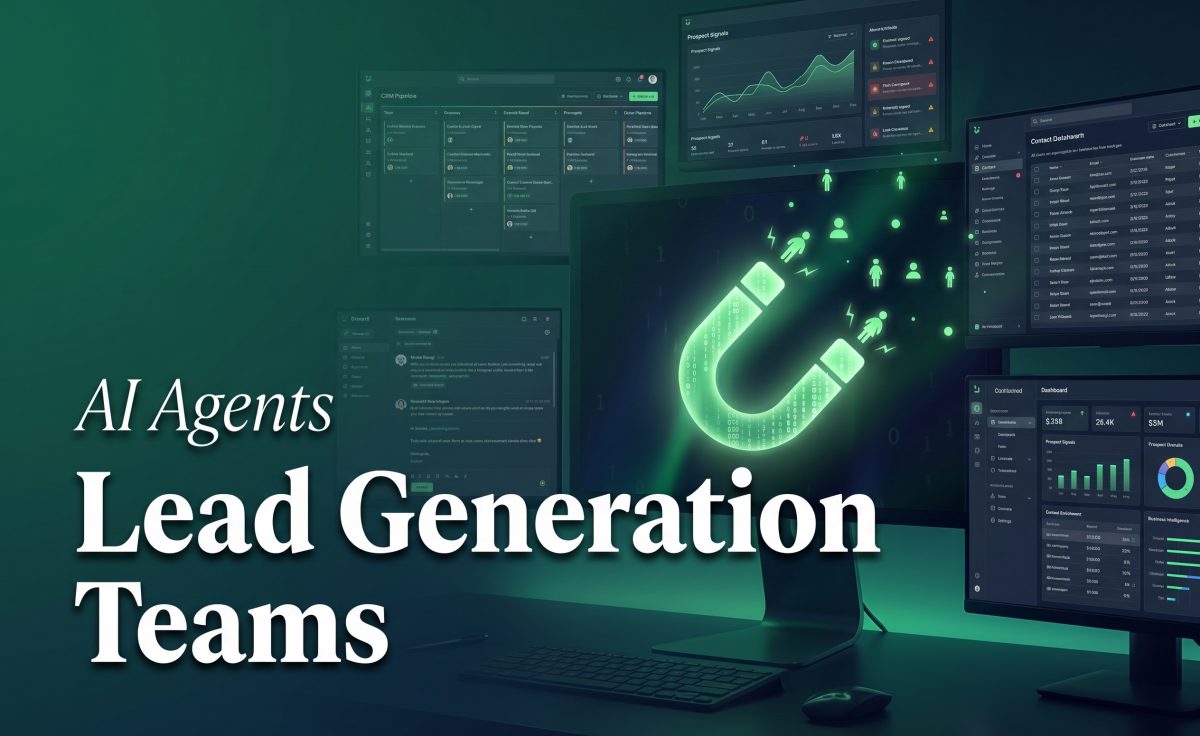
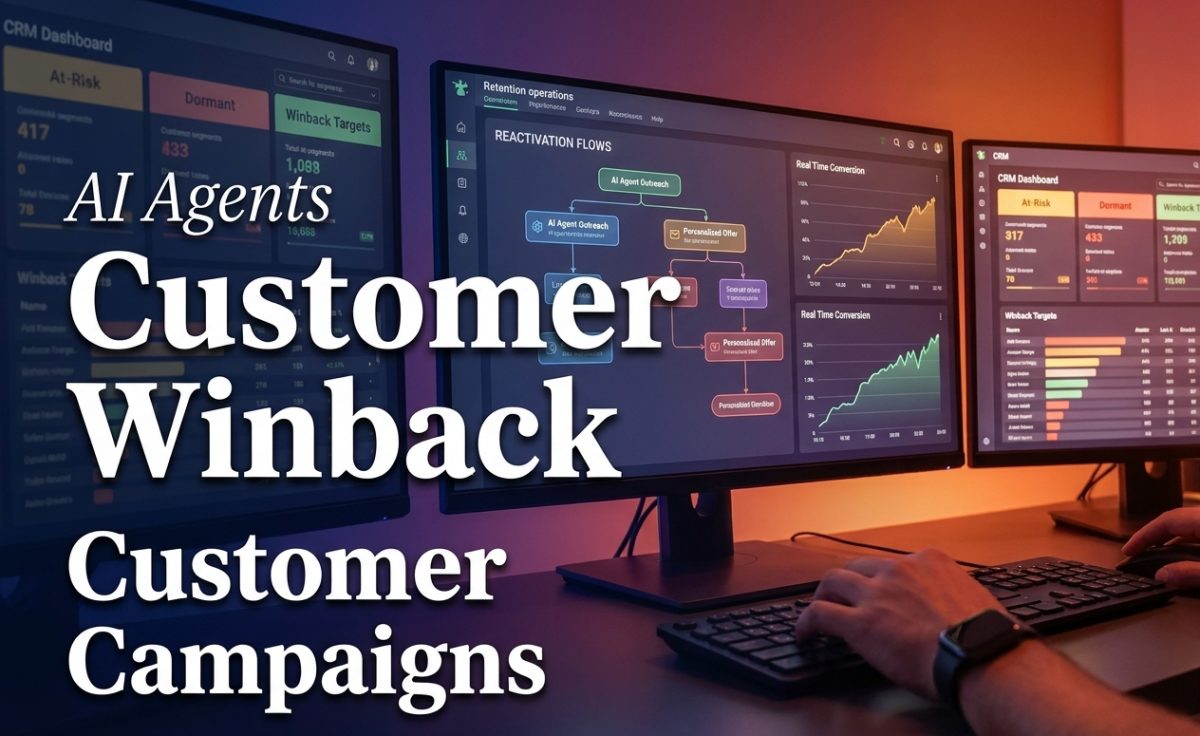
The first existing image is a conceptual comparison. Its left side represents the Google Ads loop: queries, keywords, bids, budget, and reporting. Its right side represents the Meta loop: creative variation, audiences, placements, and iteration. It helps explain the scope split, but it does not prove one agent outperformed the other.

The second image frames the same choice as an operating decision. It shows why a team should start with the bottleneck that creates the most manual work. Neither image has a published prompt, model run, duration, or generated-output invoice attached to it. Keeping that distinction clear matters: they are useful inline visuals, not fabricated evidence.
Google Ads Manager: intent, queries, and account controls
The Google workflow fits teams whose revenue begins with explicit demand. The Wiro specification lists Search, Display, App, and Performance Max campaigns, plus responsive search ads, ad extensions, and negative-keyword management. Its daily report covers spend, clicks, impressions, CTR, CPC, conversions, and ROAS. It also calls out high-cost keywords with no conversions, irrelevant search terms, sudden metric changes, device and geography breakdowns, budget caps, and bid changes.
The documented parameters are operational rather than a fixed API preset. A user provides what to advertise, then the agent researches keywords, suggests campaign types, and drafts headlines and descriptions. Campaign plan, budget, targeting, and creatives arrive for approval. The specification says campaign creation begins paused after an ok response. Daily intelligence arrives at 9am, while weekly work includes auction-insight review, keyword opportunities, account-health checks, and holiday planning.
Pick this workflow when search terms are hard to review, negative keywords arrive late, or a team cannot consistently connect spend changes to query quality. It is also the stronger first choice when campaign decisions hinge on bidding, impression share, feed or asset-group health, and conversion intent. Google’s official Google Ads API introduction describes programmatic account management, custom reporting, ad management, and bidding-related automation. That is the operating territory this agent is designed to help organize.
Meta Ads Manager: creative, audiences, and placement signals
The Meta workflow fits teams where learning comes from variations in creative, audience, and placement. The Wiro specification covers traffic, conversion, app-install, and awareness campaigns. It supports image, video, and carousel ads, interest and demographic targeting, custom and lookalike audiences, and placements across Facebook Feed, Instagram Feed, Stories, Reels, Messenger, and more.
Its daily report adds reach, CPM, CPA, placement performance, creative-health signals, frequency monitoring, anomaly detection, geography and device views, budget caps, and audience saturation. The published rule of thumb for fatigue risk is frequency above 3. Weekly work checks age, gender, and interest segments; identifies declining CTR; reviews disapprovals and empty ad sets; and plans around upcoming holidays.
Its setup parameters follow the same guardrail: provide the product, app, website, or service; then review the suggested objective, copy, targeting, budget, and creative before confirming. The agent can generate ad images with minimal text overlay and formats suited to feed, Stories, and Reels. It also starts campaigns paused after approval. That makes it a better first workflow when the account has plenty of traffic but weak creative refresh, audience saturation, inconsistent placement review, or no clear process for acting on rising frequency.
Runtime and cost: what Wiro publishes
There is no honest per-output runtime or flat per-output price to report for either agent. The published pages meter actual usage by model tokens, not by a fixed report, campaign, or creative. Both pages list the same visible rates per 1 million tokens: the default openai/gpt-5.6-sol at 625 input credits, 3,750 output credits, and 62.5 cached-input credits; and openai/gpt-5.4 at 312.5 input credits, 1,875 output credits, and 31.25 cached-input credits. The published plan pools differ: Google Ads Manager lists 1,300 credits per month for Starter and 13,000 for Pro; Meta Ads Manager lists 1,100 and 11,000.
Those rates cannot be converted into a truthful cost per daily report without token counts, selected model, connected skills, and task complexity. The specifications also publish no guaranteed run time. A quick metric summary and a research-heavy campaign plan will not consume the same work. Measure actual credits and elapsed time in the task history after deployment instead of treating an estimate as a price quote.
Which workflow wins?
Choose Google Ads Manager first when paid search is the growth engine and the most expensive failure is wasted intent: poor query hygiene, missed negative keywords, bid drift, or late budget intervention. Choose Meta Ads Manager first when the biggest failure is slow learning from creative and audiences: rising frequency, declining CTR, placement blind spots, or weak refresh cadence.
For teams running both channels, do not deploy both simply to say the stack is automated. Start with the backlog that has a named owner, a weekly decision rhythm, and a clear success measure. Then add the second workflow when the first produces reports the team can act on. The broader operating pattern is covered in AI Marketing Agent Automation, while AI Agent Analytics helps define the metrics worth reviewing before scaling. For handoffs across more than one specialized agent, see Multi-Agent Workflows for Business.
The winner, then, is the workflow that removes the most consequential manual delay without hiding the decision behind an opaque score. Compare the two agent pages, connect only the account data needed for the job, and review the first reports before expanding the rollout.