FLUX.2 Klein 9B was tested here as a practical text-to-image model for fast design iteration, not as a benchmark score. The six outputs below use deliberately different jobs: a typographic cover, a labeled product image, a retail-style box render, a dense map, a neon key visual, and a newspaper layout. They check whether one small FLUX.2 checkpoint can hold composition, materials, and readable text when the prompt asks for more than a single attractive scene.
In this test
- The six prompts and what each image shows
- Settings, timing, and cost reporting
- When FLUX.2 Klein 9B is the right pick
What FLUX.2 Klein 9B is built for
FLUX.2 Klein 9B on Wiro is a 9B-parameter rectified-flow transformer. Its Wiro documentation exposes text prompting, optional image input, 1 sample by default, seed control, width and height, 30 inference steps, and guidance scale 4. That matters because this is not only a prompt-to-image endpoint: the same model accepts reference imagery for image-to-image and multi-reference editing workflows.
Black Forest Labs positions the wider FLUX.2 family around structured prompts, typography, layouts, reference consistency, and image editing. Its FLUX.2 announcement says the family supports up to ten references and editing up to 4MP. The published FLUX.2 Klein 9B card confirms this is a 9B member of that collection. Those are family-level claims, so the examples below focus on the six outputs actually included in this post rather than treating them as proof of every capability.
Test settings, run time, and cost
Each example was framed as a 1024 by 1024 single-image request. The model documentation lists 30 steps, guidance scale 4, one sample, and seed 0 as the defaults. The original prompts are preserved in the captions so the text, layout, and scene constraints can be checked against the image.
| Parameter | Value used for this test set |
|---|---|
| Output size | 1024 x 1024 |
| Samples | 1 |
| Inference steps | 30 |
| Guidance scale | 4 |
| Seed | 0 |
| Input image | None for the six text prompts |
The Wiro model page does not publish a fixed per-image price or a measured latency for these six saved outputs. Its sample task record shows a 6-second end-to-end elapsed time, but that record is not one of these six prompts and should not be read as a guaranteed run time. No per-output cost is claimed here for the same reason. Actual timing and charge can vary with queue state, resolution, steps, and project pricing. The honest takeaway is that the post title describes the intended fast-inference use case; it is not a measured sub-second result for this 1024-square test set.
The six-output test set
1. Book cover: text hierarchy under a simple layout

This output asks for three tiers of text on a sparse navy cover. That is a useful failure test because there is nowhere for malformed lettering to hide. The image shown retains the intended centered title treatment and a clear dark-to-light backdrop. It is a stronger fit for a concept cover or thumbnail than for final print artwork, where every character still needs a human proofread.
2. Candle product photo: material and label constraints

The candle test combines amber glass, a matte label, softbox reflections, and two lines of packaging copy. The saved output shows why product prompts benefit from explicit material language: glass, paper, background, and depth of field each have a separate job. The main result is a credible product-shot direction. Use it for mood boards, listing concepts, or art direction; do not treat tiny generated label copy as approved packaging text.
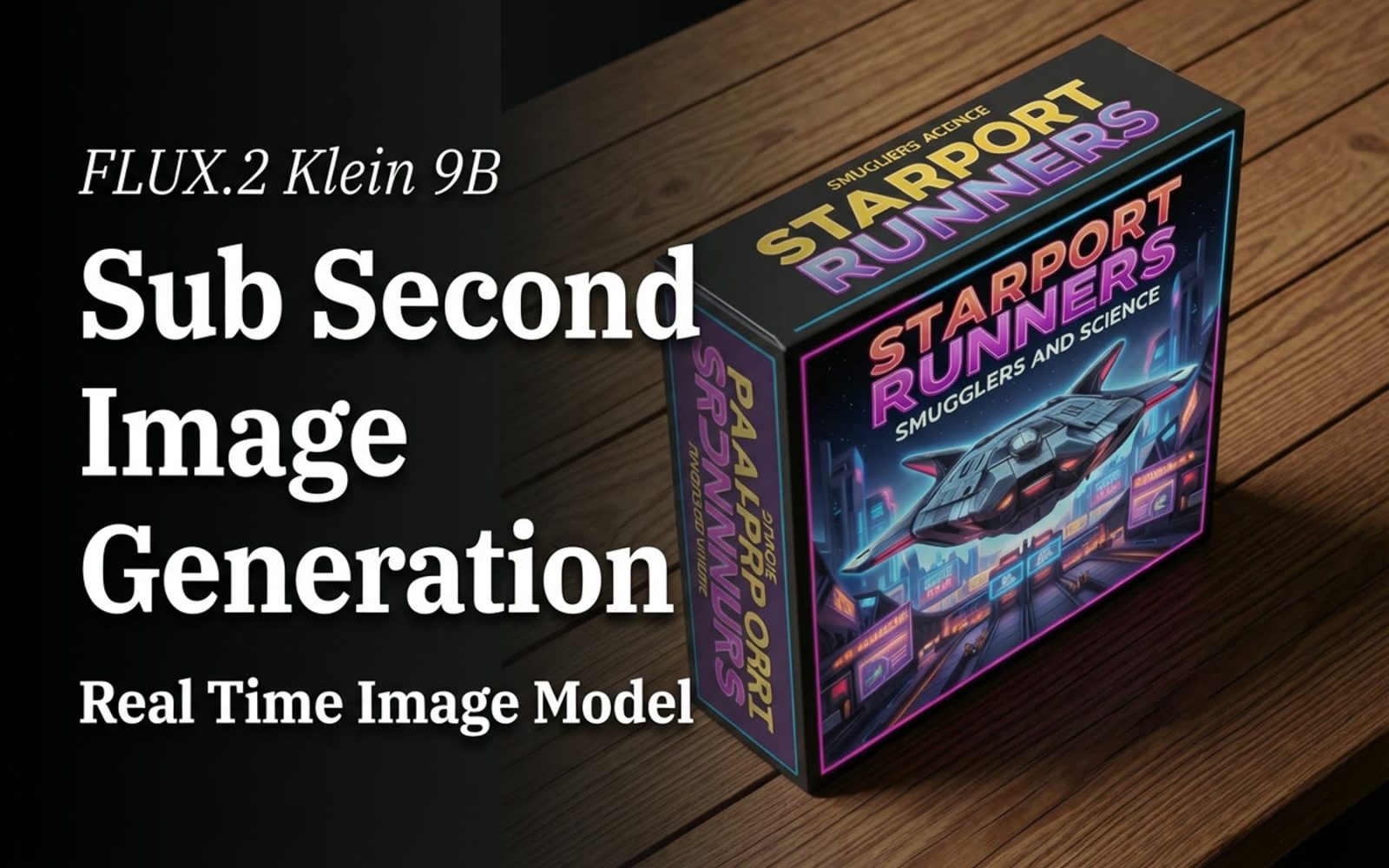
3. Board game box: controlled retail composition

The box render checks whether a title, tagline, isometric package, spaceship illustration, tabletop, and shadows can share one frame. The output holds the retail-object idea together instead of collapsing into a flat poster. It is especially useful for early packaging directions, where the question is whether the visual system works before a designer rebuilds it in editable software.
4. City map poster: a hard readability test

This is the most demanding prompt because it requests several street names, a neighborhood label, a legend, and a diagram-like top-down view. The image delivers a map-poster composition with crisp-looking line work and a visible legend area. Still, it should not be used as navigational data. Dense, small, or exact text remains the point where generative images need inspection and often a manual layout pass.
5. Neon station: atmosphere without losing the sign

The station image tests a different strength: lighting and mood. Neon, wet-looking reflections, a cinematic framing request, and a billboard can easily become visual noise. The saved result reads as a cohesive key visual, with the sign acting as part of the scene rather than a detached text layer. This is the kind of prompt where Klein 9B makes sense for rapid campaign exploration.
6. Newspaper: structure is harder than style

The final image asks for a publication-style hierarchy: headline, subheadline, weather box, image, caption, and columns. It succeeds as a black-and-white newspaper concept, with contrast and halftone texture doing much of the visual work. It is not a substitute for typeset news design. Treat it as an editorial mood image, then recreate approved copy in a layout tool.
When to choose Klein 9B
Pick FLUX.2 Klein 9B when the work needs many visual directions quickly: campaign concepts, product-photo variants, entertainment key art, package exploration, or social visuals with medium-size sign text. Its parameter set gives useful controls without asking for a complicated workflow, and optional image input makes it worth considering when a reference image should shape the result.
Choose a larger or more controllable model when the deliverable depends on tiny exact copy, dense tables, a legally exact logo, or production-ready layout. The closest comparison on this site is FLUX.2 Klein Base 4B vs 9B. For a 4B-focused test, see FLUX.2 Klein Base 4B: 5 Real Image Tests. For a different FLUX.2 direction with more editing examples, see FLUX Kontext Max Multi: 6 Two-Image Edits.
Verdict
FLUX.2 Klein 9B earns its place in a fast image workflow when the goal is a convincing direction, not a final legal or typeset asset. Across these six outputs, the model handles product staging, graphic atmosphere, and composition best. Text-bearing layouts look promising at a glance, but they remain review items. Run it on Wiro when iteration speed and a flexible text-or-reference-image workflow matter, then reserve final typography and exact brand elements for editable design tools.